
Safe & Fast APK Downloads on APKPure
APKPure uses signature verification to ensure virus-free Stalker Iptv Player APK downloads for you.

Stalker Iptv Player is an Android IPTV media player for phones, tablets, and set top boxes.
Built by Israri logix, it focuses on broad provider compatibility and a clean viewing experience. The Stalker Iptv Player APK supports Xtream and Stalker protocols, plus Solus TV and Streaminy APIs, so users can bring in live channels, movies, and series from their provider with minimal setup. The built‑in player loads quickly and handles EPG and CatchUp smoothly. Below are the key features that matter day to day.
Stalker Iptv Player connects to popular provider APIs, including Xtream Codes, Stalker, Solus TV, and Streaminy. This flexibility means you can keep using your existing portal or switch providers without changing your viewing routine. It suits users who manage multiple accounts or want a single player for different services, keeping everything under one familiar interface.
The built-in player focuses on quick start times and steady playback, while the EPG helps you see what’s on next and browse program details. CatchUp lets you watch recorded shows you missed, which is handy when schedules get busy. With Stalker Iptv Player, parental control adds a layer of safety by locking specific channels when needed.
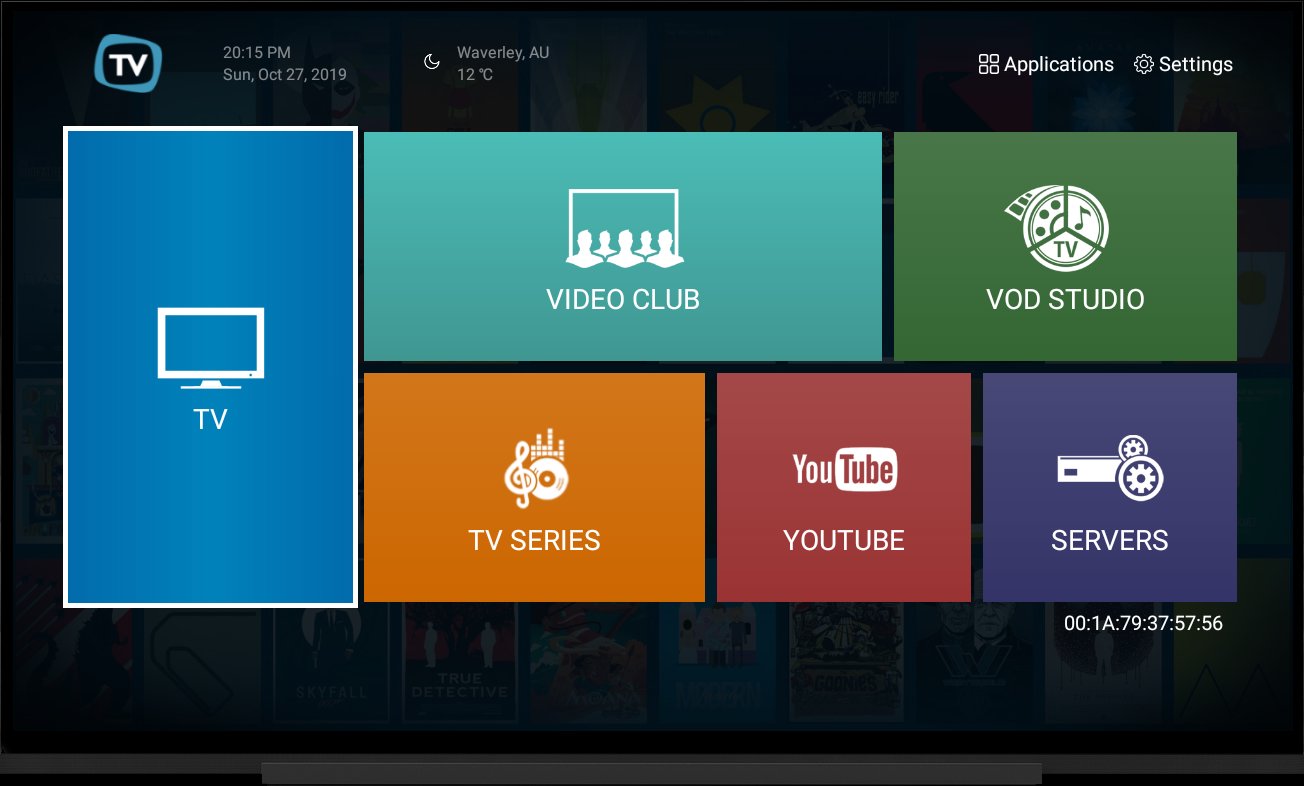
You can download Stalker Iptv Player from APKPure in just a few moments. The file size is modest, so on Wi‑Fi it usually finishes quickly. During installation, Android may ask for permission to install apps from your browser. After setup, the app opens to a simple home screen where you can add your provider details.
For the smoothest experience, check the Stalker Iptv Player latest version before installing. Using a stable network helps with the first login and initial data sync, especially when loading EPG. Once signed in, try a live channel, then browse movies or test CatchUp to see how it handles your provider’s streams.




One-click to install XAPK/APK files on Android!

Thanks for your rating and feedback!
You have already rated.