







Thanks for your rating and feedback!
You have already rated.

An AI computer in your pocket. Private from the ground up. Choose your AI model.
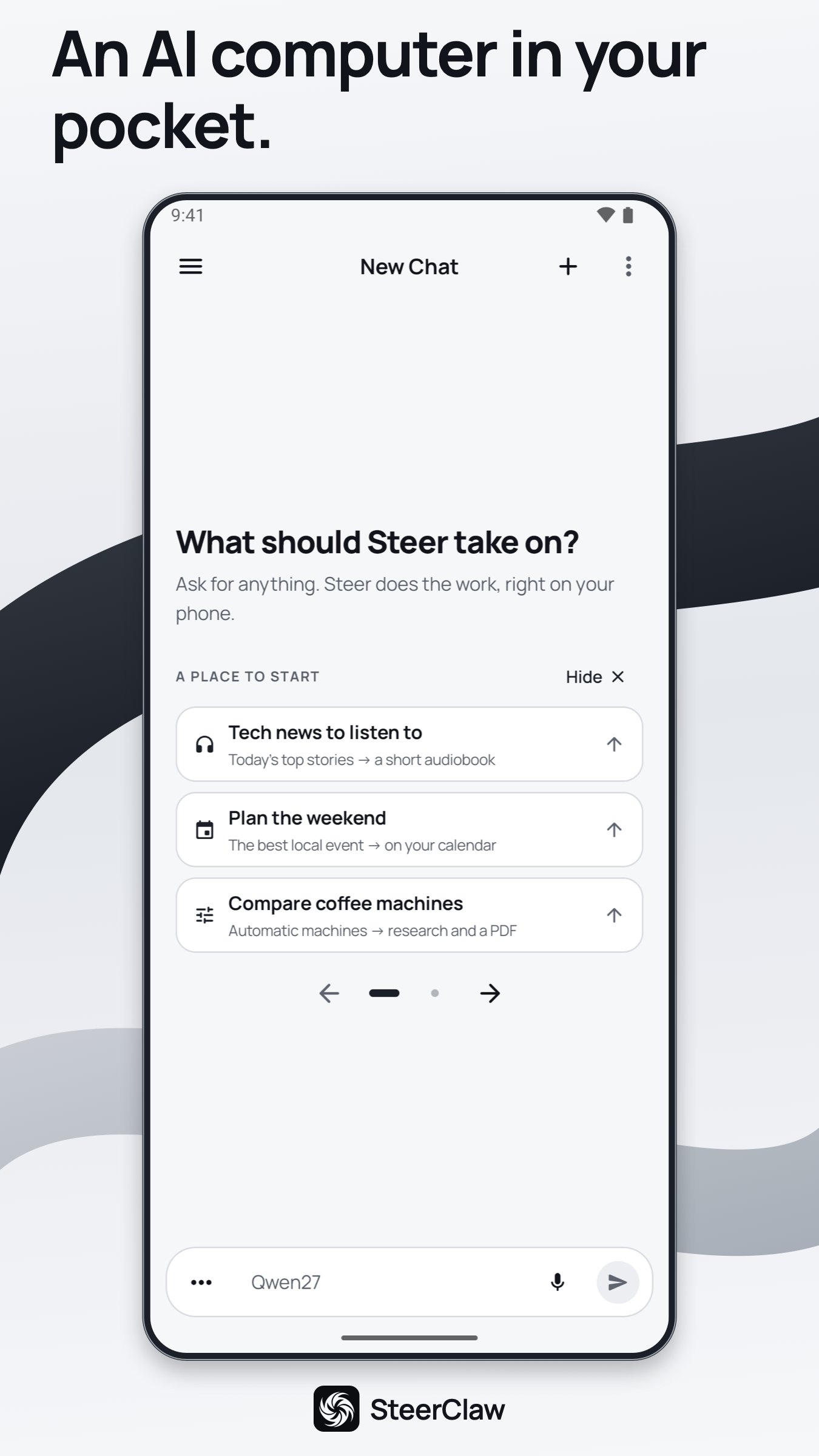
An AI computer in your pocket. Give SteerClaw a task. It works right on your phone, using tools and the AI model you choose to get things done.
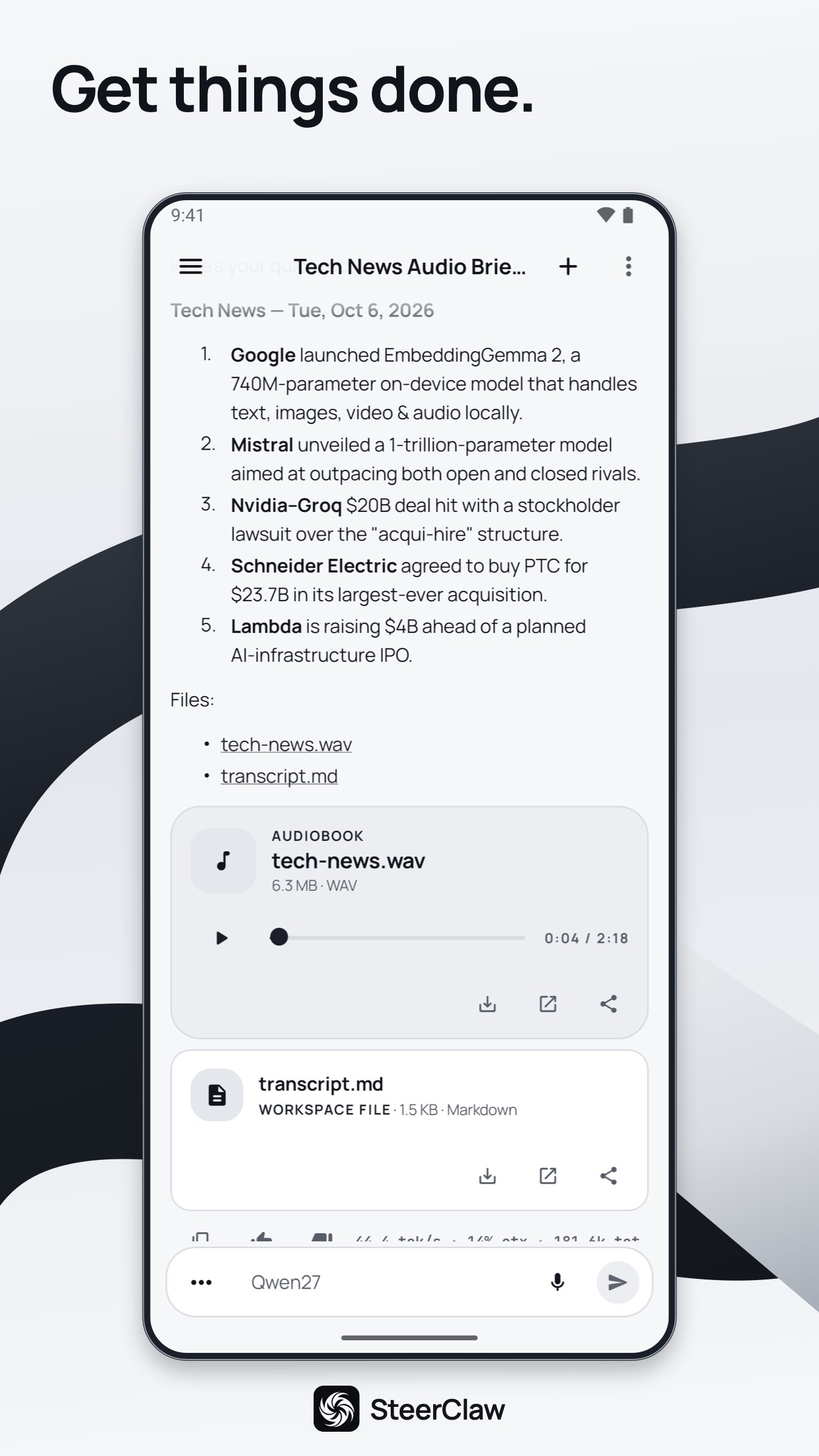
Research a question, check a bill, plan a trip or turn notes into a document. Add a photo or file when it helps. From comparing options to creating an audiobook, SteerClaw uses tools to carry out your request and brings the results back to your chat.
Search the web, work with your files and create documents you can open, save and share. Keep your chats and files together, and return to your work when you need it.
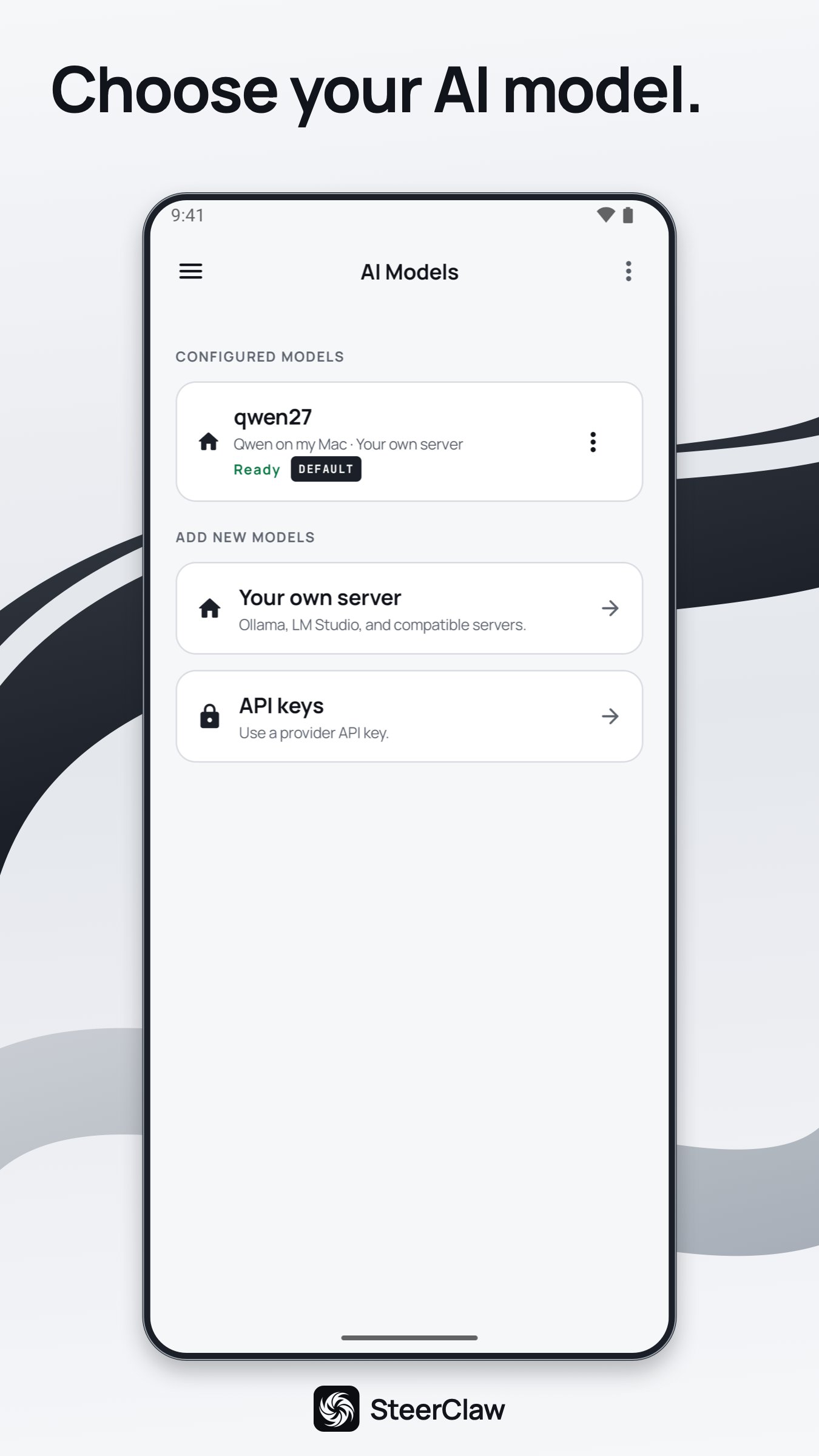
Use a model running on your computer or connect a provider with your own API key. Switch models for different chats.
Connect an OpenAI-compatible server such as Ollama, LM Studio, vLLM or llama.cpp, or use OpenAI, Azure OpenAI, Cerebras, Groq, Anthropic, xAI or OpenRouter. Agent tools require tool calling; photo tasks require image support.
Your chats, files and memory are stored on your phone or in a folder you choose. Model requests go directly to the provider you choose, without passing through Steer. No analytics, advertising or crash-reporting tools. Your credentials are protected by Android Keystore.
Your chosen providers, websites and connected services receive what a task needs. Feedback reaches Steer only when you choose to send it.
SteerClaw is free, with no ads, no in-app purchases and no SteerClaw account. You need your own model connection; providers and connected services may charge for usage.
AI results can be inaccurate. Review answers and actions before relying on them.


One-click to install XAPK/APK files on Android!
Thanks for your rating and feedback!
You have already rated.