Step by Step

Step by Step

yasu0320
Aug 12, 2016
  • 6.1 MB

    File Size

  • Android 2.2+

    Android OS

About Step by Step

Shop Google Play on the web. Purchase and enjoy instantly on your Android phone or tablet without the hassle of syncing.

オーディオファイルのみを出力するVOCAです。

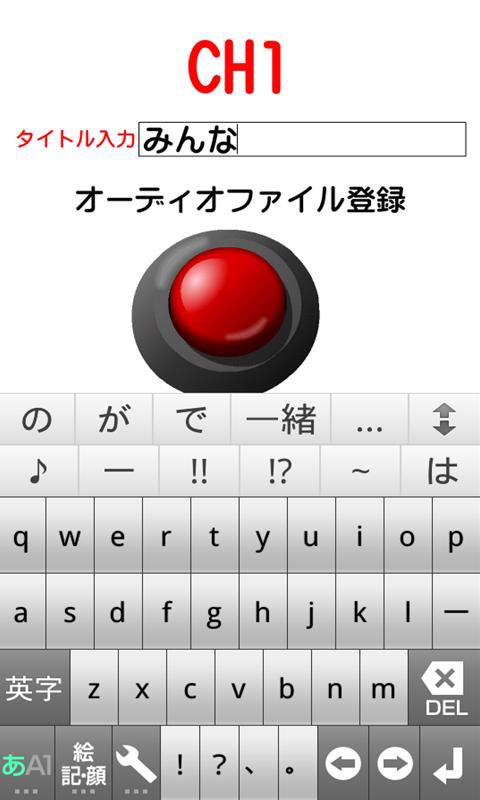
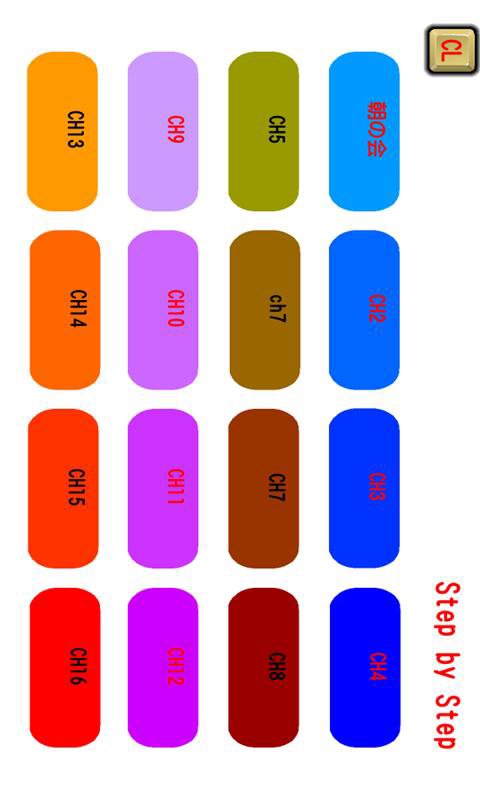
メニューでチャンネル1~6まで設定が可能です。

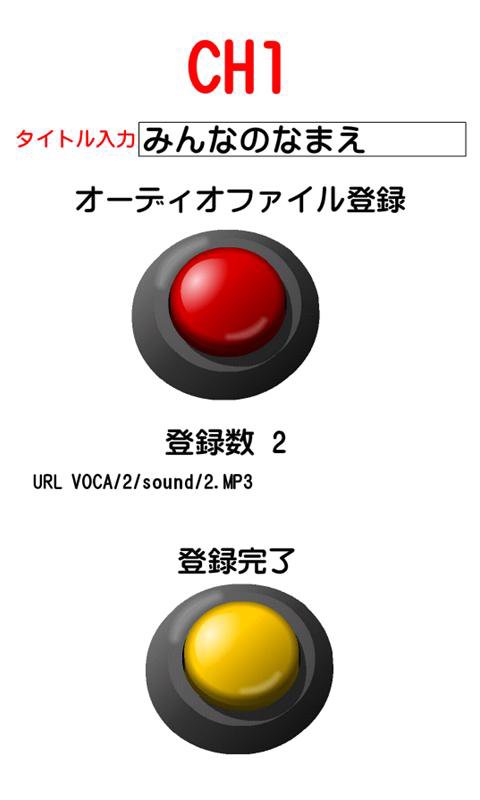
一つのチャンネルにMP3ファイルをいくつでも登録可能です。

登録した順番にボタンをタップすると再生していきます。

再生中はボタン操作を無効にしています。

順番を戻すときは左上に薄くもどるボタンが表示されます。

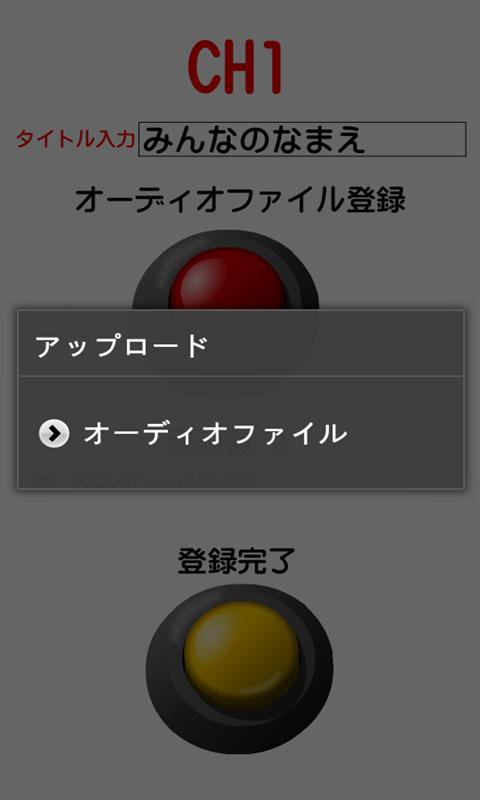
SDカードのmp3のオーディオファイルを読み込み登録することができます。

クリアボタン:CLボタンも設定していますので、適宜活用してください。

特別支援学校で学んでいる障害のある人、発達障害の人たちの学習向けに作成したものです。

①アプリケーションをスタートさせて、メニュー画面のチャンネルボタンを押した段階でスリープ状態になりません。

②戻るボタンを押すとアプリを終了します。

Show More

What's new in the latest 1.0.4

Last updated on 2016-08-12
ver1.0.2
①縦型なのを横型フルスクリーンに変更
②メニューのボタンにコメントをつけられるようにしました。
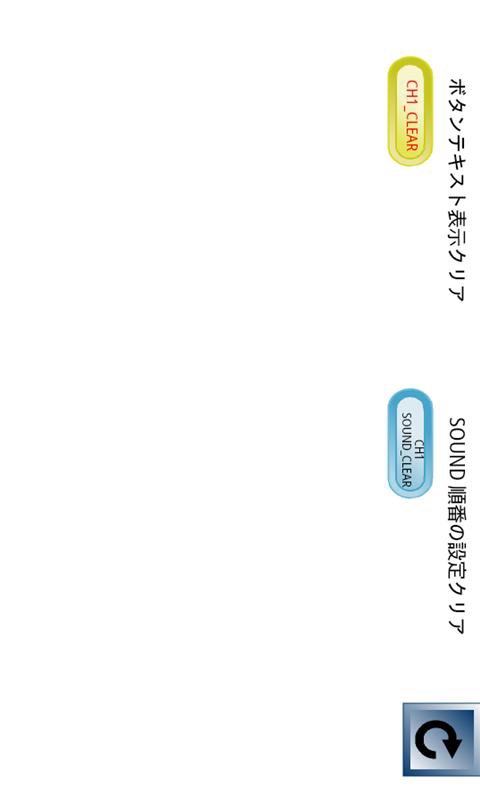
③CLボタンをクリックして、目的のボタンのテキストやSOUNDの順番のクリアボタンを用意しました。
④設定項目を6パターン→16パターンにチャンネルを増やしました。
Show More

Videos and Screenshots

  • Step by Step poster
  • Step by Step screenshot 1
  • Step by Step screenshot 2
  • Step by Step screenshot 3
  • Step by Step screenshot 4

Step by Step APK Information

Latest Version
1.0.4
Category
Education
Android OS
Android 2.2+
File Size
6.1 MB
Developer
yasu0320
Content Rating
UnratedWarning – content has not yet been rated. Unrated apps may potentially contain content appropriate for mature audiences only.Learn More · Unrated
Safe & Fast APK Downloads on APKPure
APKPure uses signature verification to ensure virus-free Step by Step APK downloads for you.

Old Versions of Step by Step

6.1 MBAug 12, 2016
Download
APKPure icon

Super Fast and Safe Downloading via APKPure App

One-click to install XAPK/APK files on Android!

Download APKPure
thank icon
We use cookies and other technologies on this website to enhance your user experience.
By clicking any link on this page you are giving your consent to our Privacy Policy and Cookies Policy.
Learn More about Policies