
Safe & Fast APK Downloads on APKPure
APKPure uses signature verification to ensure virus-free Themed Icons APK downloads for you.

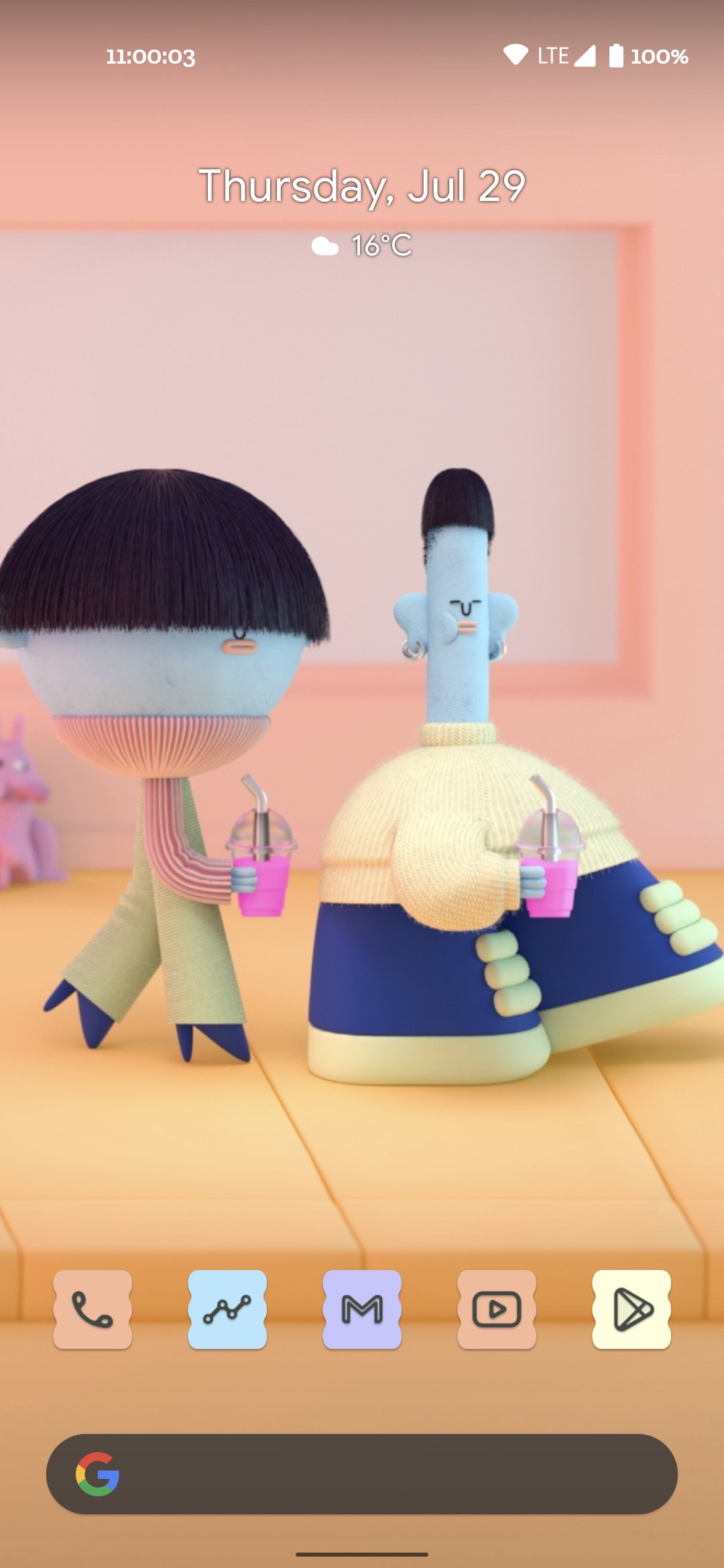
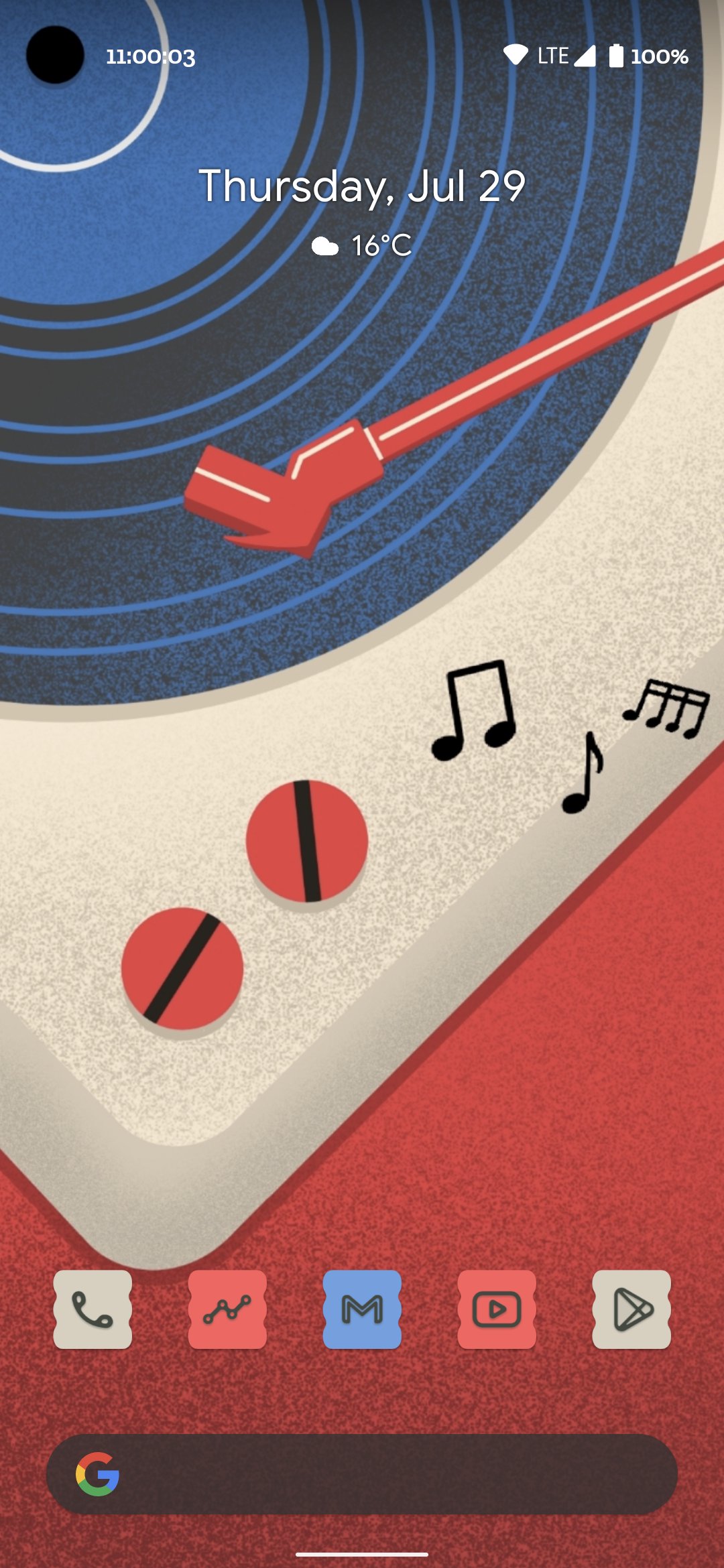
Themed Icons is a personalization app that creates wallpaper-matched app shortcuts on Android.
Created by Rushikesh Kamewar, it brings Android 12-style themed icons to older devices without ads or clutter. It focuses on clean design, color-coordinated shortcuts, and smooth performance on Android 8 and above. Themed Icons latest version helps your home screen stay consistent with any wallpaper while keeping setup simple. By mirroring Android 12’s dynamic look, it freshens older phones without changing your launcher. It stays lightweight and permission-friendly, using storage only to read wallpaper colors. Here’s what stands out.
This adapts shortcuts to the dominant colors of your wallpaper, echoing Android 12’s style. In Themed Icons, changing to a new photo quickly recolors your grid, or you can choose a basic universal hue for consistency. Minimalists can switch to dark or monochrome for a clean, readable layout.
After you download Themed Icons, color updates are immediate thanks to the shortcut and Quick Settings tile. Swap between icon packs when you want a different tone, then tap refresh to align shades with the wallpaper. It keeps daily tweaks fast, from a new photo to a full home makeover.
You can download the latest Themed Icons APK from APKPure. The file is small, so the download typically finishes quickly on a stable connection. During installation, your device may prompt to allow installs from unknown sources; grant access to continue.
On first run, the app requests storage permission to read your wallpaper and extract colors for icons. After setup, try changing your wallpaper and use the Quick Settings tile to refresh shades. If colors look off, reopen the app to adjust palettes or switch packs for a better match.



One-click to install XAPK/APK files on Android!

Thanks for your rating and feedback!
You have already rated.