Package Name:dev.tyrell.trimvideo
Show More

Trim video/audio, join clips, resize, crop, rotate and share.
Trim Video is a practical on-device editor for cutting and transforming video and audio without a complicated timeline.
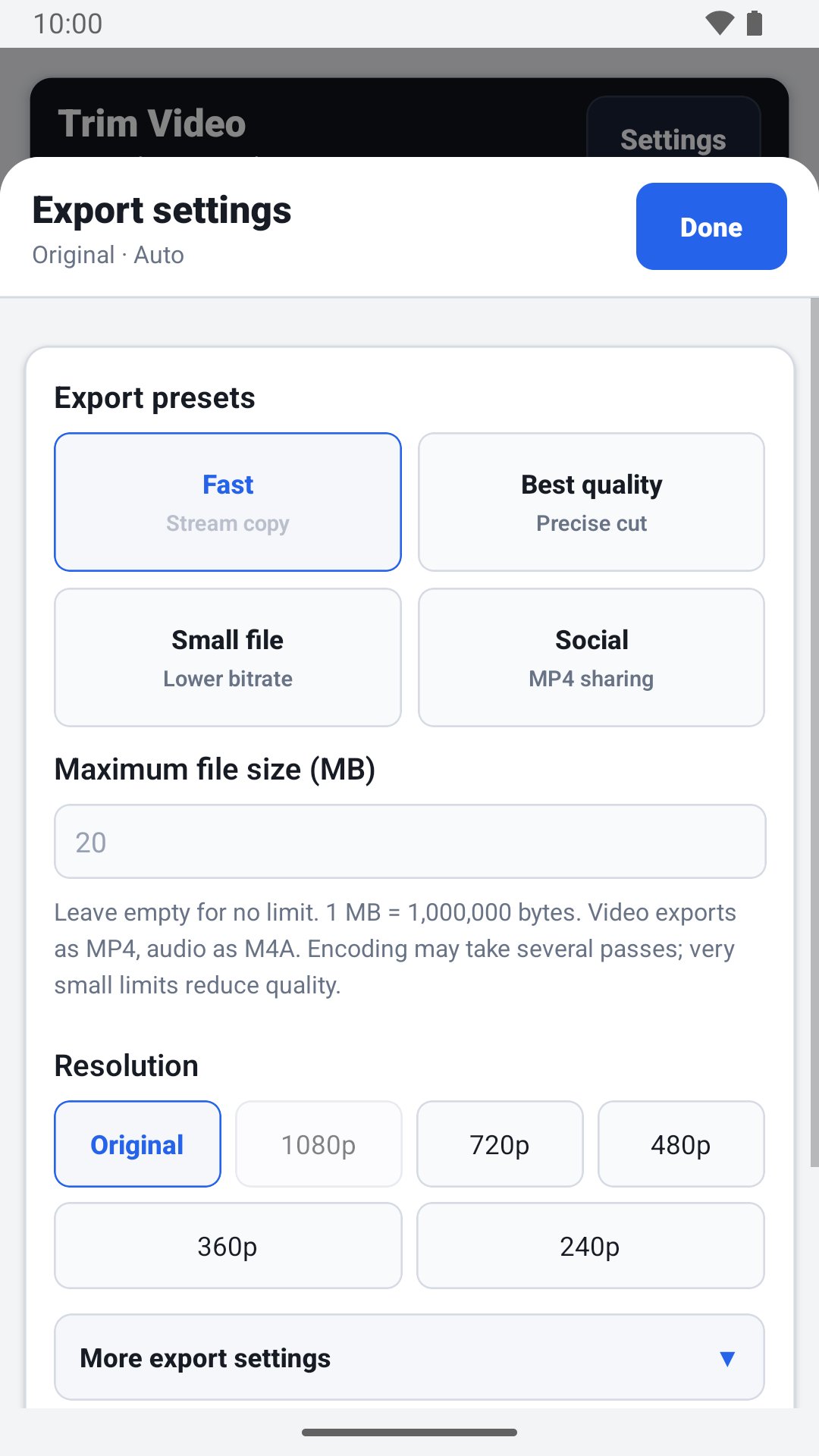
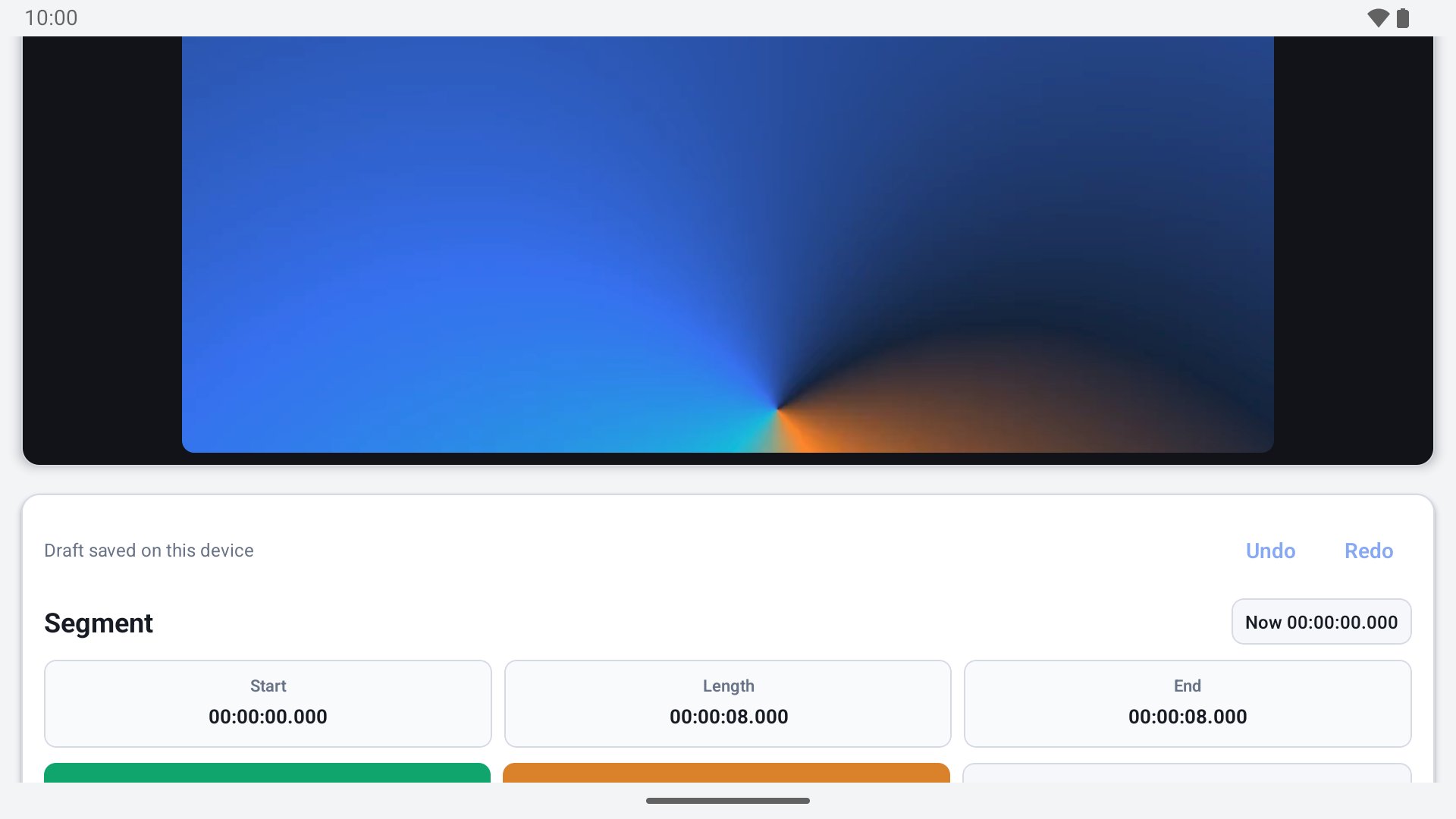
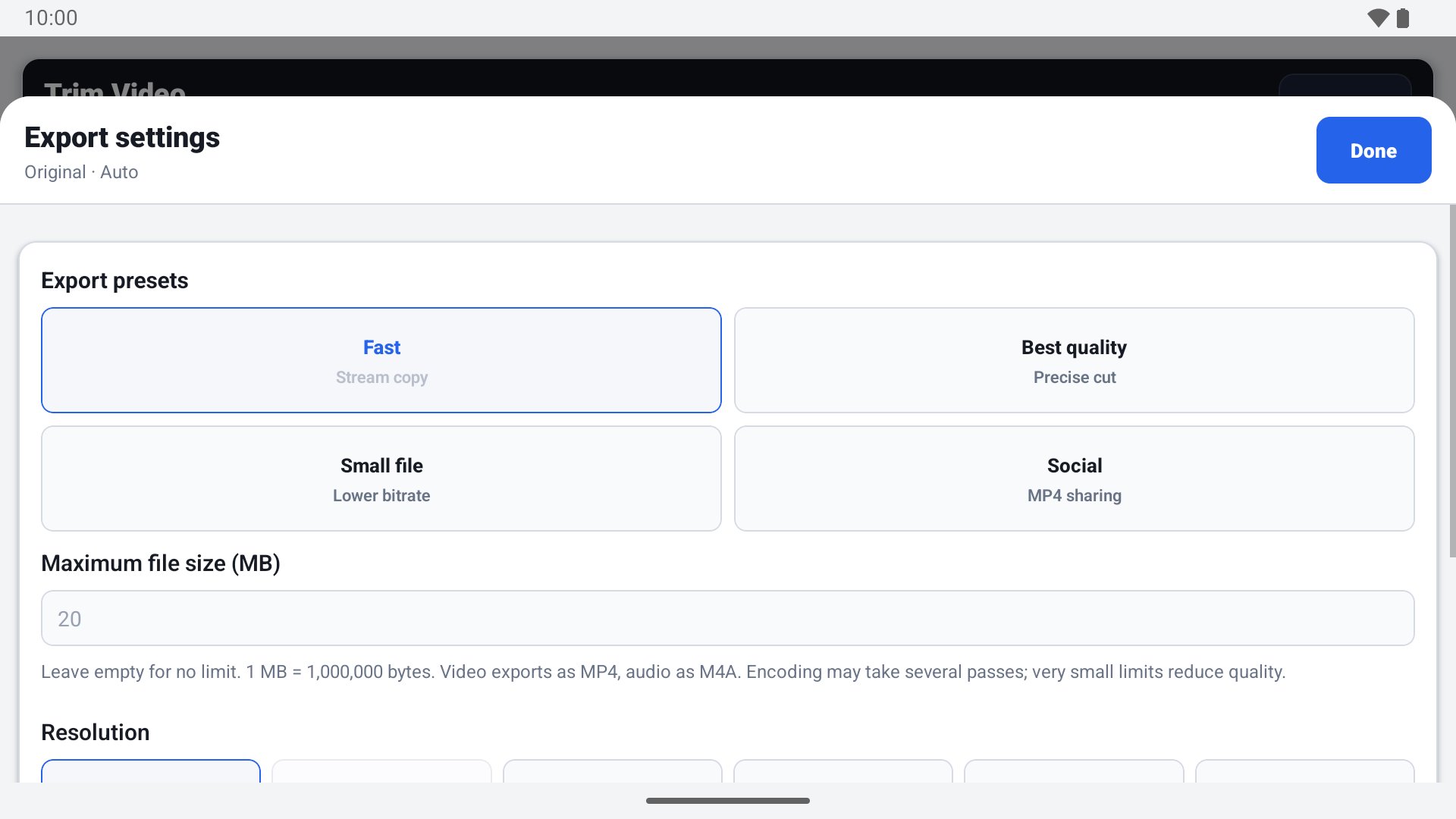
New: drafts are saved locally and restored when you reopen the app. Undo and redo editing changes. Set a maximum export size in MB (MP4 video or M4A audio); small limits may reduce resolution and quality. Join different video files or different audio files in your chosen order. Enlarge the timeline up to 64x and use the audio waveform for precise selection. Joining clips normalizes their format and omits embedded subtitles.
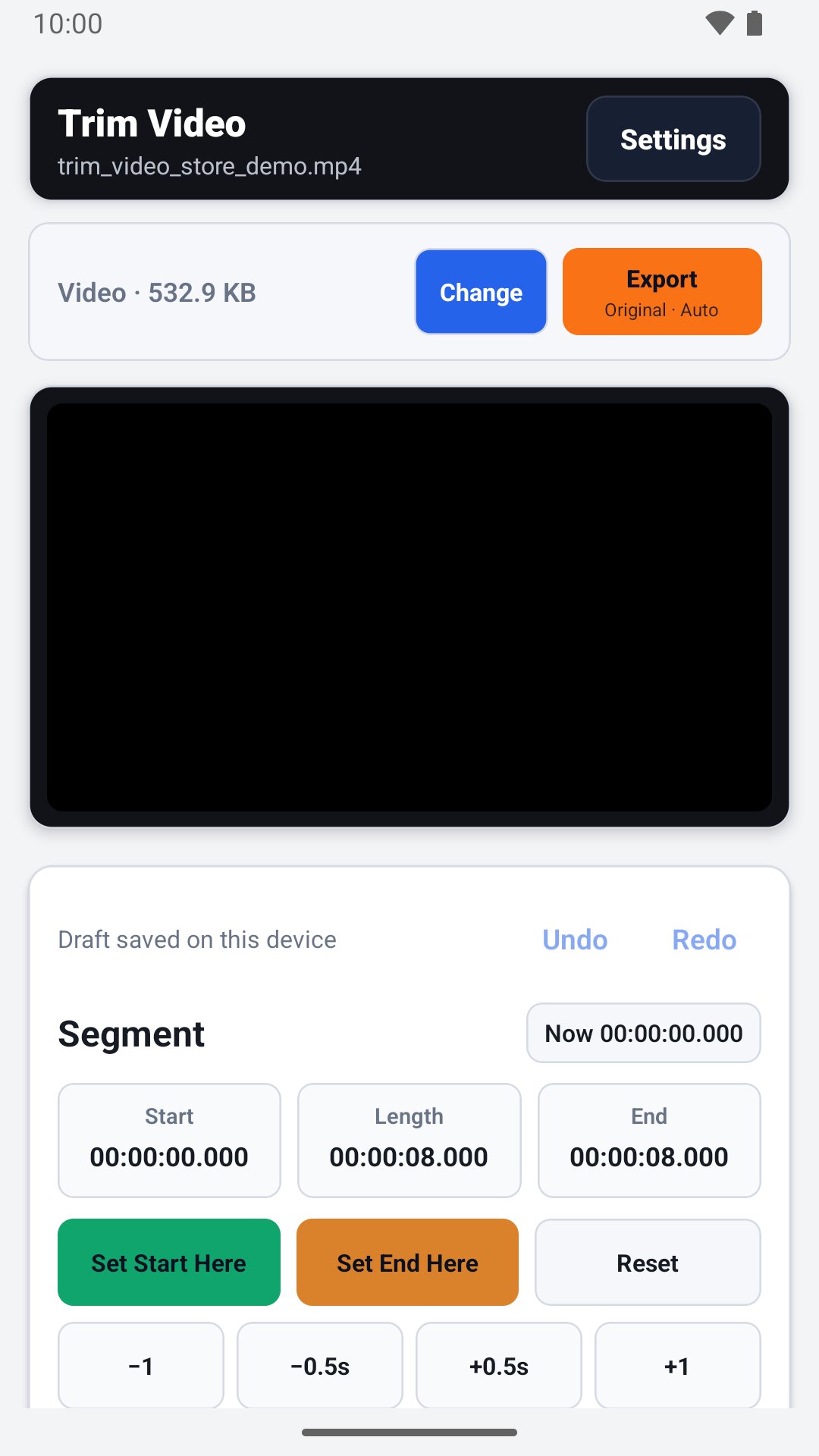
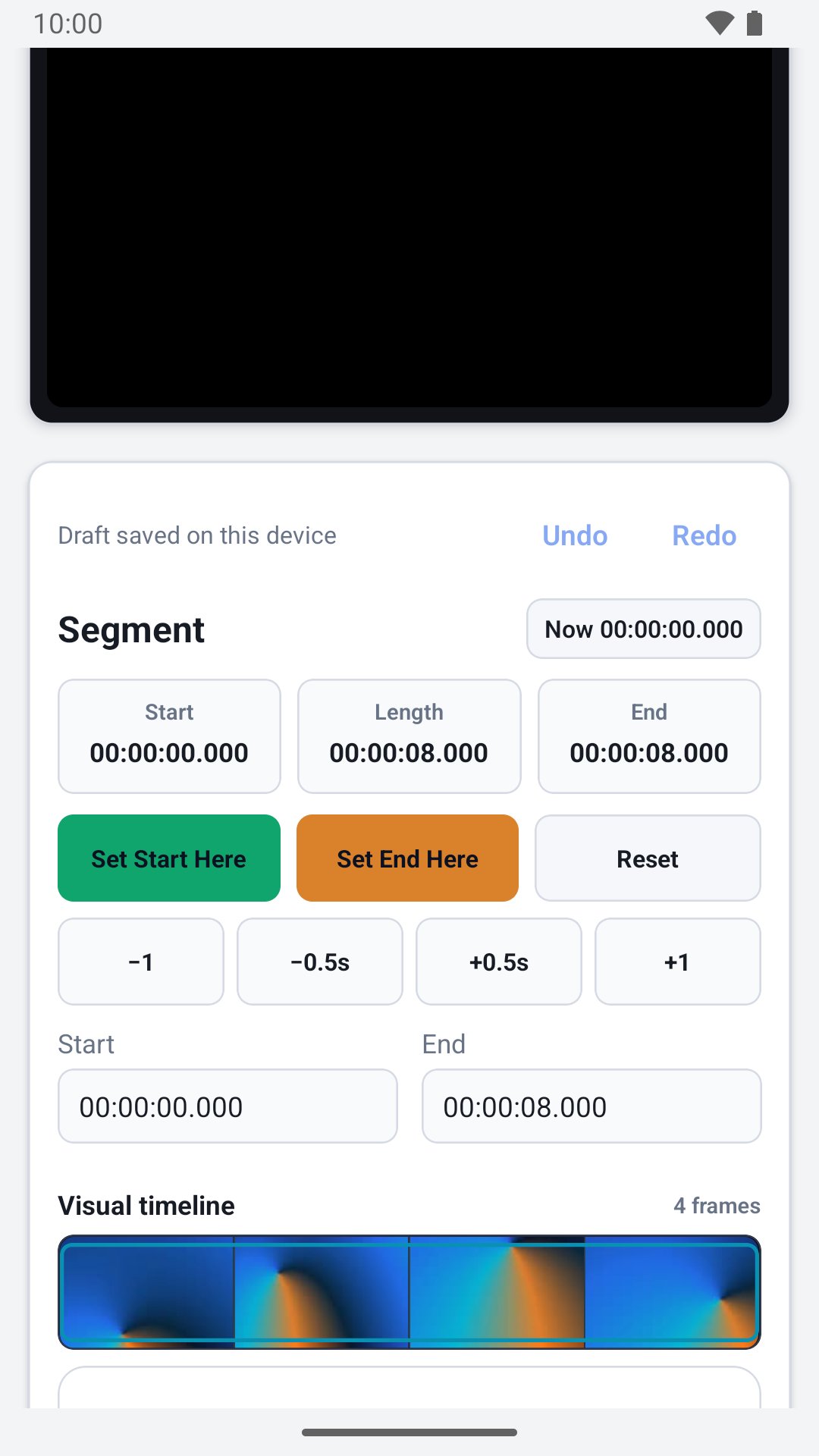
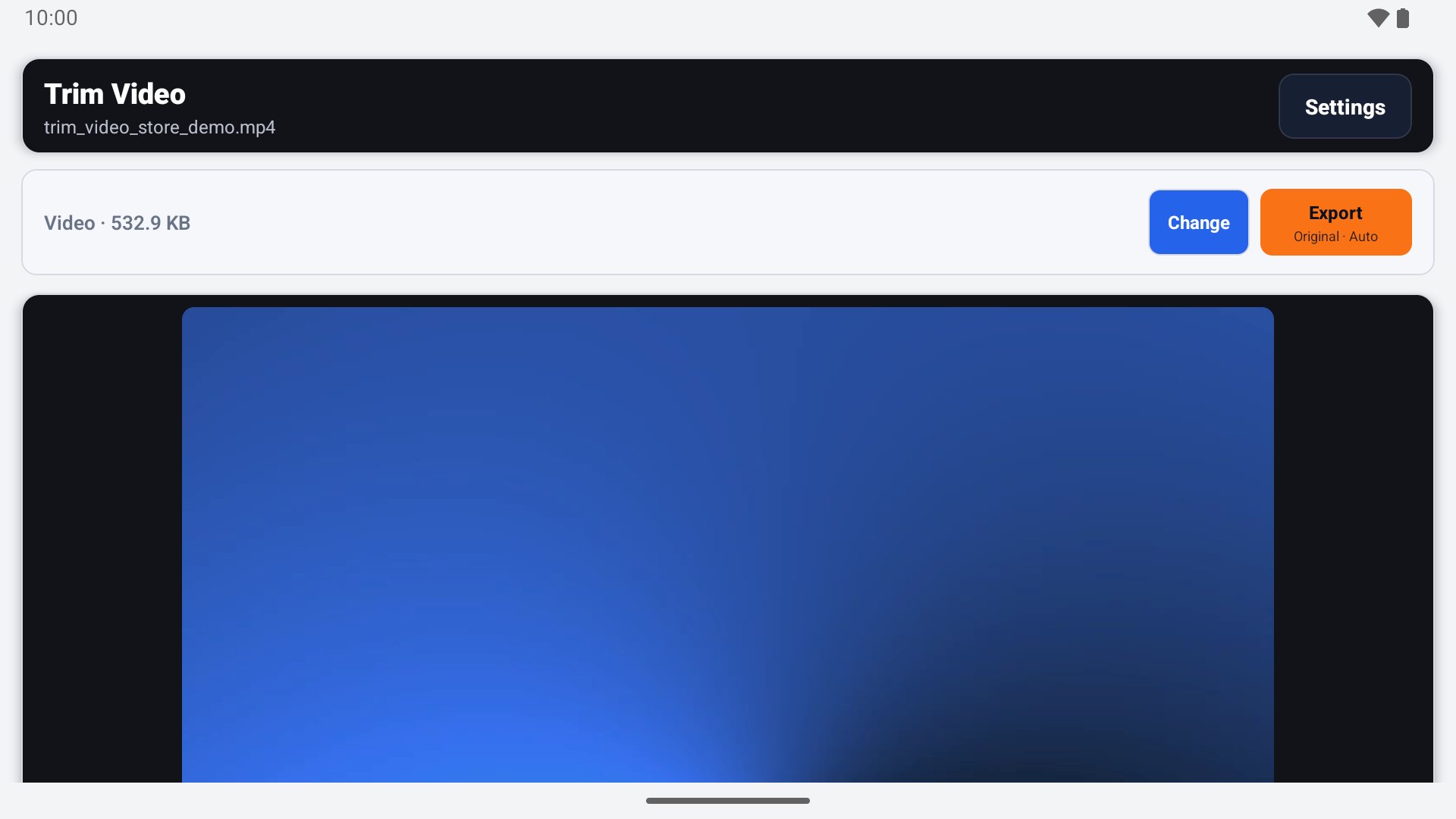
Choose a media file, set the start and end points with the range slider, manual time fields, the current player position or frame controls, preview the selection and export the result. You can keep a fragment, remove the selected middle section or combine several selected segments.
Features:
- trim video and audio files;
- cut out an unwanted middle section;
- combine multiple selected segments into one file;
- step backward or forward by one frame for accurate boundaries;
- fast keyframe cutting or precise re-encoded cutting;
- remove the audio track from a video;
- extract the audio track as a separate file;
- choose Original, 1080p, 720p, 480p, 360p or 240p resolution without upscaling;
- crop to 16:9, 1:1 or 9:16 and rotate the video;
- change playback speed from 0.5× to 2× and adjust volume;
- quality and sharing presets;
- optional transcoding and bitrate settings;
- video export as MP4, MOV, MKV or WebM;
- audio export as M4A, MP3, AAC, OGG, Opus, WAV or FLAC;
- result details, recent files and cleanup settings;
- standard Android sharing;
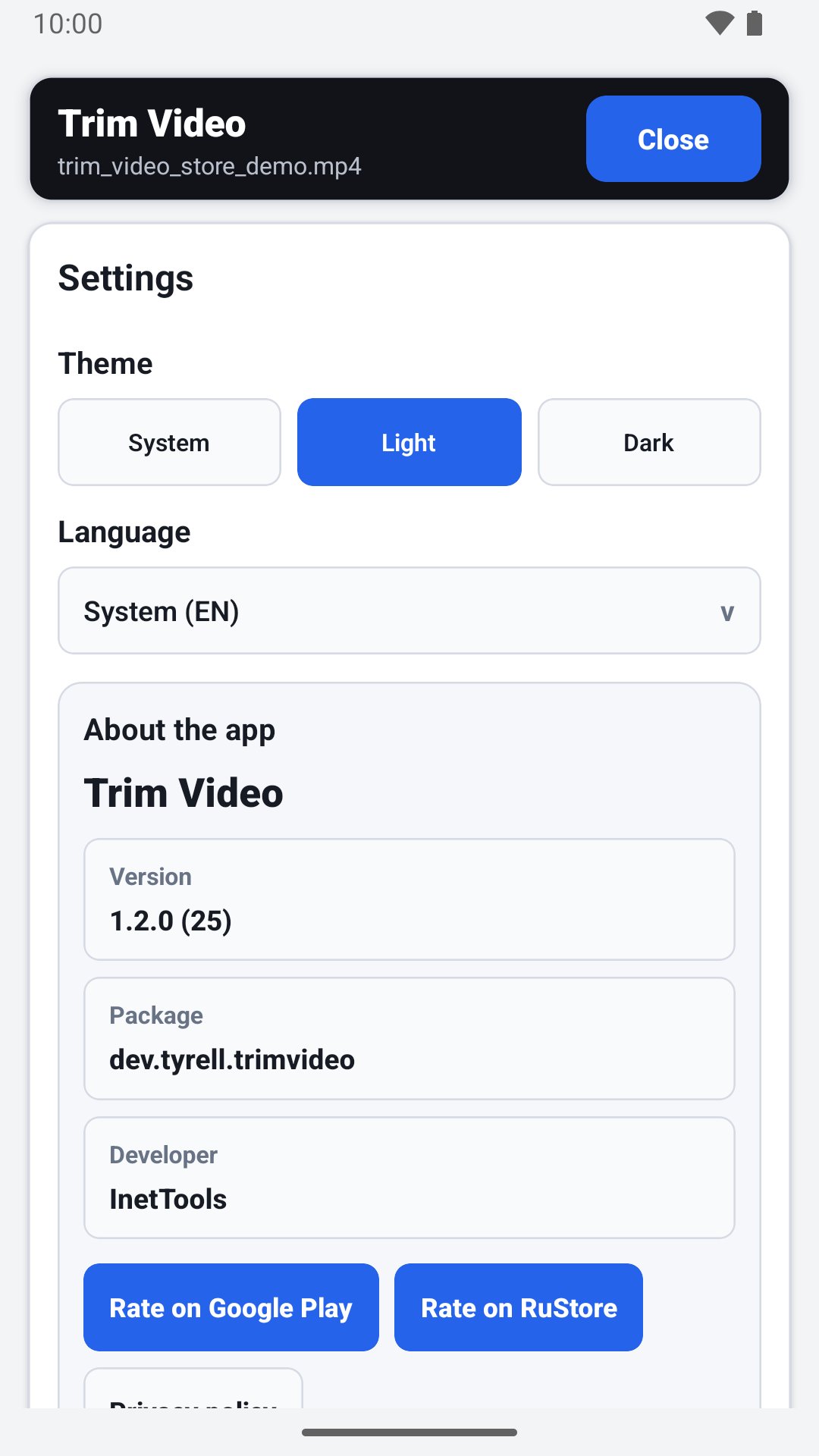
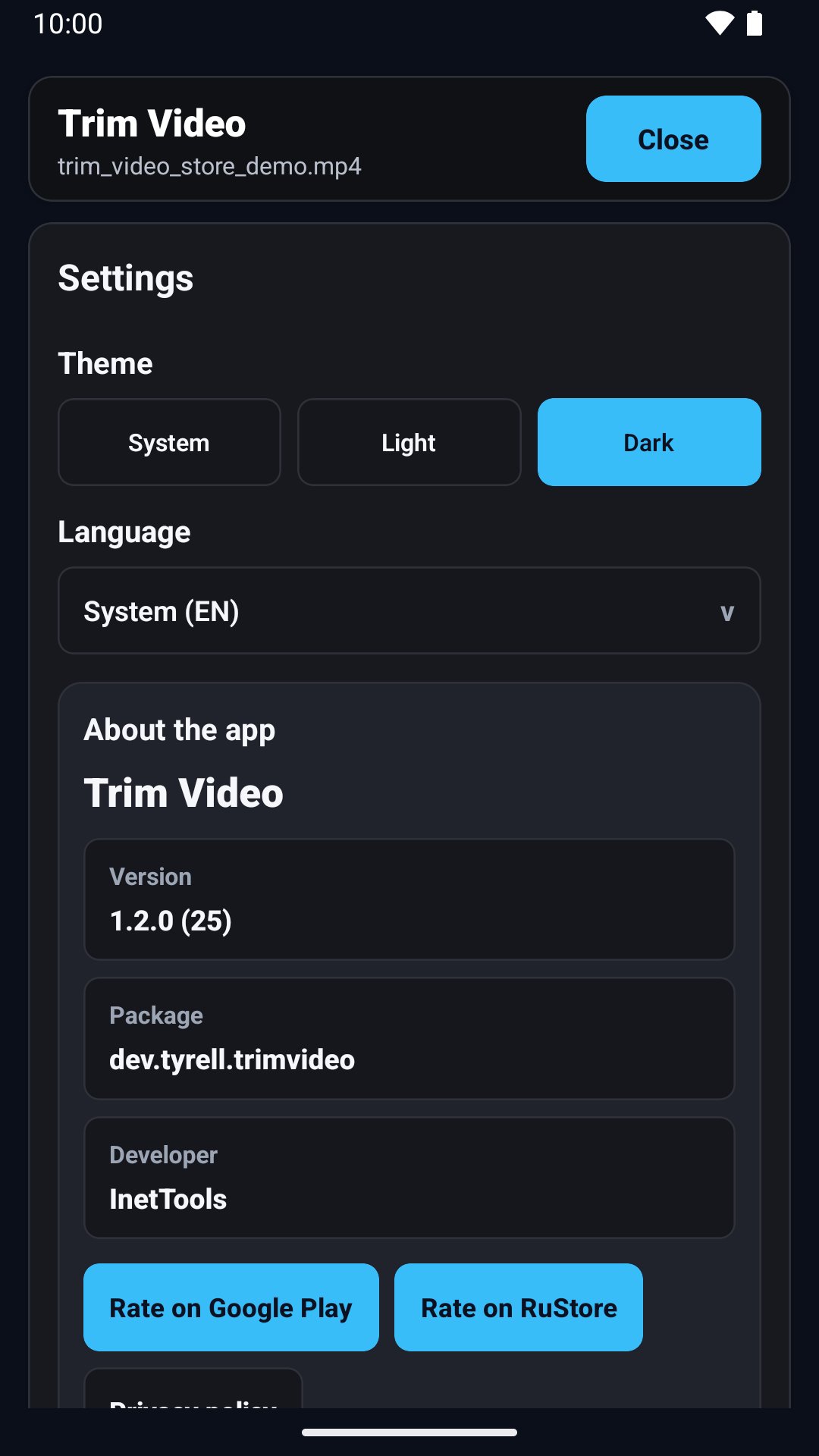
- app language selection and system, light or dark theme.
Media processing runs locally on your device. Processing time and output compatibility depend on file size, source codecs, device performance, selected format and export settings. Fast mode cuts at compatible keyframes and may not match the requested time exactly; use precise mode when exact boundaries matter.
The refreshed editor keeps the preview above the timeline, the main tools together and export settings in a separate panel. Keep the original file until you have checked the exported result.

One-click to install XAPK/APK files on Android!

Thanks for your rating and feedback!
You have already rated.