
Package Name:com.urvault.app
Show More

Where are you storing urphotos??? Back up to a server YOU own. No subscription.
Where are you storing urphotos??? Who do you trust more than urself???
urVault is a private backup application for people who want complete ownership and control of their personal data. Instead of sending files to third‑party cloud providers, urVault stores backups on a server you own—such as a home PC, laptop, or Raspberry Pi—keeping your data under your control at all times.
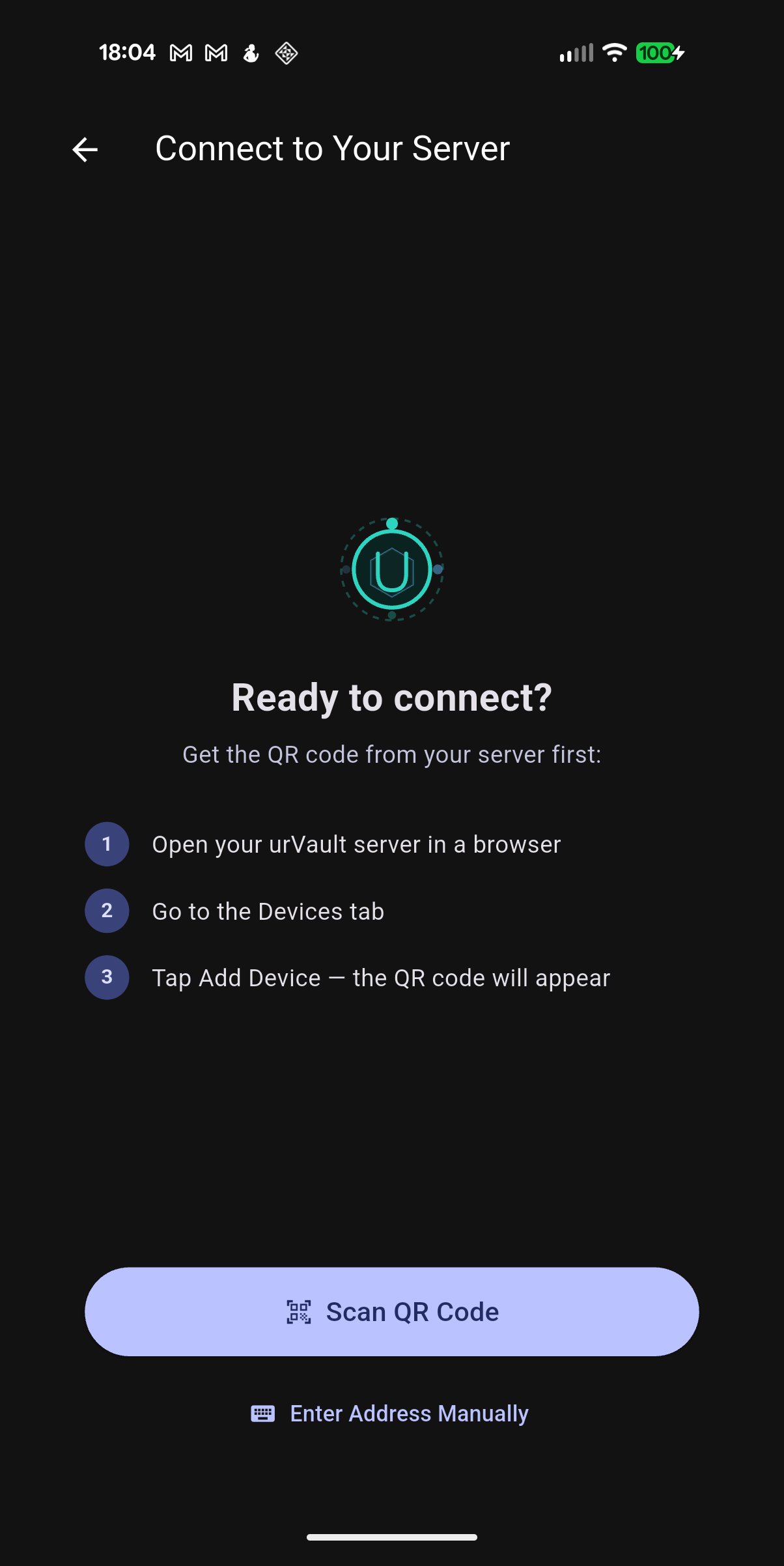
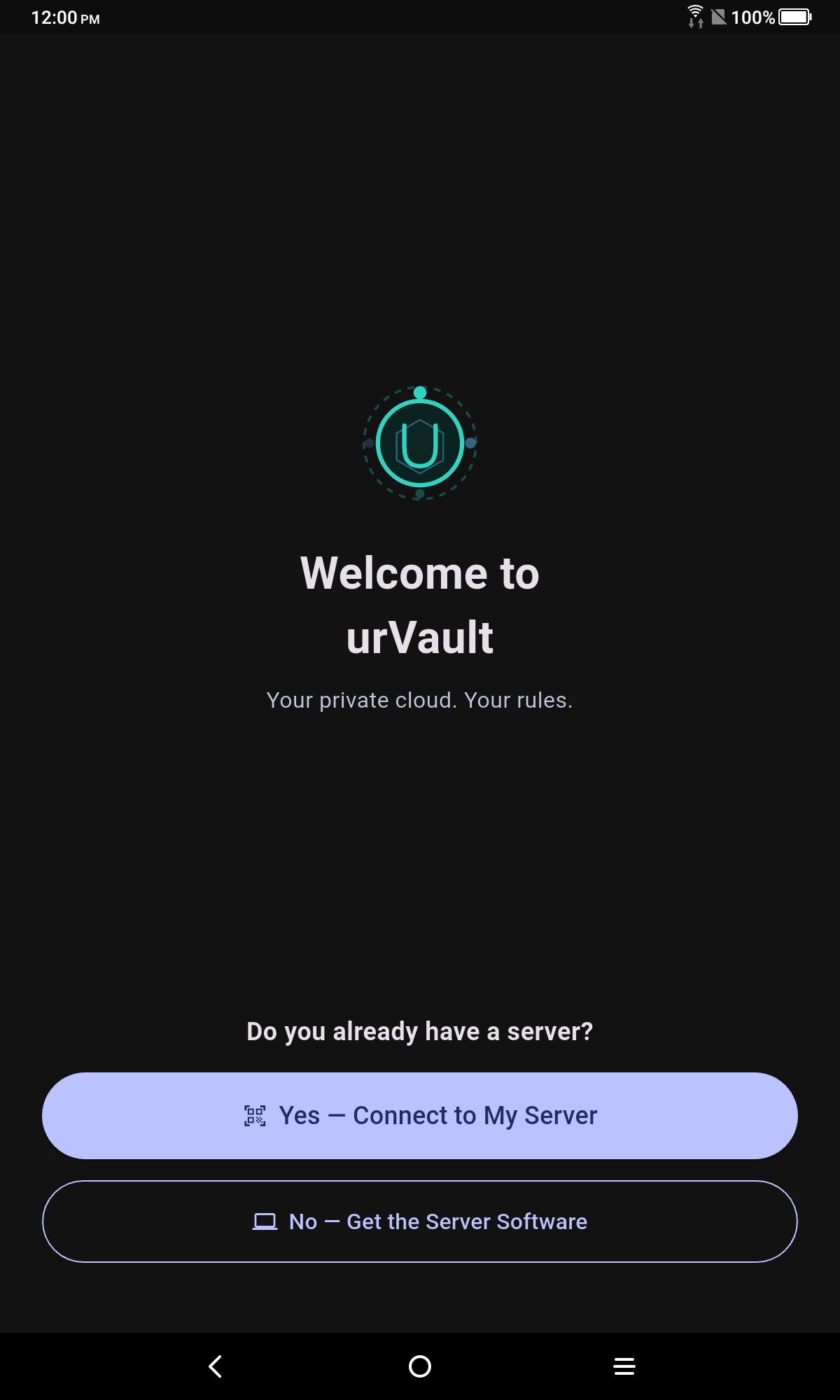
urVault is designed to deliver cloud‑like convenience without cloud dependency. The system consists of a lightweight server application that runs on Windows or Linux, and a mobile app that securely connects to it. Setup is fast and simple: after installing the server on your own hardware, you pair your device by scanning a QR code displayed in the server dashboard. No port forwarding, router configuration, or cloud accounts are required.
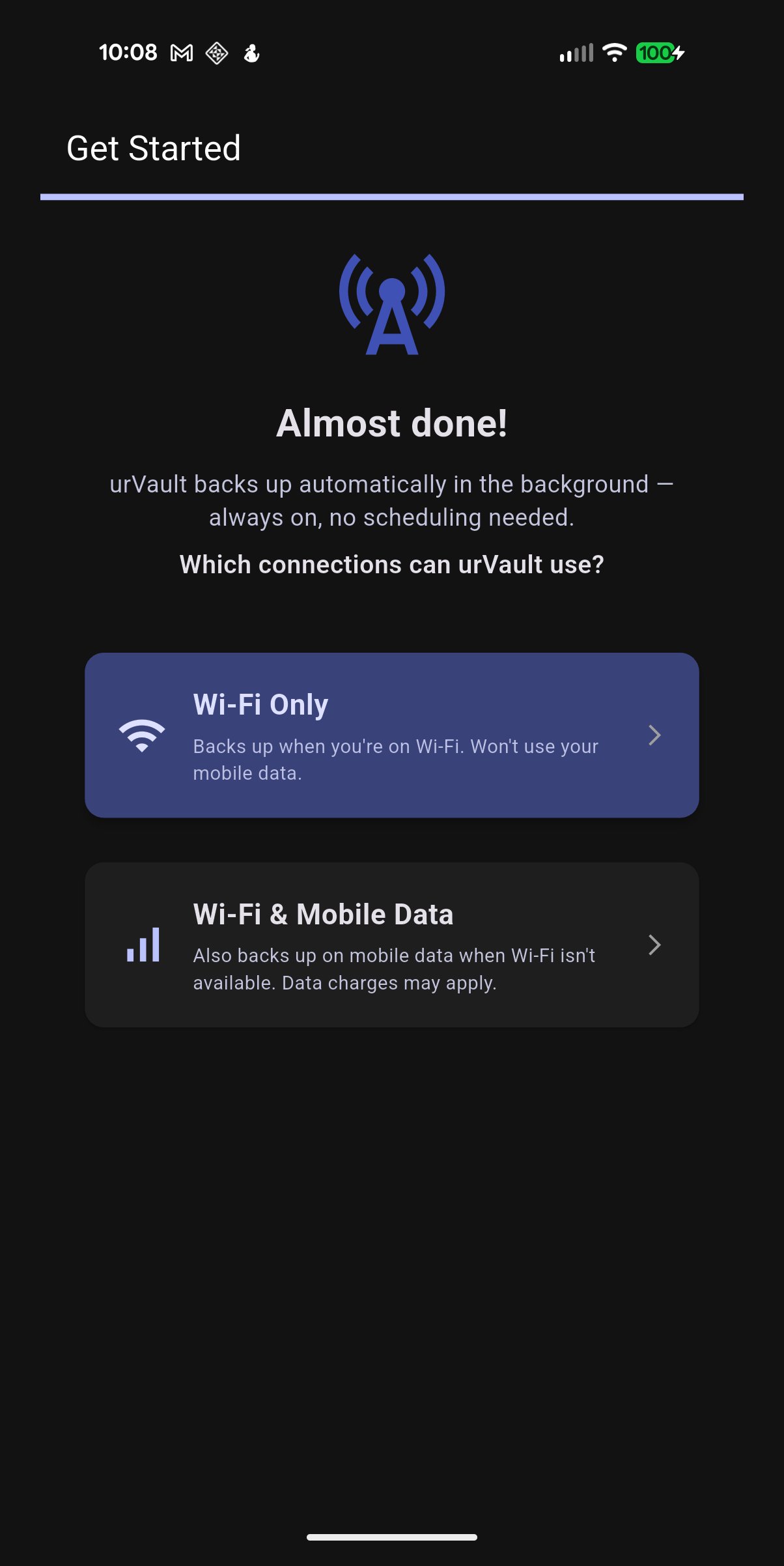
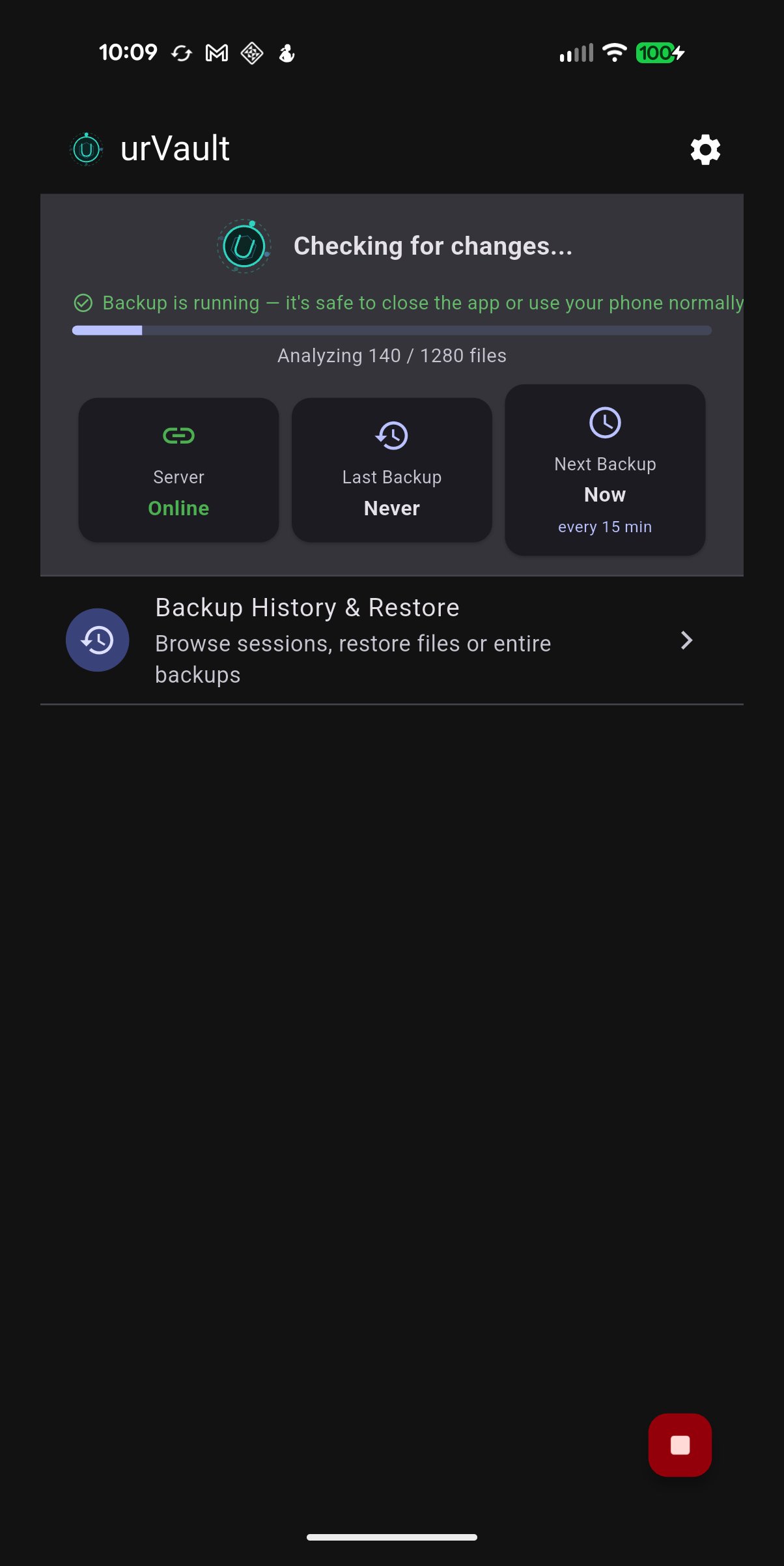
Once paired, urVault automatically backs up photos, videos, documents, and other files in the background. Backups run quietly on a schedule you control and can operate over Wi‑Fi and/or mobile data. urVault uses incremental synchronization, uploading only new or changed files, which keeps backups efficient and minimizes storage usage even for large collections.
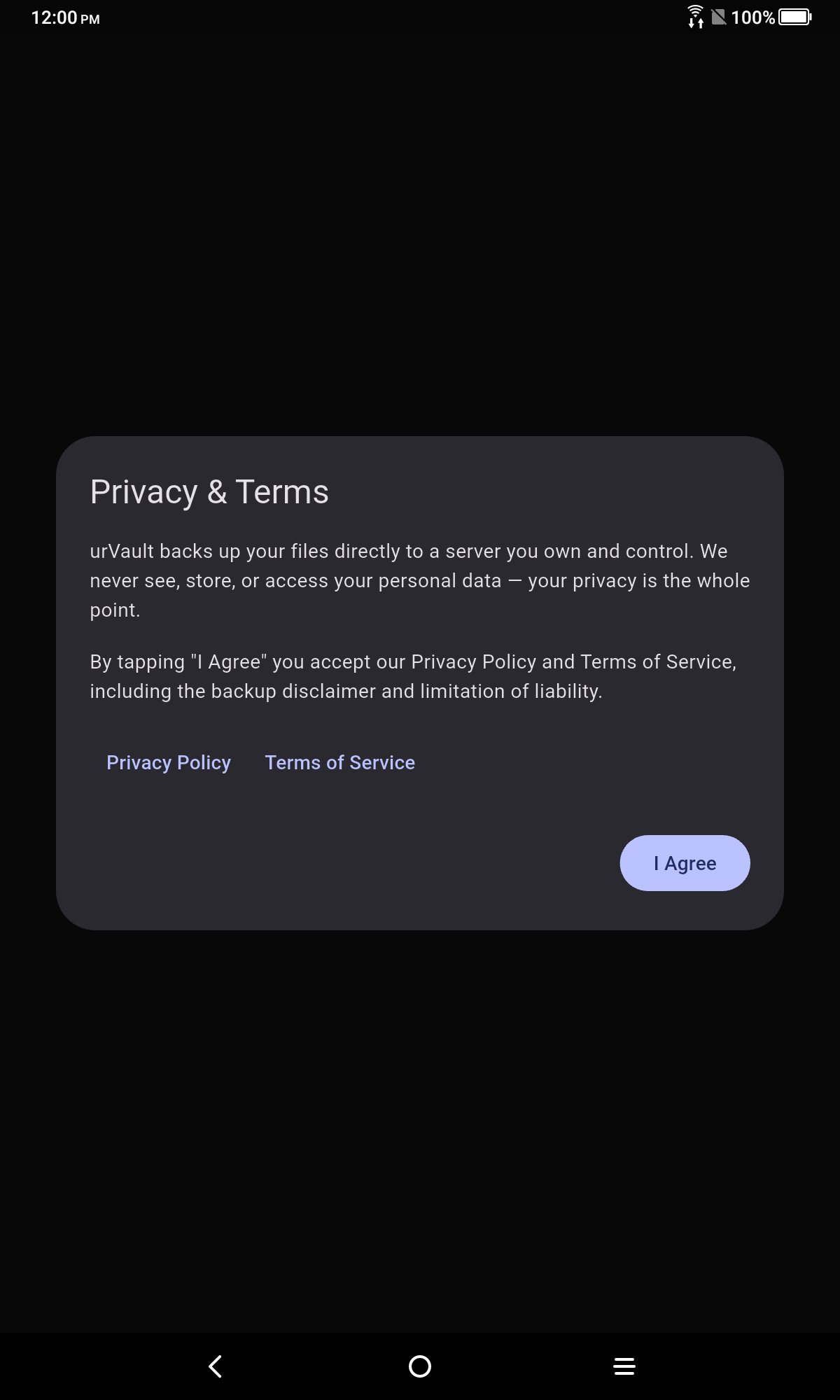
urVault is built for privacy‑focused users who want their data to live on infrastructure they control. Your files are stored on your server, not on shared cloud platforms, and nothing is routed through third‑party services unless you explicitly choose to do so.
urVault currently supports Android devices, with Apple iOS support coming soon, extending the same private, server‑based backup experience to Apple users.
urVault is ideal for individuals and families who want simple, reliable, and automatic backups—without subscriptions, vendor lock‑in, or surrendering control of their data.




One-click to install XAPK/APK files on Android!

Thanks for your rating and feedback!
You have already rated.