Package Name:com.ladybug.viewsonicremote
Show More

19.7 MB
File Size
Everyone
Android 7.0+
Android OS
Turn your phone into an infrared remote for ViewSonic projectors.
Control your ViewSonic projector straight from your phone. This app sends the same infrared signals as the original remote, so there is nothing to pair, no Wi-Fi to join, and no account to create. Open it, point your phone at the projector, and press.
IMPORTANT: REQUIRES A PHONE WITH A BUILT-IN IR BLASTER
This app works by transmitting real infrared light through your phone's IR emitter. A phone without infrared hardware cannot control a projector, no matter which app is installed. The app checks your device on start-up and tells you straight away if the hardware is missing, so please check before leaving a review.
4 COMPLETE CODE SETS, 127 COMMANDS
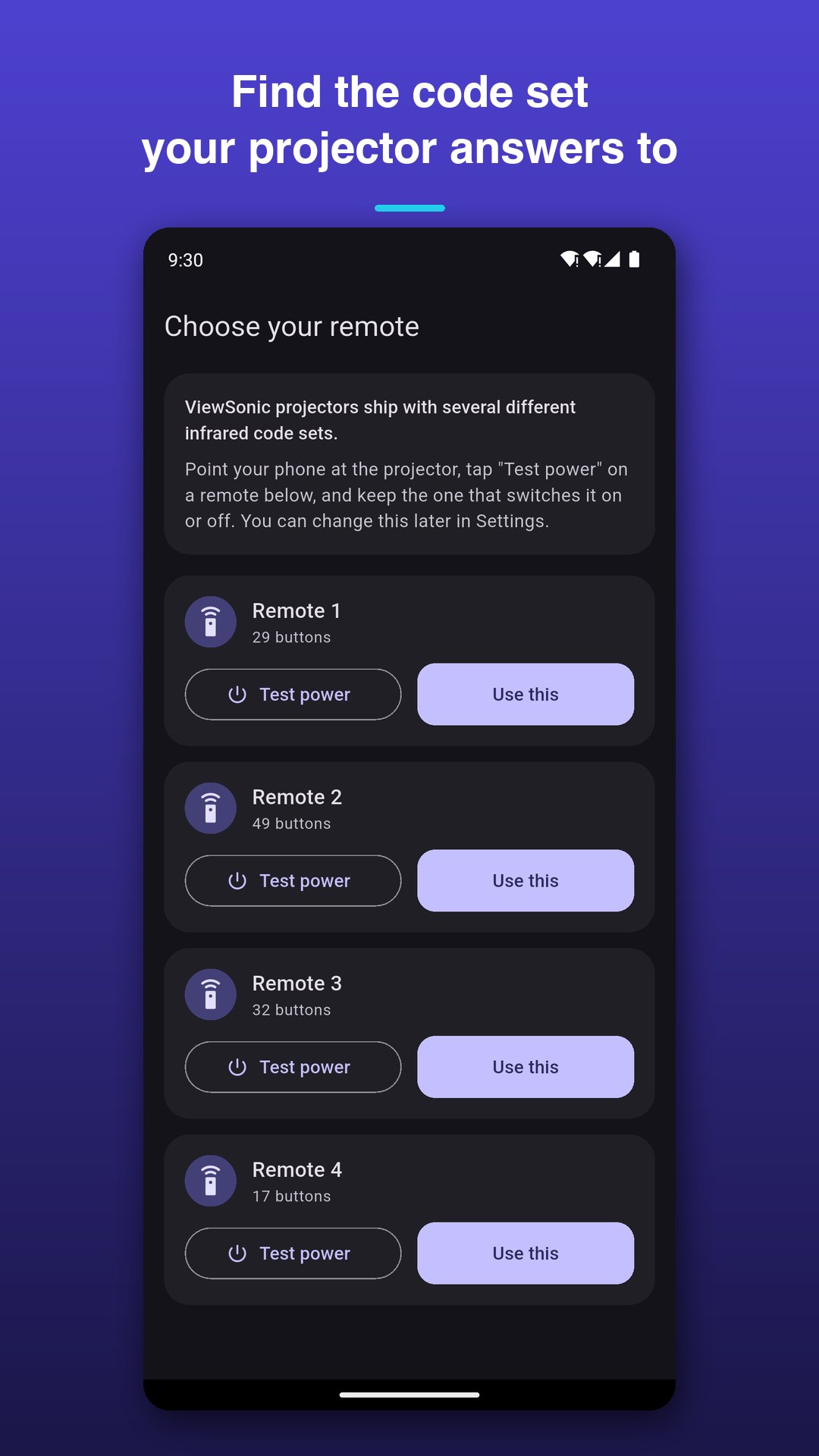
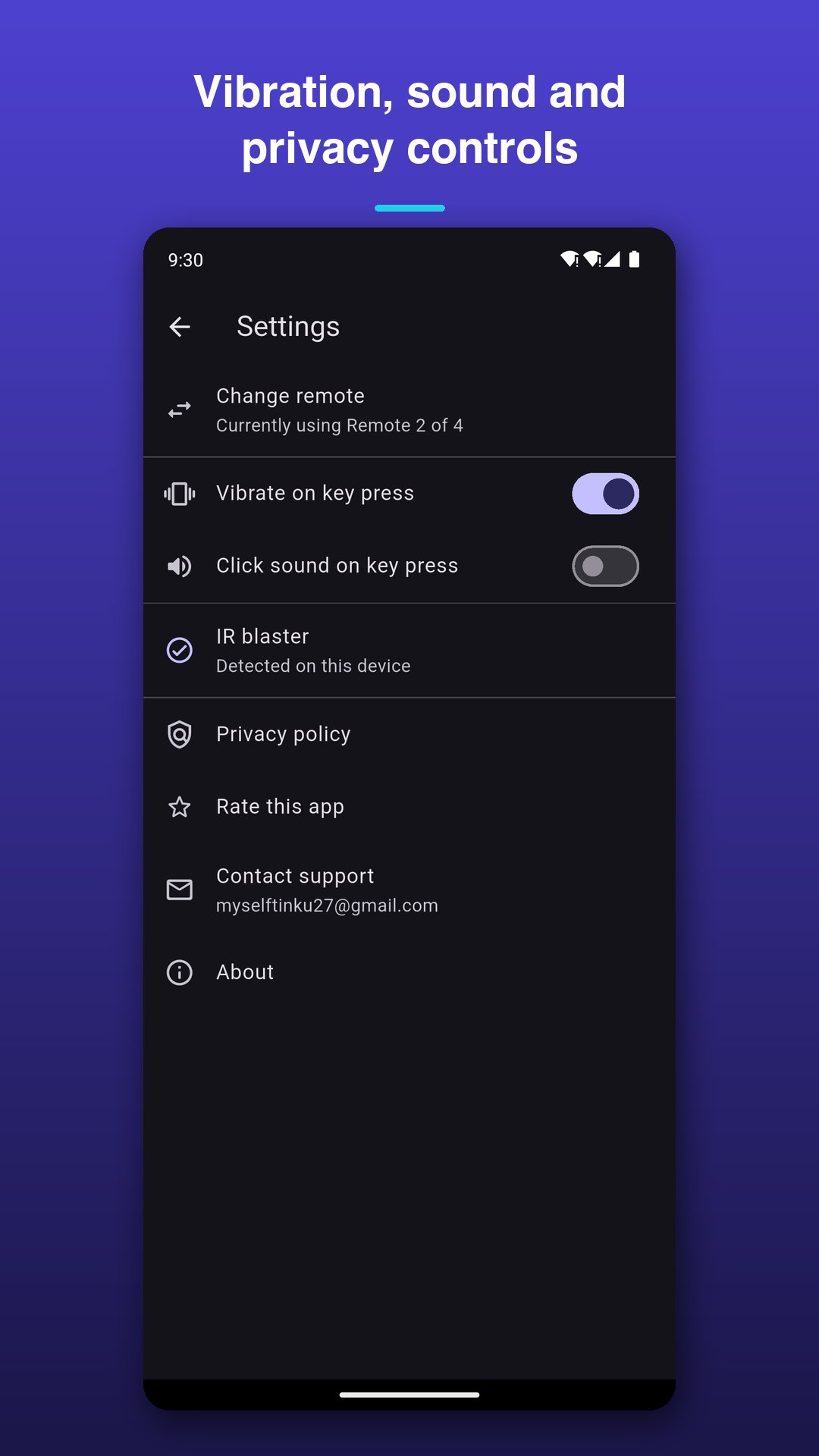
ViewSonic projectors do not all speak the same infrared language. Rather than guessing, this app ships 4 full code sets covering 127 individual commands. The first time you open it, point your phone at the projector and tap "Test power" on each remote until the projector reacts, then tap "Use this". You can switch code sets at any time from Settings.
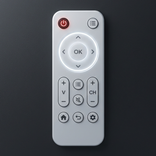
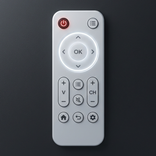
A REMOTE THAT FEELS LIKE A REMOTE
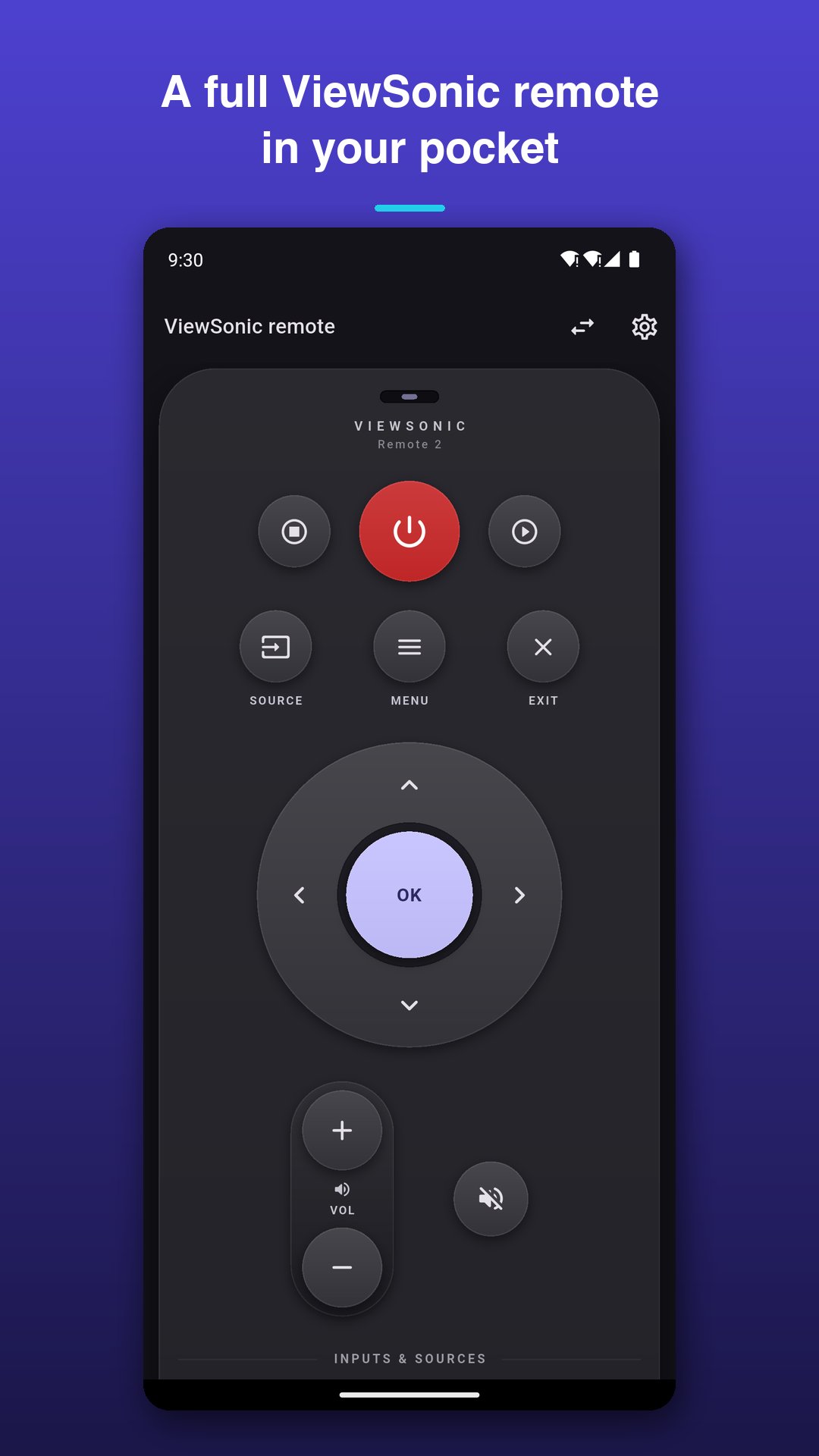
- Large power key, plus separate Power On and Power Off where the original has them
- Source, Menu and Exit
- Full navigation ring with a centre OK key
- Volume rocker with mute
- Keystone, zoom or channel rocker, depending on the remote you pick
- Page Up and Page Down for presentations
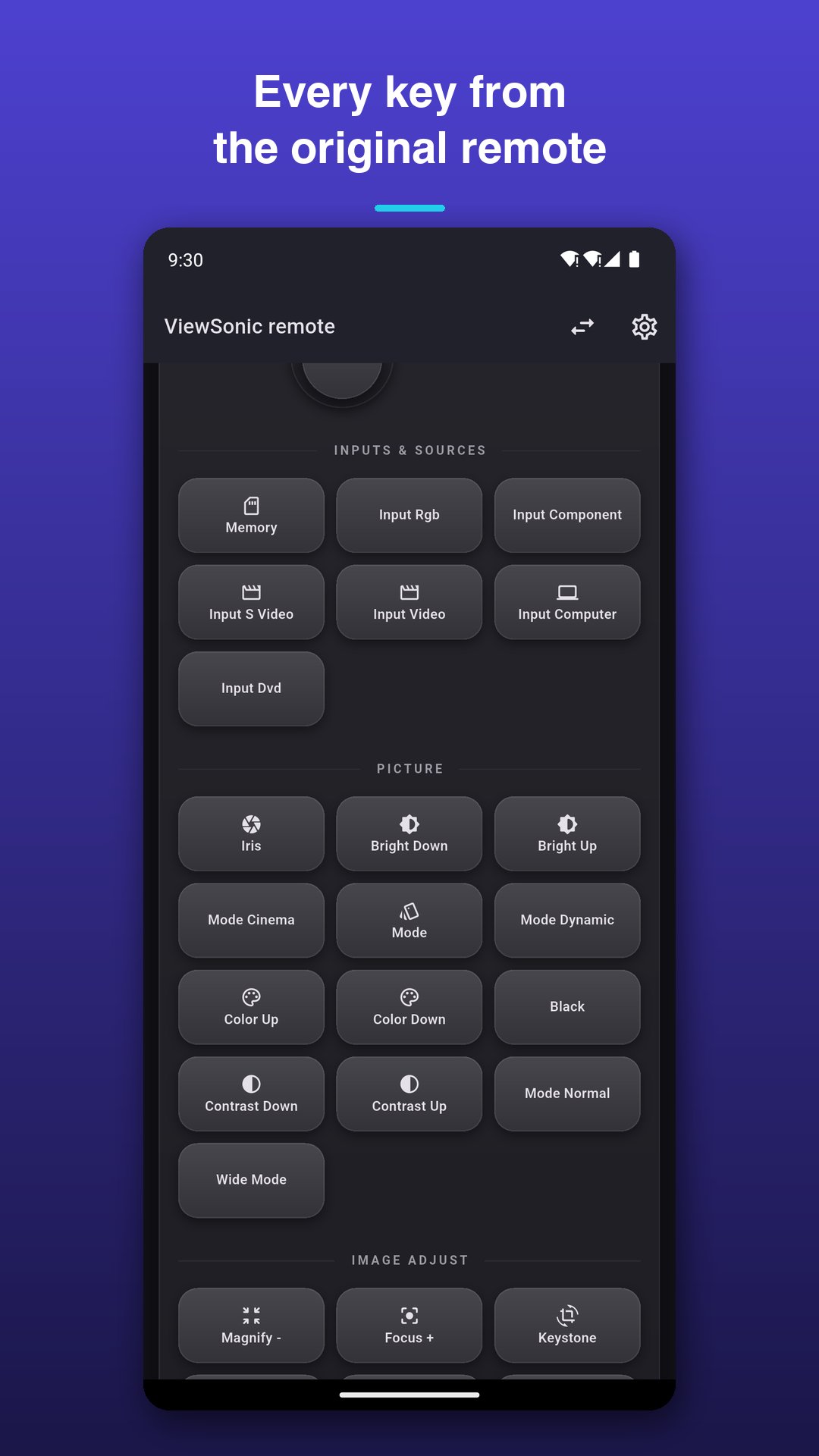
- Every remaining key printed onto labelled keypad sections: Inputs and sources, Picture, Image adjust, Presentation, and Number pad
BUILT FOR EVERYDAY USE
- Hold volume, zoom or keystone to repeat the command, just like a real remote
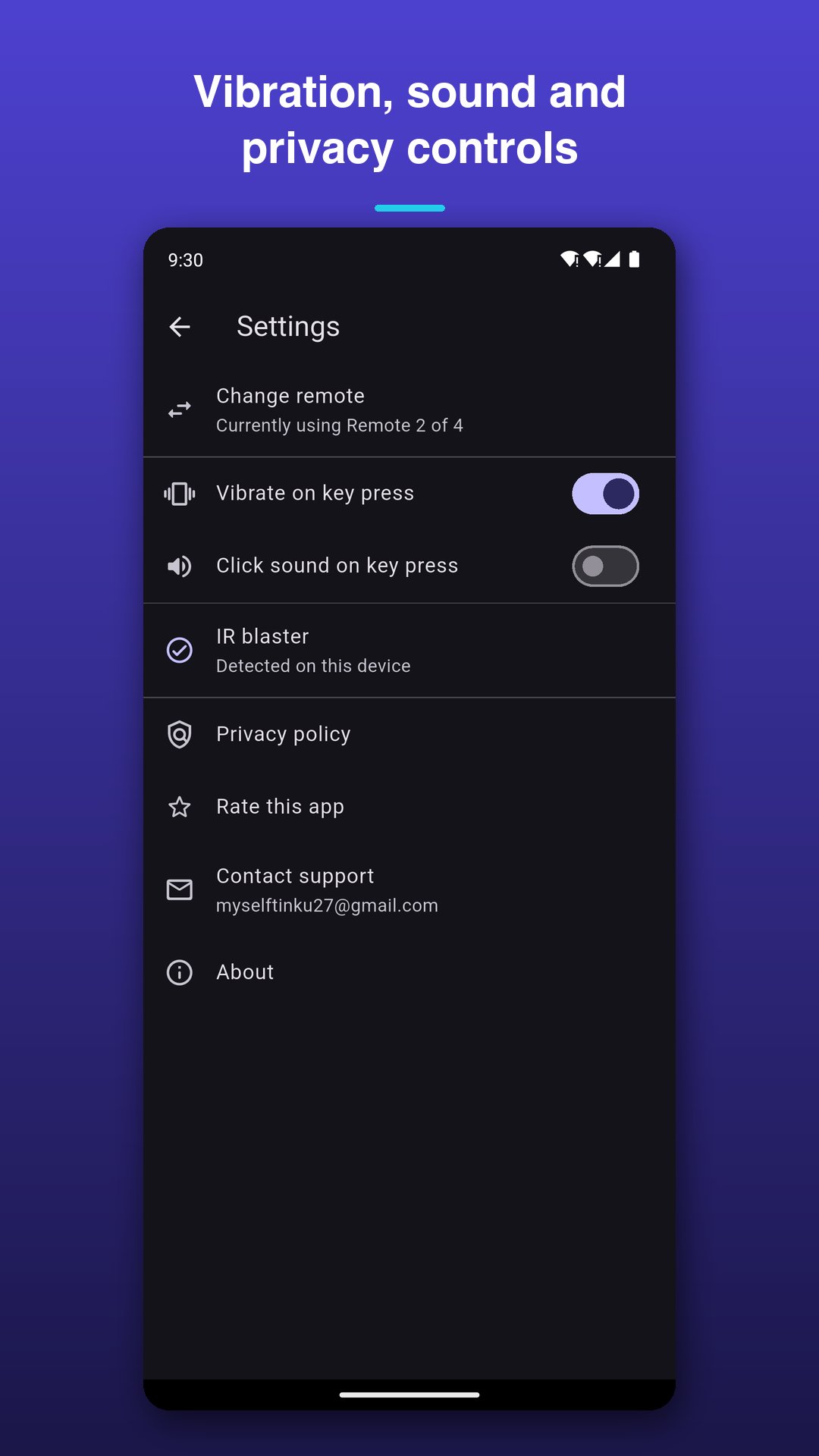
- Vibration feedback on every key press, with an optional click sound
- Only the keys your chosen code set actually supports are shown, so nothing on screen is dead
- Controls the projector completely offline: no internet connection is needed to send a command
- Dark interface that stays easy on the eyes in a dimmed room
TIPS FOR THE BEST RANGE
- Point the top edge of your phone at the projector
- Stay roughly within the distance you would use with the original remote
- If most keys work but a few do not, try another code set: models vary within the same brand
WHAT THIS APP DOES NOT DO
It is an infrared remote. It cannot control projectors over Wi-Fi or Bluetooth, and it cannot work on a phone that has no IR blaster.
This is an unofficial universal remote app. It is not affiliated with, endorsed by, or sponsored by ViewSonic. All product names, trademarks and brands are the property of their respective owners and are used only to describe device compatibility.




One-click to install XAPK/APK files on Android!

Thanks for your rating and feedback!
You have already rated.