Package Name:com.vpnhood.client.android
Show More


7.4
3 Reviews
40.1 MB
File Size
Everyone
Android 7.0+
Android OS
Self-hosted, secure, and open-source VPN client (require server key)
NOTE: This app REQUIRES A SERVER KEY.
VpnHood! CLIENT is a fast, secure, and reliable VPN solution powered by the ★★VpnHood! ENGINE★★, which is open-source and the first VPN developed fully with the .NET platform.
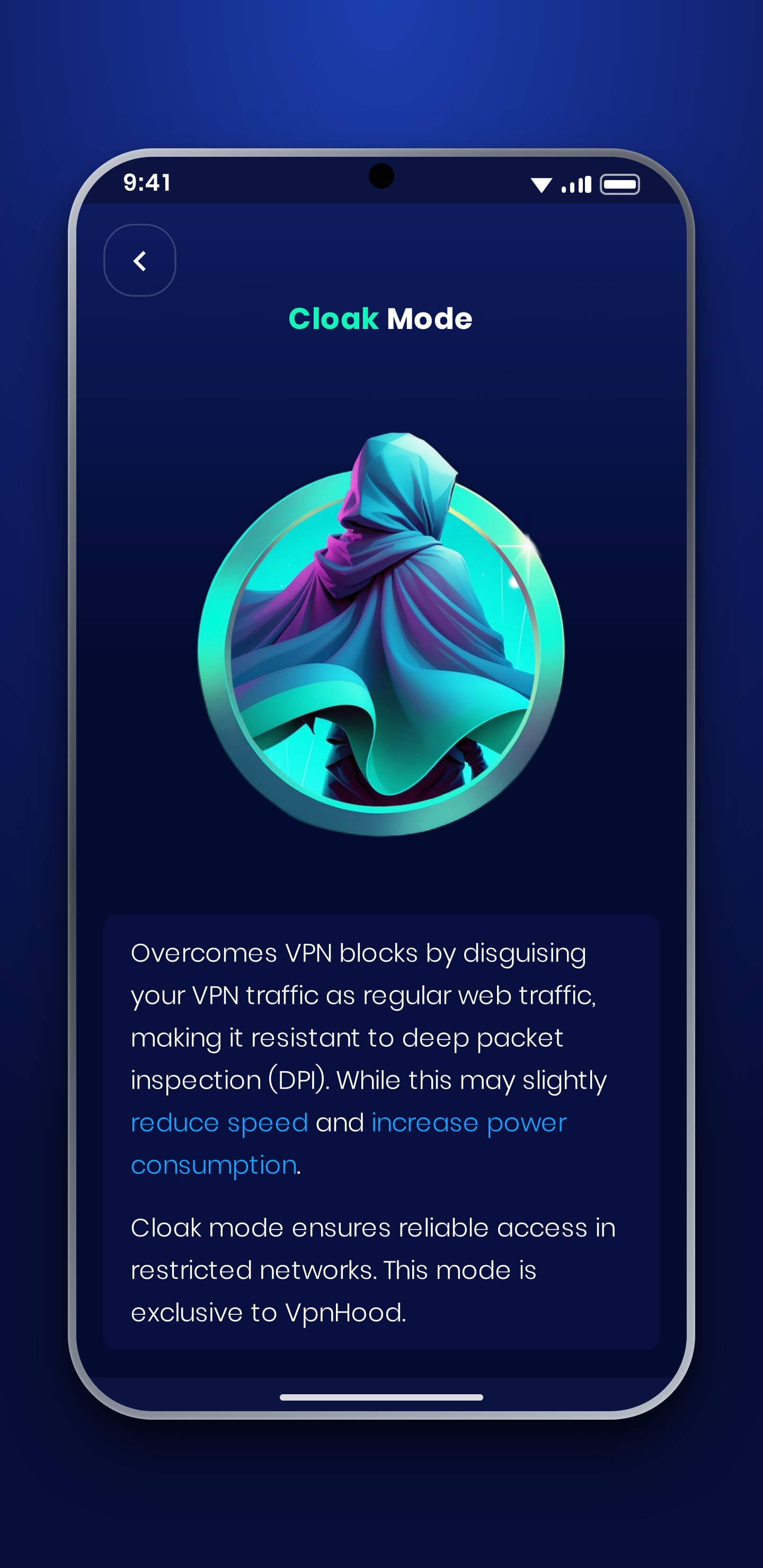
It is a client application that establishes encrypted, secure tunnels to a VPN server using the VpnHood protocol to VpnHood servers. The VpnHood protocol has no fingerprint and cannot be detected by censorship filtering.
To use this app, a ServerKey is required. You can acquire one through the following methods:
▶ Get server keys from friends or communities that distribute them.
▶ Purchase server keys for yourself or your friends from third-party sellers.
▶ Set up your own VpnHood server on a hosting service and create server keys yourself.
Key Features:
★ Free with No Ads: VpnHood! is open-source, completely free, and contains no ads.
★ Easy to Use: You can connect to VpnHood! with a simple click of the connect button.
★ Fast and Secure (The speed may vary depending on the server provider and your Internet connection.)
★ Open Source: Built on the open-source VpnHood engine (on GitHub), VpnHood! is transparent and trustworthy.
★ First VPN in .NET: VpnHood! is the first VPN app in the world to be developed with the .NET platform—showcasing innovation and technical excellence.
★ Broad Compatibility: Supports Android 6 and above, including Android TV and Windows.
★ IPv4 & IPv6 Support: Ensures maximum compatibility and performance.
Customizable Options:
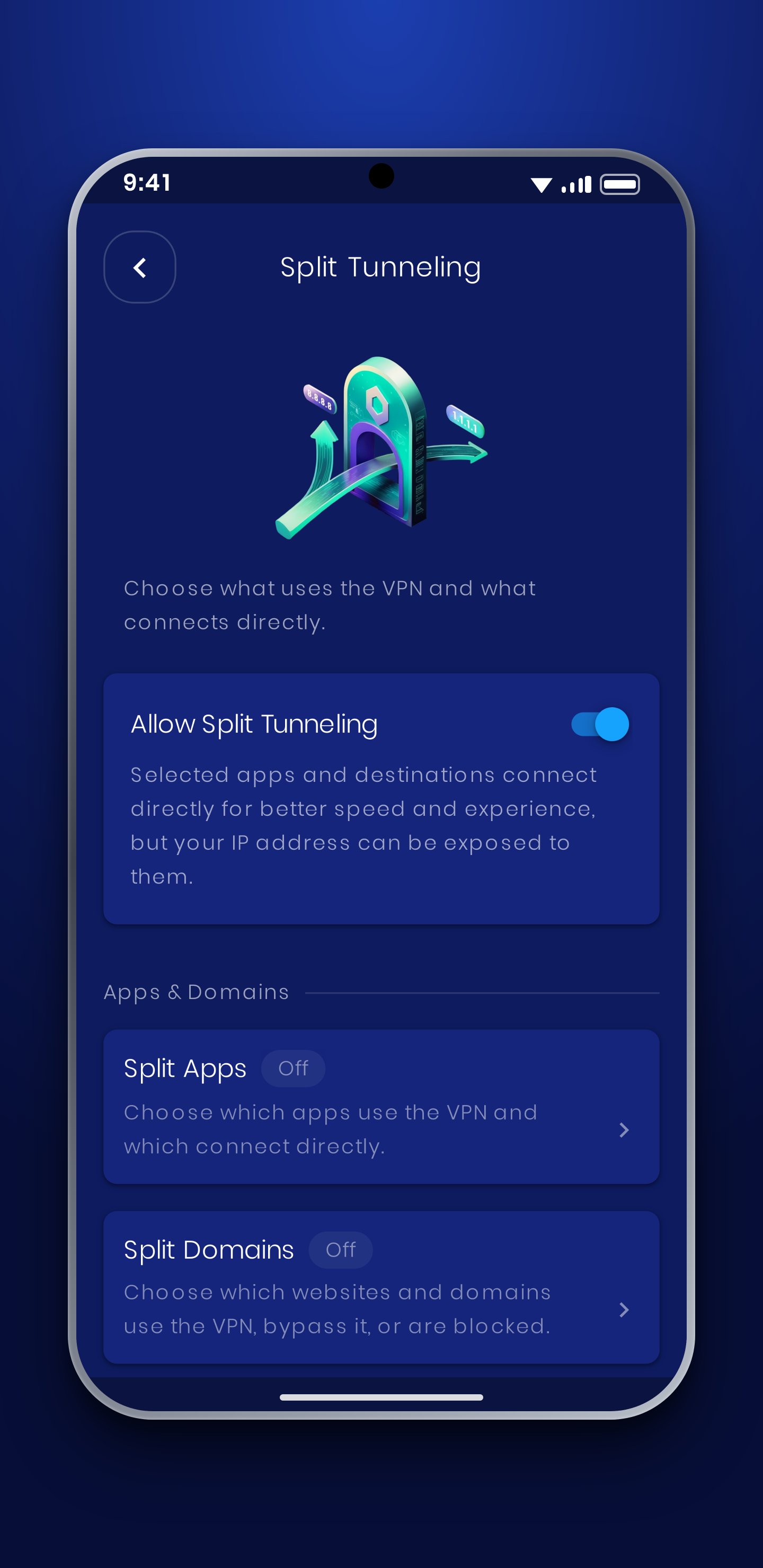
✔ Split Tunneling for App: Choose which apps use VpnHood! with flexible filter options. You can exclude, include, or select all apps.
✔ Split Tunneling for Country: Keep traffic to your own country outside the tunnel, so local services that reject foreign IPs keep working and local connections stay fast.
✔ Split Tunneling for Local Network: Exclude your local network to maintain access to local resources while using VpnHood!.
✔ TCP, UDP & QUIC: Choose the transport protocol that performs best on your network.
✔ Proxy Support: Route your connection through SOCKS or HTTP proxies, entered manually or taken from your device settings.
Why Choose VpnHood!?
▶ Undetectable: The VpnHood! protocol is designed to bypass censorship filters. It is a secure protocol without any fingerprint. Its traffic patterns look exactly like regular HTTPS websites, making it virtually indistinguishable.
▶ Constantly Evolving: VpnHood! is committed to continuous improvement and innovation, ensuring you enjoy unrestricted and censorship-free internet access. Try VpnHood! today and experience the true freedom of the web!
Your Privacy:
VpnHood! CLIENT does not require an account and never asks for personal information. We do not log your browsing activity, the websites you visit, or the content of your traffic.
The app can send anonymous usage and diagnostic data - such as app version, language, connection results and error messages - so we can find and fix problems. It is identified only by a pseudonymous id, not by your name or contact details, and you can turn it off at any time in Settings > Privacy. We never sell your data or share it with third parties for their own purposes.
Privacy Policy: https://www.vpnhood.com/legal/vpnhood-client/privacy-policy/
We’re Here for You Around the Clock!
VpnHood’s dedicated customer support team is available 24/7 to assist you. If you have any questions or concerns, please contact us at [[email protected]](mailto:[email protected]). We’re always here to help!
Contribute: [https://github.com/vpnhood/VpnHood](https://github.com/vpnhood/VpnHood)






One-click to install XAPK/APK files on Android!

Thanks for your rating and feedback!
You have already rated.