Package Name:com.jtdev.localftpserver
Show More

8.0 MB
File Size
Everyone
Android 10.0+
Android OS
Turn phone into WiFi FTP & HTTP server. Transfer files to PC or Mac, no cable.
Turn your Android phone or tablet into a fast WiFi FTP Server and HTTP Web File Server — transfer photos, videos, music, APKs, and documents between phone and PC, Mac, Linux, or Chromebook over Wi-Fi without a USB cable, cloud upload, or mobile data.
Designed as an effortless WiFi file transfer and local FTP server Android utility, it lets you connect from any FTP client (FileZilla, WinSCP, Cyberduck, Windows File Explorer, macOS Finder) or open any web browser (Chrome, Edge, Safari, Firefox) on the same router — nothing to install on your computer.
★ TWO WAYS TO TRANSFER FILES OVER WI-FI
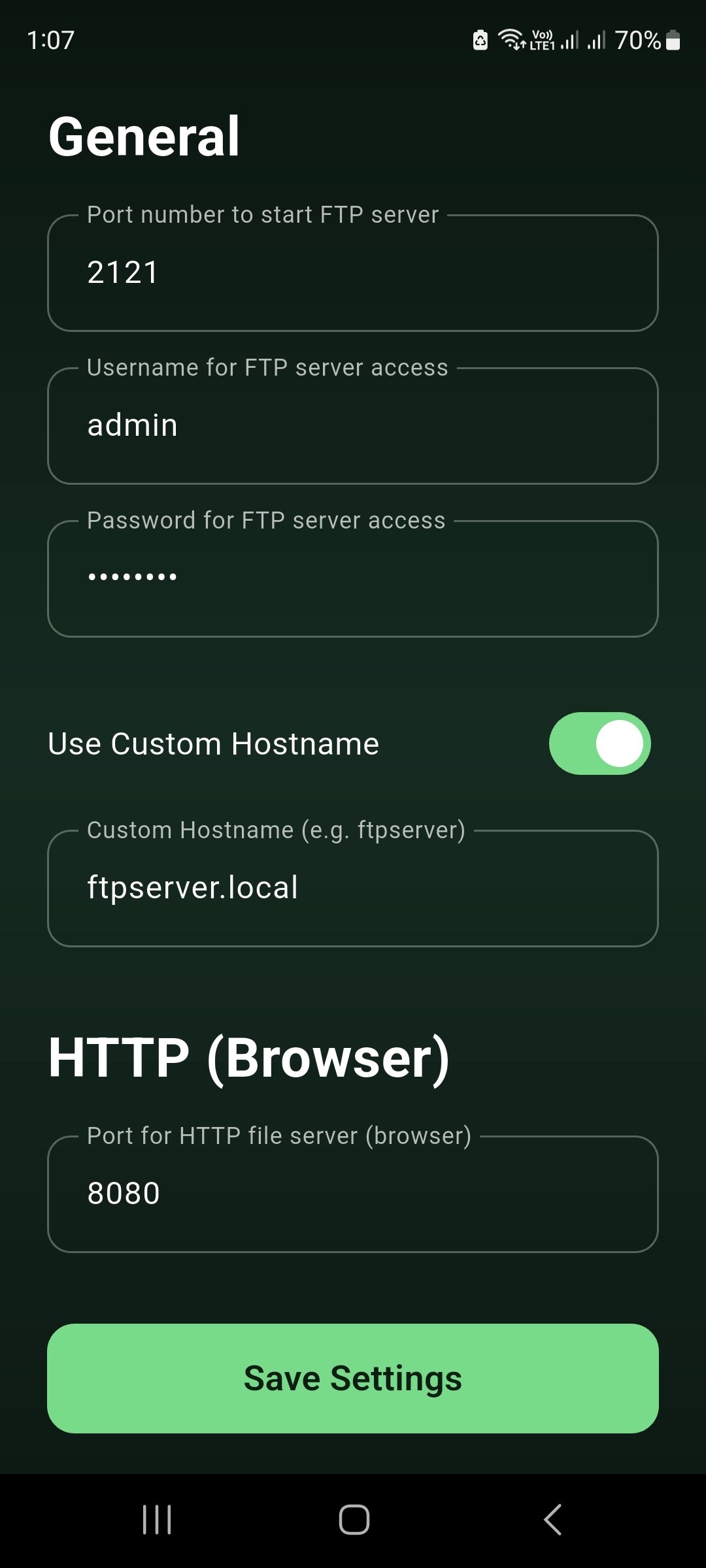
1. High-Speed FTP Server (Port 2121 or Custom Port)
• Optimized high-throughput transfer engine built for full Wi-Fi speed
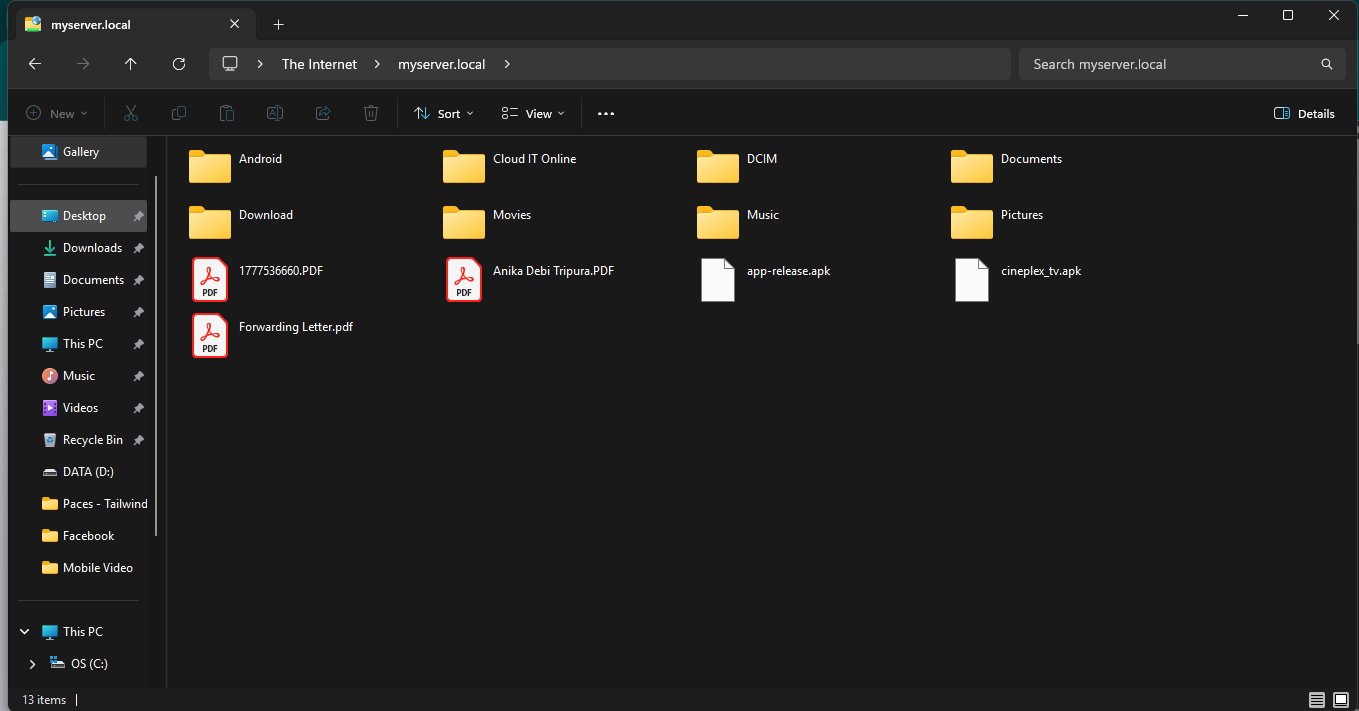
• Works seamlessly with FileZilla, WinSCP, Cyberduck, Windows Explorer & macOS Finder
• Custom mDNS hostname (ftp://myserver.local:2121) so you never retype changing router IPs
• Username and password authentication or one-tap anonymous access
• Passive mode support for large multi-GB wireless file transfers
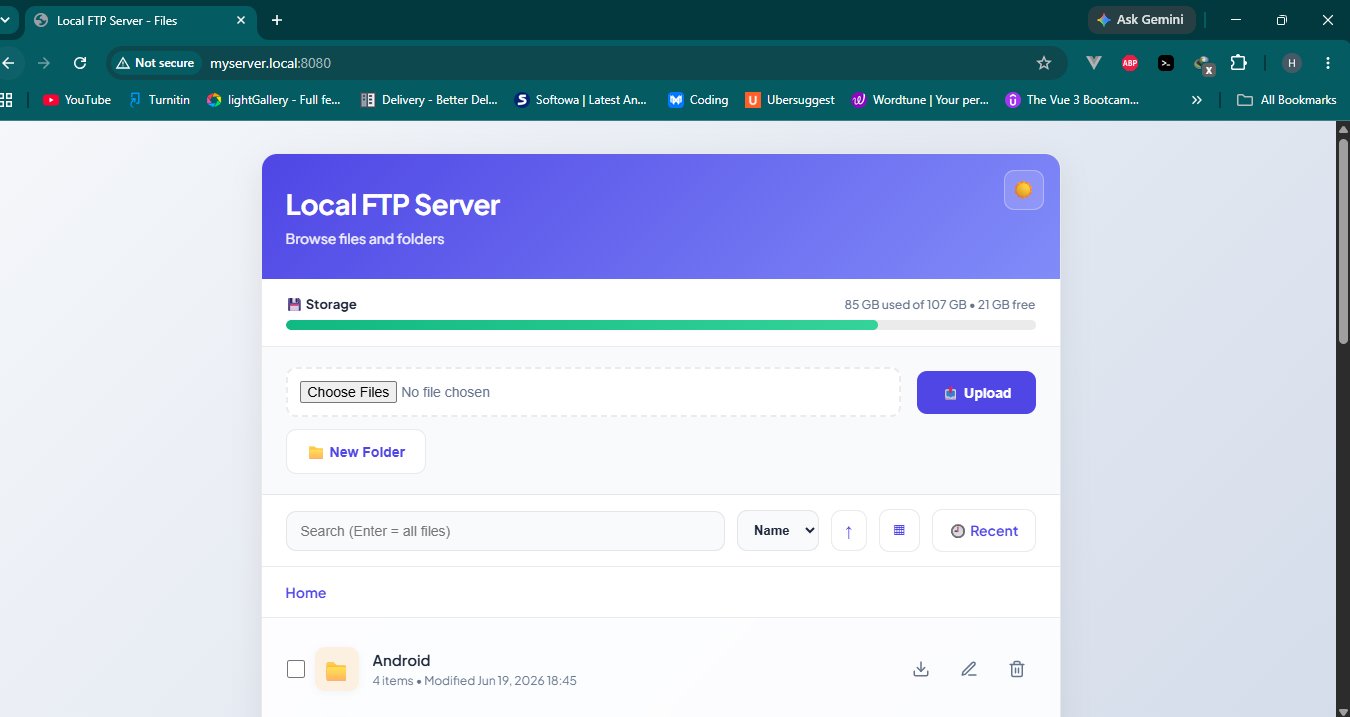
2. Built-In HTTP Web File Manager (No PC Software Required)
• Open http://myserver.local:8080 in any browser for wireless phone-to-PC file sharing
• Drag and drop multiple files AND entire folders straight from desktop to phone storage
• Multi-select files or folders and download everything as one ZIP archive
• Photo thumbnails, List & Grid view, sort by Name/Size/Date, plus Light & Dark theme
• Instant filename search across your device and quick access to Recent Files
• Create folders, rename, move, copy, and delete items right inside the browser
• Stream audio and video directly in the browser with seek support (HTTP Range)
★ SMART CONTROLS & REAL-TIME MONITORING
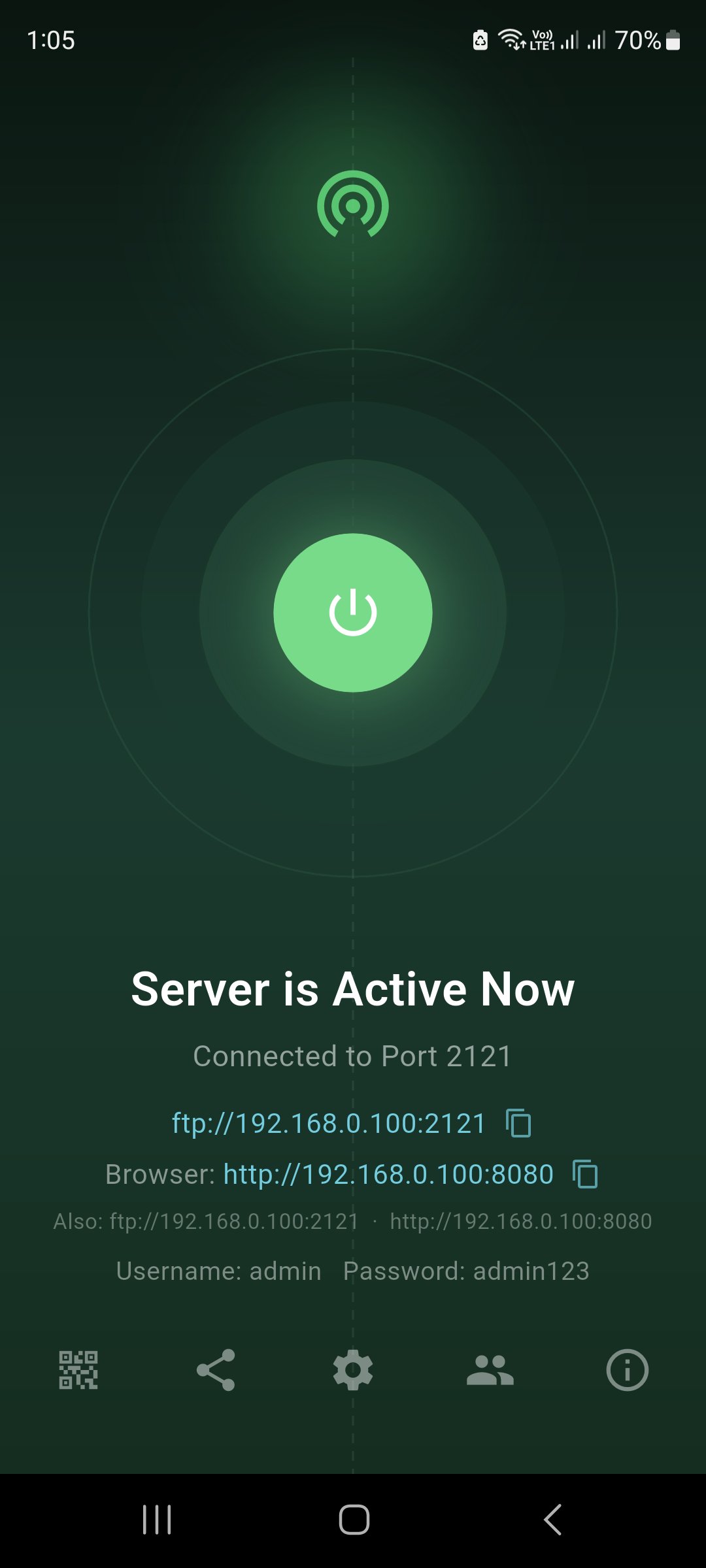
• Instant QR code & one-tap copy/share links for fast FTP and HTTP pairing
• Live Devices & Transfer dashboard showing connected IPs plus upload/download speeds & totals
• Read-only safety toggle to block accidental edits or deletions
• Runs cleanly in the background with an active foreground notification while transfers complete
• Works 100% on your router network — no internet access needed for offline wireless file transfer
★ PERFECT FOR
→ Backing up camera photos and 4K videos wirelessly from phone to PC or Mac
→ Installing, grabbing, or syncing files without plugging in a USB cable
→ Using a spare Android phone or tablet as a lightweight home or office Wi-Fi file server
★ HOW TO CONNECT IN SECONDS
1. Connect your Android device and computer to the same Wi-Fi network
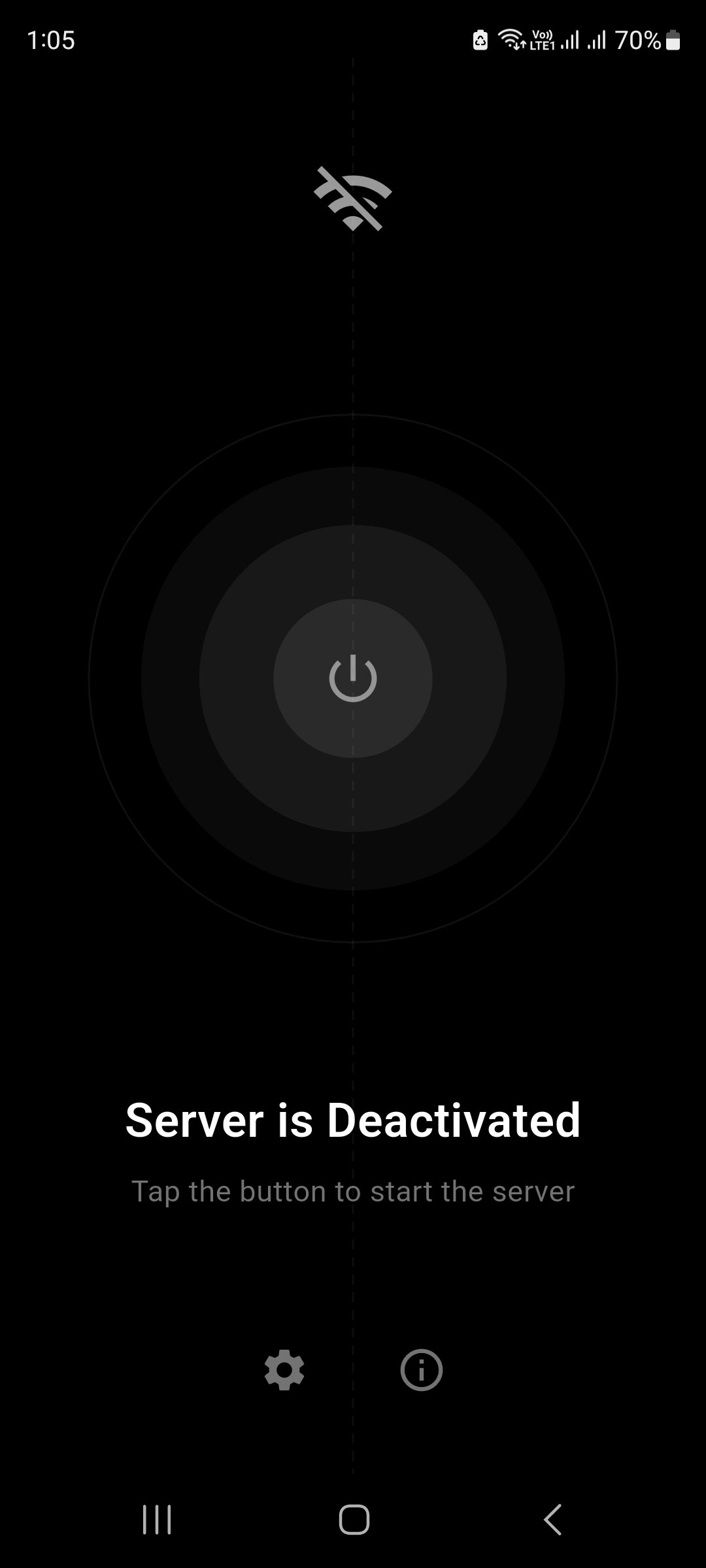
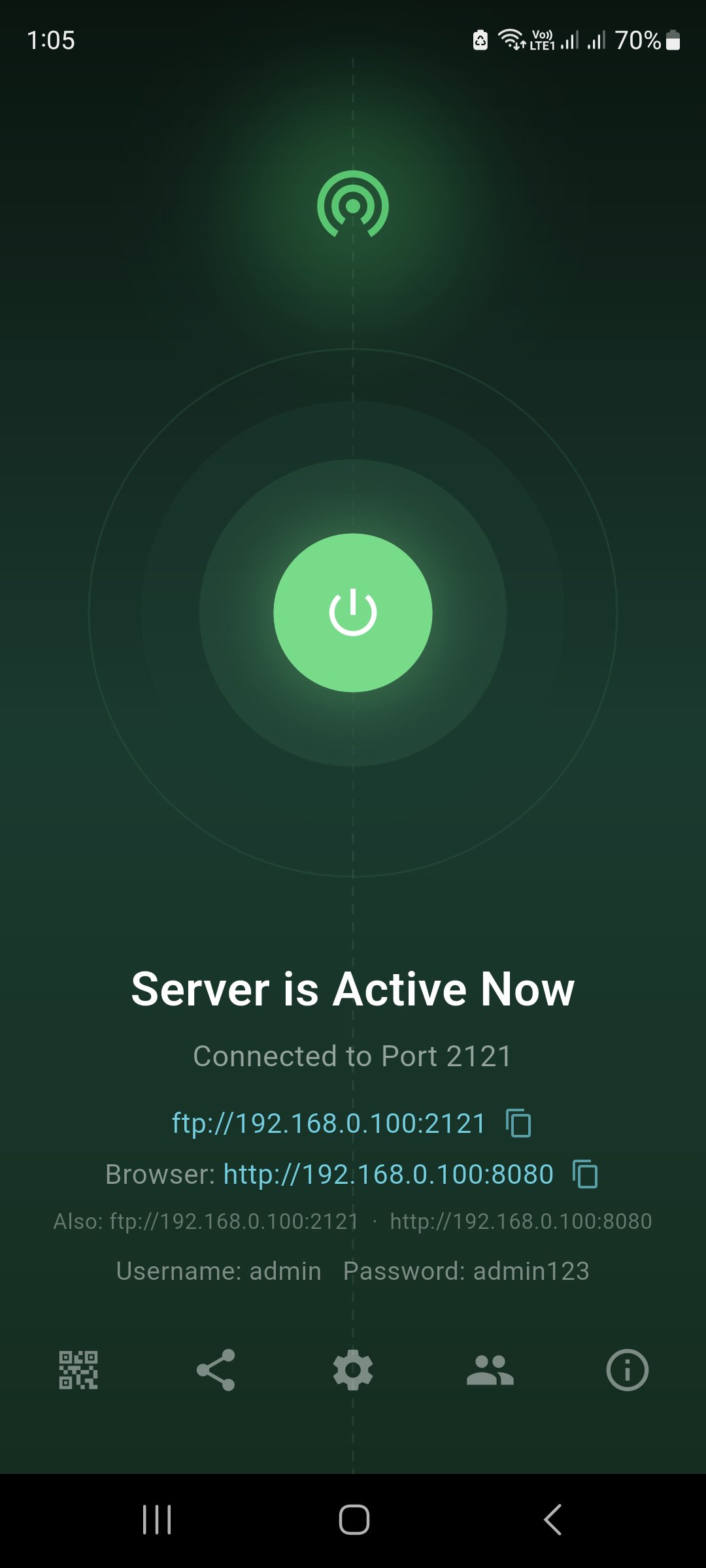
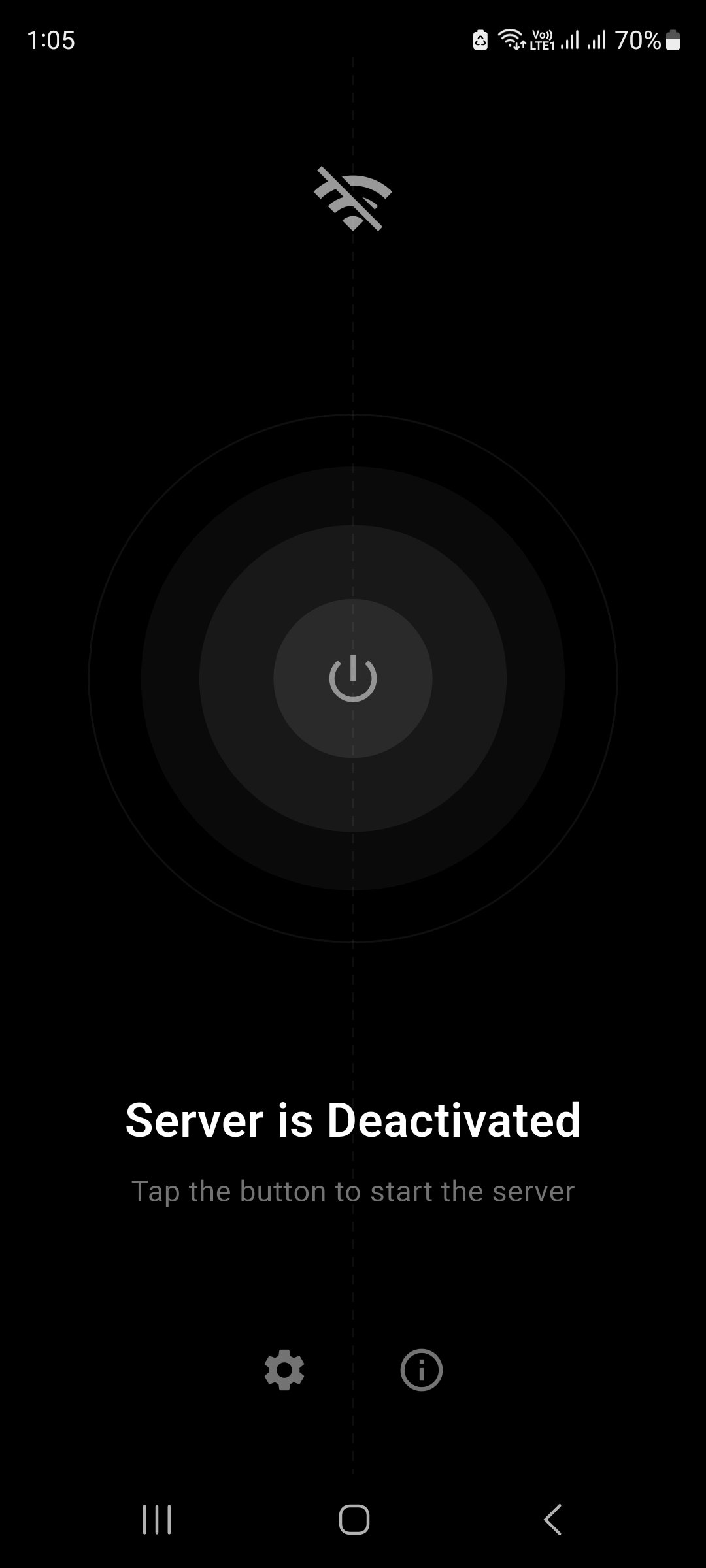
2. Open WiFi FTP Server and tap the power button to start sharing
3. Scan the QR code, connect via FileZilla / Windows Explorer (ftp://myserver.local:2121), or open http://myserver.local:8080 in Chrome, Edge, or Safari
★ PERMISSIONS & TRANSPARENCY
• All Files Access: Required to browse, upload, download, and manage device storage over FTP and the web file manager.
• Wi-Fi & Notifications: Used to host local FTP/HTTP transfers and display the active server notification.
• Privacy: Your transferred files never leave your router network. This free app includes ads and an optional one-time upgrade to remove ads permanently; third-party ad networks operate per our privacy policy.
• Requires Android 8.0 (Oreo) or higher.

One-click to install XAPK/APK files on Android!

Thanks for your rating and feedback!
You have already rated.