Scan Date:Aug 3, 2026
Show More


7.9 MB
File Size
Everyone
Android 7.0+
Android OS
Scan, analyze and optimize WiFi channels, signal strength and security.
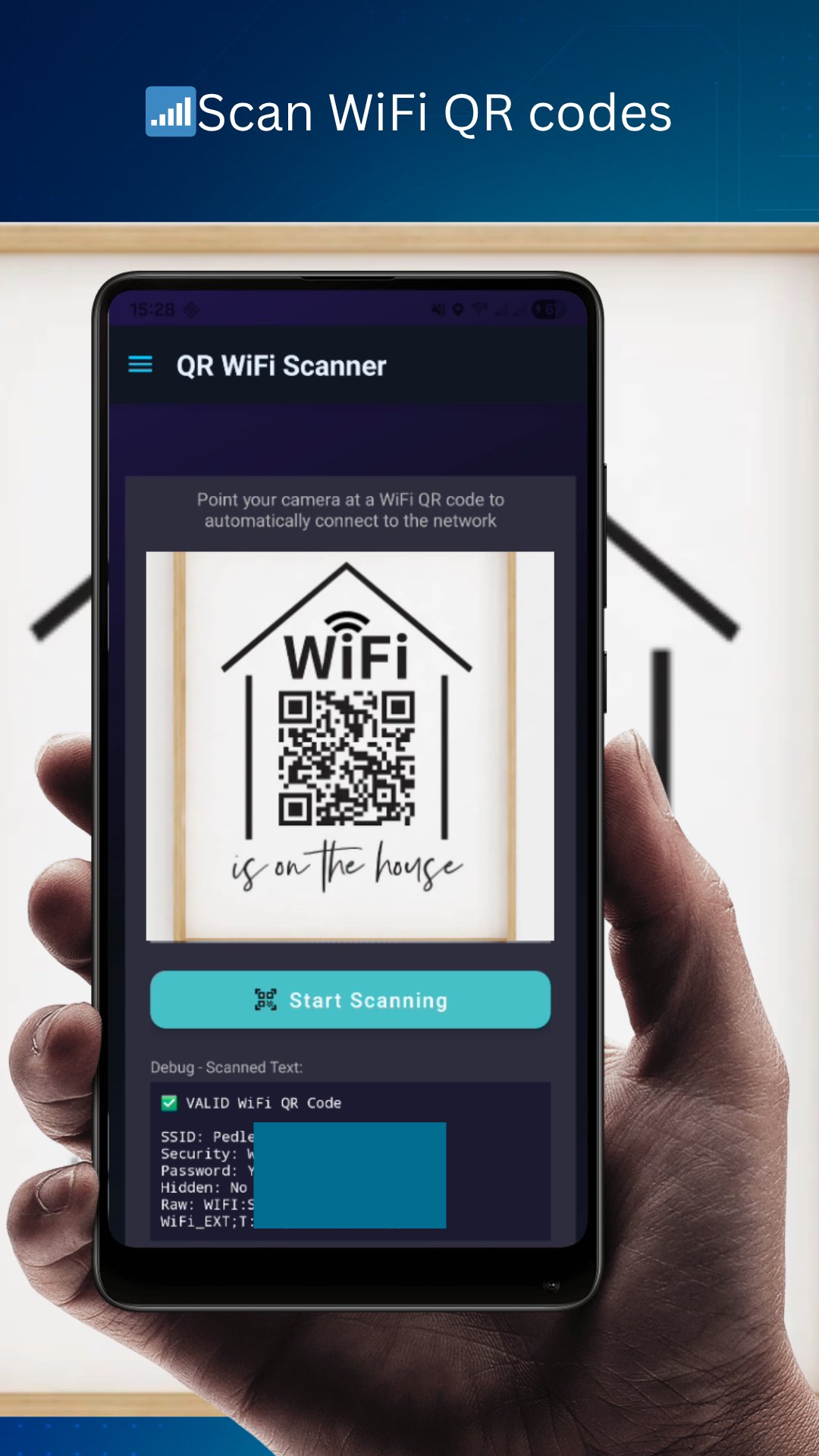
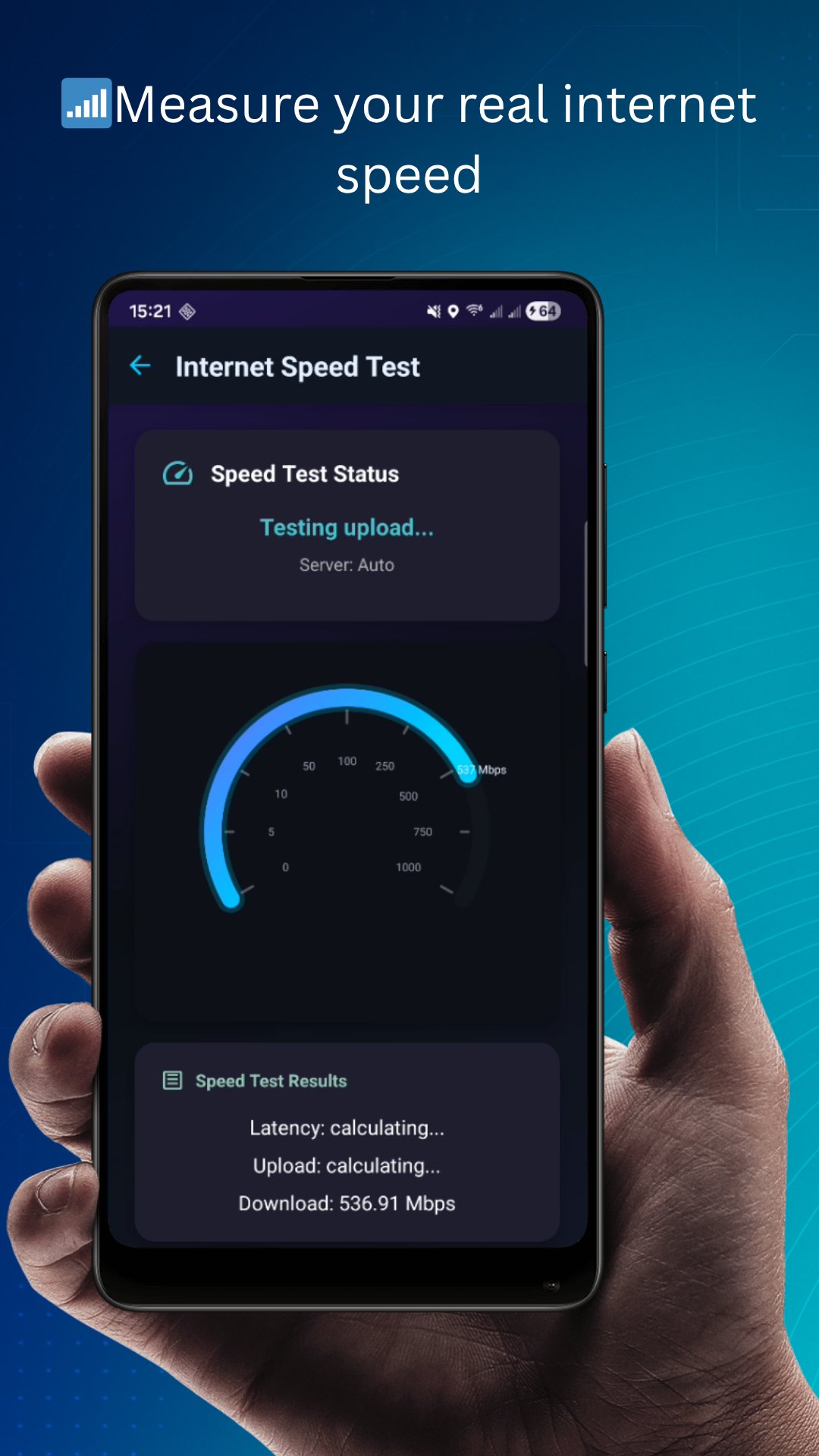
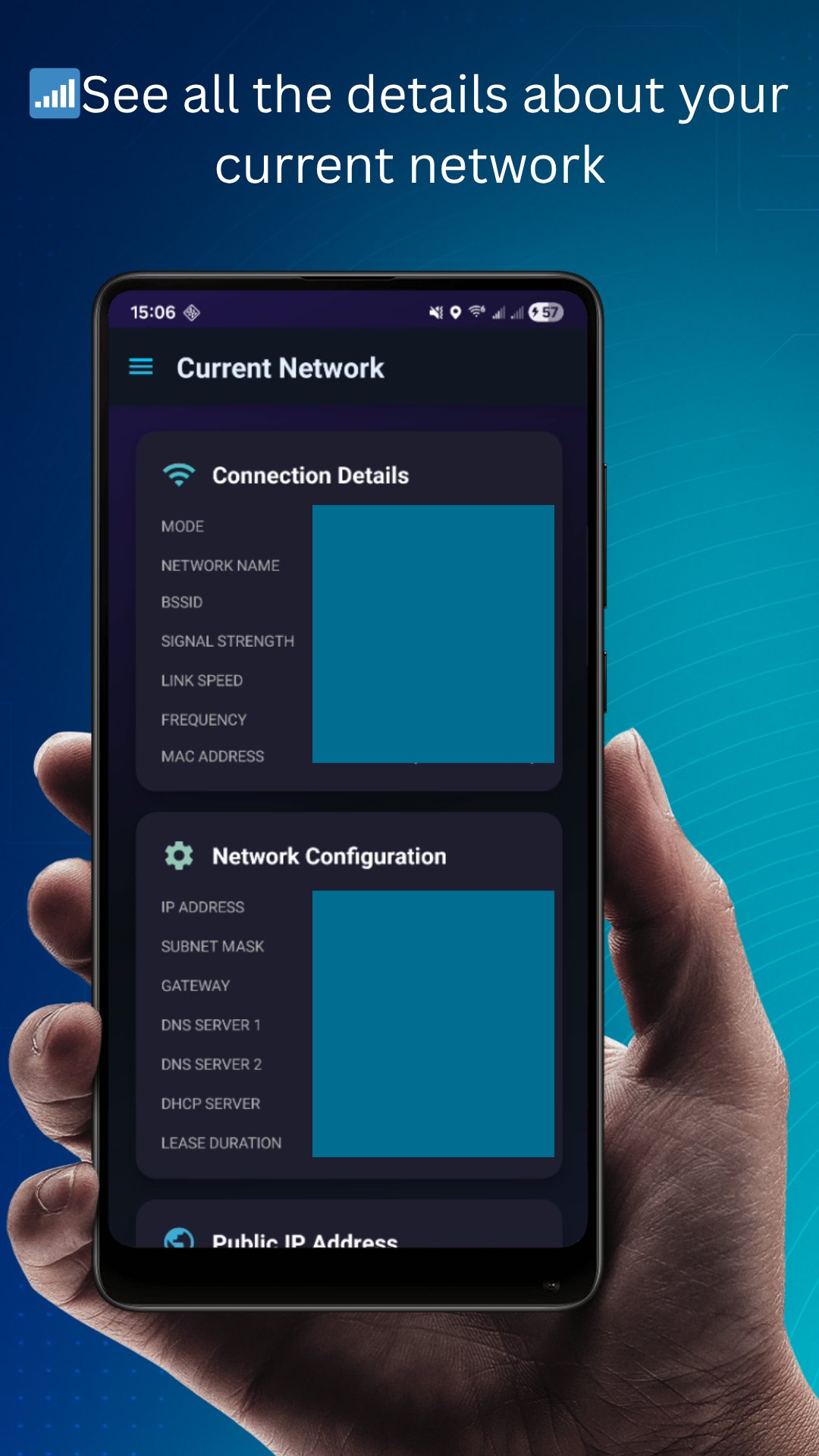
WiFi Scanner – Network Analyzer helps you scan, analyze and optimize your wireless network like a pro. Whether you want to improve WiFi performance at home, troubleshoot connectivity issues or simply see what’s happening on your network, this app gives you all the tools you need in a clean and easy interface.
🔍 WiFi Analysis Made Simple
View all nearby WiFi networks in real time
Check signal strength (dBm), channel and frequency
Detect channel congestion and interference
Identify WiFi security protocols (WEP, WPA, WPA2, WPA3)
See hidden networks and access points
Supports 2.4 GHz & 5 GHz bands
📡 Optimize Your Connection
Find the best channel to avoid interference
Discover the strongest signal area in your home or office
Ideal for router setup, repositioning and network tuning
🛡️ Security & Insights
Check WiFi security level of any network
Avoid unsafe hotspots and weak protocols
Useful for basic network audits and privacy awareness
💡 Designed for Everyone
✔ Easy to use – no technical skills required
✔ Fast & lightweight – no unnecessary permissions
✔ Privacy-friendly – no data collection or tracking
✔ Dark theme support
Whether you're an IT professional, network technician or just someone who wants better WiFi, this tool gives you the information you need to fix slow connections and improve signal quality.
🚀 Why Choose WiFi Scanner?
Accurate real-time WiFi measurements
Powerful but lightweight network analyzer
No ads / No unnecessary permissions
Does NOT collect or share any personal data
📲 Get started in seconds
Install the app
Run a scan
Improve your WiFi instantly
Download now and take control of your wireless network.





One-click to install XAPK/APK files on Android!

Thanks for your rating and feedback!
You have already rated.