Package Name:com.xchat.android
Show More


10.0
3 Reviews
206.1 MB
File Size
Everyone
Android 8.0+
Android OS
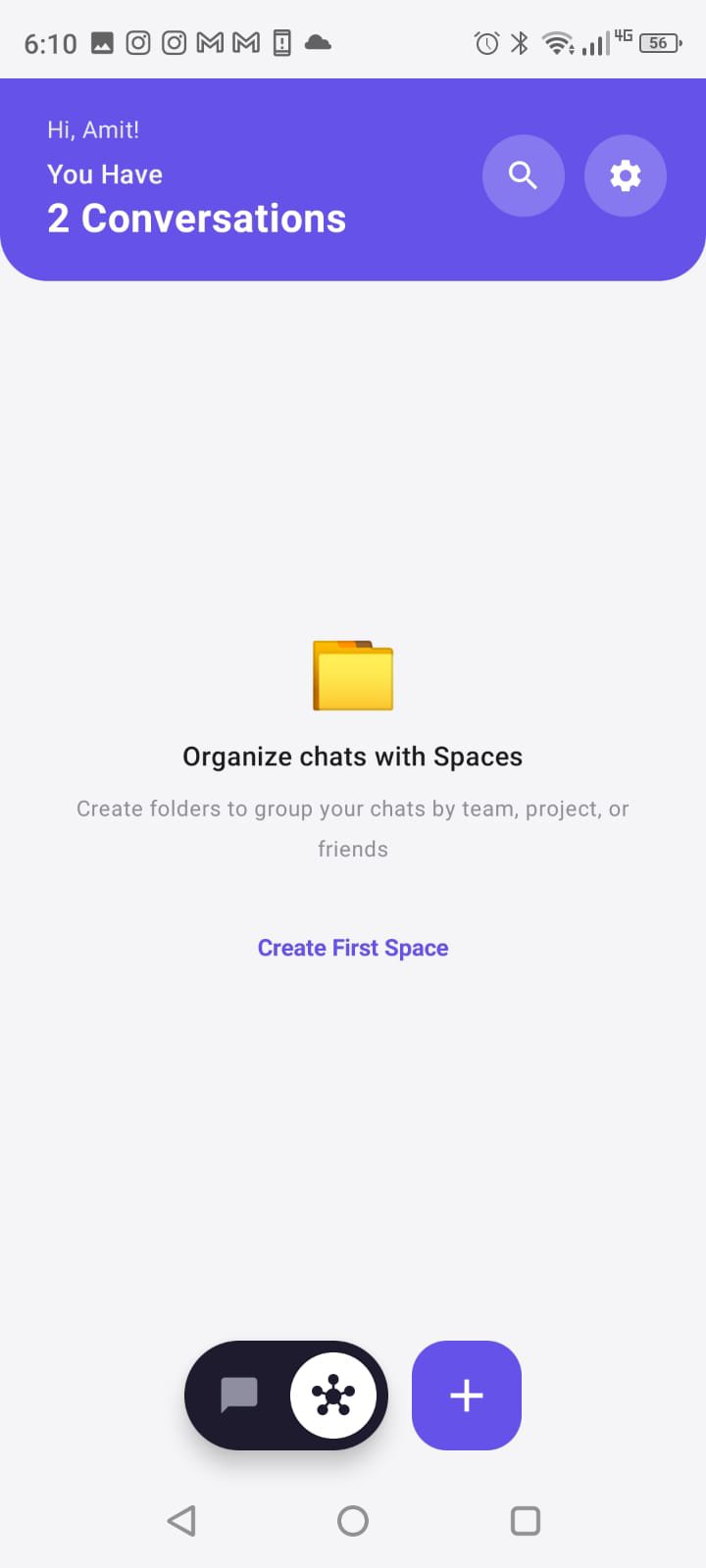
Fast, secure messaging with crystal-clear voice, video calls, and voice spaces.
YUZx is a modern communication app designed for fast, seamless, and private connections with your friends, family, and communities. Stay in touch through direct messaging, group conversations, high-definition audio and video calling, and interactive audio spaces.
KEY FEATURES:
• Direct & Group Messaging: Send real-time text messages and share media files with your contacts instantly.
• High-Definition Voice & Video Calls: Enjoy low-latency, crystal-clear 1-on-1 audio and video calling powered by modern WebRTC technology.
• Interactive Voice Spaces: Host or join dynamic voice discussions and audio rooms with seamless real-time speaker controls.
• Secure Media Sharing: Share photos, videos, and documents directly within your private chats.
• Custom Status & Profiles: Personalize your display name, bio, and avatar to reflect your digital identity.
• Real-Time Push Notifications: Never miss an important message or incoming call with fast, battery-efficient notifications.
DESIGNED FOR SIMPLICITY AND RELIABILITY:
YUZx delivers a clean, intuitive interface optimized for performance across diverse network conditions. Whether you are chatting on mobile data or Wi-Fi, your conversations connect smoothly.
PERMISSIONS & USAGE:
• Camera: Used only when you initiate video calls, take in-app photos, or scan QR codes.
• Microphone: Used during voice and video calls, Voice Spaces, and audio message recordings.
• Notifications: Used to alert you of incoming calls and newly received messages.
SUPPORT & PRIVACY:
We value user privacy and transparency. To learn more about our privacy practices or request account deletion, visit our privacy portal at:
https://xchat-backend.xchat-amitmallik.workers.dev/privacy
Need help? Contact our support desk at: [email protected]


One-click to install XAPK/APK files on Android!

Thanks for your rating and feedback!
You have already rated.