
Safe & Fast APK Downloads on APKPure
APKPure uses signature verification to ensure virus-free YouTube Lite APK downloads for you.

YouTube Lite is a lightweight, unofficial video streaming app for Android devices.
Developed by HeXp_DpD, YouTube Lite focuses on delivering everyday video watching without taking up much storage. The small install size makes it a good fit for older phones and slow networks while keeping the familiar feel of browsing and playing videos. The YouTube Lite APK aims to reduce data use and improve stability on low-spec devices. Below are the core highlights that matter most in daily use.
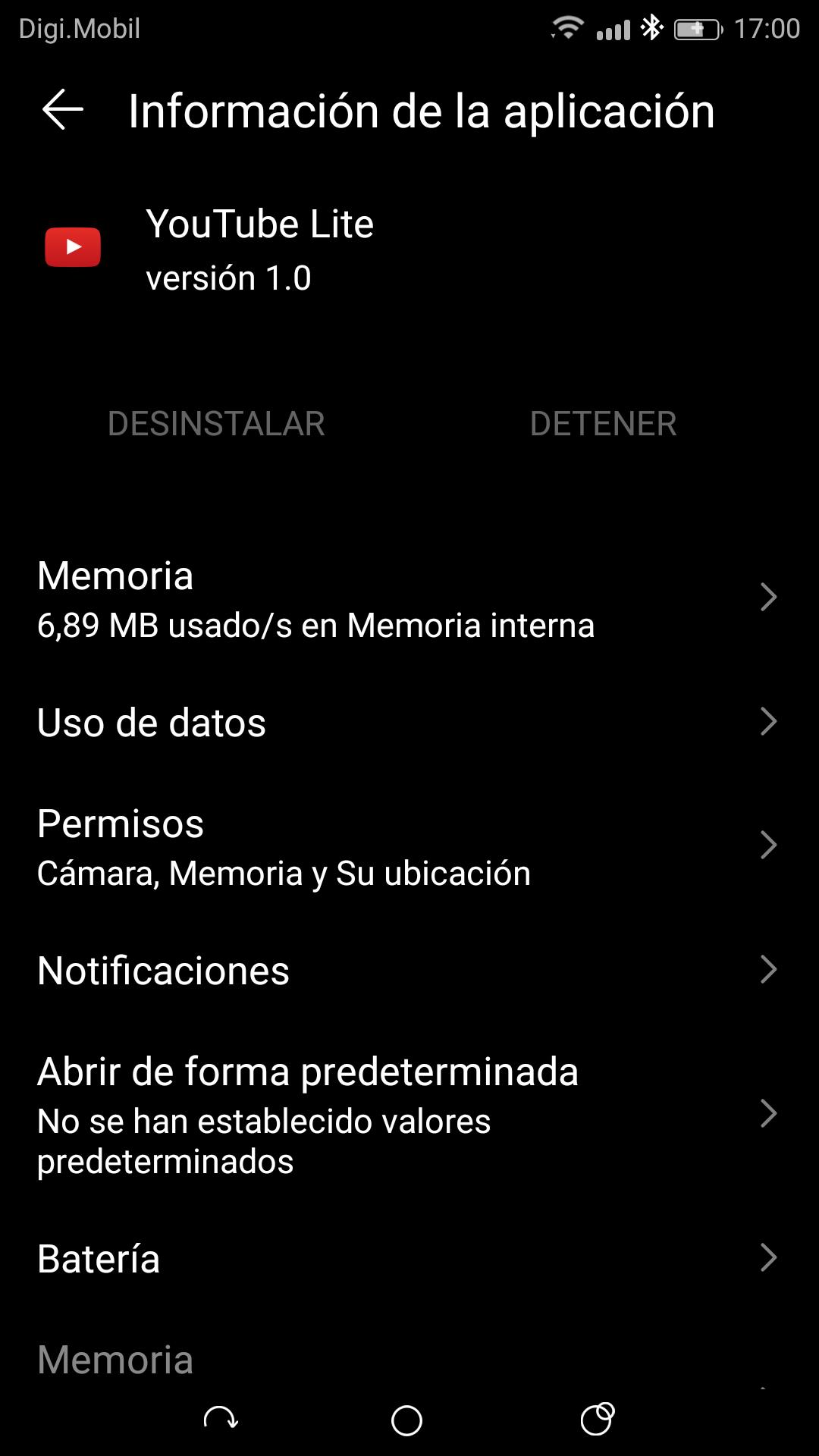
Ultra-light install around one megabyte, ideal for older or storage-limited phones.
Stable playback with lower data use on slow or capped mobile connections.
Familiar home, search, subscriptions, and notification bell for channel updates.
Automatic video quality tailored to network speed and device capabilities.
Important limitation: no video downloads, ad blocking, or background playback.
Storage space is often the first barrier to watching videos on older devices. YouTube Lite keeps its footprint small so users can install it quickly and still have room for photos, chats, and other essentials. The app is optimized for Android 5.0 and above, and it runs smoothly on low-RAM phones that struggle with heavier apps.
Keeping only the essentials helps performance. Features that tend to use more resources, such as offline downloads and background playback, are not included. The result is a lightweight viewer that opens fast, uses fewer system resources, and feels responsive even when multitasking is limited.
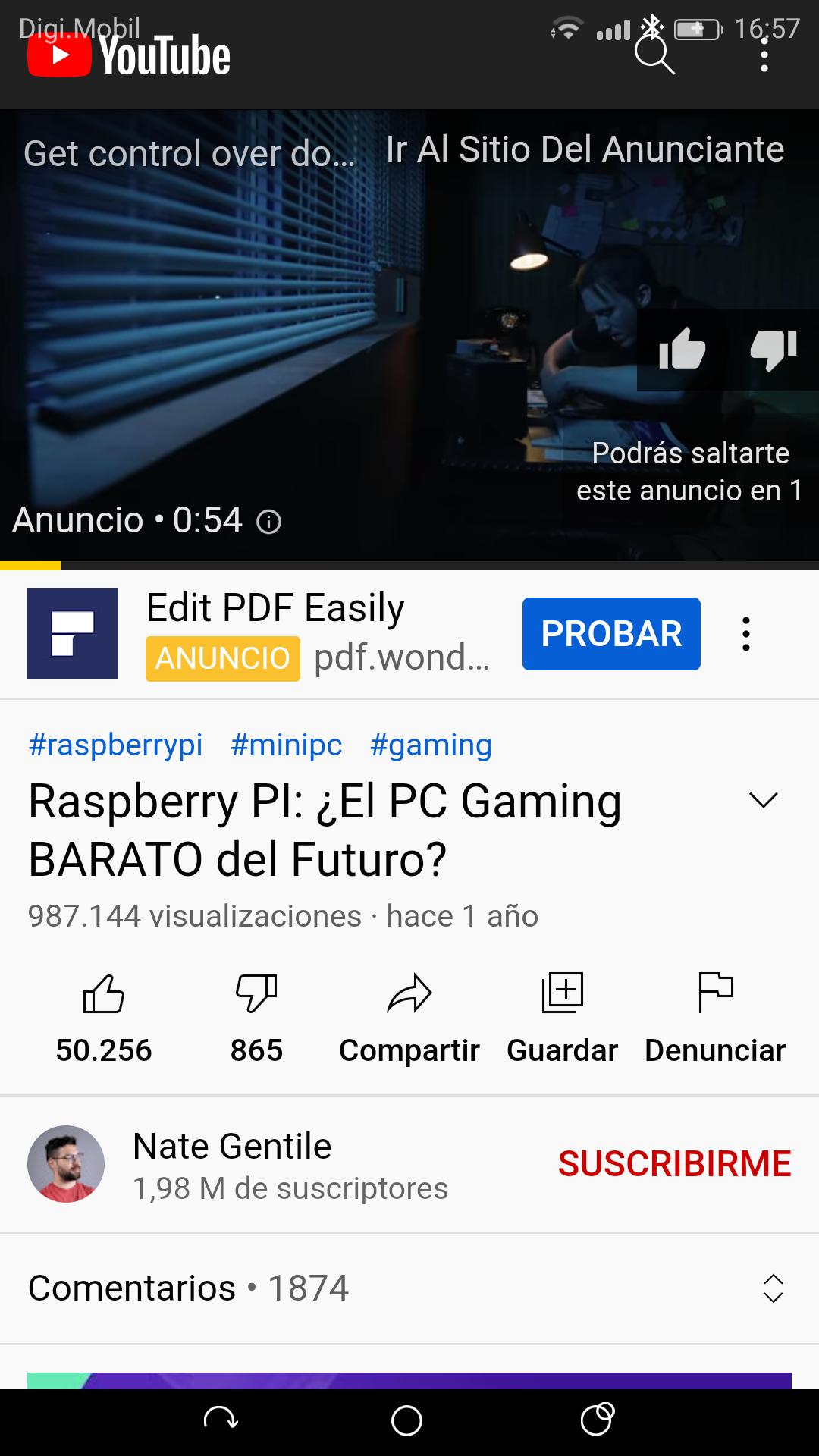
Switching over feels natural because the layout mirrors the standard experience. The home feed surfaces recommended videos, search helps you find channels and clips quickly, and channel pages make it easy to subscribe to creators you follow. Tapping the bell icon enables alerts so you can get notified when new uploads go live.
The design favors consistency and ease of recognition for users who already know the platform. It focuses on the core routine of finding and playing videos without clutter from advanced extras. This balance suits viewers who want straightforward browsing and watching without additional tools.
Video quality adjusts automatically to match your connection. When the signal dips, the app lowers the resolution to maintain smooth playback. Once the network improves, it raises the quality back up. This approach helps reduce stalls and lowers data consumption on limited plans, which is especially useful during commutes or in areas with patchy coverage.
In practice, this means fewer interruptions and more consistent viewing. A clip might play at 360p on a crowded network and then jump to higher quality on fast Wi-Fi. If picture clarity is a priority for a specific video, you can override the automatic setting and choose a higher resolution.
When precision matters, a gear icon in the player makes adjustments quickly. You can change video quality from SD to higher options that your device and network can handle. Speed controls are also available for slowing down tutorials or speeding through long discussions. YouTube Lite presents these essentials in a simple panel that is easy to access while watching.
Available quality levels depend on both the uploaded video and your device’s capabilities. Pushing the resolution up uses more data and may cause buffering on slow connections, so it helps to balance picture quality with stability. Background audio and download options are intentionally excluded, keeping the focus on live, on-screen playback.
These strengths and trade-offs come from a design that prioritizes storage savings and smooth streaming. YouTube Lite narrows its feature set to remain fast on low-end hardware and slow connections.
Pros
Extremely small install size saves valuable storage space.
Smooth playback on slow or unstable mobile networks.
Familiar interface with search, subscriptions, and alerts.
Automatic and manual quality controls for data savings.
Cons
Unofficial app; features and availability may change.
No video downloads or background playback support.
No built-in ad-blocking features.
You can download YouTube Lite latest version APK from APKPure. The file is small, so the download usually completes in seconds, even on modest connections. APK size may vary depending on the version, and installation time is typically short on most Android devices.
During installation, Android may show standard prompts before proceeding. After setup, open the app and start watching a few favorite channels to see how the adaptive quality performs on your network. If the connection is spotty, try lowering the resolution using the gear icon for smoother playback.
Ready to save space and watch more with fewer hiccups? Head to APKPure to download YouTube Lite and keep an eye on future updates for performance improvements and refinements.


One-click to install XAPK/APK files on Android!

Thanks for your rating and feedback!
You have already rated.





