Package Name:com.coddy.zmotion
Show More

200+ animated templates, real keyframe editing, and instant video export.
# Z-Motion — Motion Graphics & Animation
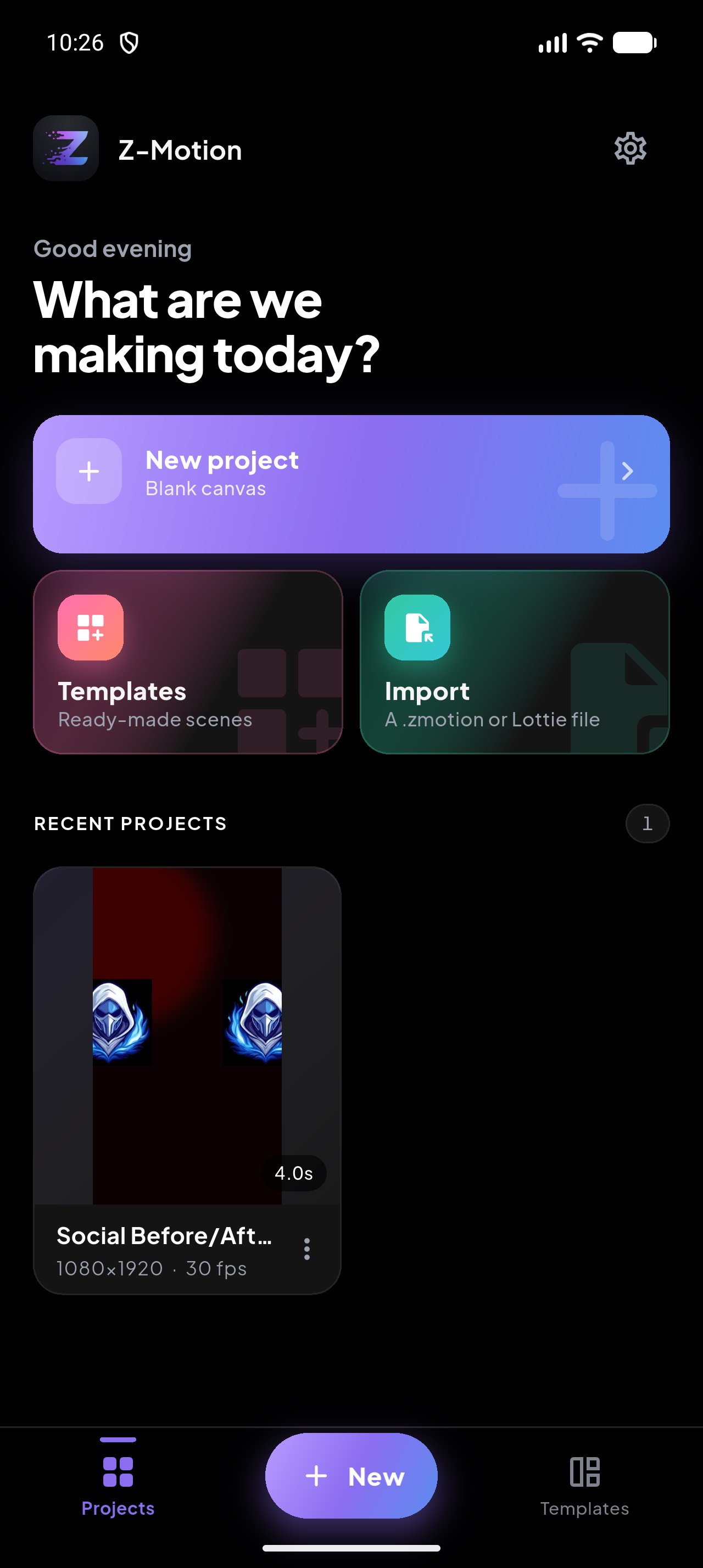
Bring your designs to life with Z-Motion, a powerful motion graphics and animation editor built for creators.
Create animated logos, YouTube intros, gaming graphics, animated text, social media content, visual effects and more — directly from your phone or tablet.
## 🎬 CREATE STUNNING ANIMATIONS
Turn your ideas into motion with powerful animation tools:
• Keyframe animation
• Position, scale, rotation & opacity
• Custom motion paths
• Smooth easing & Bezier curves
• Animation presets
• Text animations
• Shape animations
• Logo animations
• Image animations
• Mask animations
• Motion blur
• Particle effects
• Glow, blur, shadow & distortion effects
## ▶️ YOUTUBE INTRO MAKER
Create professional YouTube intros in minutes.
Choose from ready-to-edit templates for:
• Gaming channels
• Tech channels
• Vlog channels
• Music channels
• Creator channels
• Business channels
• Cinematic channels
• Esports channels
Customize your logo, channel name, colors, text, effects and animation timing.
## 🎮 GAMING & ESPORTS
Create powerful gaming graphics including:
• Gamer tag intros
• Gaming logo reveals
• Victory animations
• Level-up animations
• Rank-up animations
• Glitch intros
• RGB effects
• Cyberpunk animations
• Energy effects
• Gaming stream intros
## ✨ MOTION GRAPHICS
Create professional animated graphics using:
• Shapes
• Text
• Images
• Logos
• Icons
• Particles
• Light effects
• Geometric elements
• Custom graphics
Animate individual layers and combine multiple elements into one composition.
## 🔤 ANIMATED TEXT
Make your text move.
Choose from:
• Typewriter
• Fade
• Zoom
• Bounce
• Slide
• Spin
• Glitch
• Wave
• Pop
• Mask reveal
• Character-by-character animation
Customize fonts, colors, spacing, shadows, outlines and more.
## 🎨 POWERFUL TIMELINE
Work with a multi-layer animation timeline.
• Add unlimited creative layers*
• Reorder layers
• Duplicate layers
• Group layers
• Lock layers
• Hide layers
• Trim animation
• Split layers
• Copy & paste animation
• Control timing precisely
## 🔑 KEYFRAME ANIMATION
Take full control of your animations.
Add keyframes to:
• Position
• Scale
• Rotation
• Opacity
• Effects
• Colors
• Blur
• Glow
• Transform properties
Use smooth easing and custom curves to create professional movement.
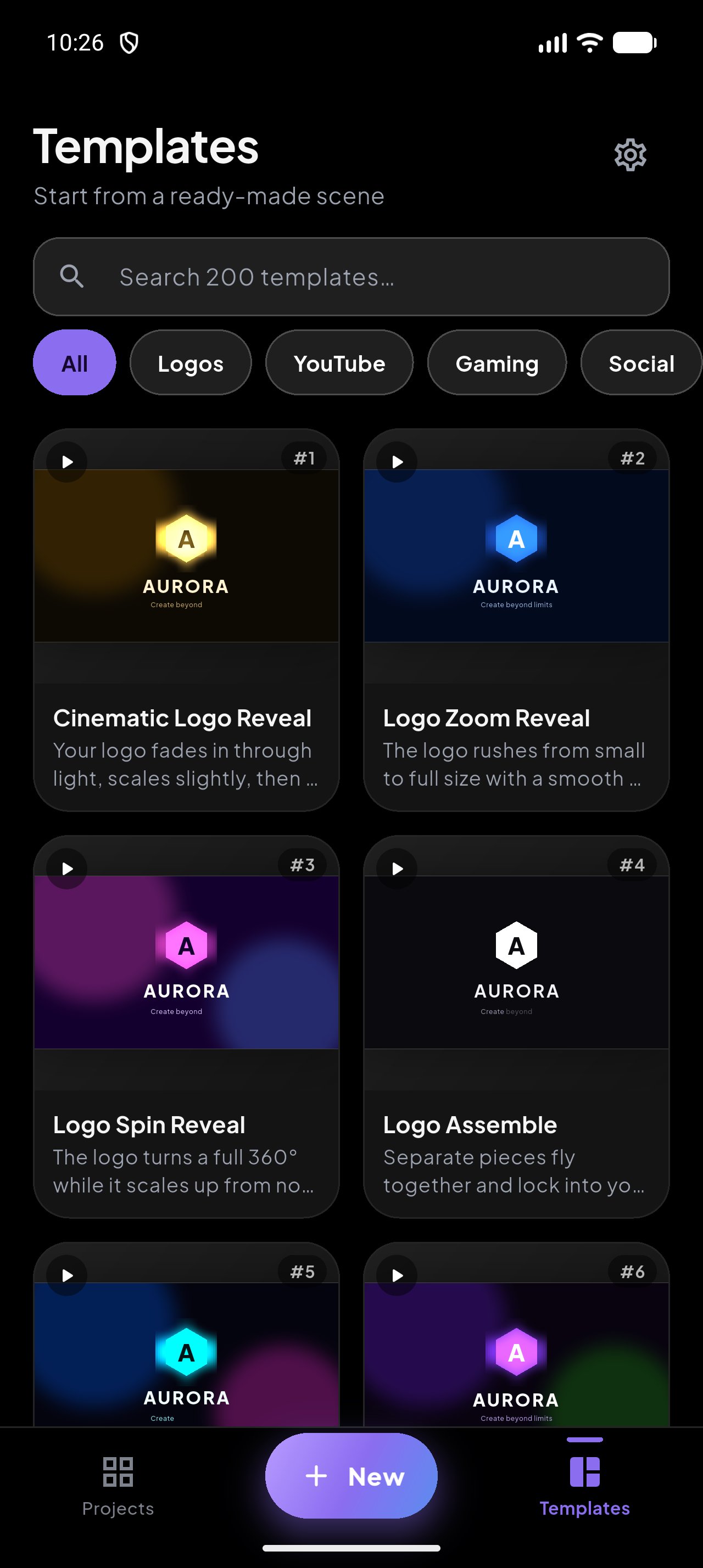
## 🎞️ READY-TO-USE TEMPLATES
Start quickly with professionally designed templates for:
• YouTube intros
• Logo reveals
• Gaming
• Social media
• Business
• Music
• Text animations
• Motion graphics
• Advertisements
• Lower thirds
Every template can be customized and edited.
## 🎵 MUSIC & SOUND EFFECTS
Bring your animation to life with audio.
• Add music
• Add sound effects
• Trim audio
• Adjust volume
• Fade in/out
• Sync animations with beats
• Add audio markers
## 📐 CREATE FOR ANY PLATFORM
Choose from popular canvas sizes:
• YouTube
• YouTube Shorts
• TikTok
• Instagram Reels
• Instagram Stories
• Social Media
• 16:9
• 9:16
• 1:1
• Custom sizes
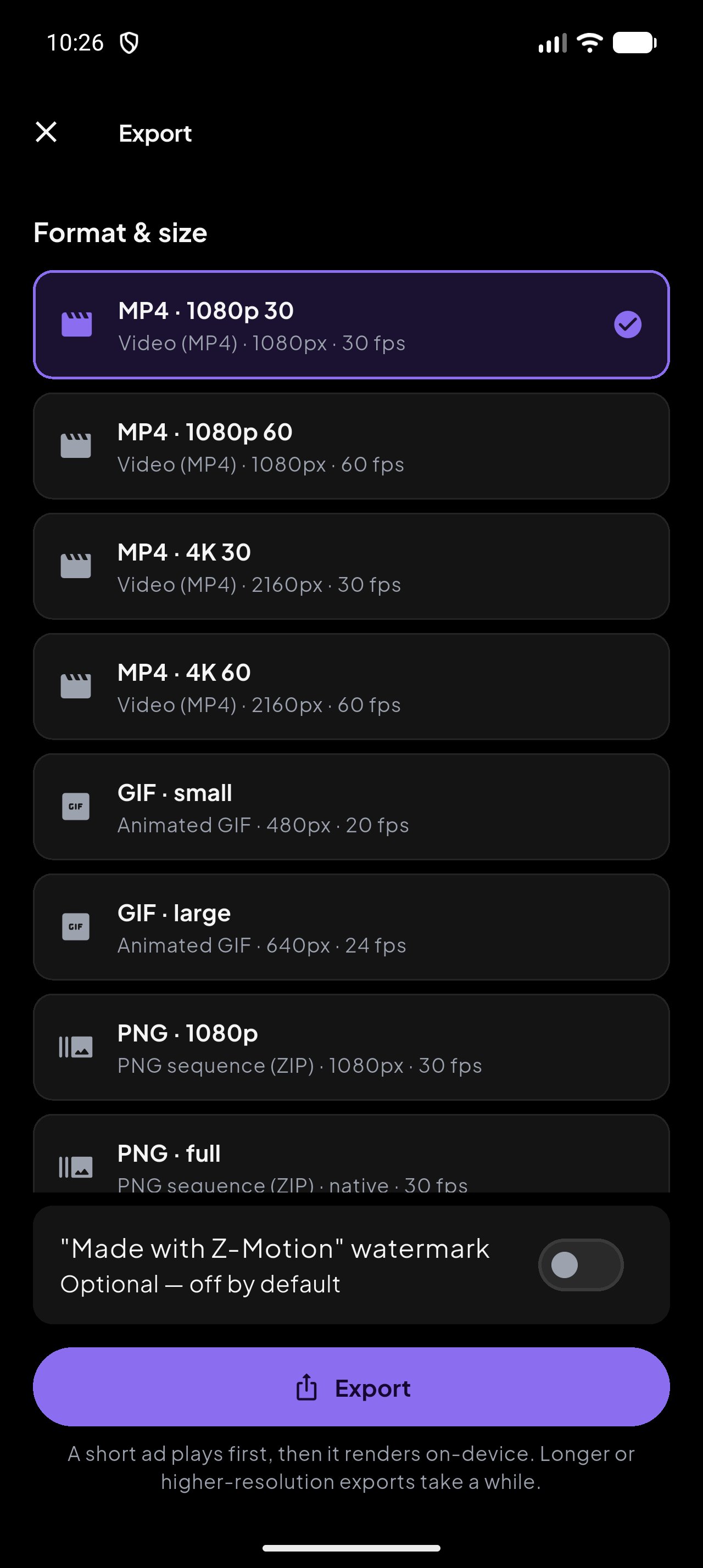
## 🚀 EXPORT YOUR CREATIONS
Export your animations for sharing and publishing.
• 1080p
• 1440p
• 4K
• 24 FPS
• 30 FPS
• 60 FPS
• MP4
• GIF*
Create once and share anywhere.
## 🔥 BUILT FOR CREATORS
Whether you're creating a YouTube intro, gaming identity, animated logo, social media video or professional motion graphic, Z-Motion gives you the tools to turn static designs into motion.
**Design it. Animate it. Make it move.**
Z-Motion is part of the Z-Series creative ecosystem, working alongside Z-Logo, Z-Design, Z-Foto, Z-Cut and AI Creator Studio.
*Some features, templates, effects, export options or limits may require Z-Motion Pro.


One-click to install XAPK/APK files on Android!

Thanks for your rating and feedback!
You have already rated.