Scan Date:Oct 27, 2026
Show More


8.9
515 Reviews
116.9 MB
File Size
Teen
Android OS
Zedge™ Wallpapers & Ringtones is a phone personalization app for wallpapers and sounds.
Developed by Zedge, it offers millions of free HD/4K visuals and tones. The huge catalog and quick setup stand out. Below are the key highlights.
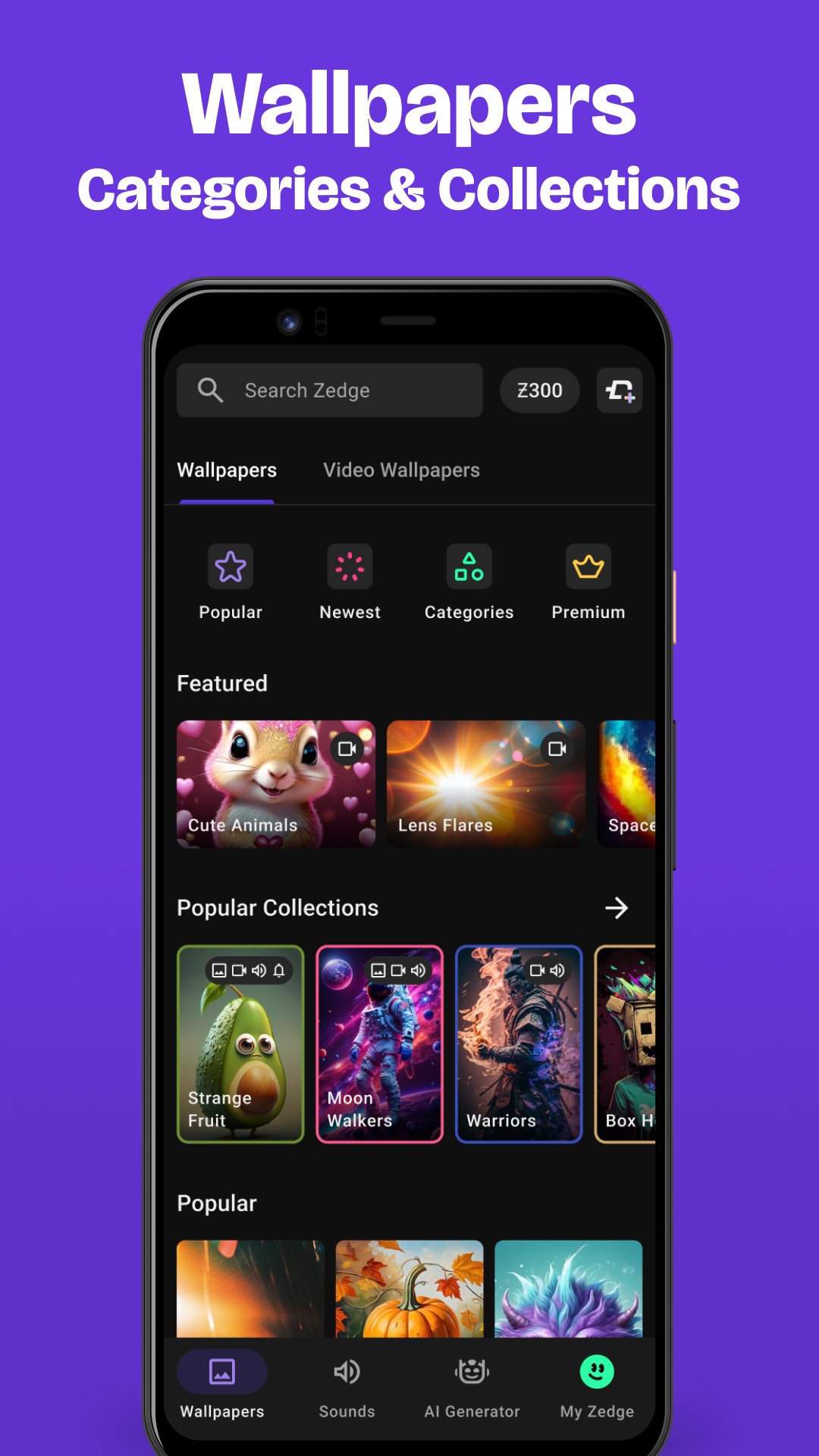
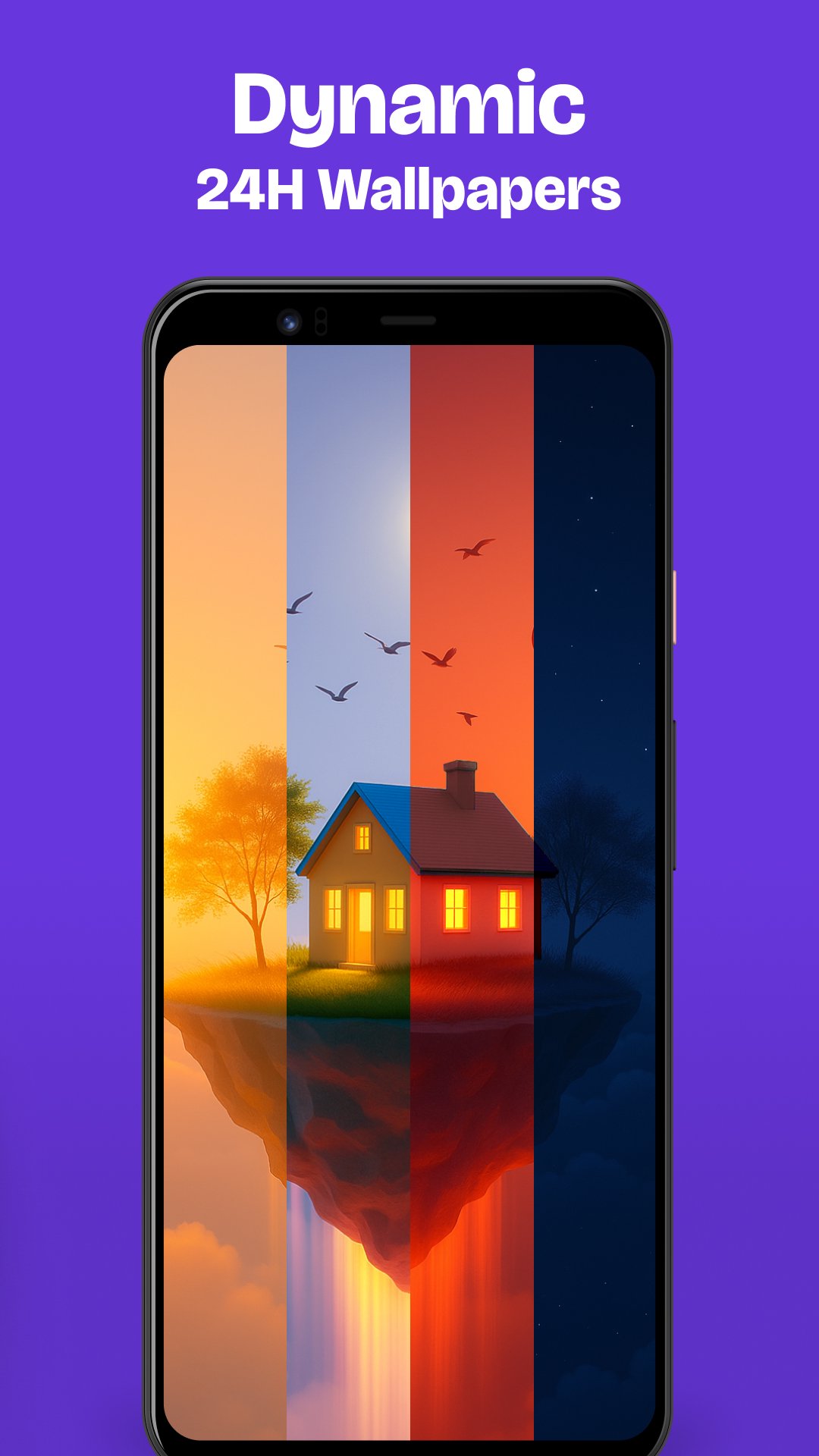
Wallpapers and live/video backgrounds form the core. In the Zedge™ Wallpapers & Ringtones app, you browse featured collections or categories, preview HD/4K images, and apply them to the Home or Lock screen in seconds. Live and video wallpapers are designed to play once when you turn on the screen, so they feel dynamic without draining battery. If a chosen image needs adjustments, built-in cropping helps it fit neatly. When you want a calmer look, switch to a static wallpaper and keep movement off.
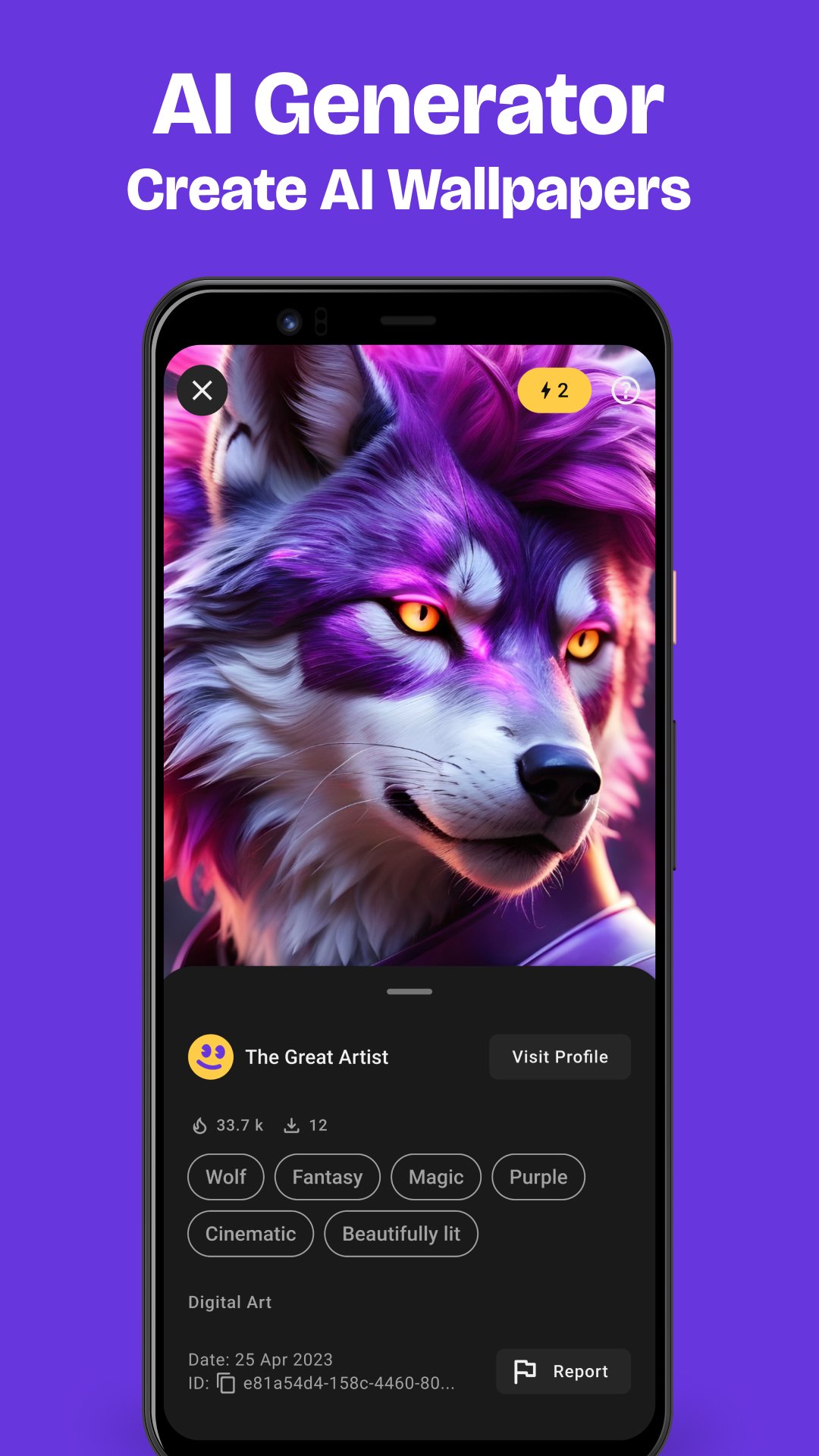
AI Wallpaper Maker turns plain ideas into custom wallpapers. The Zedge™ Wallpapers & Ringtones app invites you to describe a scene, style, or mood, then it generates options you can Set or Save. Results depend on your prompt, so short tweaks like adding color, subject focus, or aspect preference usually improve the output. When inspiration runs thin, the community gallery showcases what others created, making it easy to discover styles and iterate on them.
Parallax adds a subtle sense of depth that moves with your screen. In the Zedge™ Wallpapers & Ringtones app, you enable the Parallax toggle on a wallpaper’s detail page to see the subject shift as the phone tilts. It works best on images with clear foreground and background separation, giving icons and widgets a feeling of space. Not every picture suits Parallax; if it looks busy or odd, pick a simpler image and turn the effect off again.
Sound personalization is straightforward. The Zedge™ Wallpapers & Ringtones app lets you browse Featured or Categories, search with the magnifying glass, preview tones, and set them as default ringtone, contact-specific tone, notification sound, or alarm in a few taps. Favoriting keeps your picks handy. Some premium artist content requires credits or watching ads, so plan for occasional prompts if you prefer top-tier tracks. When needed, set quieter options for work and louder ones for busy environments.
Finishing touches help visuals feel truly yours. Within the Zedge™ Wallpapers & Ringtones app, filters and stickers add style before you Set a wallpaper to the Home or Lock screen. Rotate backgrounds lets you cycle through chosen images at intervals, which keeps the phone fresh without manual changes. If you use rotation, select a small set of images you like to avoid constant switching. For a consistent feel, match wallpaper colors with your theme and icons.
Real-world use shows clear advantages and a few trade-offs. The Zedge™ Wallpapers & Ringtones app focuses on variety and fast setup, while ads and some locked items can interrupt momentum.
ProsYou can download the latest Zedge™ Wallpapers & Ringtones APK from APKPure. Download time varies with your connection, and APK size may change between versions, so ensure sufficient storage before starting. During installation, your device may show standard Android prompts.
After installation, open Zedge™ Wallpapers & Ringtones and explore wallpapers, live backgrounds, and tones. Start by setting a screen and a ringtone, then try AI Wallpaper Maker or Parallax. If the download pauses, check network stability and retry. For smooth use, keep a stable connection when browsing live/video content and premium artist collections.



One-click to install XAPK/APK files on Android!

Thanks for your rating and feedback!
You have already rated.