Package Name:com.totp.twofactor.authenticator
Show More


119.5 MB
File Size
Everyone
Android 7.0+
Android OS
2FA Authenticator & Password Manager - Protect all your accounts in one place
Free Authenticator for All Accounts
Protect all your online accounts
Easily manage your verification codes and passwords in one place, 2FA Authenticator and a Password Manager in one secure app.
Two-Factor Authentication (2FA)
- Generate and manage time-based one-time passwords (TOTP / OTP) for any service that supports 2FA, such as Google, Facebook, Microsoft, Instagram, Dropbox, or any other account.
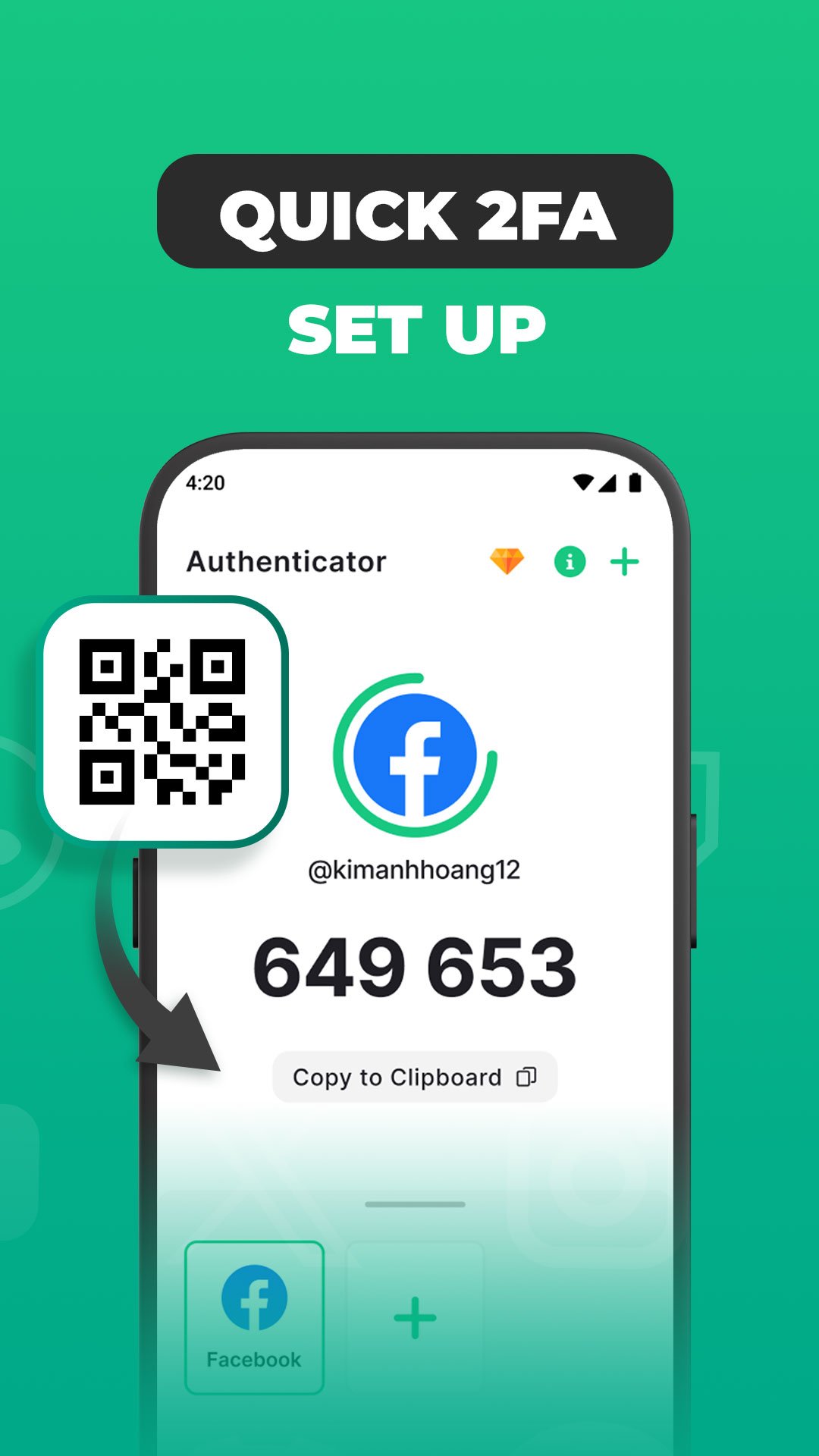
- You can add accounts by scanning a QR code or entering a secret key manually
- All generated codes are stored locally and work even without an internet connection
Password Manager
- Keep all your passwords safe in one secure vault with strong encryption, your data stays private and protected from unauthorized access
- Easily add, edit, and organize your passwords, notes, and login details
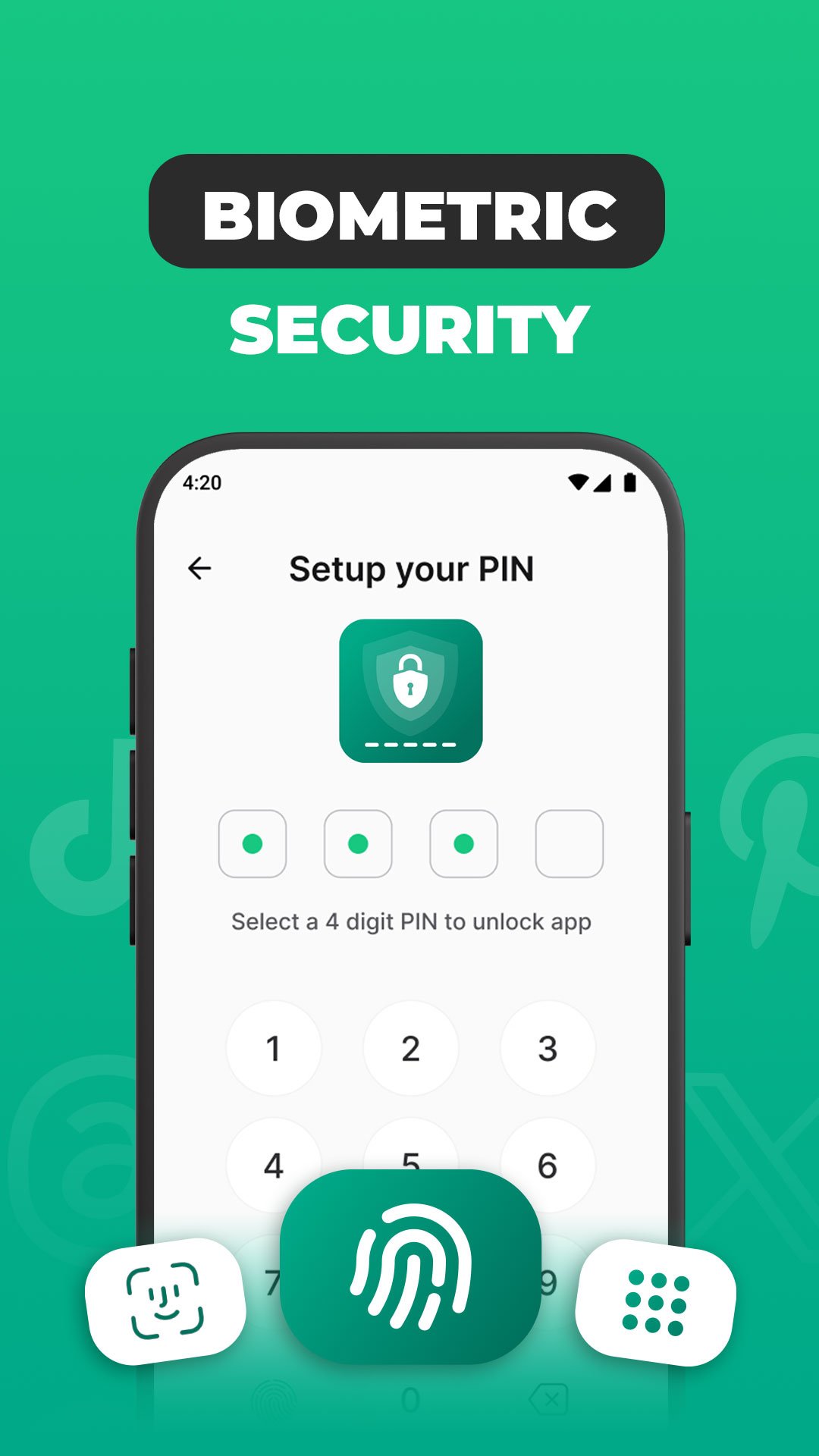
- Access them anytime with a single master password or fingerprint authentication
Key Features of Authenticator
- Supports Any Account: Works with Google, Facebook, Microsoft, Instagram, Dropbox, and all services that use 2FA or OTP codes
- Offline 2FA Codes: Generate and use one-time passwords (TOTP) even without an internet connection.
- Secure Password Vault : Store and organize all your passwords safely with encryption
- Backup & Restore: Easily back up your authentication data and restore it on a new device
- Easy Setup: Quickly add new accounts by scanning a QR code or entering a setup key manually.
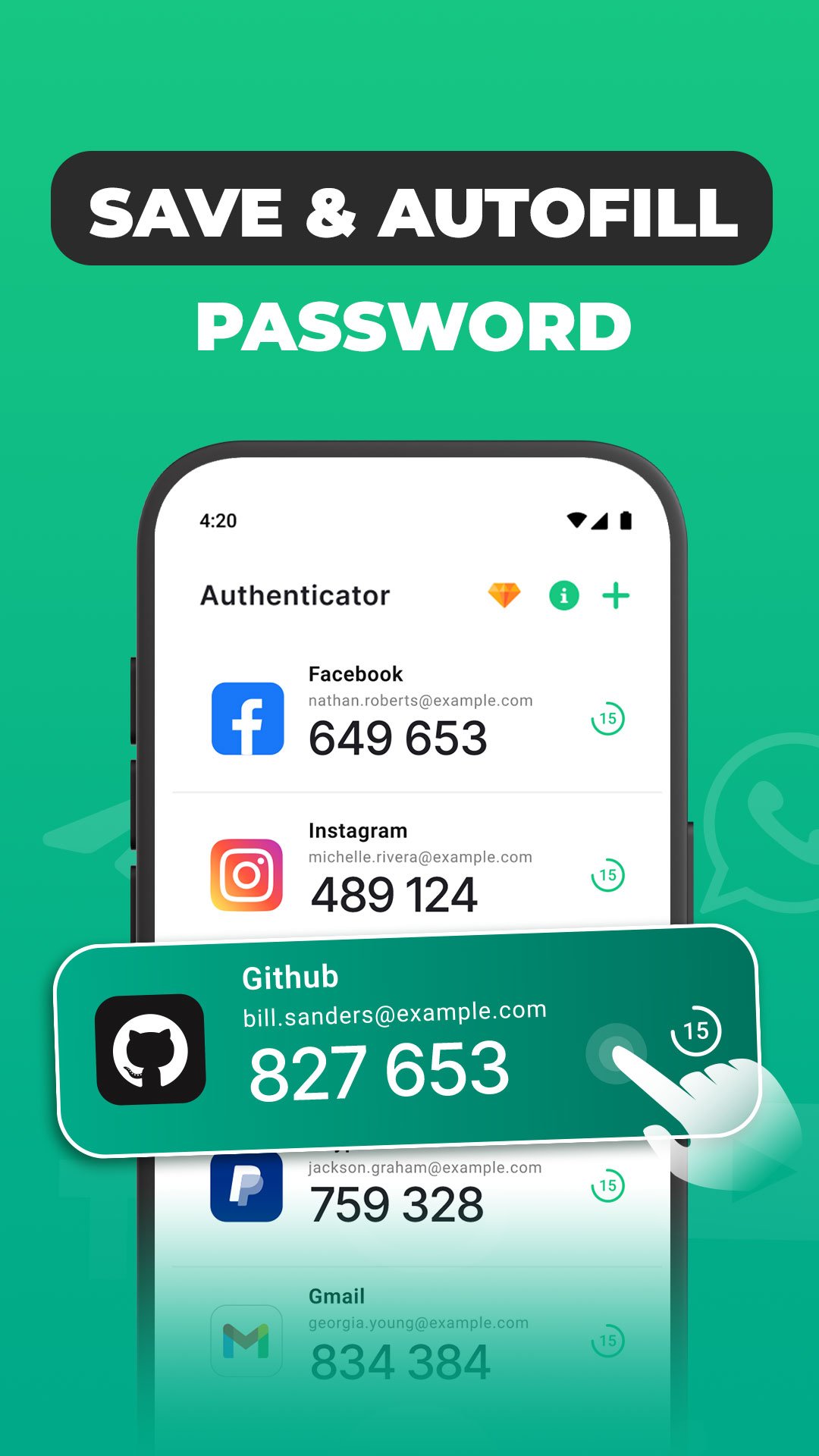
- Autofill Support: Automatically fill in usernames and passwords for each app or website with one tap
What is 2FA & TOTP?
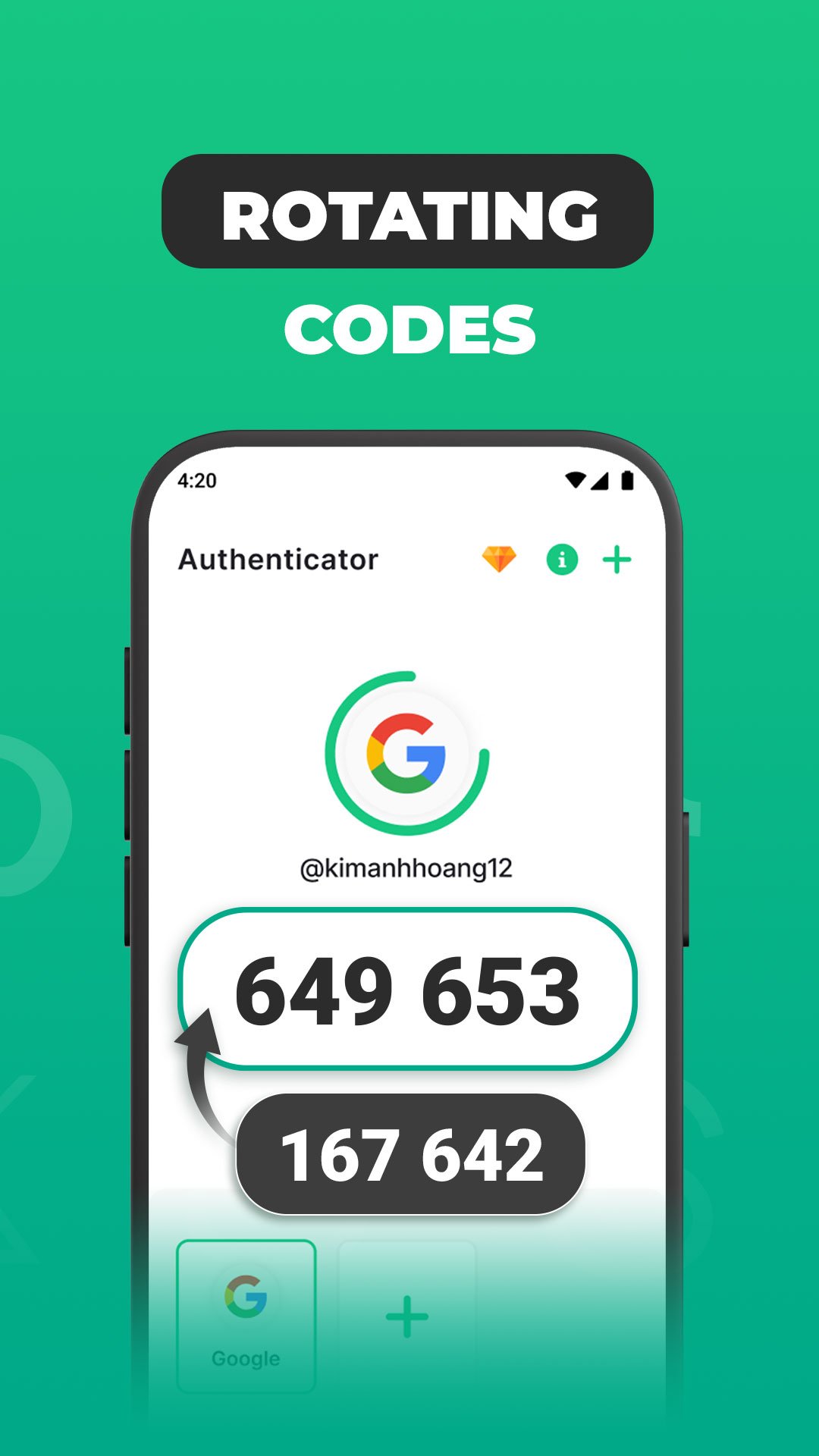
- Two-Factor Authentication (2FA) adds an extra layer of protection to your online accounts. Instead of relying only on a password, 2FA requires a verification code that changes every few seconds.
- These codes are generated using the Time-Based One-Time Password (TOTP) standard – the same method used by Google Authenticator, Microsoft Authenticator and other secure apps
How to Enable 2FA on your online account
1. Open the website or app of the service you want to secure (e.g., Google, Facebook, Instagram, Microsoft, etc.).
2. Go to Security Settings or Account Settings.
3. Find and select the option Two-Factor Authentication (2FA) or Login Verification.
4. Choose the Authenticator App method when prompted.
5. A QR code or secret key will appear on your screen
Add the account to Authenticator
1. Open Authenticator for All Accounts on your device.
2. Tap Add Account (+).
3. Choose one of the following options:
- Scan QR Code: Point your camera at the QR code displayed on the service’s website.
- Enter Setup Key: Manually type or paste the secret key.
4. The app will automatically generate a 6-digit verification code (OTP/TOTP) for that account.
5. Go back to the website or app and enter the code to complete the 2FA setup.
6. Once confirmed, your account is now protected with two-factor authentication.
Thank you for using our Authenticator.
For any support or feedback, please contact us at [email protected]




One-click to install XAPK/APK files on Android!

Thanks for your rating and feedback!
You have already rated.