Scan Date:Aug 6, 2026
Show More

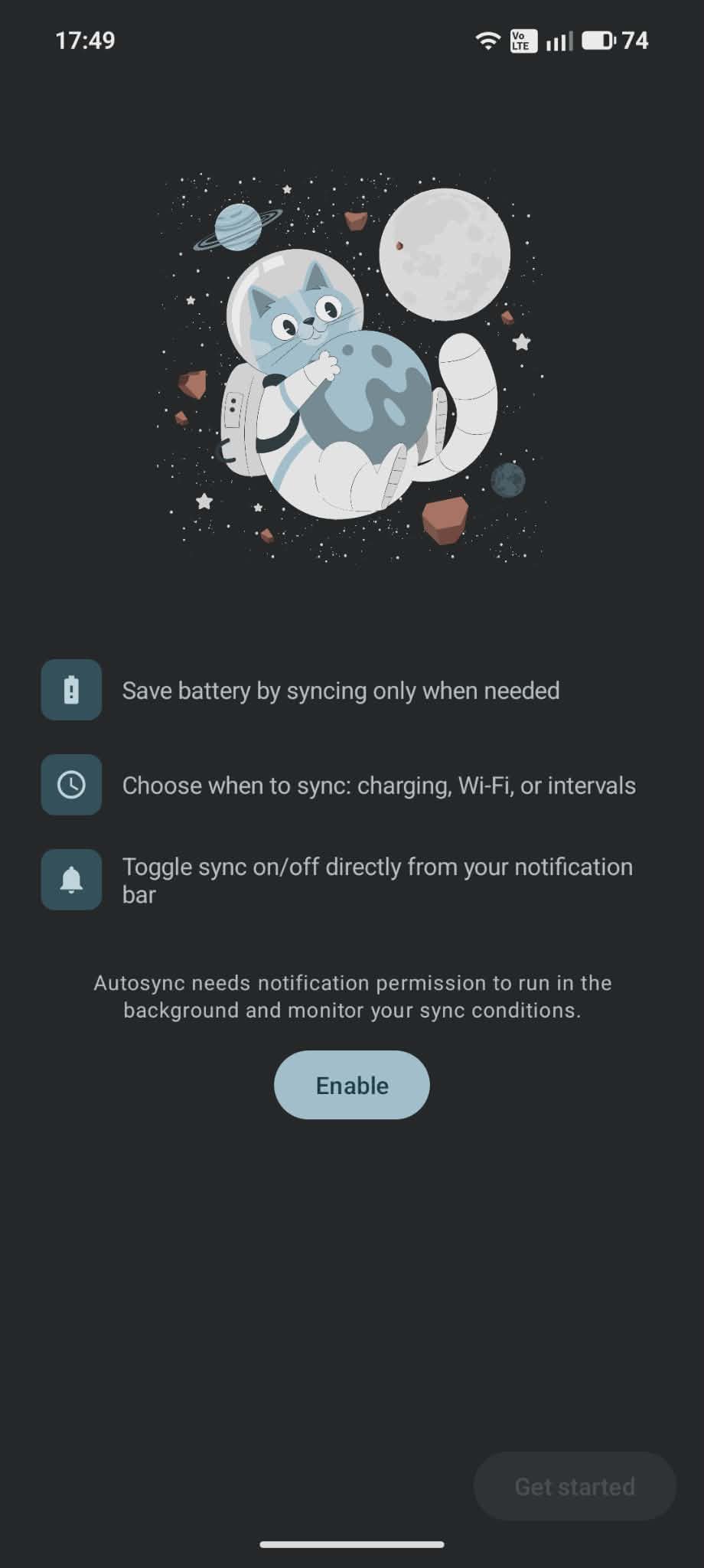
Save battery by syncing only when charging, on Wi-Fi, or on a schedule you set.
Autosync stops background sync from draining your battery. Choose when your phone syncs: while charging, on Wi-Fi, or on a schedule you set. 🔋
✅ PERFECT FOR:
🪫 Stretching battery life on older phones
📶 Saving mobile data
📧 Checking email and calendars on a schedule
🌙 Syncing everything overnight while you charge
🎛️ Anyone who wants to decide when apps sync
⚡ PICK A SYNC MODE
Sync only while charging, only on Wi-Fi, or only when both are true.
⏰ SYNC ON A SCHEDULE
Sync anywhere from every 5 minutes to once a day, and choose how long sync stays on each time, from 3 minutes to 2 hours. Limit scheduled syncs to Wi-Fi or charging if you like.
🏠 ALWAYS SYNCED AT HOME
Turn on "Always sync on Wi-Fi" to stay synced on Wi-Fi and use the schedule only on mobile data.
📲 CONTROL FROM YOUR NOTIFICATION
See your sync status at a glance, and turn sync on or off right from the notification bar.
🔋 WORKS WITH BATTERY SAVER
Sync pauses while battery saver is on. Want to keep syncing anyway? Change it in Settings.
⚙️ HOW IT WORKS
Autosync switches Android's auto-sync setting on and off for you. It's the same switch you'll find in Settings > Accounts. While it's off, apps don't sync in the background. When your conditions are met, Autosync turns it back on so your apps can catch up.
🌍 16 LANGUAGES
Available in English, Arabic, Chinese (Simplified & Traditional), French, German, Hindi, Indonesian, Italian, Japanese, Korean, Portuguese, Russian, Spanish, Turkish and Vietnamese.
Save battery and stay synced with Autosync. 🔋



One-click to install XAPK/APK files on Android!

Thanks for your rating and feedback!
You have already rated.