Package Name:co.blocksite
Show More

8.4
13 Reviews
43.4 MB
File Size
Everyone
Android 7.1+
Android OS
BlockSite is a productivity and screen time manager that blocks distracting apps and websites.
Developed by BlockSite, this app focuses on building healthier digital habits with flexible blocking, schedules, and a Pomodoro-style Focus Mode. When you download BlockSite, you get simple tools to curb distractions without overcomplicating your routine. Below are the main highlights that help users stay focused day to day.
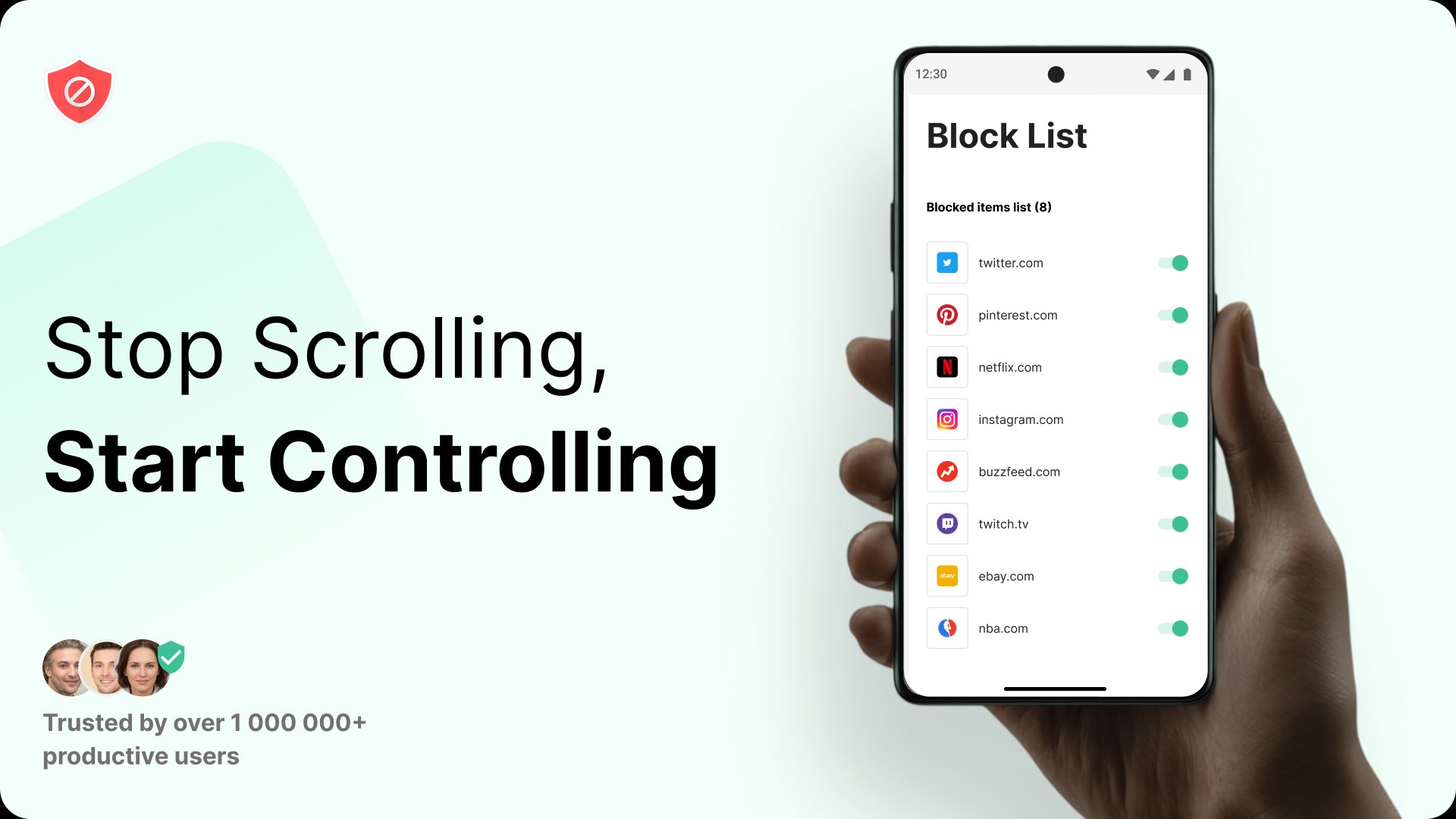
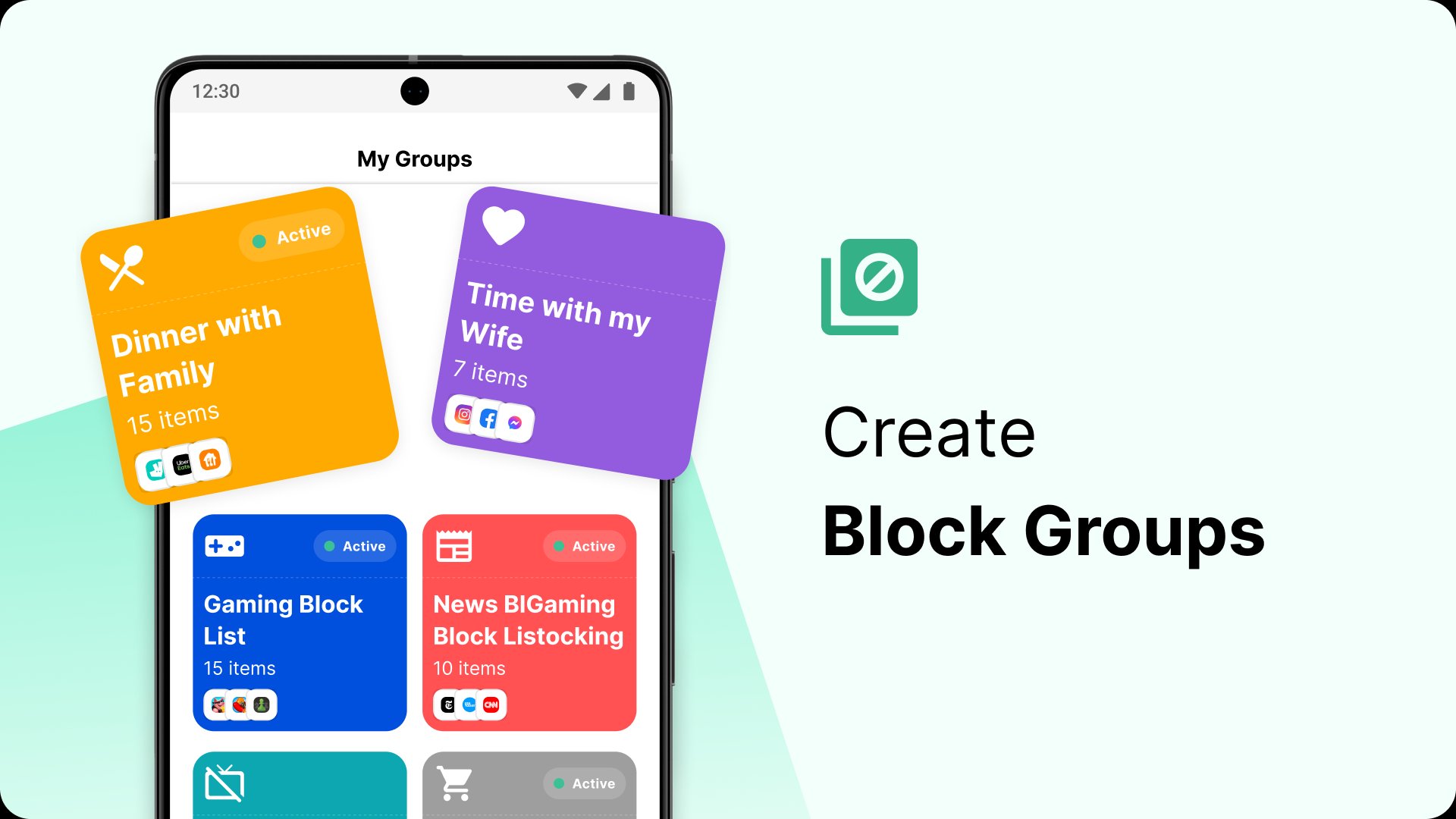
Create block lists for apps and sites, plus daily per‑app time limits
Schedule blocking by hours and days to match work, school, or rest
Start Focus Mode sessions to cut interruptions during timed work intervals
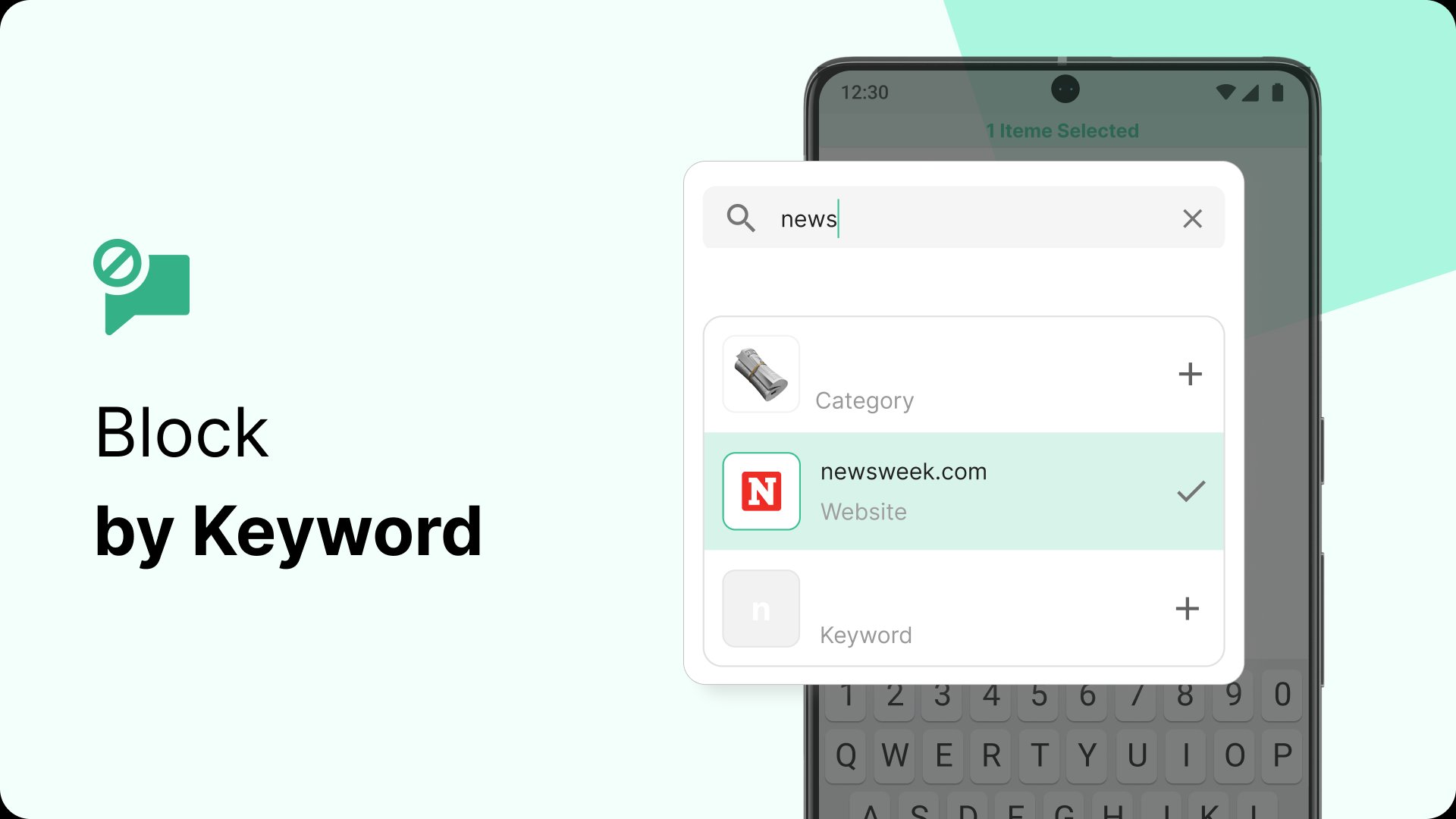
Block by URL keywords or entire categories for broader control [Premium]
View usage insights and sync rules across devices for consistent habits
BlockSite lets you build personalized block lists for websites and Android apps, then cap daily usage with per‑app time limits. This setup helps cut habitual checks on social, streaming, or games without removing them entirely. In practice, users often start by listing their top three time sinks and adding short daily limits to curb reflex scrolling.
On the free plan, only up to five apps can be included, which works well for tackling the biggest offenders. Heavy users who juggle many apps can rotate entries based on current priorities or consider upgrading. Pairing limits with a short wind‑down before bed is a practical way to reduce late‑night screen time.
Schedule Mode blocks or allows chosen apps and sites during specific hours and days. It fits common routines like work hours, study blocks, or evening downtime and keeps rules running automatically. Many users set weekday daytime blocks for social media, then relax restrictions on weekends or during lunch breaks.
If a week includes irregular hours or travel, creating separate time windows for each scenario avoids gaps. Overlapping schedules can cause unexpected results; it helps to test the first day and confirm block behavior matches your plan. Keeping schedules simple at first reduces friction and makes adjustments easier.
Focus Mode starts timed work sessions with short breaks so you can concentrate in manageable bursts. During the session, distractions are silenced until the timer ends, which reduces the pull to check notifications. Students often run back‑to‑back sessions for revision, while remote workers use a session or two to clear morning email.
In BlockSite, a short break in between keeps energy steady without derailing momentum. If a task runs long, it is common to finish the current interval and extend later rather than pausing mid‑flow. The timer’s clear structure makes it easy to commit to “just one session” and build consistency over time.
Premium users of BlockSite app can block whole categories like adult, social, shopping, news, sports, and gambling, or block any URL containing chosen keywords. Category toggles are efficient when you do not want to hunt down every new site in a niche, while keyword rules catch lookalike domains and subpages.
Premium also adds Redirect Mode and custom block pages that steer you toward productive destinations such as a calendar or notes app when a blocked item is opened. If staying on the free plan, manual lists cover key sites effectively, and adding a few broad keywords helps fill gaps.
Usage insights show where time goes across top apps and sites, with trends that make it easier to spot habits. Device Sync keeps the same rules across phones and tablets so you do not lose progress when switching screens during the day.
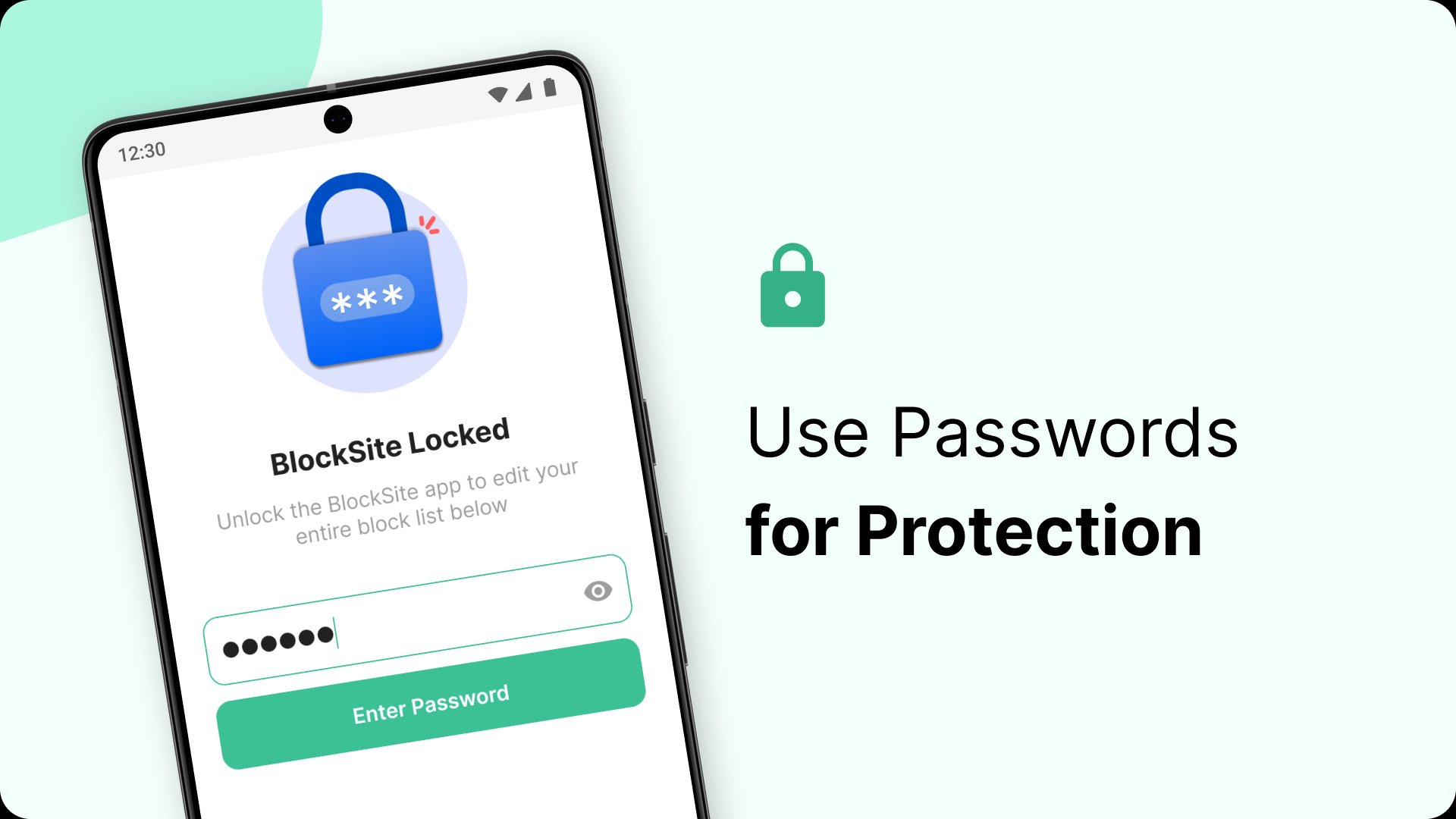
Premium accountability tools include password protection and uninstall prevention to reduce impulsive changes. Enabling these features may require granting Accessibility and usage access so the app can enforce blocking and measure time spent. Users concerned about strictness can start with insights only, then layer in stronger controls as needed.
Practical design and flexible controls make staying focused easier, while premium options deepen control where needed. In many daily routines, BlockSite balances quick setup with enough power for long‑term habit change.
Pros
Clean setup with lists, schedules, and Focus Mode
Per‑app time limits support sustainable screen habits
Keyword and category blocking for broad coverage [Premium]
Insights and cross‑device sync keep progress consistent
Password and uninstall protection strengthen accountability
Cons
Several advanced features require a Premium plan
Needs Accessibility and usage access permissions
Free plan limits blocking to five Android apps
You can download BlockSite APK latest version on APKPure in a lightweight package, typically around 40MB. On a stable Wi‑Fi connection, the download usually completes in under a minute, while mobile data may take a bit longer. After installation, the first launch may request Accessibility and usage access so the app can measure activity and enforce blocks.
If you are updating to the BlockSite latest version, keep a little extra storage available so the device can process the install smoothly. Granting battery and background permissions helps prevent the system from pausing blocking in the middle of a session. Once everything is set, try a short Focus Mode session and a weekday schedule to see how it fits your day.



One-click to install XAPK/APK files on Android!

Thanks for your rating and feedback!
You have already rated.