















On October 27, 2026, the Clash Royale team published three posts on the same day. Two of them cover Merge Tactics Season 11: the November troop pool and modifier rotation, plus a balance patch that went live that morning. The third announces the King vs King season starting November 2, which has nothing to do with the merge mode.
So the split is clean. If you play Merge Tactics, October 27 is the day your rules changed. If you play ladder, nothing moved.
This Clash Royale update runs on monthly cycles inside Season 11. Every month brings a new troop pool and a fresh modifier set per league, and November is the latest of those cycles. Season 11 itself doesn't reset, so Starsteel carries over and the reward track stays unlocked.
The patch is mostly about tempo. Elixir is back to 5 per round, cheap troops get twice as many copies in the shared pool, the Boss trait loses most of its bonus health, and the Tomb Queen summons faster. The November balance changes touch four Rulers, four troops, two traits and one piece of equipment, and most of them are nerfs aimed at the units that ran away with October.
Quest Orbs: A Smaller Loot Table With Fewer Dead Rolls
Quest 1 and Quest 2 orbs changed. Quest 3 didn't.
- Quest 1: 3 elixir plus either one random equipment or one random two-star, 2-elixir troop.
- Quest 2: 6 elixir plus the same choice, with the troop at three stars and 3 elixir.
- Quest 3: +1 team size and one three-star troop at 4 or 5 elixir, exactly as before.
The Quest 1 equipment pool is the starter set: Maiden's Shield, Prince's Lance, Fisherman's Hook, Valkyrie's Axe, Lumberjack's Jar, Battle Healer's Blessing, P.E.K.K.A's Sword and Archer Queen's Cape. Quest 2 pulls from a wider list that includes Assassin Blade, Juggernaut Armor, Ranger Crossbow, Superstar Ring, Controller Enchantment, Dragon Scale, Mage Wand, Thrower Telescope, Undead Drum, Boss Mask, Rider Emblem, Legendary Axe and Legendary Shield.
One item left that list. The Legendary Lance is gone from Quest 2 orbs, and the team says it was crowding out everything else. Practically, that means a single rare roll stops swallowing half your attempts, and the other equipment in the pool shows up often enough to plan around.
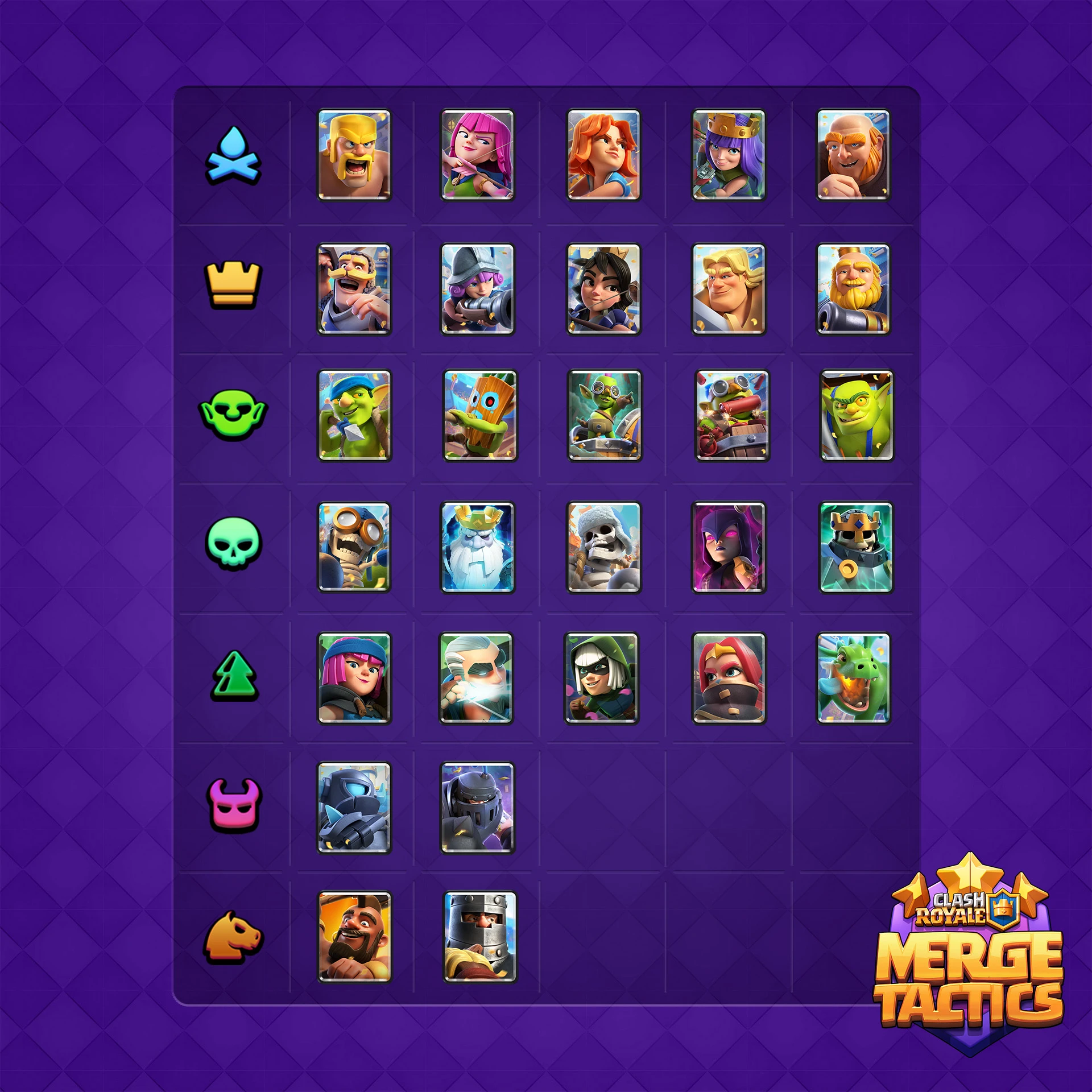
November Troop Pool: Boss Supers Out, Riders Back In
Two Boss-trait supers stepped out of the pool. Super Hog Rider and Super Dark Prince took their slots, which also brings the Rider trait back after a month away.
The reason is the opening. When the two most expensive units in the pool also hand bonus health to the whole team, the middle of a round gets decided before you finish your first merge. Riders play a different game. They add mobility and pressure without turning your squad into a wall.
For team building, that shifts priorities. Rider lines come together from round one or two, and squads that leaned on super troop health need another source of durability. The Rider Emblem gains value too, because the trait it feeds is on the board again.
There's a wrinkle worth noticing. Both returning supers arrived on the same day their damage got cut, so the pool change and the nerfs land together.
The November Modifier Rotation by League
Modifiers roll over every month, and this is the November grid.
| League | Modifiers |
|---|---|
| Bronze I | Merge Training, Trait Training |
| Bronze II | Trade Training, Equipment Training |
| Bronze III | Tile Training, Building Training |
| Silver I | Royale River, Ascension |
| Silver II | Merge Mini, Elixir Festival |
| Silver III | Clear Mind, Damage Tile |
| Silver IV | Orb Galore, Four Stars |
| Gold I | Battle Royale, Goblin's Treasure |
| Gold II | First Free, Jump Tile |
| Gold III | Promotion, Invisible Tile |
| Gold IV | Coaching, Echo Bench |
| Gold V | Wormhole Tile, You're Mine |
| Diamond | Trait Gift, Trait Dummy |
Bronze stays a tutorial. Every modifier down there explains a core system, whether that's merging, trading, tiles or buildings, so a new player isn't dropped into hard conditions on day one. Silver adds economy modifiers like Elixir Festival and Orb Galore. Gold and Diamond bring effect tiles and win conditions, including You're Mine, where killing a marked target pays out an orb.
Ruler Balance: Grand Warden, Tomb Queen, Battle Machine, Dagger Duchess
Grand Warden took the biggest hit. Star Shield chance dropped from 10% to 7%, while Lava, Rage and Slowdown shields each moved up from 30% to 31%. The shield break radius shrank from 3 hexes to 2.
Read that as a positioning tax. The strongest shield shows up less often and pops in a tighter zone, so parking the Warden in the middle of a crowd is a worse habit than it was last week. Zone shields are marginally more common, which rewards players who read the board instead of stacking one spot.
Tomb Queen now summons a skeleton every 3 seconds instead of every 4. That's a 25% cut to the wait, and the payoff isn't really the damage. It's the quest progress. The tombstone was stalling before it could matter, and now the objective closes more reliably.
Battle Machine lost on two fronts. Building health growth per star fell from 2% to 1.5%, and the X-Bow hit speed went from 0.3 to 0.5 seconds, a 67% slowdown. Late buildings stop being unkillable, and the X-Bow stops out-damaging every other building by a wide margin.
Dagger Duchess caught a small gift. Her quest window moved from 8 seconds to 9, a 13% bump. One extra second reads like nothing until you've missed that window by exactly one second in a fast squad.
Super Troops and Archer Queen: Four Damage Cuts
Super Dark Prince dropped from 100 damage to 75. The team's note is blunt: he was playing the main character instead of a team player.
Super Mega Knight lost half his damage, 100 down to 50. Knockback and stun already carry him, and adding full damage on top made him impossible to answer. Now he controls fights rather than deleting squads.
Super Mini P.E.K.K.A can hand out one pancake per round instead of several. The snowball was the problem. She was leveling multiple troops at once, and the team pulled that lever all the way out.
Archer Queen slowed from a 1.43-second hit to 1.67, which is 17% more time between shots. Her ability was firing too often for a backline support unit, so she keeps the role and loses the solo carry.
Boss Trait Gutted, Undead Trait Paid Out
Boss is the harshest change in the patch. Bonus HP fell from 25/50/100/300% to 15/30/80/200%. Fear range collapsed from 2/3/4/5 hexes to a single hex at every level. Fear duration went from a flat 3 seconds to 0.5/1/2/3.
That combination explains a lot of slow rounds last month. A squad got a huge health cushion and a fear effect that stopped opponents from playing abilities at all. Boss still works at close range. It just stops being the default answer to every matchup.
Undead moved the other way. Bonus HP and damage per defeated ally climbed from 1/2/4% to 1/3/5%. The low end is unchanged, and the top end is a quarter better, so a squad that trades badly early now converts those losses into a real spike.
Superstar Ring: One Trigger, No More Lottery
The Superstar Ring used to recast on a 50% chance, up to four times. That's gone. The ring now fires once, at combat start.
Planning gets easier. You know when the effect lands, so you can build your opening around it. Luck chasers lose the three-trigger chain that occasionally stole a hopeless round. In a mode where the first ten seconds decide most fights, a guaranteed opener is worth more than a coin flip.
Elixir Back to 5 and Twice the Copies in the Shared Pool
October cut elixir per round from 5 to 4 to reduce buying and selling during prep. Players told the team it made the early game too slow, and the team agreed. Elixir is back to 5.
The shared pool changed for a related reason. With supers in the same pool, two-star and three-star troops became harder to build, and 2-elixir and 3-elixir troops suffered most. Copies of those troops went from 4 to 8. Three and four stars on cheap units are now realistic targets instead of lucky ones.
Bug Fixes That Change Real Interactions
The patch also closed a handful of loops that broke otherwise readable plays.
- Goblin Cage no longer triggers Kidnap when a Mage Wand turns a troop into a rabbit, and two cages pulling each other no longer make assets vanish.
- Riders released from a Goblin Cage stop taking unintended damage.
- Dark Prince gets a fixed jump duration and no longer attacks dead enemies or holds a target after a cage pulls it.
- Knight taunt no longer cancels the Giant Skeleton bomb or the Goblin Demolisher explosion on death.
- Inferno Tower no longer heals while damaging an Elixir Collector.
- The You're Mine modifier now grants an orb when a Goblin Cage is destroyed.
Who Gains, Who Rebuilds, and What Stays the Same
If you play fast and lean on cheap troops, November is your month. More copies in the pool, five elixir per round, a cheaper Tomb Queen and a weakened Boss bonus all push rounds toward tempo.
Boss-stack players have the most work to do. Bonus health is down almost half at low levels and a third at the top, and fear covers one hex. That squad no longer wins on one lucky stack.
Grand Warden players should revisit placement before anything else. Fewer star shields and a smaller break radius punish the old habit of dropping him into a crowd.
Your trophy road Clash Royale decks don't need edits because of this post. No ladder balance patch shipped on October 27, so every card outside Merge Tactics plays exactly as it did before.
How to Download Clash Royale Latest Version for Android
Merge Tactics has no separate client. It lives inside Clash Royale, so the thing you update is the game itself. If the Play Store already offers a fresh build, open it and hit update. Everyone else can grab the Clash Royale APK and install it directly, which also lets you download Clash Royale for Android on a device without store access.
- Clear a couple of gigabytes on your phone. The game pulls extra assets the first time you launch it after an update.
- Download Clash Royale from APKPure, where the file date is visible on the listing.
- Allow installs from your chosen source if Android asks.
- Open the game, let the data download finish, and check that November modifiers show up in Merge Tactics.
- Check the developer name before you install anything. For this game it's Supercell.
A word on security. APKPure signs its files and checks builds, and you should still confirm the developer, review the permissions the game requests, and keep Play Protect on. Skipping that because an install felt quicker is a bad trade.

Clash Royale is a real time strategy game that combines card battles, tower defense, and online player versus player matches.
Is This Update Worth Installing Right Away
Install it today if you play Merge Tactics more than once a week. Pool and modifier changes run on the server, and an old client won't show the new quest orbs at all.
The patch fixes the three worst imbalances of October and hands fast squads a clear edge. Download Clash Royale APK from APKPure, then play a few rounds before the weekend crowd catches up on the new modifier grid. Early rounds against players still running October habits are free Starsteel.