Scan Date:Oct 26, 2026
Show More


8.2
2.8k Reviews
308.0 MB
File Size
Teen
Android 6.0+
Android OS
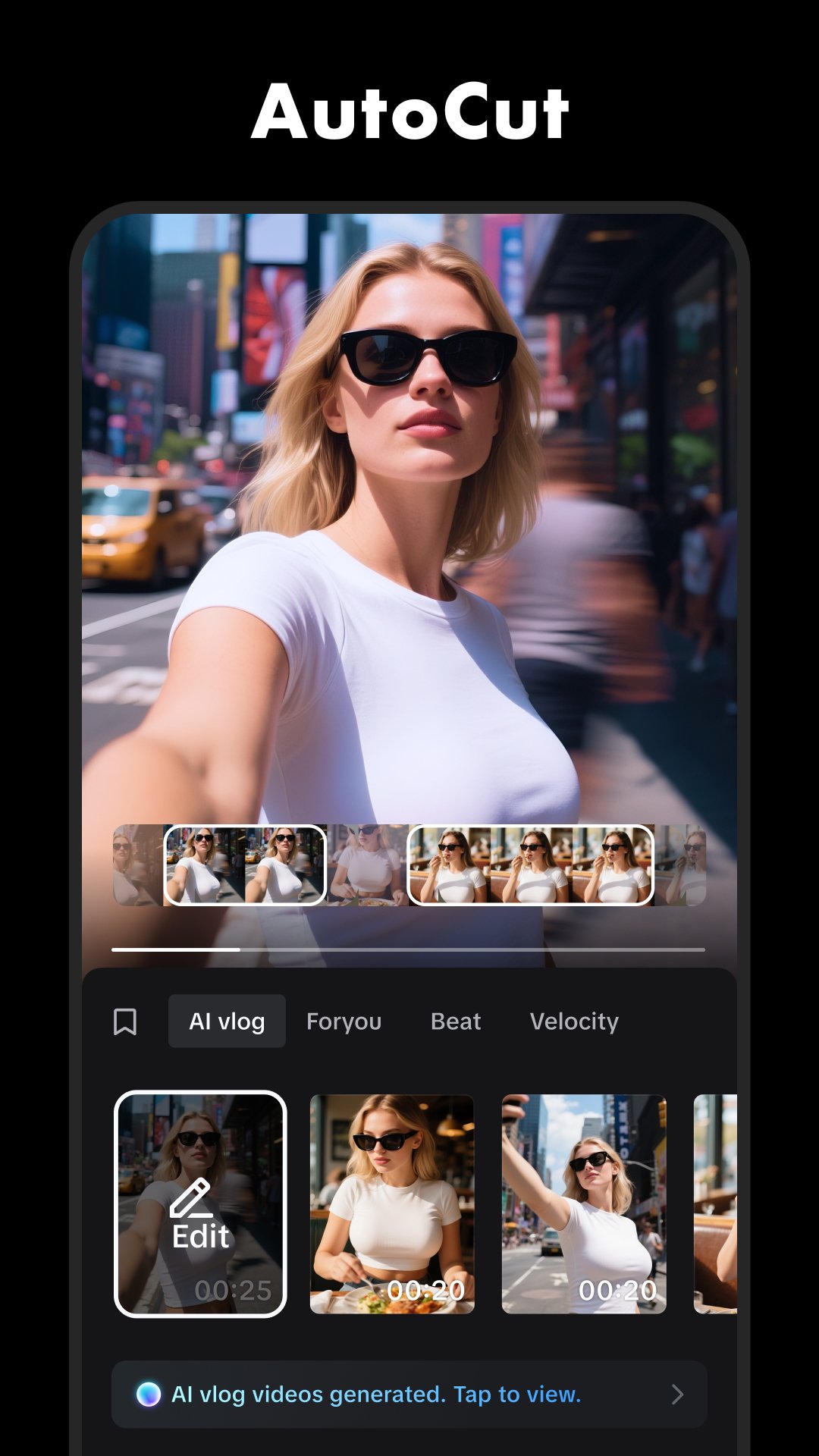
CapCut is an AI video editor for creating short videos, vlogs, and social posts.
Developed by Bytedance Pte. Ltd., CapCut stands out for putting quick trimming, captions, effects, and layered editing in one mobile workspace. It suits a simple photo montage as well as a multi-clip video prepared for TikTok, YouTube, Instagram, Facebook, or WhatsApp. Users looking to download CapCut can expect these everyday editing tools:
Multi-track timeline for clips, photos, overlays, and audio layers.
Auto captions, editable subtitles, transcript editing, and AI narration.
Speed curves, stabilization, keyframes, and slow-motion controls.
Background removal, chroma key, transitions, filters, and visual effects.
Flexible export settings, including 4K 60fps on supported devices.
CapCut uses a visual timeline that makes the basic structure of a video easy to understand. The preview stays above the tracks, while clips can be reordered, shortened, split, or removed below it. This works well for cleaning up a talking clip, arranging holiday photos to music, or combining several short recordings into one post.
A new project begins by importing videos or photos from the Edit tab. Dragging a clip’s end handles trims unwanted footage, while Split separates a clip at the playhead for more precise cuts. Overlays add B-roll, graphics, or another photo on a separate layer, so a reaction image or product detail can appear without replacing the main footage. The growing number of tools can feel crowded on a small screen, but selecting a clip keeps its relevant editing options in view.
CapCut can turn spoken audio into editable subtitles with Auto captions, helping creators make dialogue easier to follow when viewers watch without sound. Caption text can be corrected after transcription, while regular text tools support titles, styled labels, templates, and animations. Transcript-based editing also gives projects with longer spoken sections a more text-focused way to work.
For videos without recorded narration, AI text-to-speech can provide a voice track from written text. The Audio area also supports sound effects, music, extracted audio, direct recordings, volume changes, loudness adjustment, and background-noise reduction. These options are useful when a voice-over needs a clearer finish, although advanced caption choices and some AI functions may require CapCut Pro. Available AI tools can also vary by region.
CapCut offers more than basic cuts when a video needs movement or a stronger visual identity. Users can change speed from very slow playback to fast motion, build speed curves, add optical-flow slow motion, and use stabilization for shaky handheld clips. Keyframes help animate position or scale over time, which is practical for making a photo slowly zoom or keeping a graphic aligned with a moving scene.
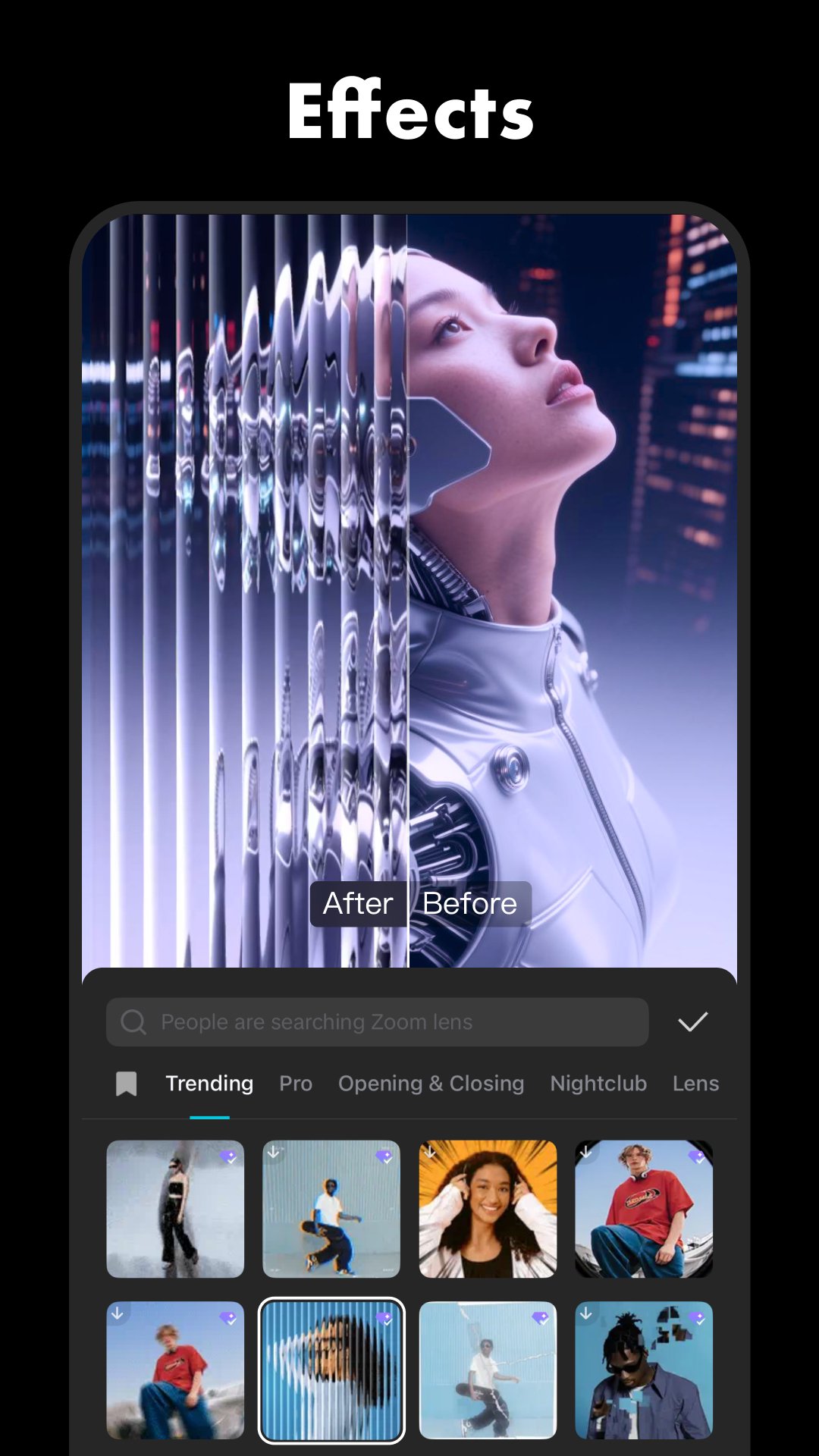
Cutout removes a video background, while chroma key is available for footage recorded against a solid-colored backdrop. Motion tracking can follow subjects, and filters, transitions, stickers, adjustments, and effects provide quick finishing touches. Transitions are added from the small control between clips, whereas effects can sit on their own layer and affect footage underneath. This difference matters when applying a look across several clips instead of changing each one separately.
CapCut helps match a project to the platform where it will be shared. The Ratio setting changes the canvas for vertical and horizontal video, and Canvas or Auto reframe may help adapt existing footage for another shape. Before export, resolution, frame rate, and quality can be adjusted to balance clarity with file size.
Supported devices can export up to 4K at 60fps and use Smart HDR, which is useful for detailed source footage but may not be necessary for a quick social upload. Built-in music can make a short edit feel complete, yet creators should check usage rights before publishing outside TikTok. Licensing rules may differ by track, so original audio or cleared music is the safer choice for commercial posts.
CapCut brings simple timeline editing and more detailed creative controls into the same workspace, which explains its broad appeal. The trade-off is that some assets and AI options sit behind Pro access or may change by region.
Pros
Easy clip trimming, splitting, and rearranging on a timeline.
Supports overlays, effects, captions, and audio in one project.
Useful AI tools reduce subtitle and background-editing work.
Advanced speed, keyframe, and stabilization controls are included.
High-resolution export options suit polished social video uploads.
Cons
Some AI tools, templates, and effects require Pro.
Features and assets can differ between countries or regions.
The interface may feel busy on smaller phone screens.
You can download CapCut APK from APKPure when you want the newest editing tools and updates. The download is around 300MB, so a stable Wi-Fi connection is preferable, especially when mobile data is limited. Installation and later project work also need extra free storage because imported videos, effects, cached assets, and exports can add up quickly.
After installation, start with a short New project and a few clips to get familiar with the timeline. Check available storage before exporting in high resolution, since 4K video files can become much larger than the original CapCut APK download.




One-click to install XAPK/APK files on Android!

Thanks for your rating and feedback!
You have already rated.