
Safe & Fast APK Downloads on APKPure
APKPure uses signature verification to ensure virus-free Citron APK downloads for you.

A Switch emulator for Android born from Yuzu
Citron is a Nintendo Switch emulator for Android operating systems that, like many others, is based on the original code of Yuzu, one of the most popular emulators for this console. One of the great advantages of this emulator is that it is written in C++, so it is very easy to port to other operating systems, such as Windows or Mac. In keeping with tradition, it is completely free and open source.
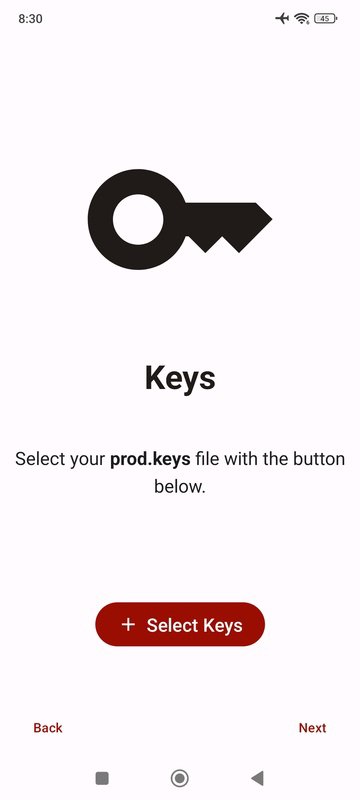
A very easy-to-configure emulatorBefore you can play any Nintendo Switch game on your Android device, it is very important you take a look at the Installation and Setup guide that can be found directly on the official Citron website. You can also watch any of the many video tutorials available on streaming video platforms or, if you prefer, join their Discord community. In any case, the most important thing is to download and install both the Decryption Keys and the latest version of the console firmware. Once you have done this, you'll be able to run any video game without issue. This process will only take you five minutes, and after completing it, you'll be able to start playing your favorite titles.
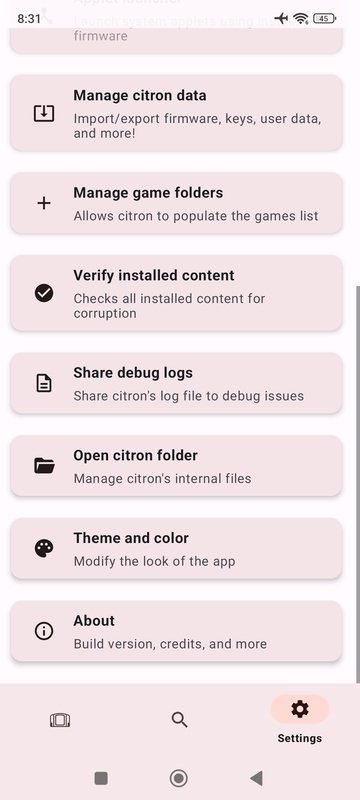
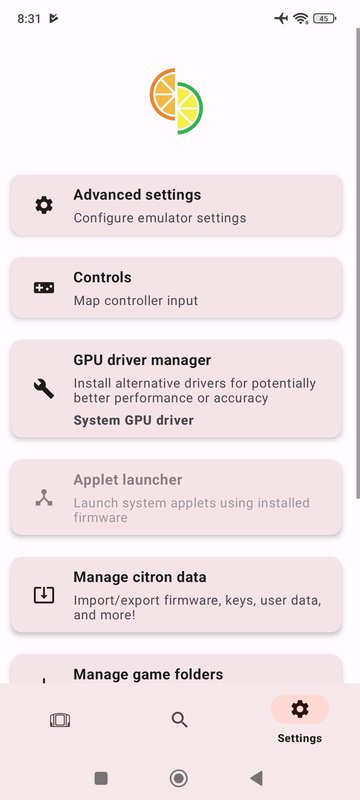
From the Citron Settings, you can adjust and customize the controls. By default, this emulator uses your Android device's touch screen, with virtual Pro controller buttons placed around the interface. But, if you prefer, you can change the control setup to suit your preferences, choosing between Dual Joycons, only the right Joycon, only the left Joycon, the portable console mode or the GameCube controller. It's up to you. The best option, as is usually the case, is to connect a Bluetooth controller to your Android device. This way, your experience will be very similar to using a real console.
A near-perfect compatibility listThe Citron compatibility list includes more than 1000 games. From the emulator's official website, you can take a look at the whole list of compatible games, which includes over 85% of the console's entire catalog. More than 60% of the games, including some of the most important titles, work perfectly, and many of the console's most iconic games can even be viewed at 60 FPS, with better resolution than on the console.
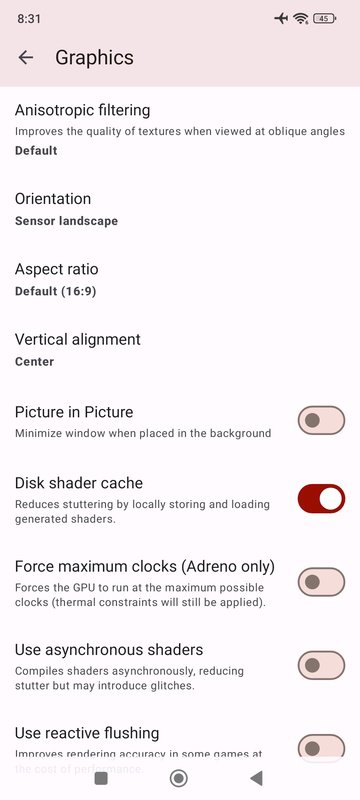
An outstanding Switch emulatorDownload the Citron APK if you want to enjoy a good emulator for Nintendo Switch that is able to run some of the best games from its catalog on Android. As usual with emulators in constant development, the compatibility list grows with each new update, so if a certain game that didn't work properly two weeks ago, may work perfectly in the next update. The same goes for the graphics options for the emulator: each new version will allow you to push the graphics of your games to the limit.




One-click to install XAPK/APK files on Android!

Thanks for your rating and feedback!
You have already rated.
