Package Name:id.cleancode.cleanter
Show More

9.1 MB
File Size
Everyone
Android 8.0+
Android OS
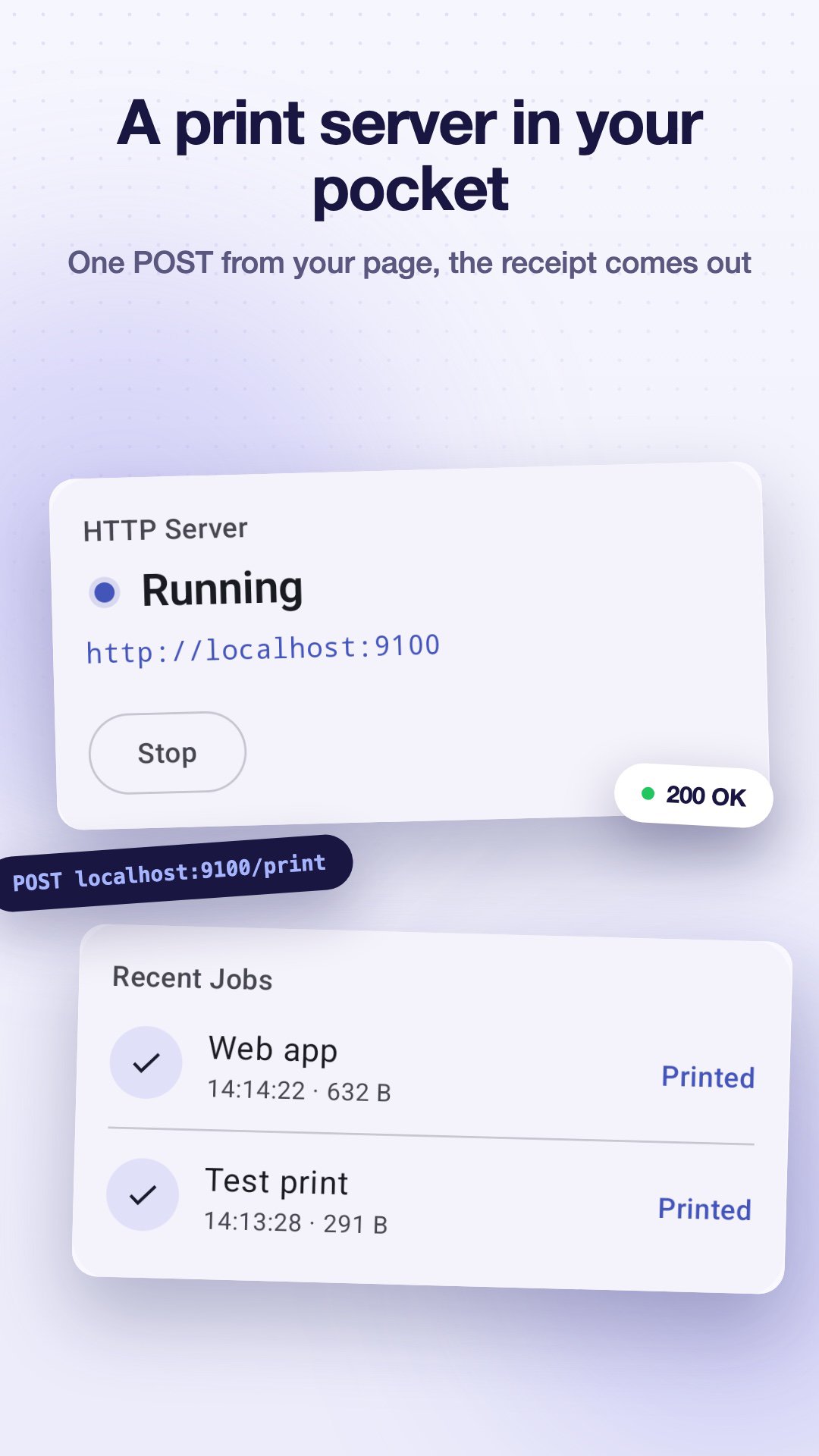
Print receipts from your web app to a Bluetooth thermal printer. Send JSON.
Print receipts straight from your web app to a Bluetooth thermal printer with one JSON call. No SDK, no drivers, no watermark.
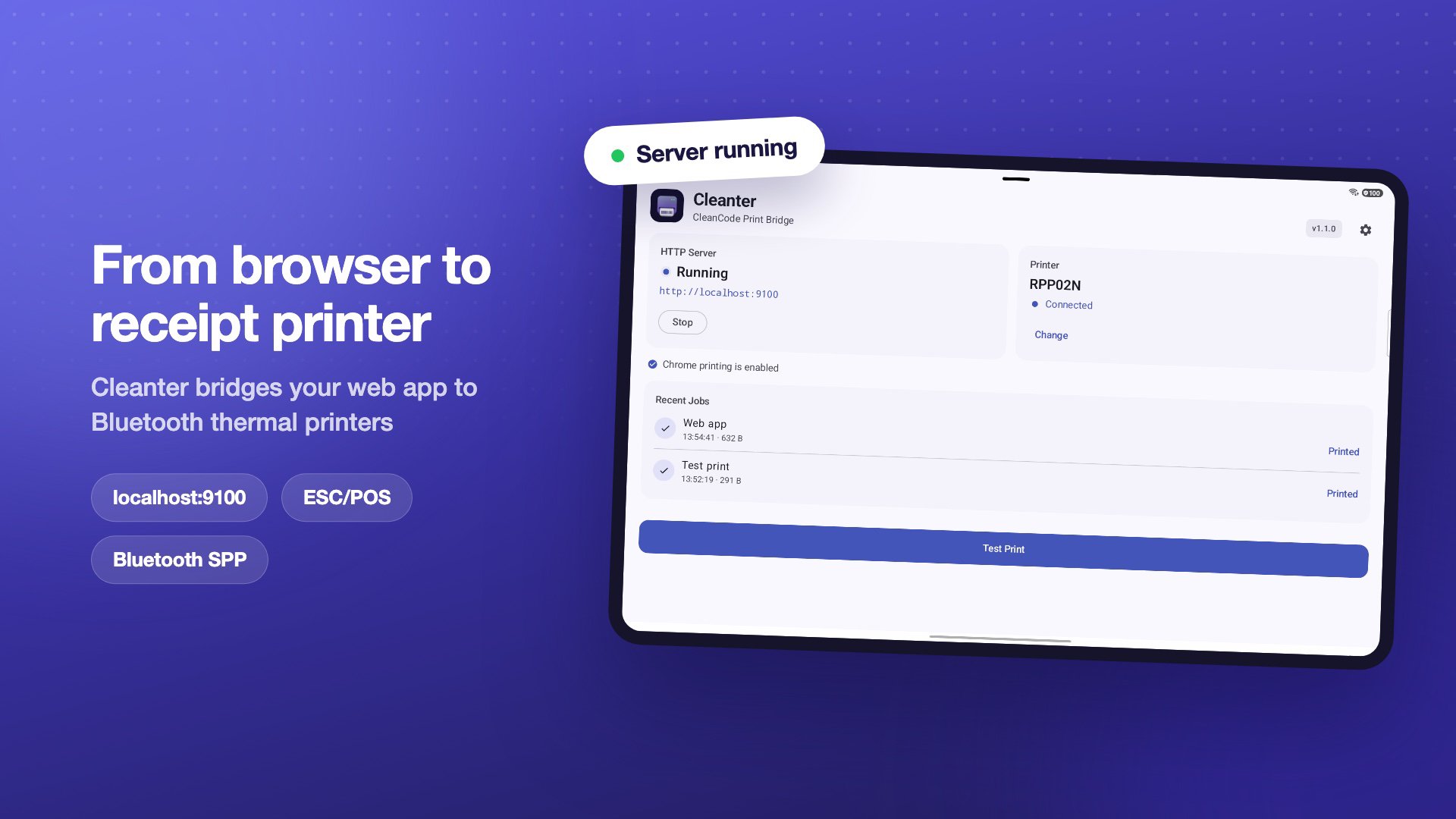
Cleanter runs on the same Android tablet as your point of sale, bridging the browser and your Bluetooth Classic (ESC/POS) receipt printer.
✅ Free, no watermark, no subscription
📶 Works offline, no Wi-Fi, no cloud
🔒 Fully private: no accounts, no analytics, no data collection
🧾 TRY IT FIRST (no install needed)
Build a receipt visually and watch it print, right in your browser:
cleanter.cleancode.id
HOW IT WORKS
1. Pair your Bluetooth thermal printer in Android settings
2. Open Cleanter, pick your printer, then tap Start
3. Send a receipt (JSON) from your web app. Done!
FEATURES
• Simple HTTP API: POST JSON to localhost:9100, no SDK
• Full ESC/POS support: bold, alignment, text size, dividers, paper cut
• QR codes & barcodes (EAN13, CODE128, CODE39)
• Print logos / images
• 58mm & 80mm paper
• Print Service mode: shows up in the Chrome print dialog
• Works with popular Bluetooth Classic (SPP) printers: iware XS-80BT, RPP02N, Xprinter, HOIN, and more
PERFECT FOR
• Web-based POS / cashier systems
• Restaurants & cafes (receipts + kitchen tickets)
• Retail & shops
• Kiosk apps
• Any web app that needs to print receipts
DOCUMENTATION
Full guides and JSON payload reference:
cleanter.cleancode.id/docs
Built by CleanCode (cleancode.id)






One-click to install XAPK/APK files on Android!

Thanks for your rating and feedback!
You have already rated.