











Thanks for your rating and feedback!
You have already rated.

Call with ease using a smart dialer, organized contacts, and recent call history
Stay connected with friends, family and colleagues using Contacts, a simple phone dialer and contact manager that keeps your important numbers in one place. Make calls, search your address book, save new contacts and check recent call activity through a clean, easy-to-use interface.
Easy Phone Dialing
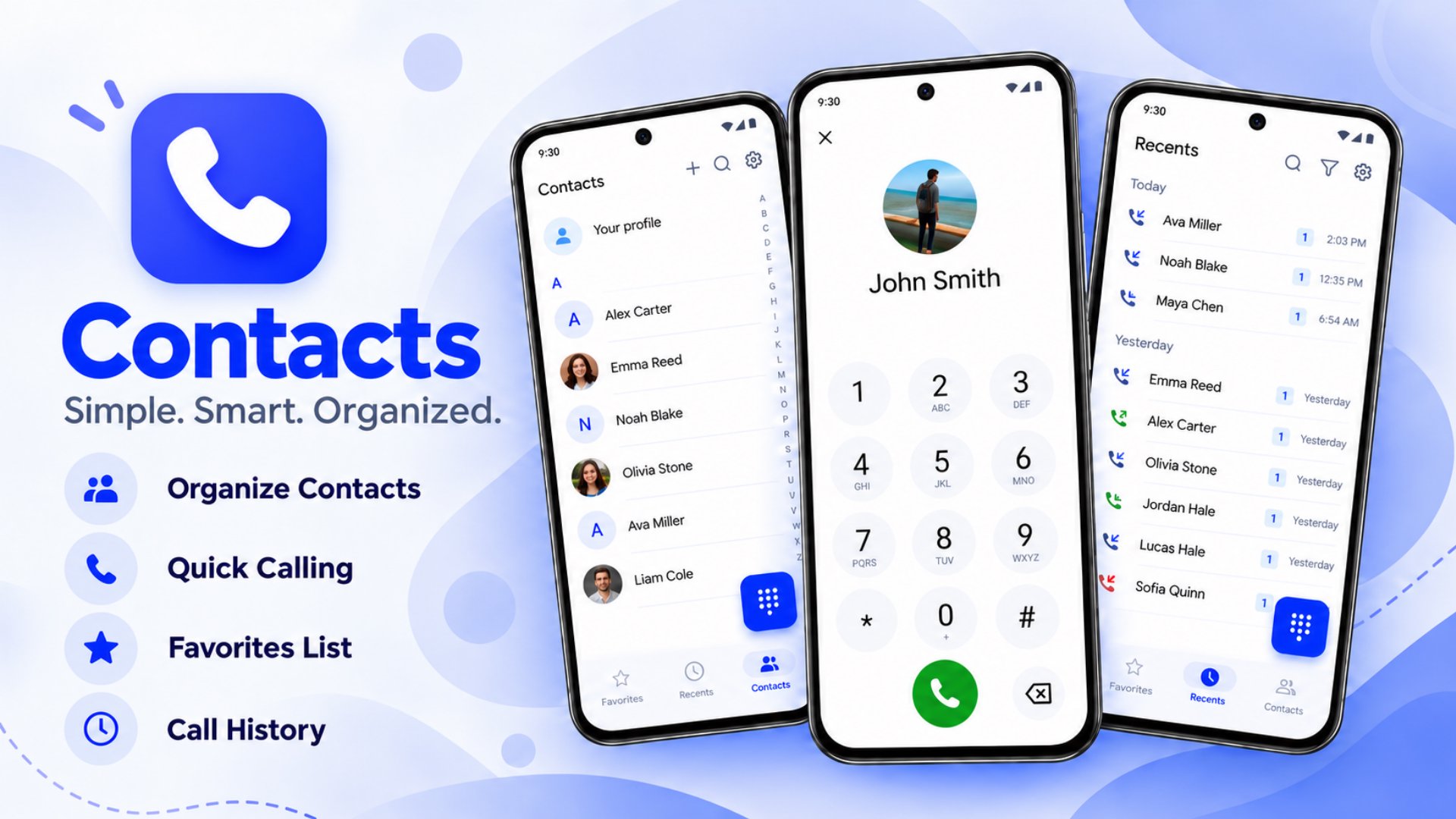
• Clear Keypad: Enter phone numbers with large, readable digits.
• Call Saved Contacts: Open a contact and use their saved number to make a call.
• Dial New Numbers: Call a number without saving it first.
• Simple Navigation: Switch easily between Keypad, Recents and Contacts.
Organize Your Address Book
Keep personal and work connections easy to find and manage.
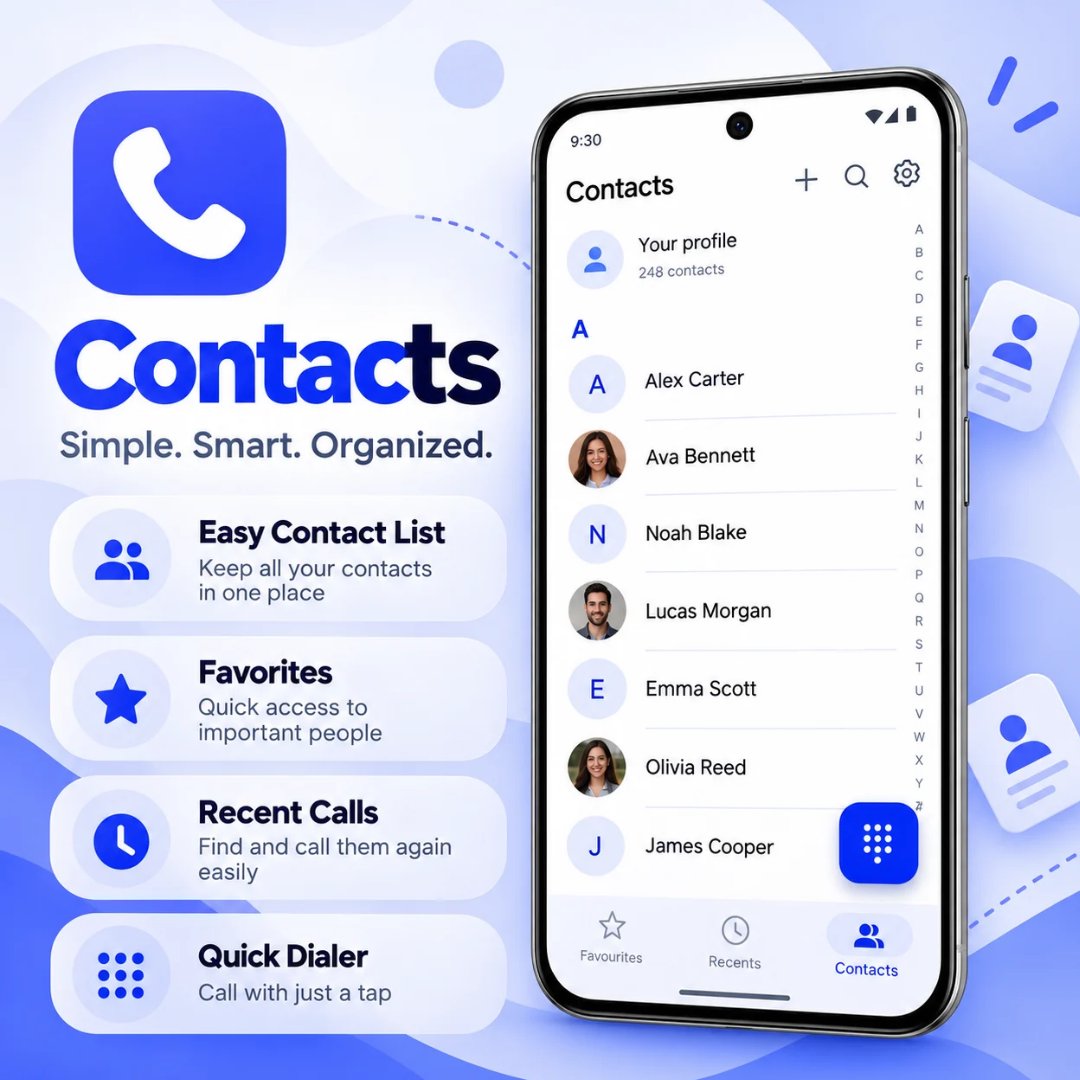
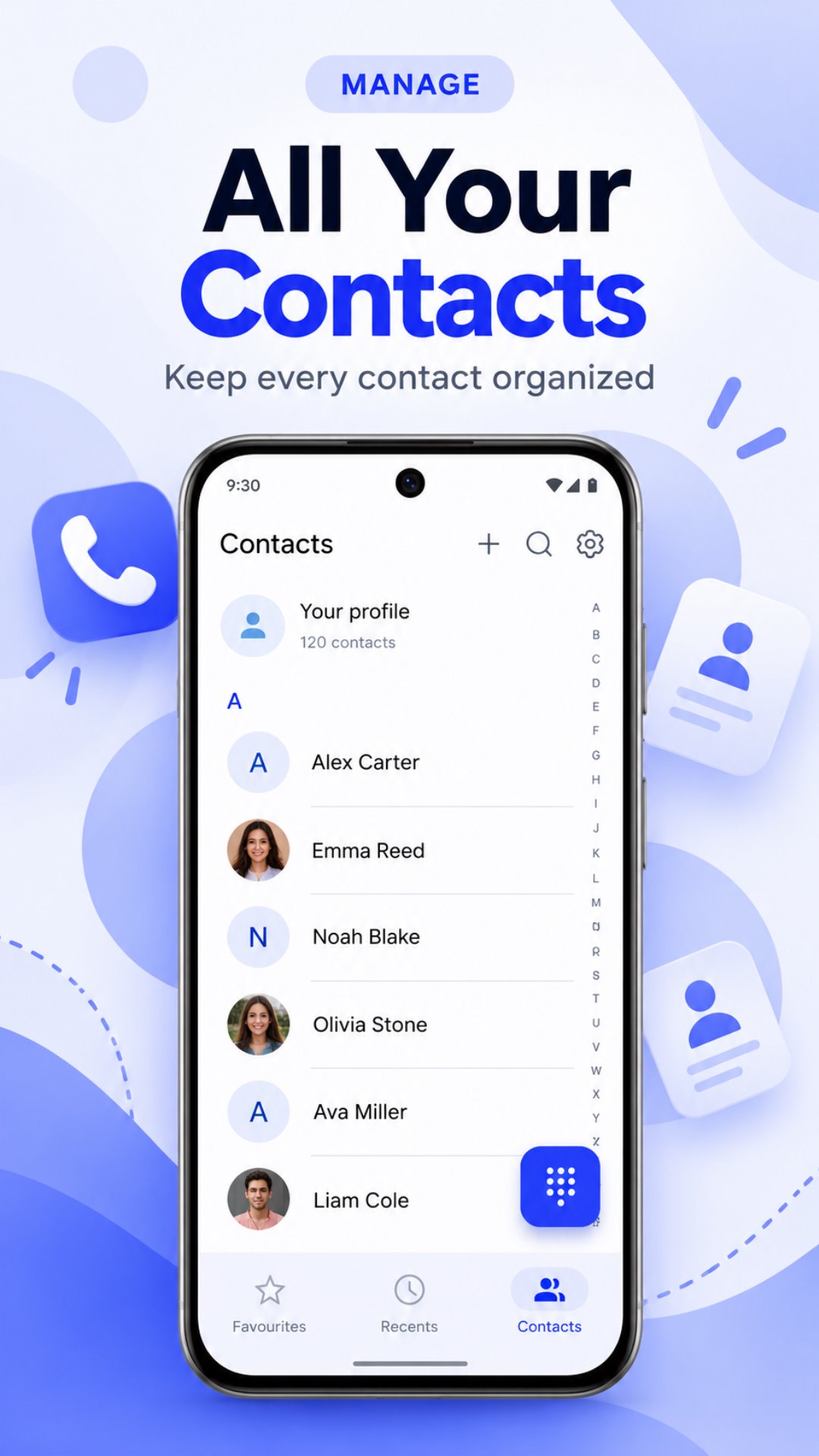
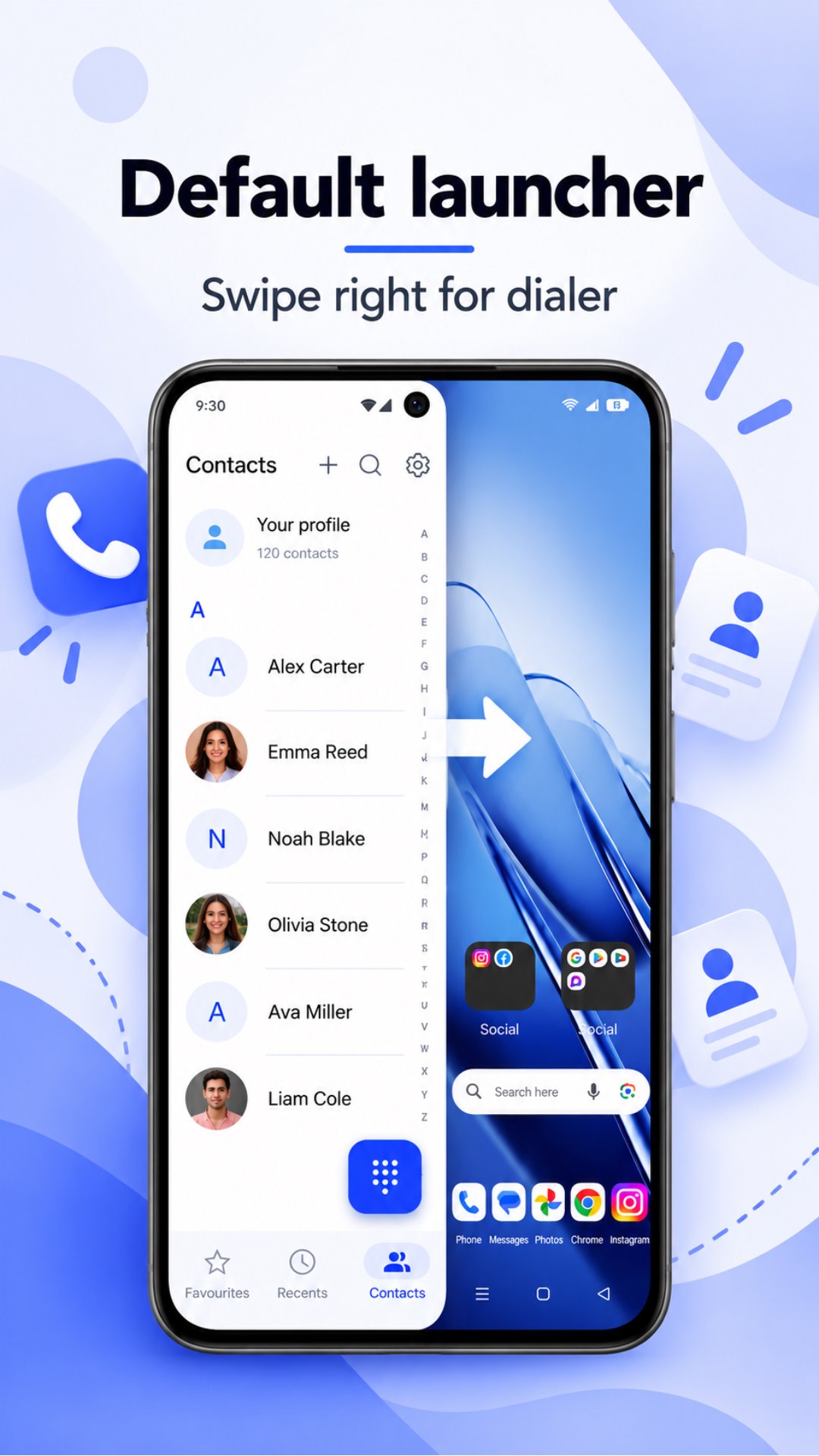
• Contact List: Browse saved names in a neat, readable layout.
• Quick Search: Find contacts by name without scrolling through the whole list.
• Alphabetical Index: Jump to contacts using letter-based navigation.
• Add Contacts: Save a new name, number and other available details.
• Edit Contacts: Update saved information whenever it changes.
Contact Details at a Glance
Open a contact profile to view useful information in one place.
• Phone Numbers: View saved numbers and access calling options.
• Email Addresses: Check email details stored with the contact.
• Profile Photos: Recognize contacts through saved pictures.
• Company Information: See workplace details when available.
Keep Favorites Close
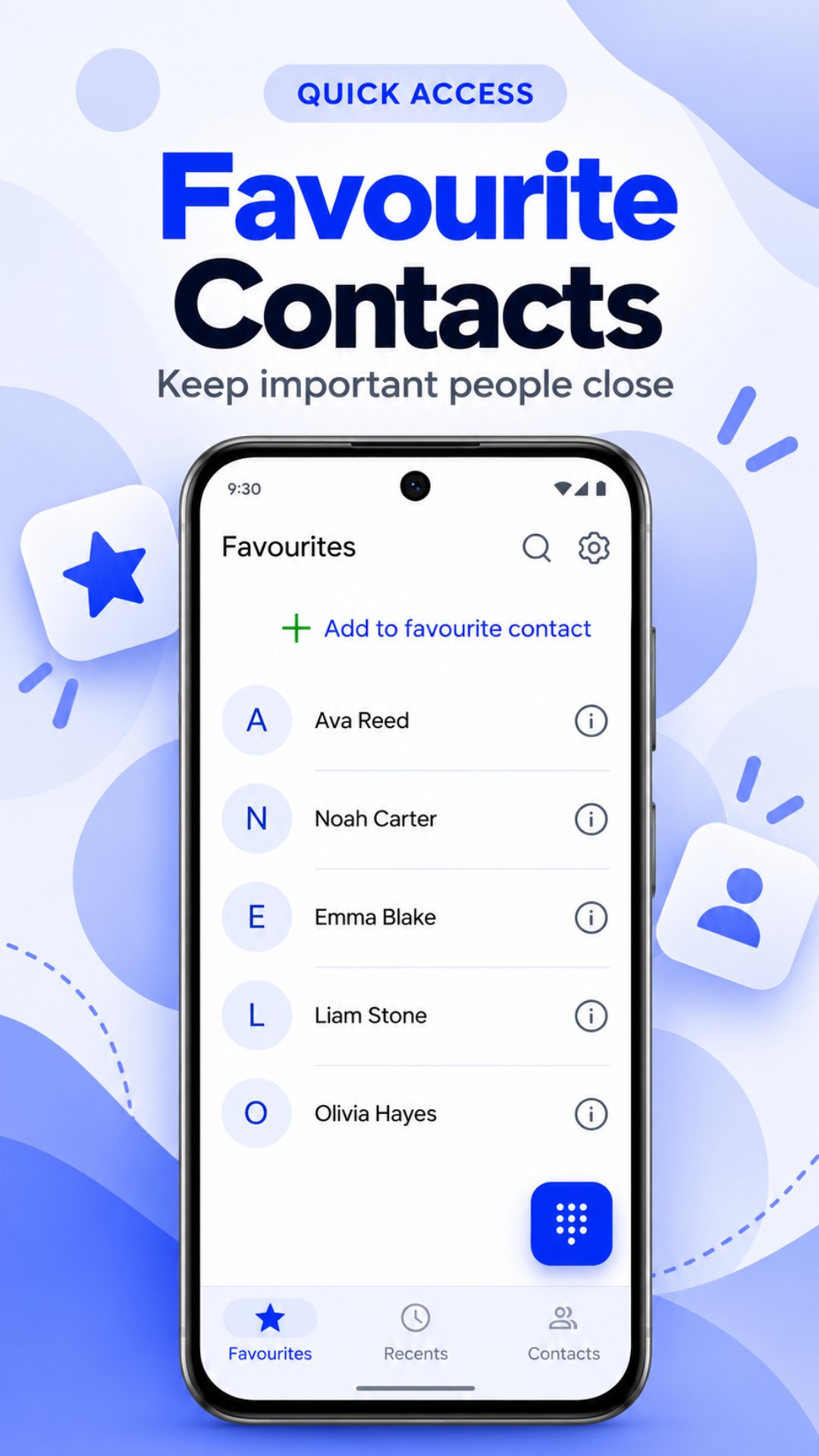
Mark the people you contact most often as favorites. Your selected contacts appear together in a dedicated section, making it easier to open their profiles and reach them when needed.
Review Recent Calls
Stay on top of your calling activity with an organized call history.
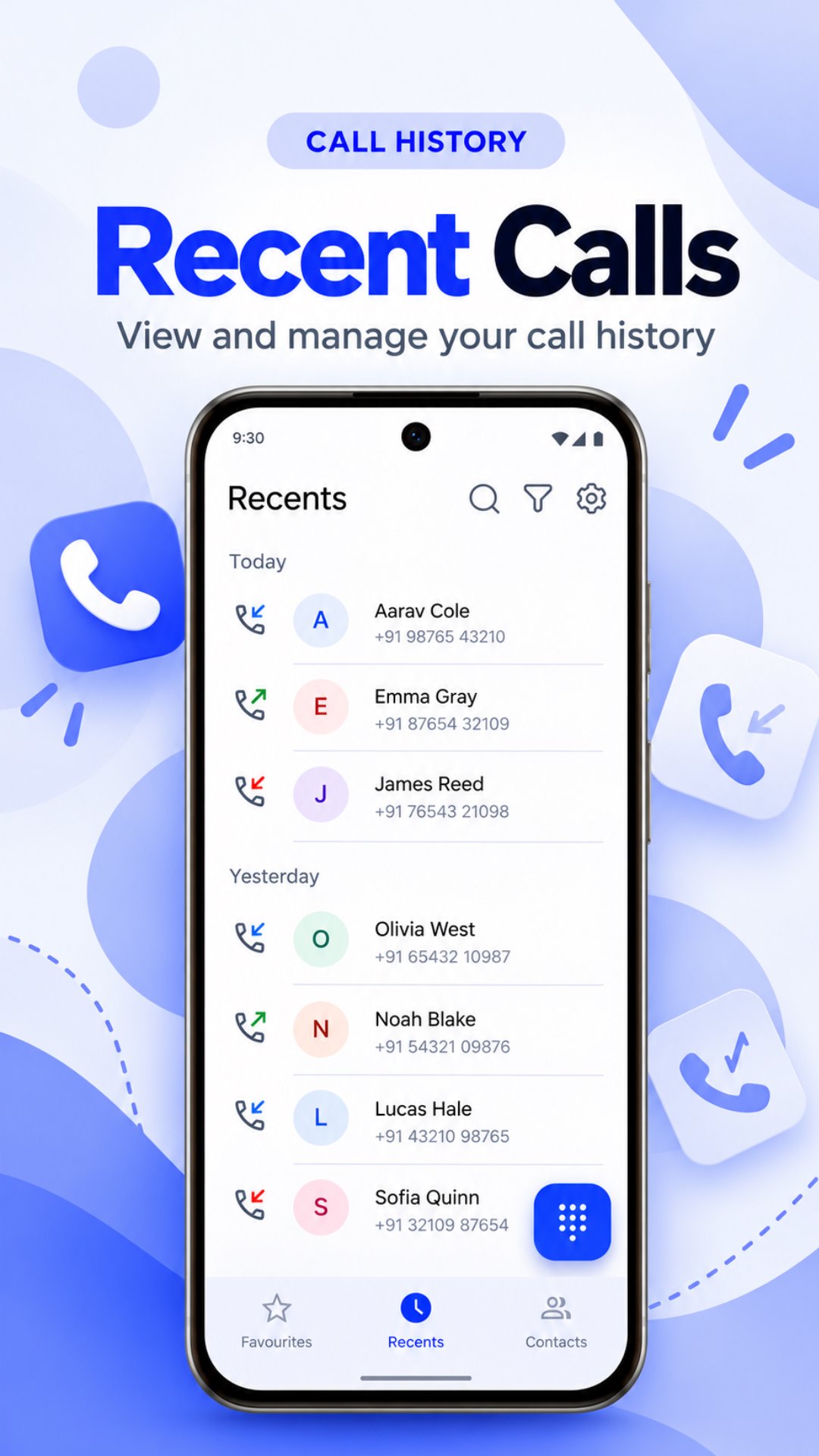
• Recent Entries: View previous calls from the Recents tab.
• Date Groups: Browse calls arranged by day.
• Call Indicators: Identify call activity with clear icons.
• Call Times: See when a call was listed.
• Quick Return Calls: Access a recent number without entering it again.
Made for Everyday Convenience
Contacts brings essential calling and contact tools into one familiar experience. Use the keypad when you know the number, search Contacts when you need someone's details, or check Recents to follow up on a previous call.
Whether you manage a small personal address book or many professional connections, the app helps you navigate saved information comfortably.
Permissions and Compatibility
Contact viewing, call history and calling features require relevant Android permissions. You can manage these permissions in your device settings. Available actions may vary by device, Android version and phone configuration.
Keep Your Connections Within Reach
Find names, view details, manage favorites and access recent calls with Contacts.
Download Contacts and make your everyday calling routine simpler and more organized.

One-click to install XAPK/APK files on Android!
Thanks for your rating and feedback!
You have already rated.