
Package Name:com.icheckqr
Show More

Scan and create QR codes. Save, share, and manage all your QR codes easily.
iCheckQR is a QR code scanner and generator for Android devices. The app allows you to scan QR codes and barcodes using your device camera or from images stored in your gallery. You can also create custom QR codes for different types of data and save them as PNG images.
SCANNING CAPABILITIES
Camera Scanning
Point your camera at any QR code or barcode and the app will automatically detect and decode it. The scan results appear in a dialog where you can copy the content, share it with other apps, or open URLs directly in your browser.
Image Scanning
Select any image from your device gallery to scan for QR codes. This is useful when you receive QR codes via messages, emails, or screenshots.
Supported Formats
The app can scan and decode QR Code, Data Matrix, Aztec, PDF 417, Code 128, Code 39, EAN-13, EAN-8, UPC-A, UPC-E, ITF, and Codabar formats.
CREATION FEATURES
Text QR Codes
Generate QR codes containing any text content. Useful for notes, messages, or any information you want to encode.
URL QR Codes
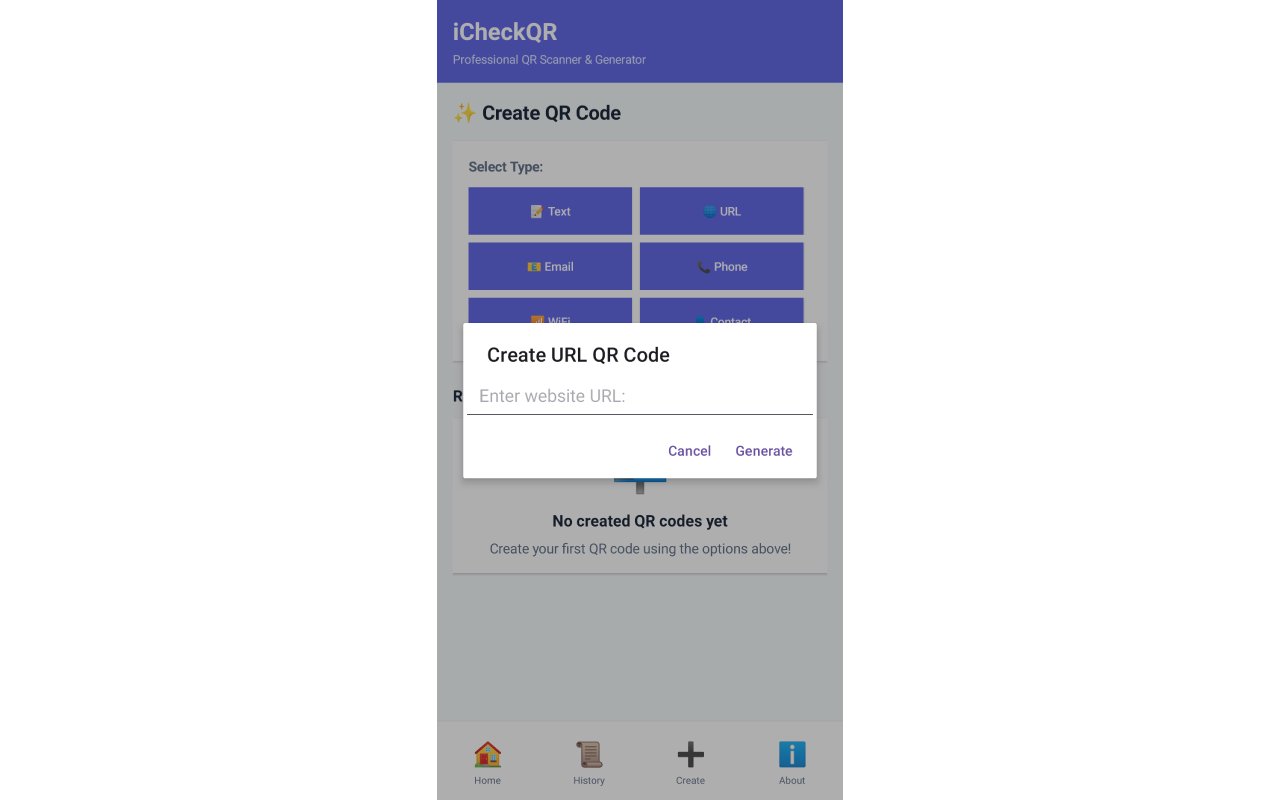
Create QR codes for website addresses. The app automatically validates the URL format and adds https:// if needed. When scanned, these codes can open directly in a web browser.
Email QR Codes
Generate QR codes that contain email addresses in mailto format. When scanned, these can open the default email app with the address pre-filled.
Phone Number QR Codes
Create QR codes for phone numbers in tel format. The app cleans and validates the phone number before generating the code.
WiFi QR Codes
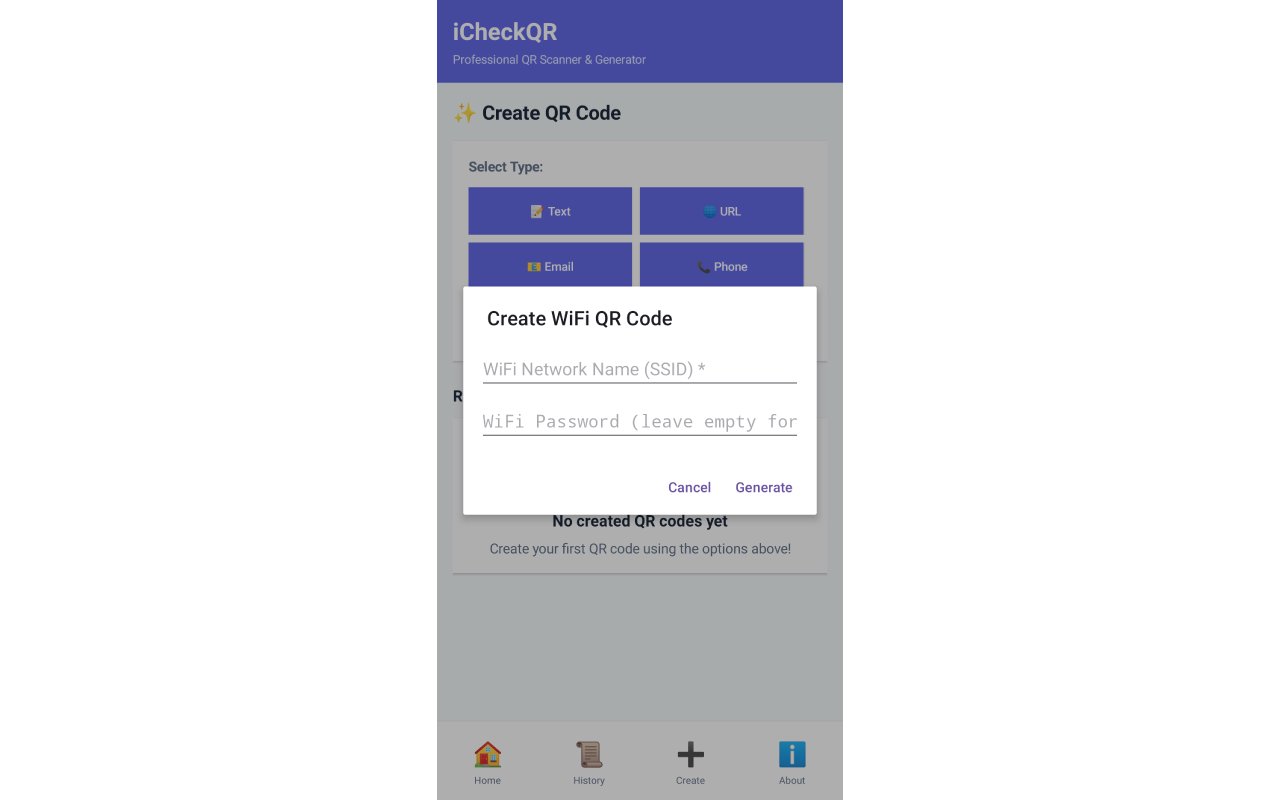
Generate QR codes for WiFi network credentials. Enter the network name (SSID) and password, and the app creates a QR code that others can scan to connect to your WiFi network automatically.
Contact QR Codes
Create vCard format QR codes containing contact information including name, phone number, and optionally email address. When scanned, these can be saved directly to contacts.
MANAGEMENT TOOLS
Scan History
Every scanned QR code is automatically saved with a timestamp. View your complete scan history, and access previous scans with options to copy, share, or open the content again.
Creation History
The app keeps track of recently created QR codes (up to the last 5). You can view these and regenerate any previous QR code without re-entering the information.
Statistics Tracking
The home screen displays counters showing total number of scans and total QR codes created, helping you track your usage.
Save as Images
All generated QR codes are created at 512x512 pixel resolution and can be saved as PNG images to your device. Images are saved to Pictures/iCheckQR folder for easy access.
Share Functionality
Share scanned content or generated QR code images with any app on your device that supports sharing (messaging apps, email, social media, etc.).
Copy to Clipboard
Quickly copy any scanned QR code content to your clipboard with a single tap for easy pasting into other apps.
Storage
All data is stored locally on your device. No cloud synchronization or external servers are used.
Permissions Required
Camera - Required for scanning QR codes with your device camera
Storage - Required only when you choose to save generated QR codes as images to your gallery
Output Format
Generated QR codes are saved as PNG images with 512x512 pixel dimensions, ensuring good quality for printing or digital sharing.



One-click to install XAPK/APK files on Android!

Thanks for your rating and feedback!
You have already rated.