Package Name:com.nabiapp.touchjoy
Show More

Keymapper for games: play with a gamepad, joystick or keyboard on touch screens.
TouchJoy is a keymapper for games on Android: use a Bluetooth or USB controller, joystick or keyboard instead of your fingers. Map every key to a tap, hold or joystick on the touch screen, no root and no PC needed after setup.
How it works
1. Connect a Bluetooth or USB (OTG) keyboard or gamepad in Android settings.
2. Open TouchJoy and allow Display over other apps.
3. Turn on wireless debugging once so keys can act as screen touches.
4. Drag tap, hold and joystick buttons onto your game, assign a key to each and save.
5. Start the overlay and play with your controller.
Features
• Tap, hold and joystick (UP, DOWN, LEFT, RIGHT) buttons
• Move, resize, switch type and delete each button in a floating editor
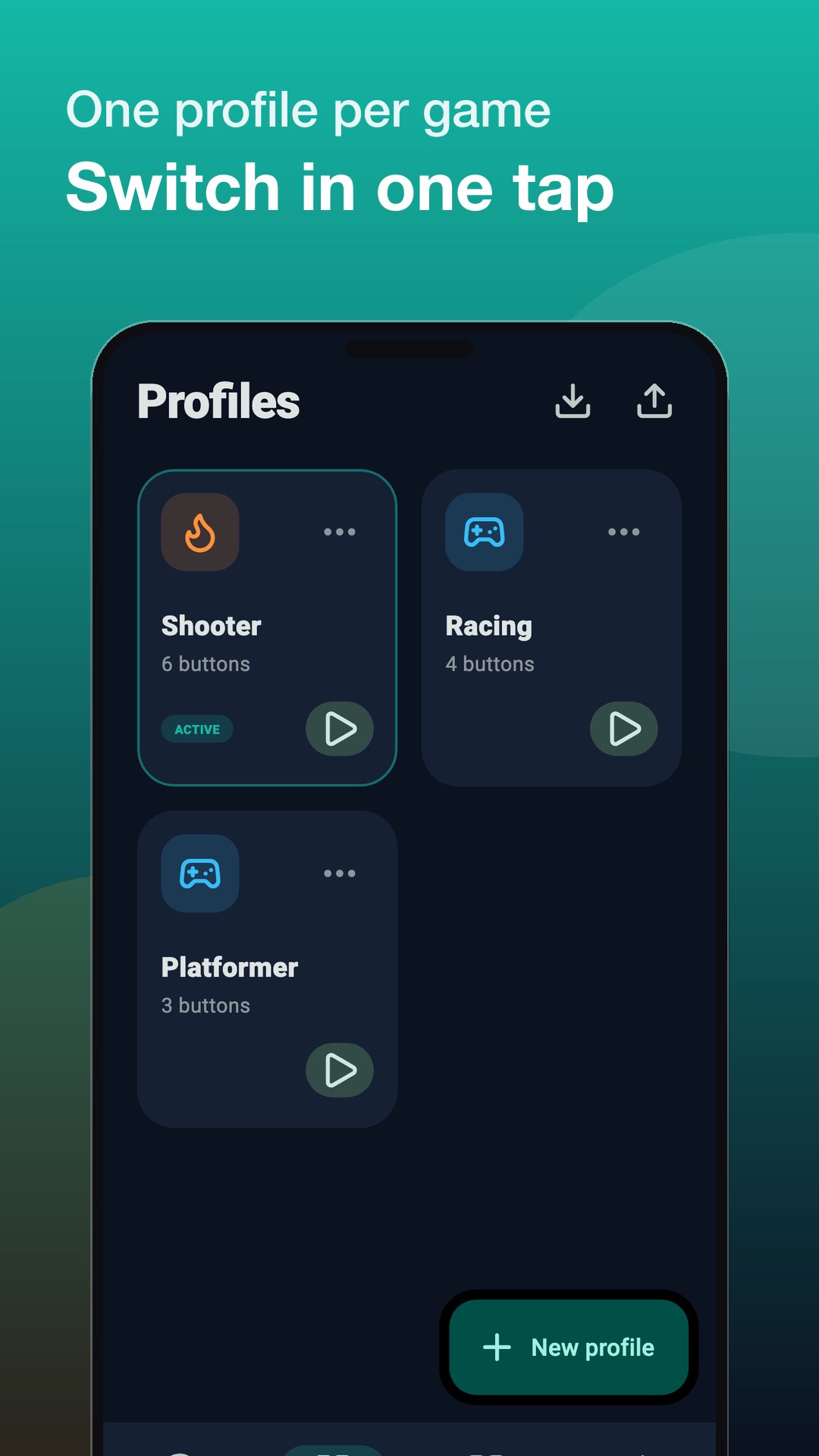
• One profile per game with icons, duplicate, import and export
• Works with keyboards and gamepads connected by Bluetooth or USB OTG
• Dark mode and accent colours
• 20 languages
Free trial and Pro
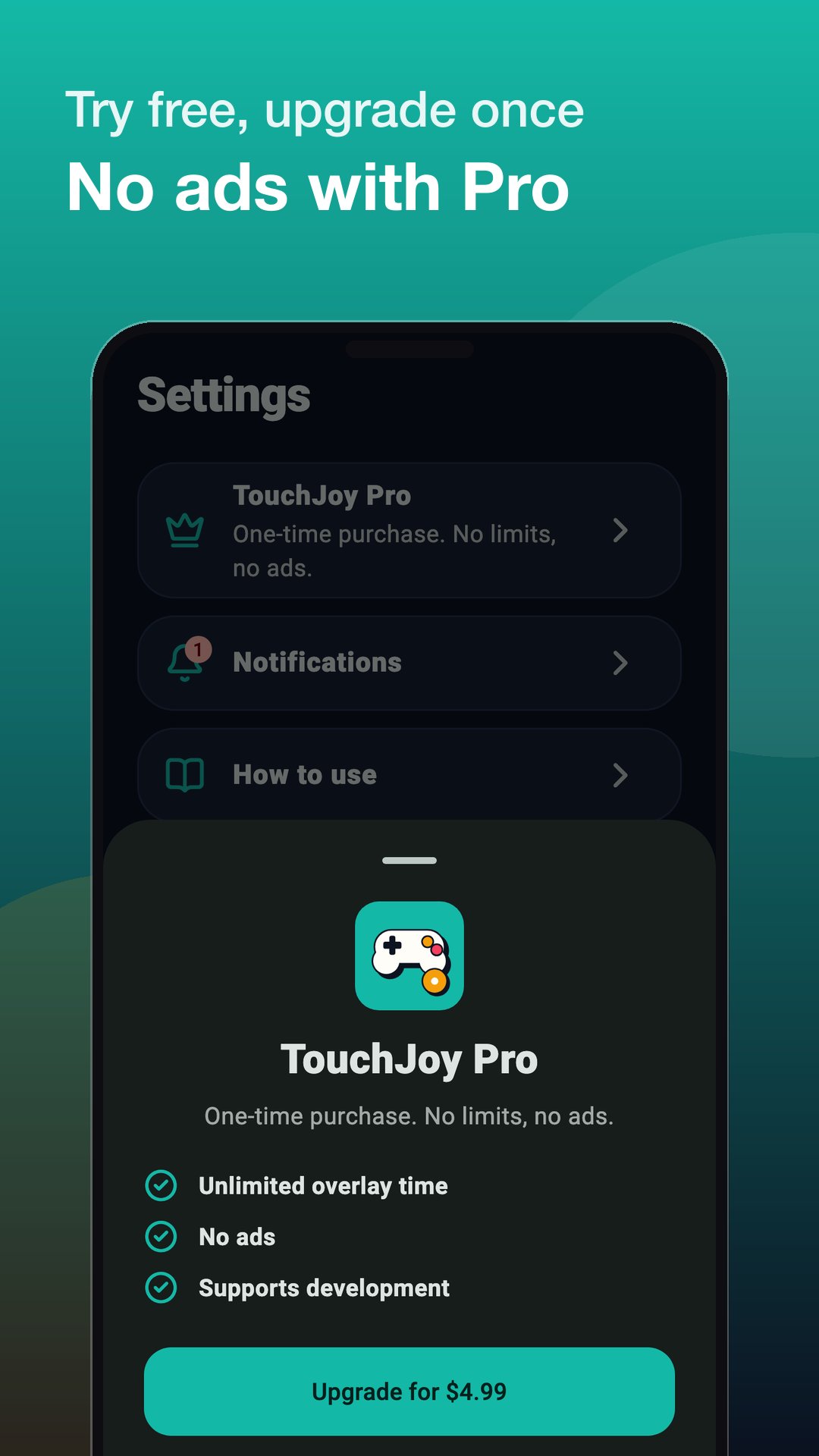
Try the overlay free for 19 minutes of use. Watch a short video ad to get 20 more minutes, or buy Pro once to remove the limit and the ads. Restore purchase is available.
Requirements
Android 11 or newer (Wireless debugging), Wi-Fi for the first setup, and a keyboard or gamepad.
Privacy
TouchJoy itself has no account and no analytics. Your profiles stay on your device. The free version shows ads served by Google AdMob.
Not affiliated with any game publisher. Some games may block or limit input from automation tools.
Works offline. No account needed. Publisher: NabiApps - NabiGameStudio. Privacy: https://nabigame.com/privacy.html




One-click to install XAPK/APK files on Android!

Thanks for your rating and feedback!
You have already rated.