
Package Name:xds.xds
Show More

Mobile CMS for digital signage: upload, schedule, monitor, QR transfer.
**Enterprise-Grade Mobile CMS for Digital Signage & DOOH**
This mobile companion app transforms smartphones into a powerful control hub for commercial digital signage networks. It eliminates desktop dependency, enabling field technicians, administrators, and marketers to manage distributed displays anywhere, anytime—ideal for retail chains, corporate campuses, transit hubs, plazas, smart cities, and hospitality venues.
**Core Capabilities:**
- **Media Asset Management** – Upload images, videos, audio, and HTML5 content directly from mobile devices to the cloud CMS. Supports real-time preview, categorization, tagging, sorting, and instant sync with web backend, ensuring unified asset access across all terminals. Eliminates inefficient on-site content replacement.
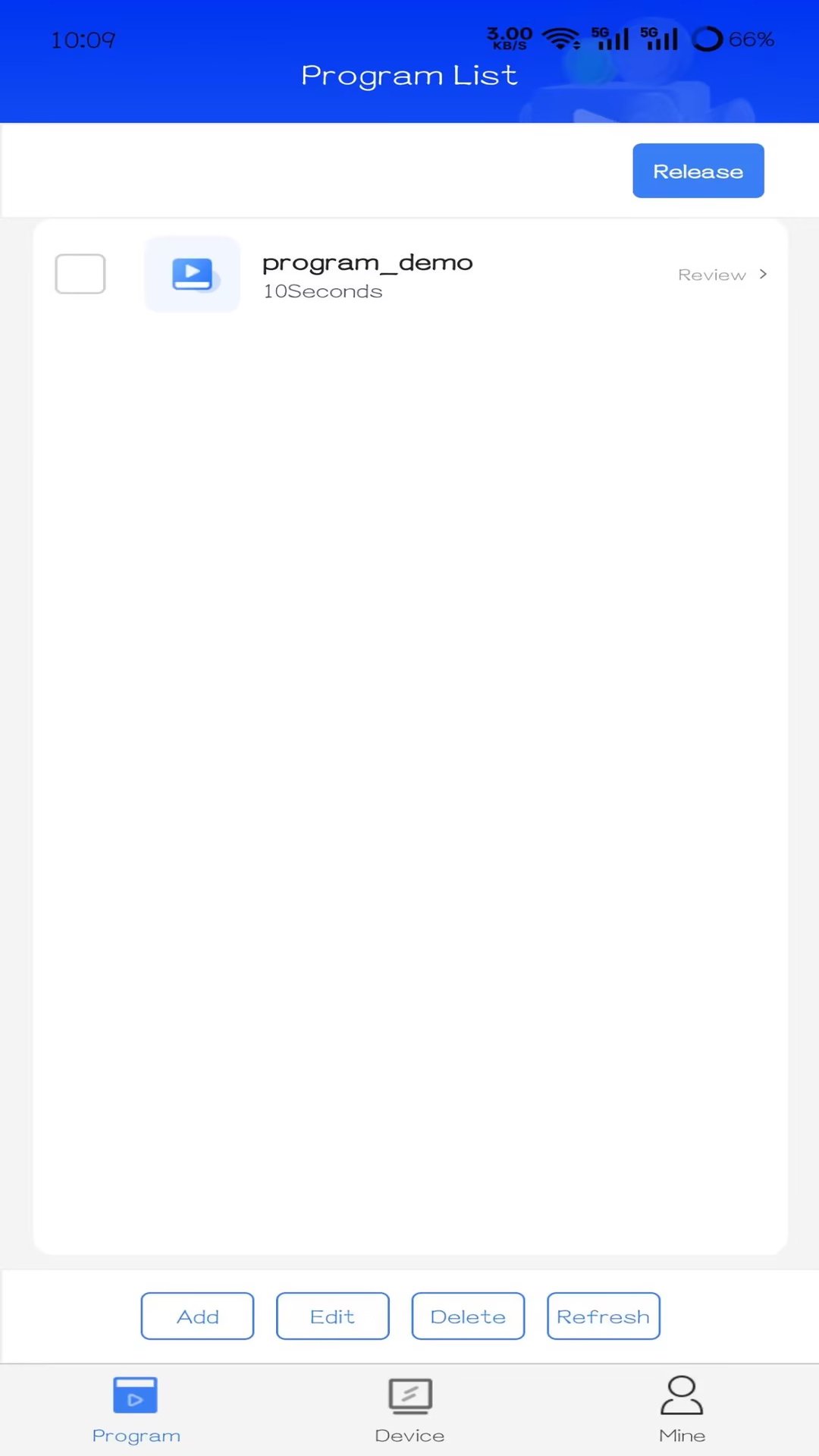
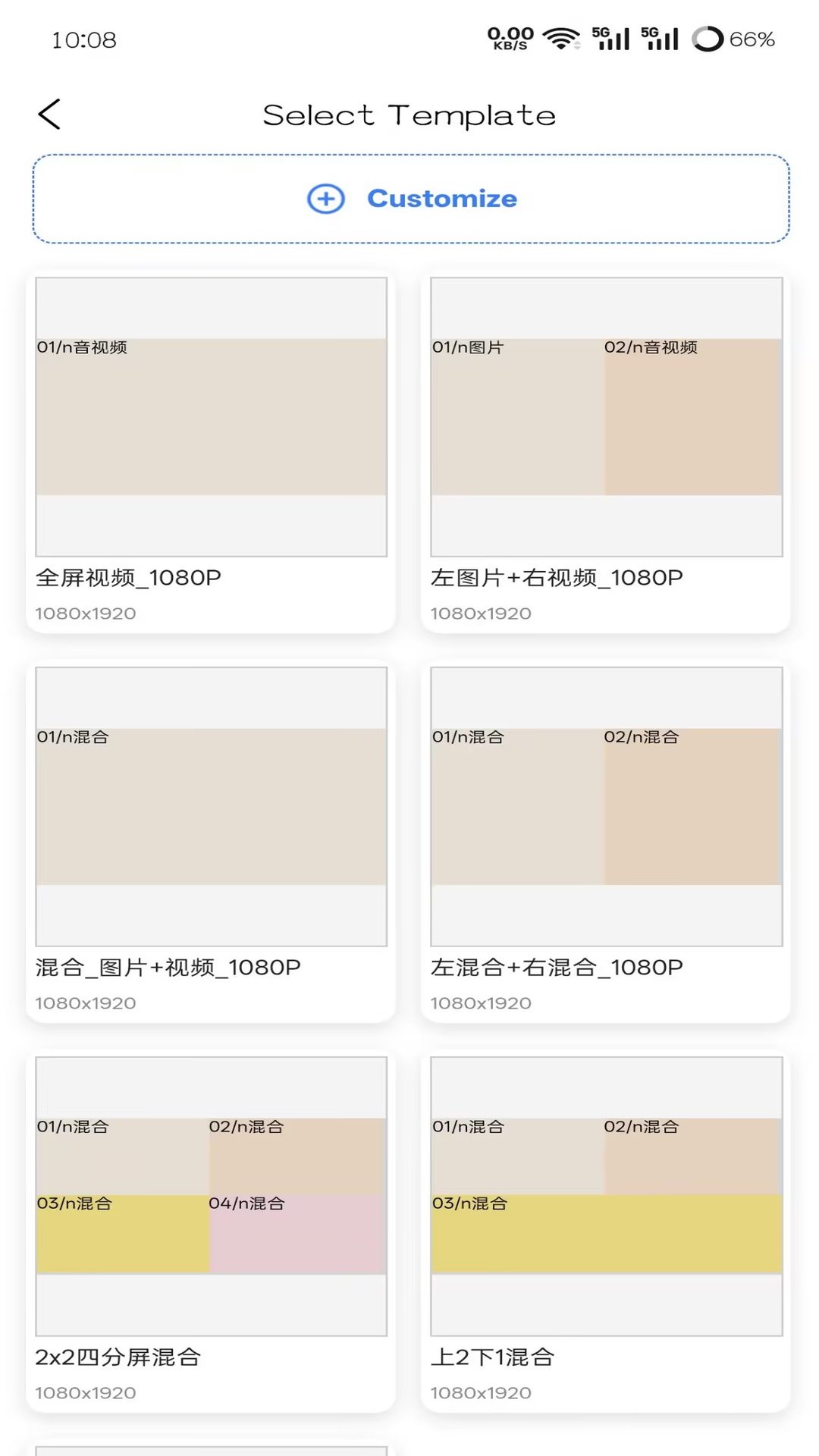
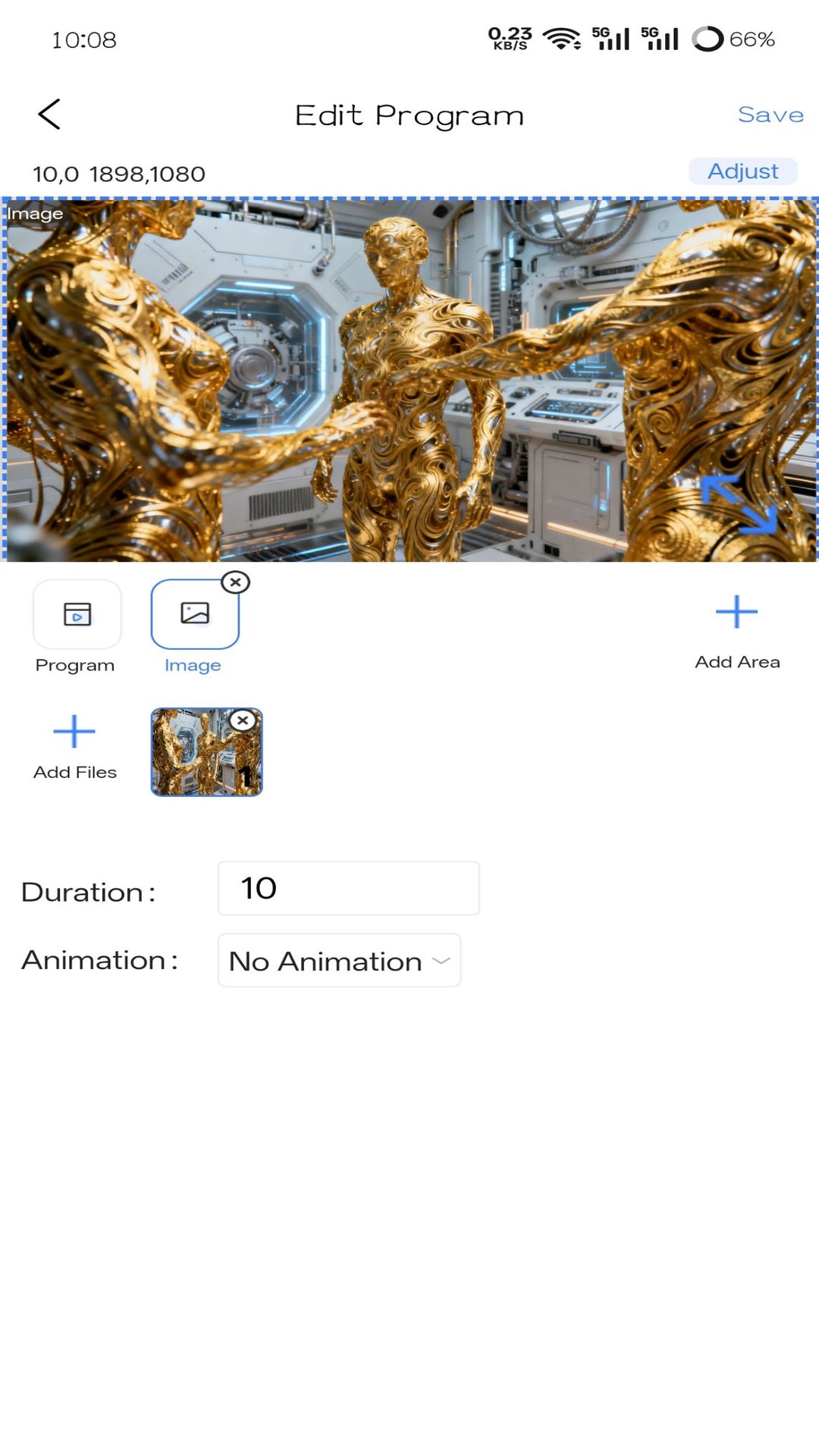
- **Playlist & Program Creation** – Build professional playback programs on mobile with intuitive authoring tools. Assemble multi-media sequences, adjust play order, set loop/repeat rules, and customize content for different screens. Streamlined interface retains core publishing functions while simplifying desktop complexity, supporting promotions, announcements, brand content, notices, and directional signage.
- **Intelligent Scheduling & Publishing** – Deploy content with one-click urgent publishing or timed scheduled release. Assign dedicated time slots, valid date ranges, and priority levels for automatic program rotation and multi-screen synchronized playback. Offline caching ensures uninterrupted playback even during network interruptions.
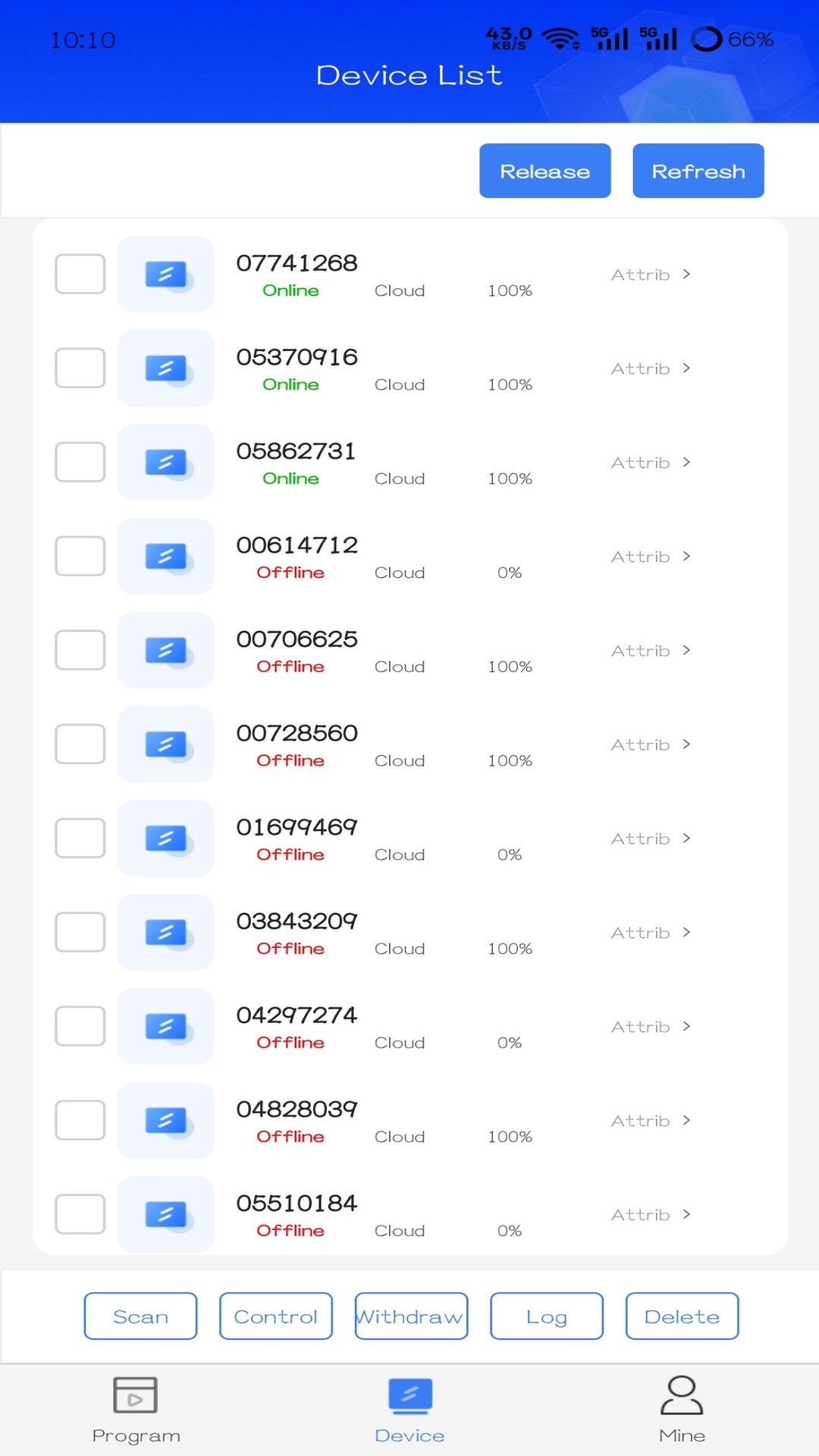
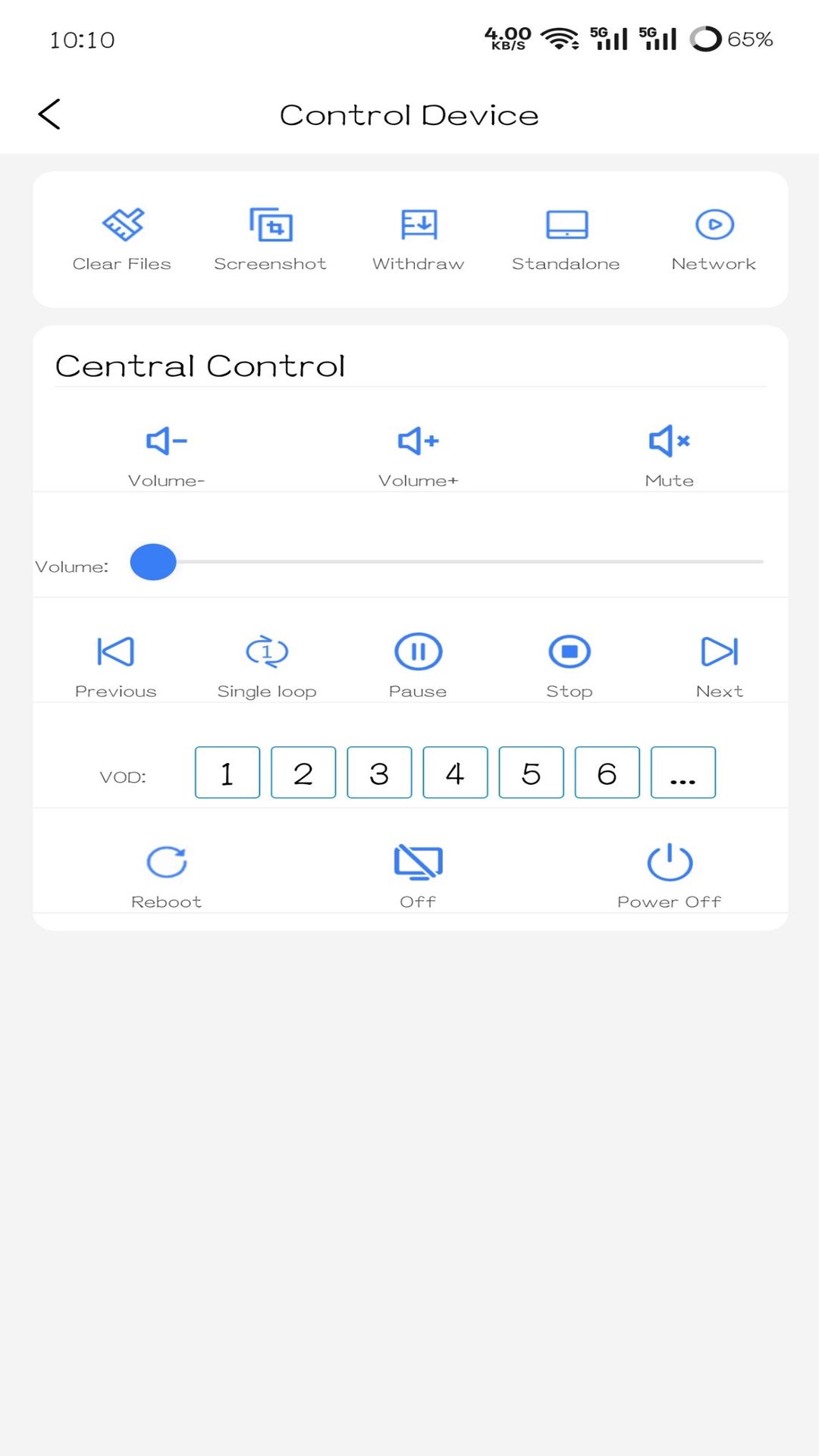
- **Device Management & Remote Control** – Monitor all connected signage terminals in real-time: online/offline status, playback progress, network quality, and system metrics. Group devices by region, site, or custom tags for batch operations. Remote functions include power restart, screen on/off, volume adjustment, pause/resume, and parameter synchronization. Rapid anomaly detection and remote troubleshooting boost maintenance efficiency and network stability.
- **QR Code File Transfer** – Generate dynamic QR codes via app or terminal for direct, high-speed file transmission without network configuration or third-party servers. Enables zero-threshold, instant on-site content updates for emergency or temporary media replacement.
**Enterprise Auxiliary Features:**
- Real-time sync with desktop CMS backend.
- Multi-user role division and hierarchical permission control for secure team collaboration.
- Full operation logs (uploads, edits, publishing, remote controls) and statistical data (device online rates, playback frequency) for auditing and performance analysis.
- Lightweight architecture with low resource consumption, compatible with mainstream mobile OS and 4G/5G/Wi-Fi switching; stable even in weak networks.
- Seamless integration with major commercial media players and display terminals, reducing deployment costs and operational overhead.
This solution consolidates the entire signage workflow—from media upload and program editing to scheduling, remote control, and on-site rapid transfer—into a single mobile interface, meeting daily maintenance, routine scheduling, and emergency release needs for signage networks of all sizes, while standardizing and simplifying mobile-based operations.


One-click to install XAPK/APK files on Android!

Thanks for your rating and feedback!
You have already rated.