Scan Date:Mar 20, 2024
Show More


8.0
1 Reviews
76.0 KB
File Size
Everyone
Android 12.0+
Android OS
Manage your Android storage easily with a modern, fast, and stylish interface.
Taking control of your Android device's storage has never been this stylish and easy! Files Shortcut is designed with a completely modern and user-friendly interface, allowing you to say goodbye to complex and slow file managers. Whether you are organizing your photos or moving large documents, organizing your digital life is now just a tap away.
Highlighted Features
🎨 Modern and Intuitive Design: Navigating through your files is now a joy with the eye-catching, fluid, and minimalist Material Design interface.
⚡ Fast Access and File Shortcut: Instantly access your most used documents, favorite videos, or important work folders with the File Shortcut feature. Stop wasting time with shortcuts you can add directly to your Android home screen or from the favorites panel within the app.
📂 Smart Categorization: Don't let your files get lost in the clutter. Images, Videos, Audio Files, Documents, and Downloads are automatically categorized. Find what you are looking for in seconds.
🏷️ Manual Category Management: You are free to create your own order! Go beyond automatic categorization and create custom folders and tags tailored to your needs; group your projects or archives according to your workflow.
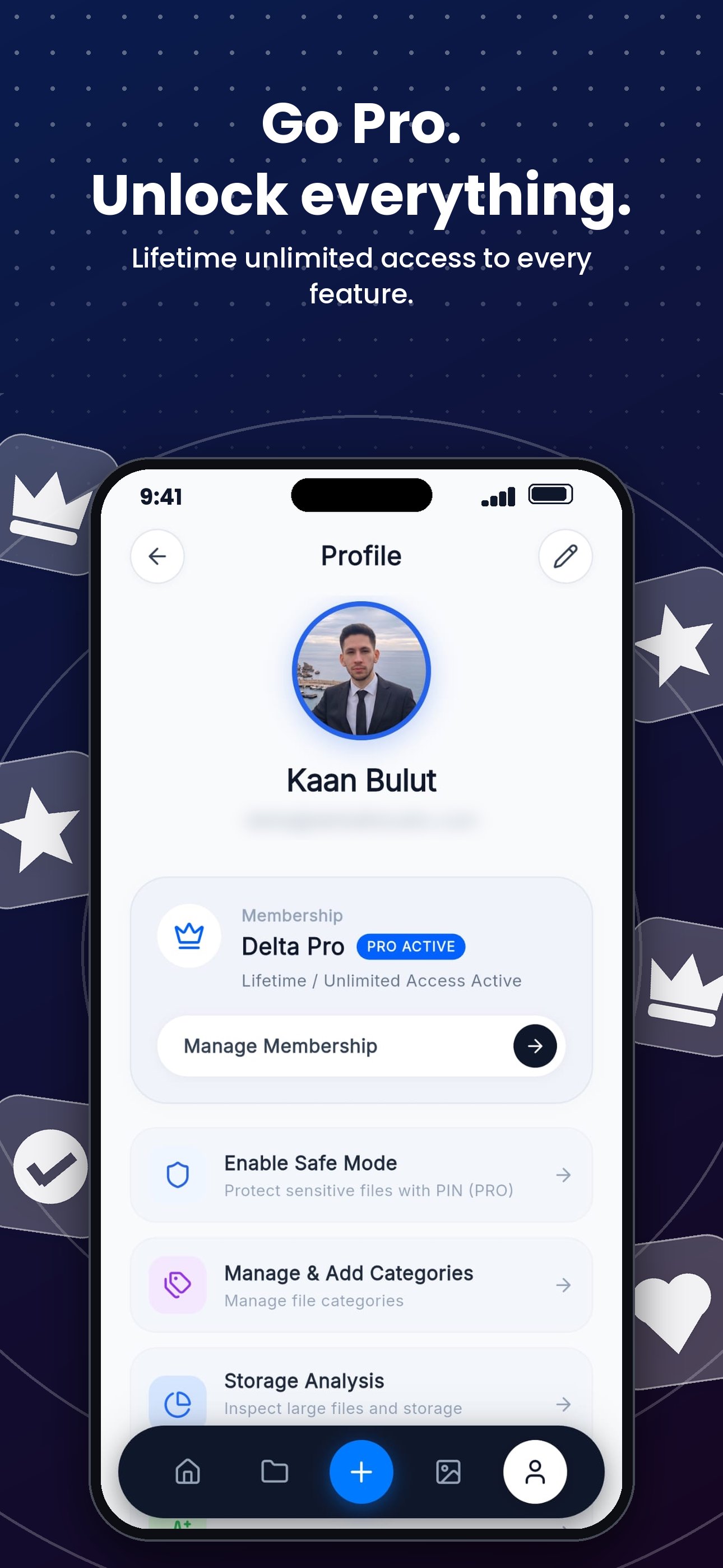
🔒 Secure Encrypted Mode: Keep your sensitive files private. Completely hide your private documents, photos, and videos from prying eyes with a password, PIN, or fingerprint, thanks to the secure vault protected by advanced encryption infrastructure.
🧹 Advanced Storage Analysis: See what's taking up space on your device with visual graphs. Free up memory by detecting unnecessary files, cache leftovers, and exact duplicates, and clean them with a single tap.
📦 Comprehensive Archive Support (.rar & .zip): Dealing with compressed files is no longer a hassle! Extract .rar, .zip, and other popular archive formats with a single tap without needing an extra app, or easily compress multiple files into a single archive to share.
🚀 Dozens of Other Features: We continuously improve our app by adding new features based on your feedback, making it a fully comprehensive file manager.
Why Files Shortcut?
We have combined speed, security, and aesthetics in a single platform. Unlike heavy, ad-cluttered old-generation apps, it allows you to get maximum efficiency without reducing your device's performance.



One-click to install XAPK/APK files on Android!

Thanks for your rating and feedback!
You have already rated.