Package Name:com.codedac.floatnote
Show More

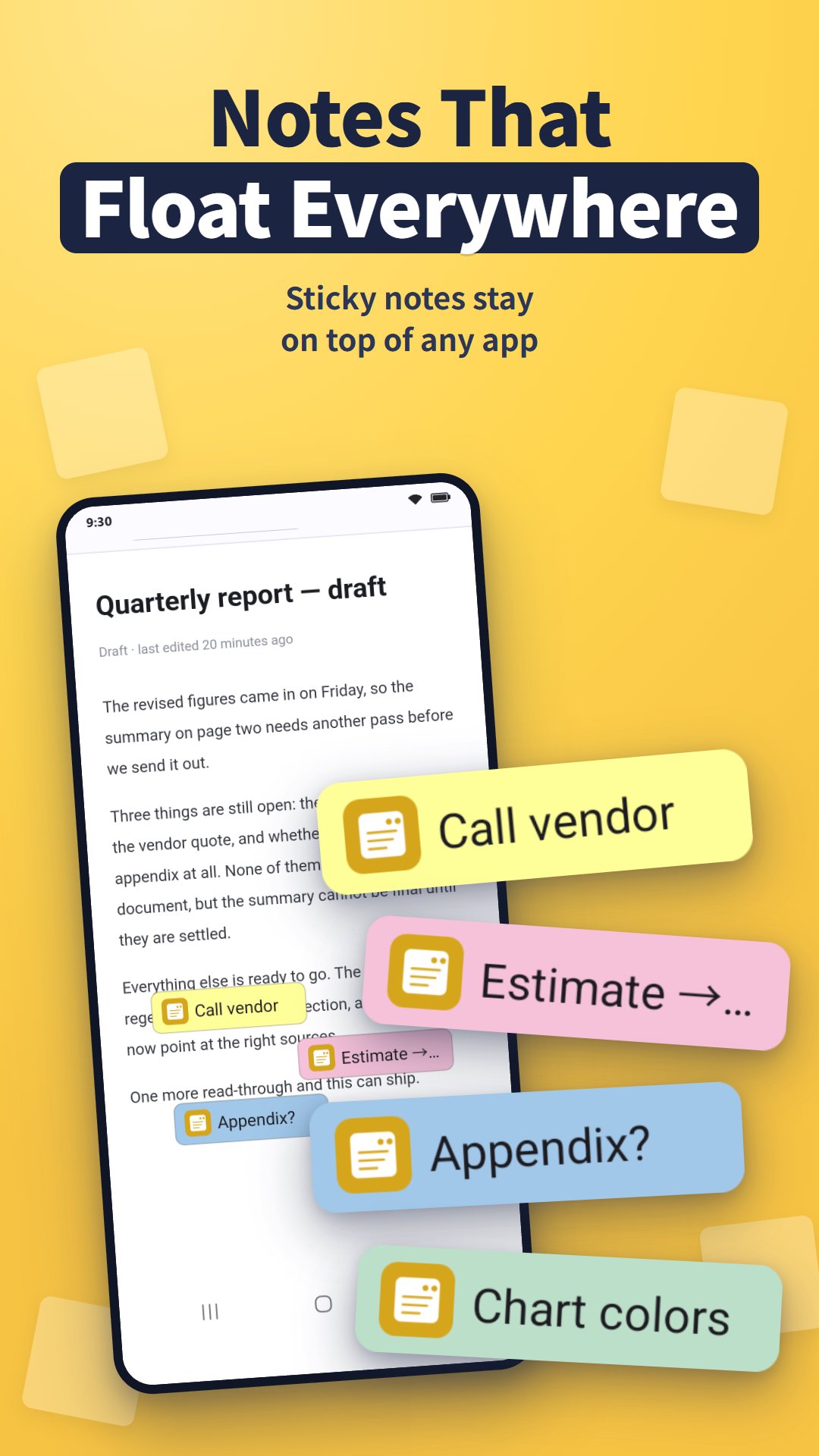
Floating notepad: sticky notes that stay on screen over any app. Syncs with PC.
FloatNote+ puts floating notes on top of any app — a notepad of sticky notes that stay on screen over your browser, chat, video or home screen. Keep a shopping list over your browser, an address over your map, or a to-do list beside your chat. The same notes sync to FloatNote+ for Windows on your PC.
WHAT IT DOES
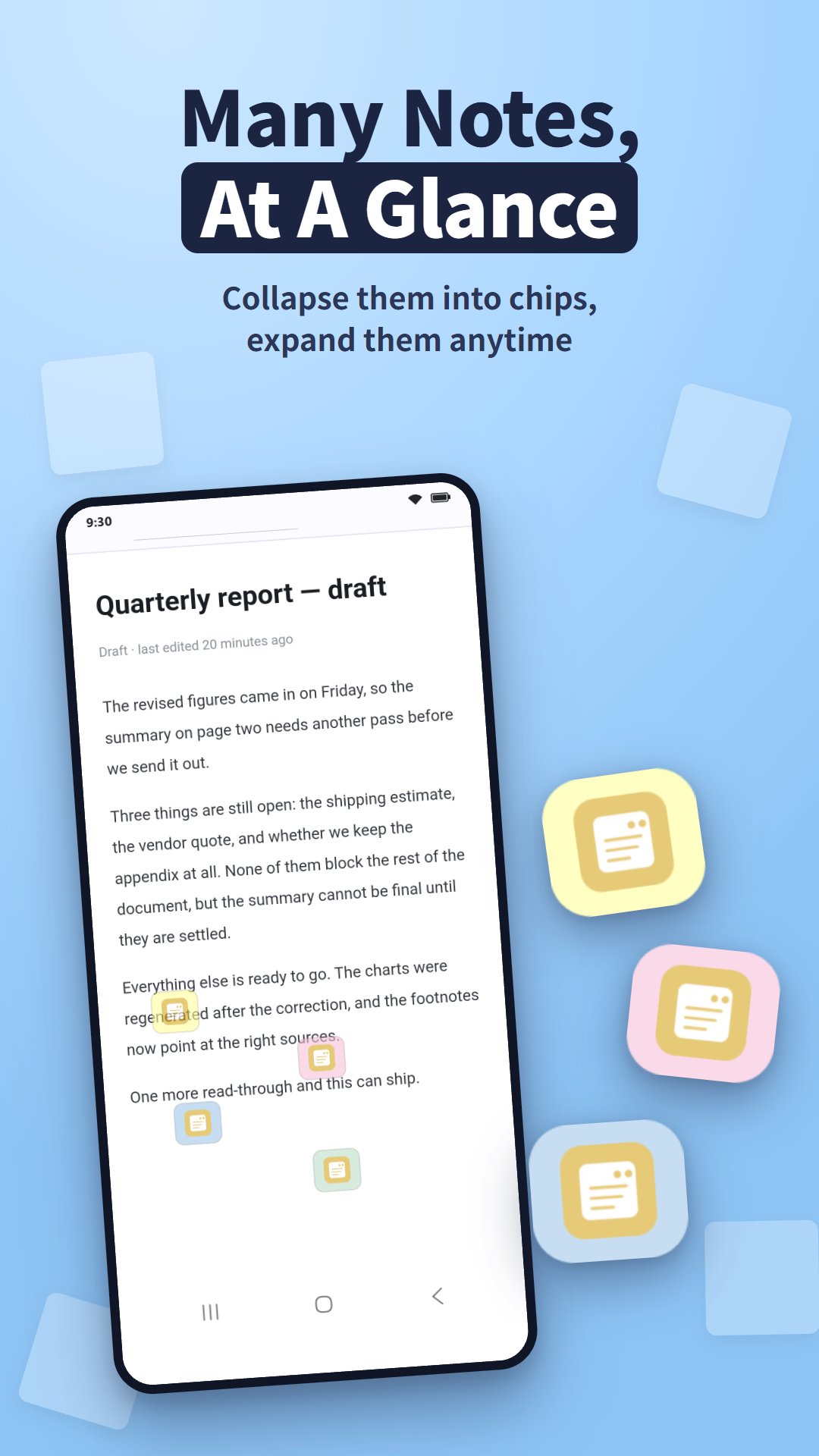
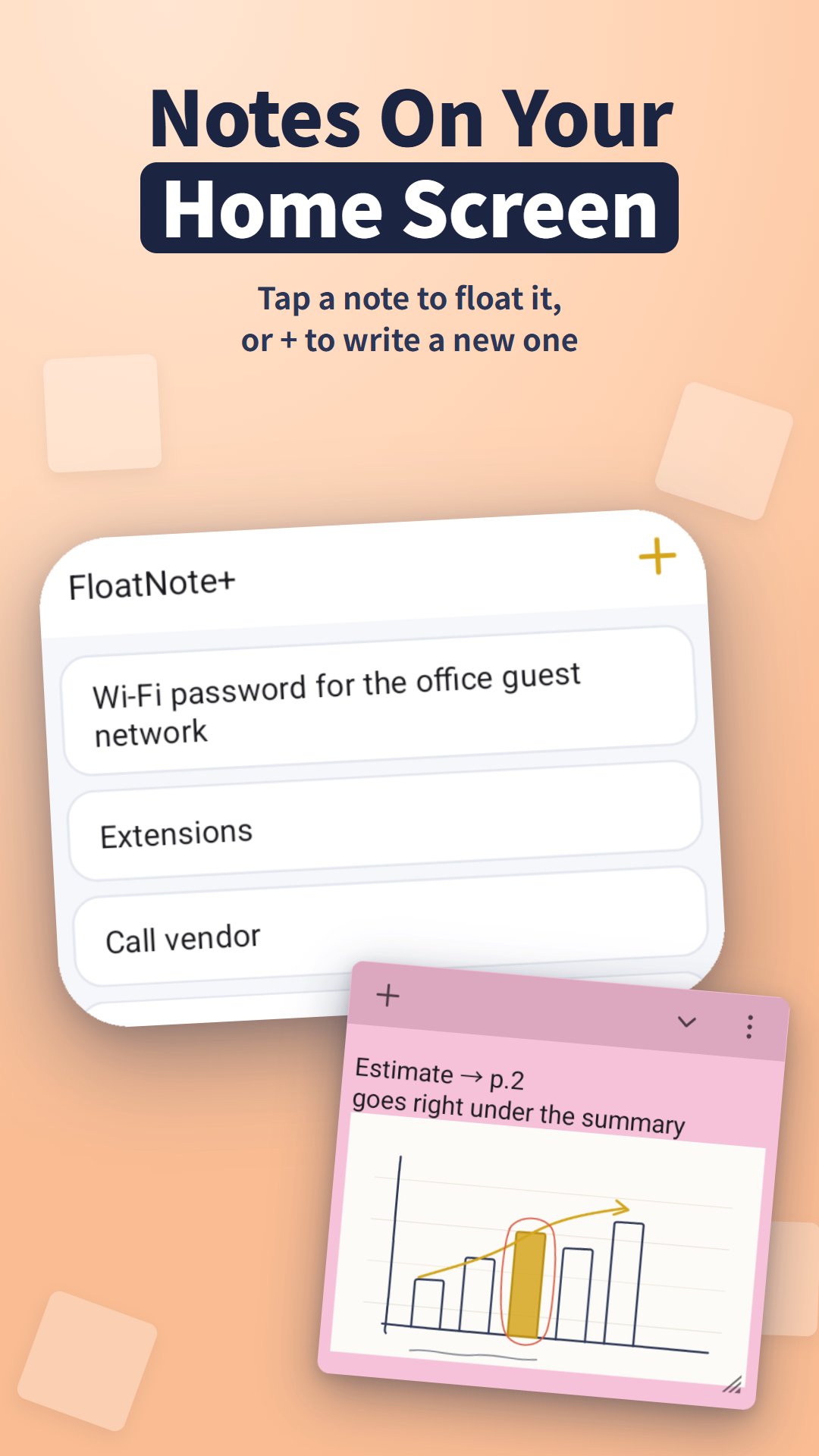
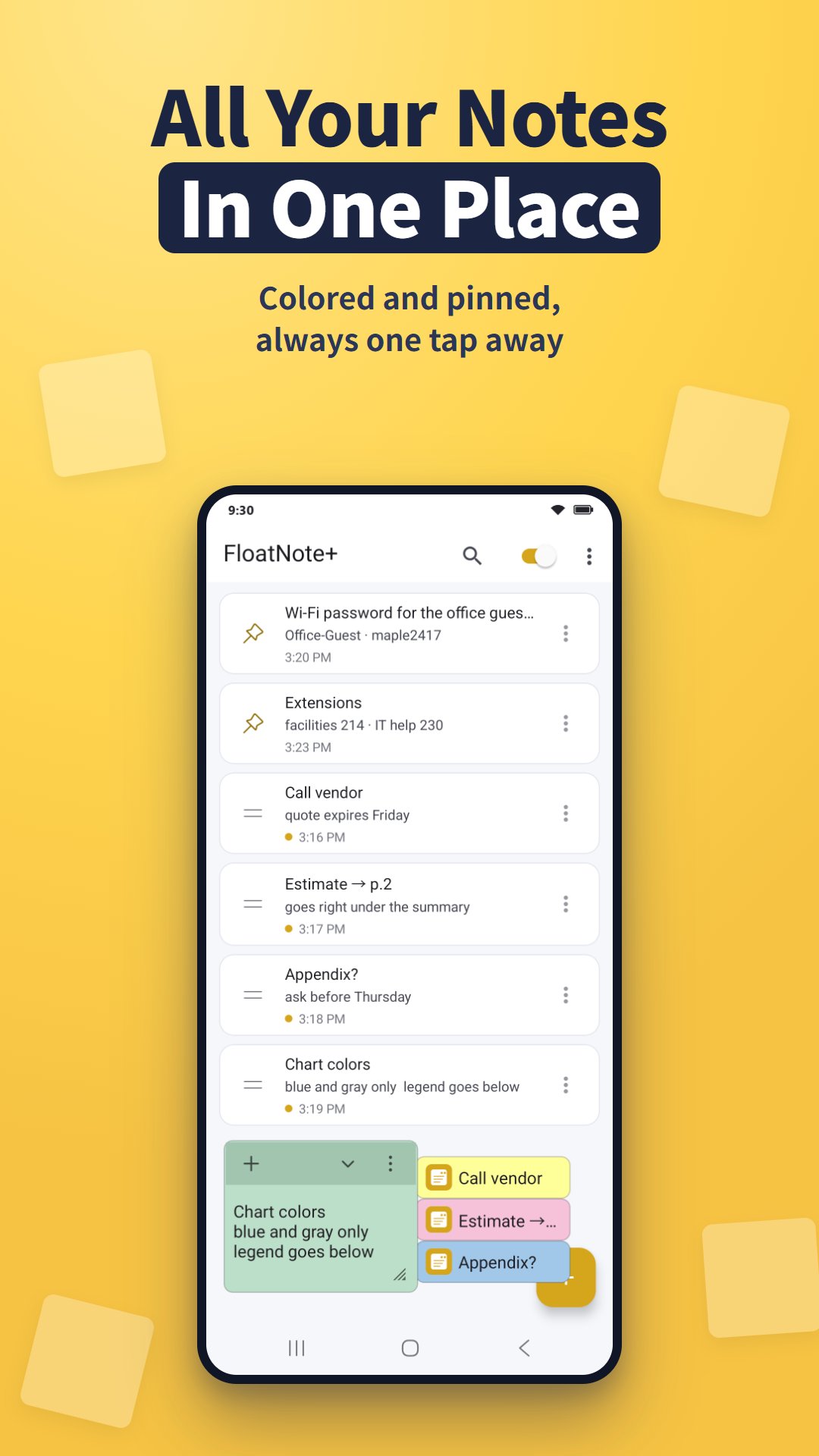
• Sticky notes that float over any app. Collapse a note to a small chip or just an icon, and expand it to a full card when you need it. Keep several notes open at once
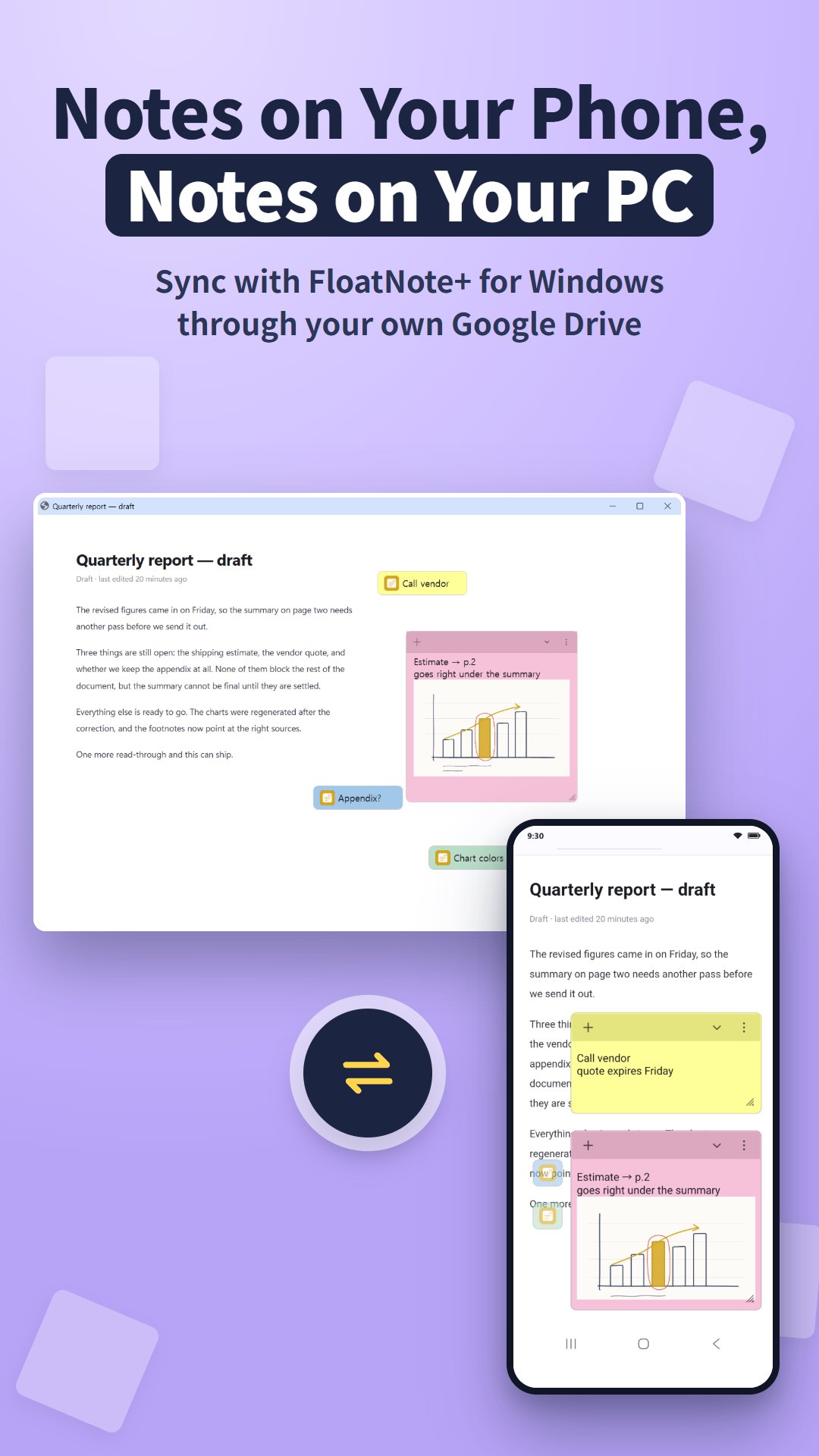
• Sync with Windows: write a note on your phone and pick it up on your PC. Note text and attached images sync through a private app folder in your own Google Drive
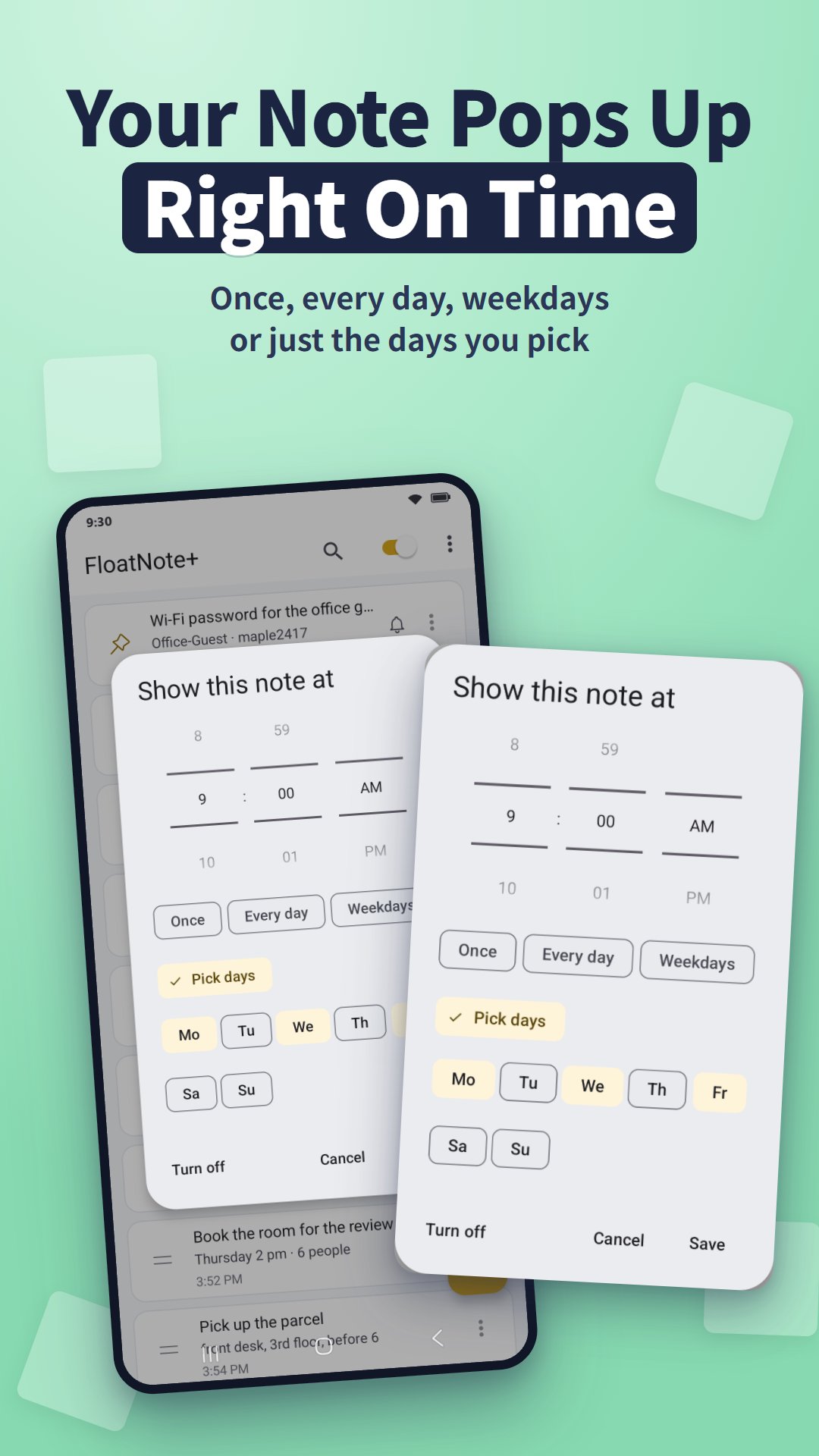
• Reminders: set a time and the note pops up on screen with a notification — once, every day, on weekdays, or only on the days you pick
• Checklists: turn a note into a to-do list from the formatting bar and tick items off with a tap
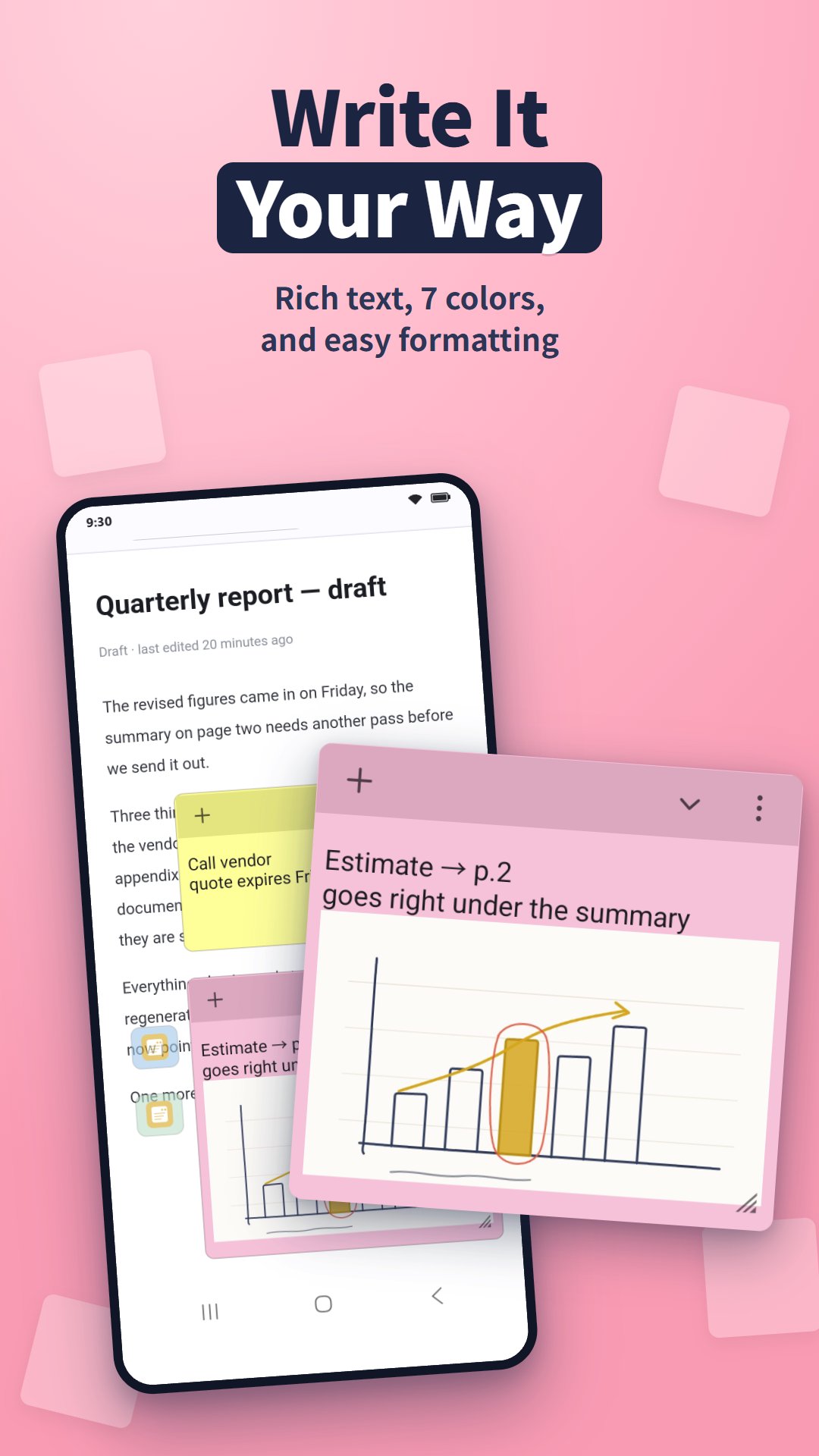
• 7 sticky-note colors, plus bold, italic, underline, strikethrough, text color and size
• Photos right inside a note
• Quick capture from the share sheet, from text you select in any app, or from the Quick Settings tile
• Home screen widget: your notes at a glance — tap one to float it, or + to write a new one
• Pin important notes to the top, search instantly and reorder by dragging
• Export and import your notes
• Light and dark mode
GETTING STARTED
1. Open FloatNote+ and allow "Display over other apps" when asked.
2. Tap + and write a note. It floats on your screen.
3. Collapse it to a chip when you need the screen, and expand it back to a card whenever you want.
FAQ
Q. My notes do not appear over other apps.
A. Android needs the "Display over other apps" permission. Turn it on for FloatNote+ in your phone's Settings → Apps.
Q. Where are my notes stored?
A. On your phone. If you turn on sync, they are also kept in a private app folder in your own Google Drive. We run no server and never see your notes.
Q. Can I use my notes on a Windows PC?
A. Install FloatNote+ for Windows and turn on Google Drive sync with the same Google account on both. Note text and attached images sync.

One-click to install XAPK/APK files on Android!

Thanks for your rating and feedback!
You have already rated.