







Thanks for your rating and feedback!
You have already rated.

One Gallery · All Your Media, Files, Music & More
GalleryBox is a unified gallery and file manager for photos, videos, documents and other files, providing device-wide file organization and management.
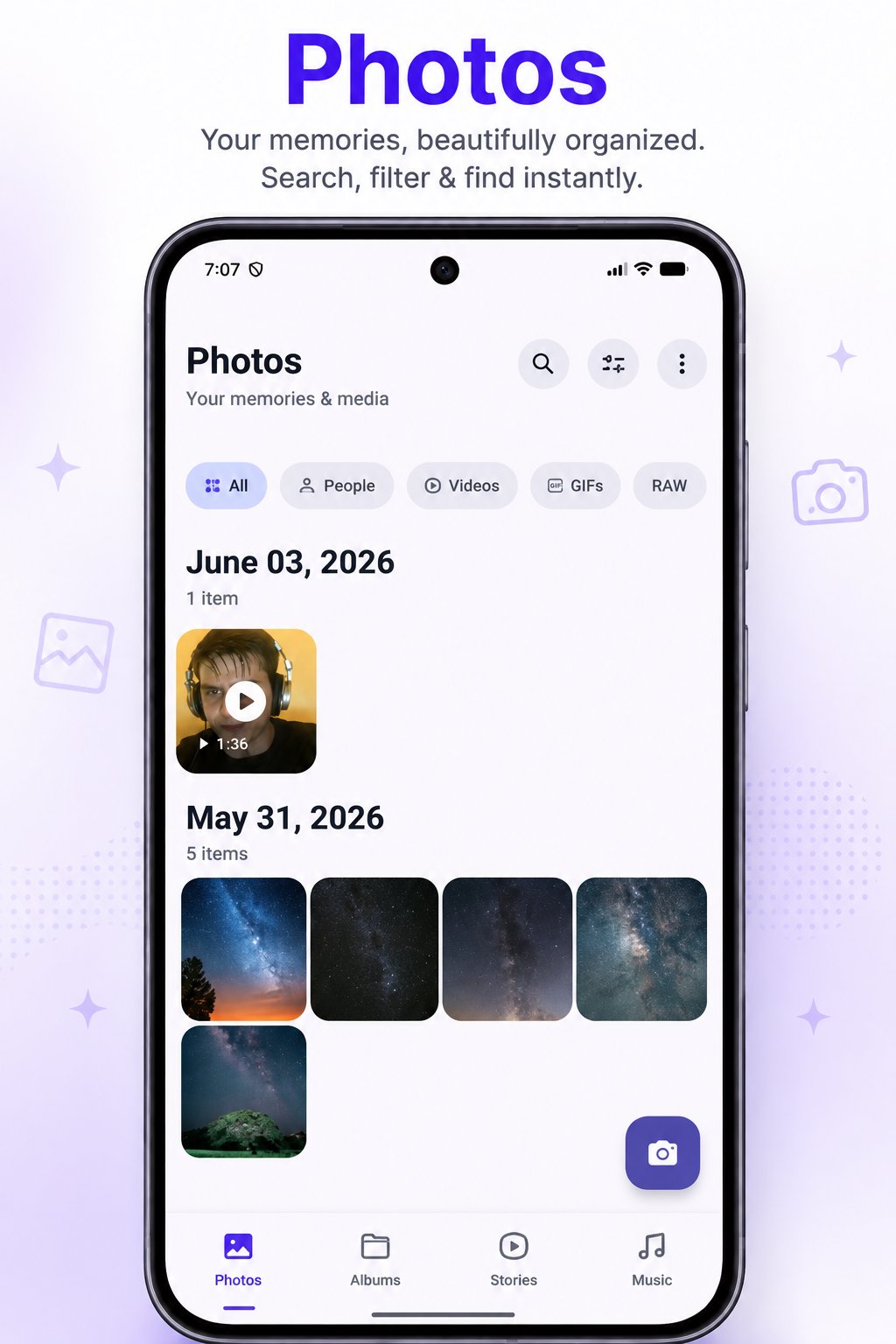
PHOTO GALLERY
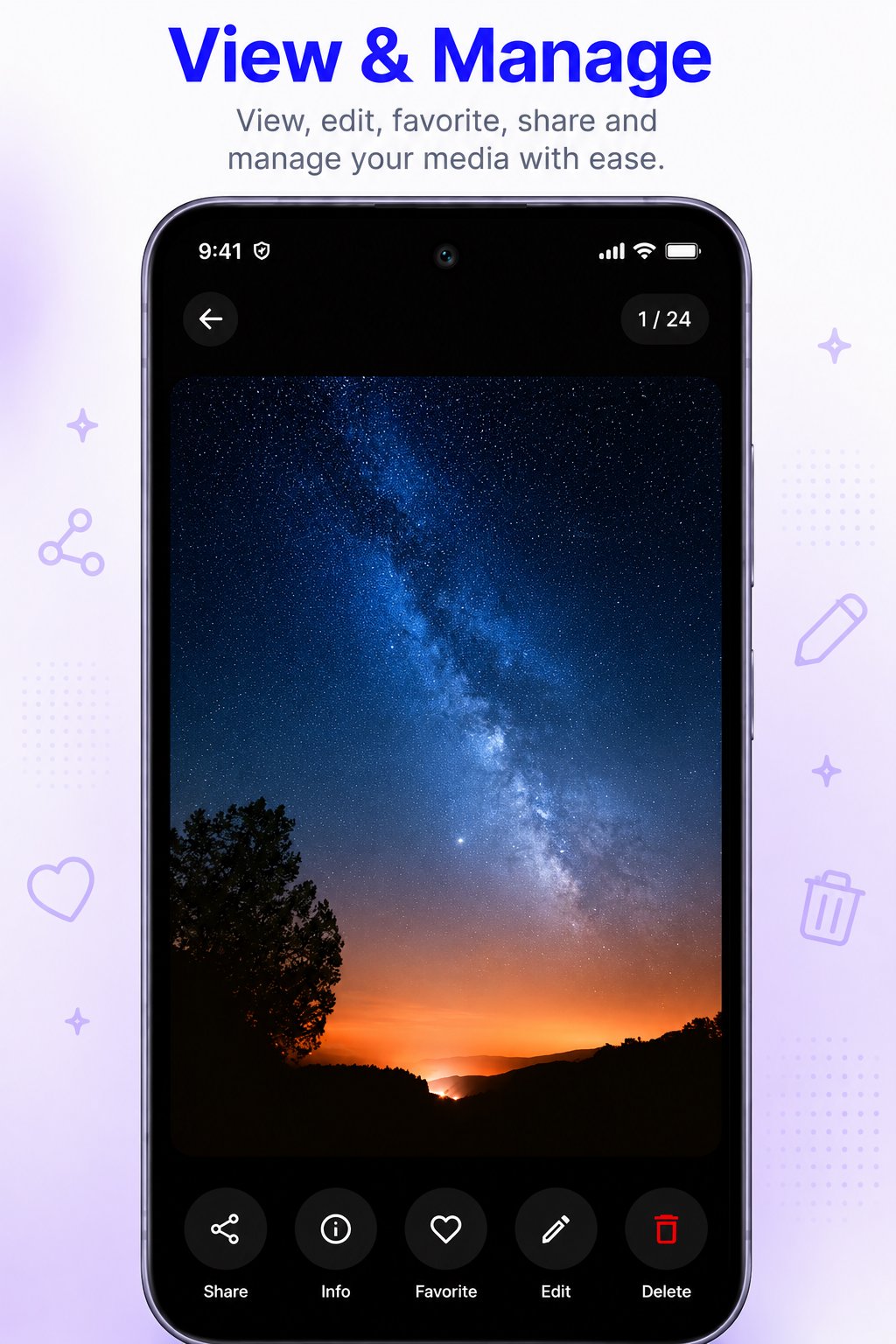
• Fast photo and video browsing
• Full-screen media viewer
• Smooth media loading
• Album and folder organization
• Favorites and hidden media
• Trash and recovery
• RAW image and GIF support
• Search, filtering and media information
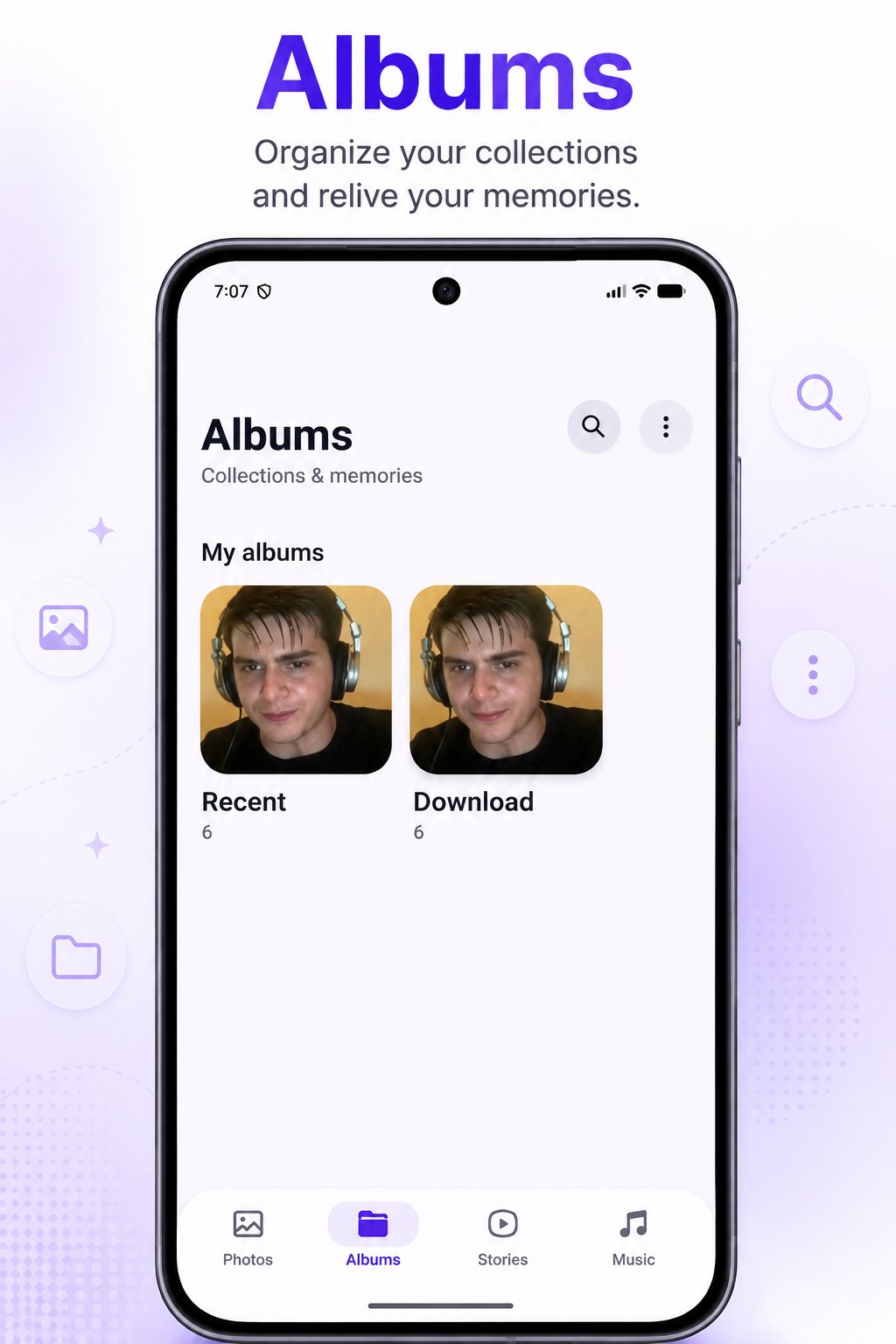
ALBUMS
Organize photos and videos into accessible collections.
• Browse albums and folders
• Create and manage albums
• Custom collections and favorites
• Recent albums
• Easy navigation
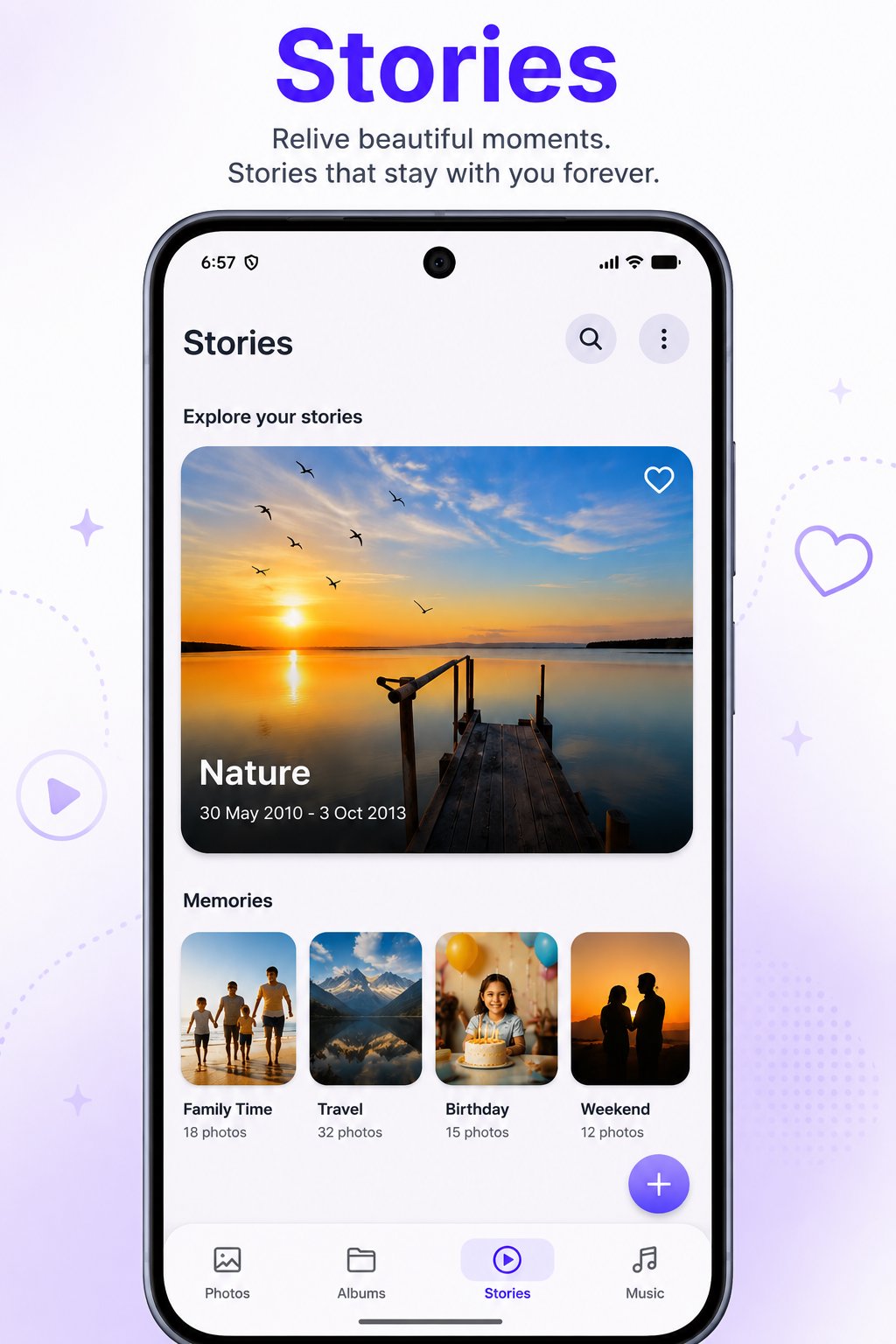
STORIES & MEMORIES
Create memorable collections from your photos and videos.
• Personal Stories
• Memory-based collections
• Story highlights
• Timeline memories
• Travel, family, birthday and event collections
• Smooth Story viewing
VIDEO PLAYER
Watch videos stored on your device.
• Offline video playback
• Full-screen playback
• High-quality video support
• Fast video browsing
• Folder-based organization
• Simple playback controls
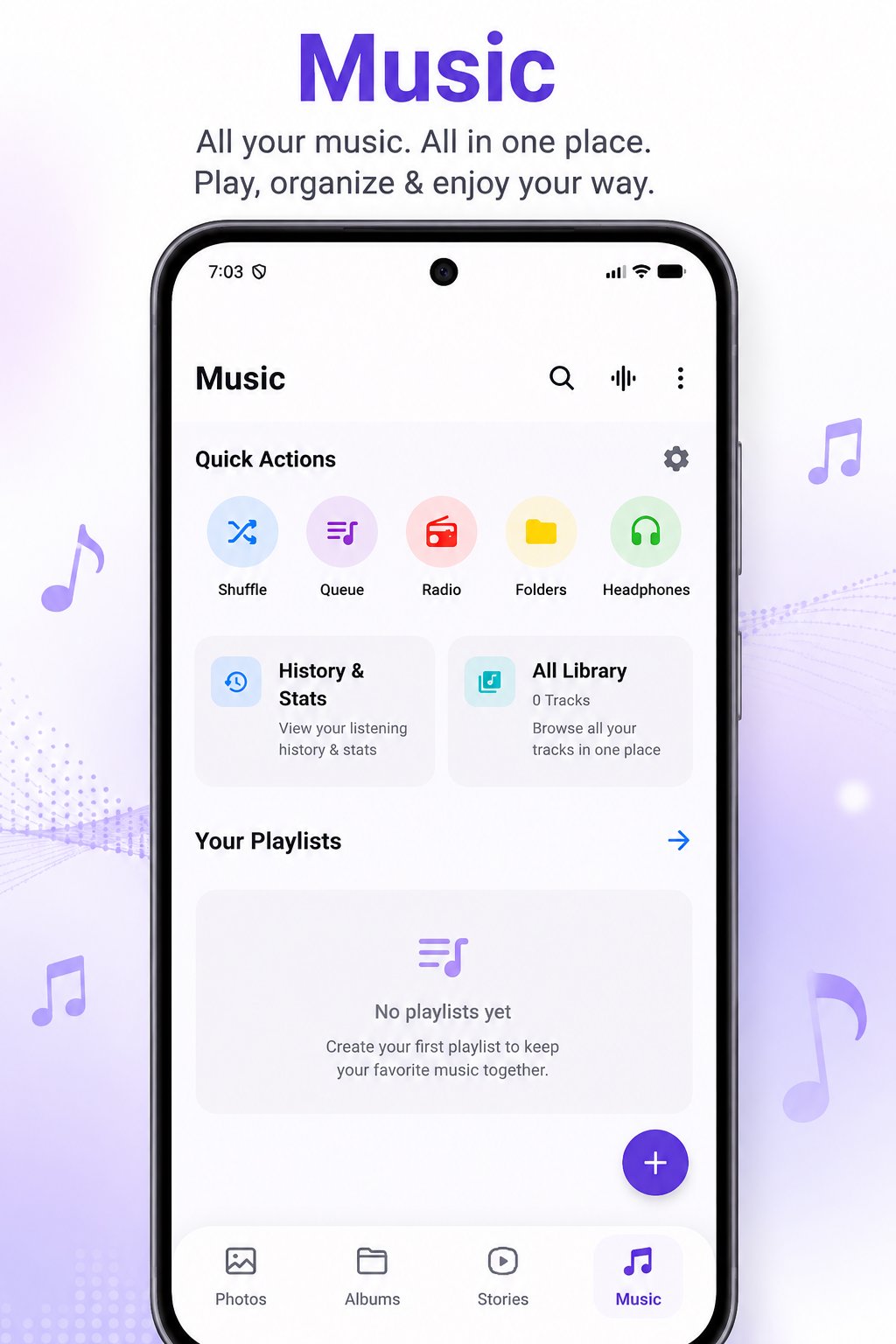
MUSIC PLAYER
Enjoy your local music collection offline.
• MP3 support
• Music library scanning
• Playlists and queue management
• Shuffle and repeat
• Background playback
• Playback history and statistics
• Equalizer support
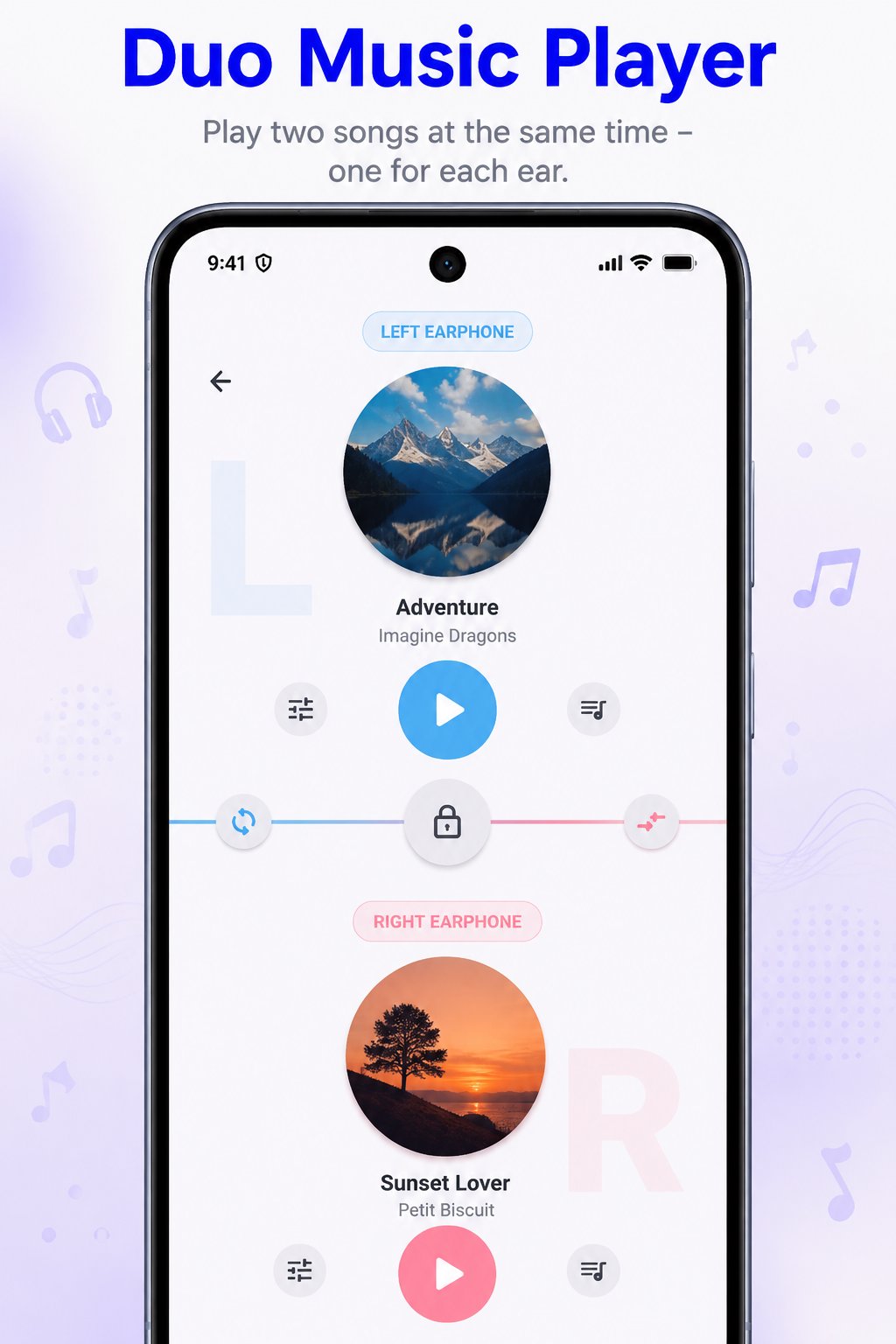
DUO MUSIC PLAYER
A unique dual-player experience for headphones and earphones.
• Play two tracks simultaneously
• Independent player controls
• Separate playback controls
• Dual-track listening
ONLINE MUSIC SEARCH
Search for songs online from within GalleryBox.
• Online song search
• Google-powered search
• Find available music results
• Open results through supported apps or websites
ONLINE RADIO
Listen to internet radio with an online connection.
• Online radio streaming
• Station search
• Favorite stations
• Station presets
• Playback controls
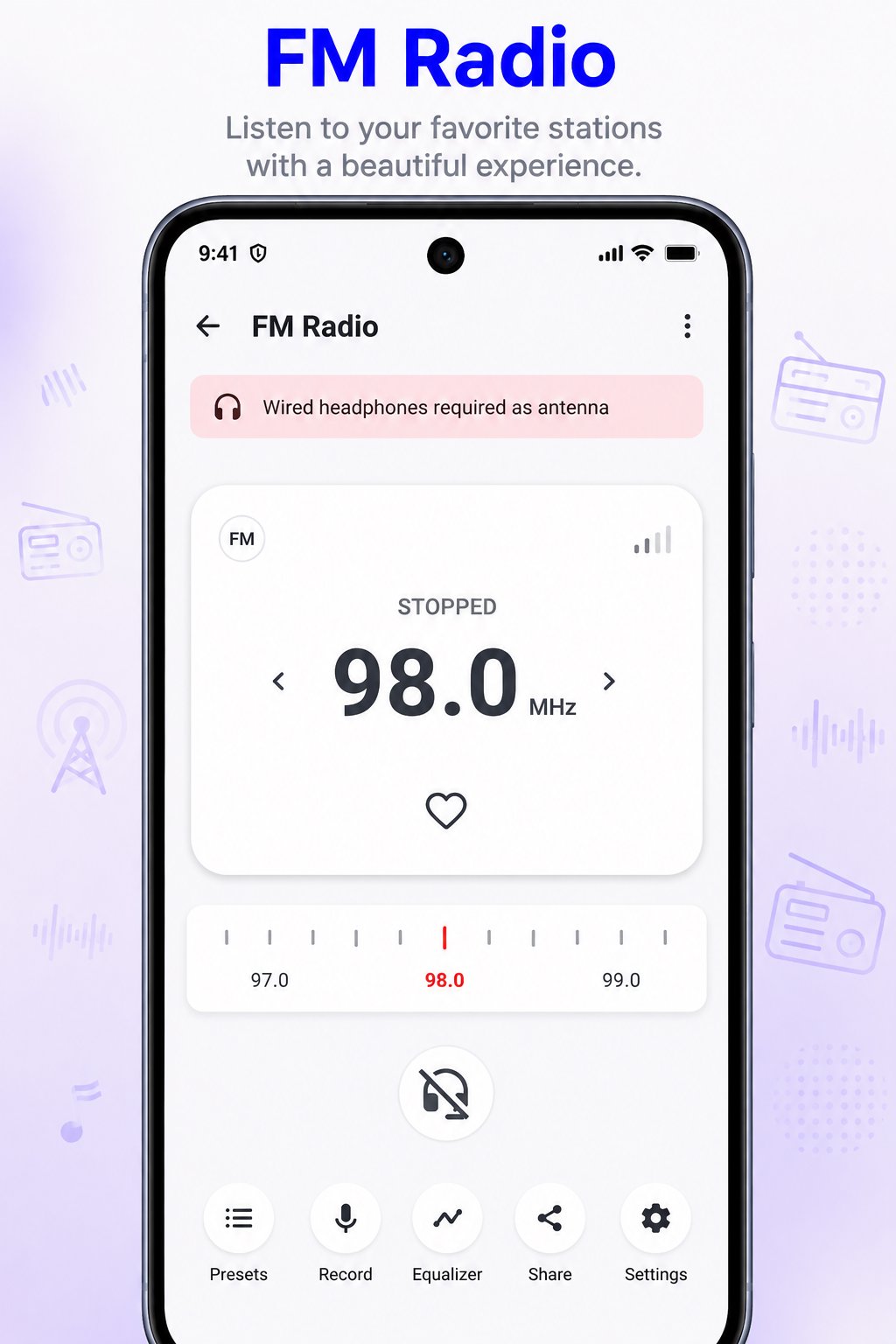
FM RADIO
Access supported FM radio through a simple interface.
• FM radio support
• Frequency tuning
• Favorite stations
• Presets and radio controls
• Station browsing
FILE MANAGER
Manage files and folders across device storage.
• Browse storage
• Create and manage folders
• Rename files and folders
• Copy, move and organize files
• Search files
• Delete files and folders
• Hidden-file management
• File information
DOCUMENT MANAGER
Find and manage supported documents stored on your device.
• PDF files
• Word documents
• Excel spreadsheets
• Other supported formats
• Device-wide document scanning
• Document search and organization
• File information and management
TRASH & RECOVERY
Manage deleted content through Trash and supported recovery functions.
• Move files to Trash
• Restore deleted files
• Restore files to original locations
• Permanently delete selected files and folders
• Scan for recoverable deleted file remnants where technically supported
HIDDEN CABINET
Keep private photos, videos, documents and files protected.
• Hide private content
• Secure media and documents
• Protected private storage
• Separate private content from normal browsing
BIOMETRIC & APP LOCK
Protect GalleryBox and private content with device security.
• Fingerprint authentication
• Biometric unlock
• Device-supported biometric security
• App lock
• Secure access to private content
OFFLINE & PRIVACY
GalleryBox is designed around your local content and device experience.
• No login required
• No account required
• Local media support
• Offline gallery
• Offline video player
• Offline music player
• No forced cloud storage
WHY GALLERYBOX?
GalleryBox brings Gallery, Albums, Photos, Videos, Stories, Music, Duo Music, Online Music Search, Online Radio, FM Radio, File Manager, Documents, Trash, Recovery, Hidden Cabinet and Biometric Lock together.
One place to browse, play, organize, search, protect and manage your media and files.
GalleryBox — One Gallery. All Your Media, Files & More.

One-click to install XAPK/APK files on Android!
Thanks for your rating and feedback!
You have already rated.