Safe & Fast APK Downloads on APKPure
APKPure uses signature verification to ensure virus-free Generalscan Keyboard Pro APK downloads for you.

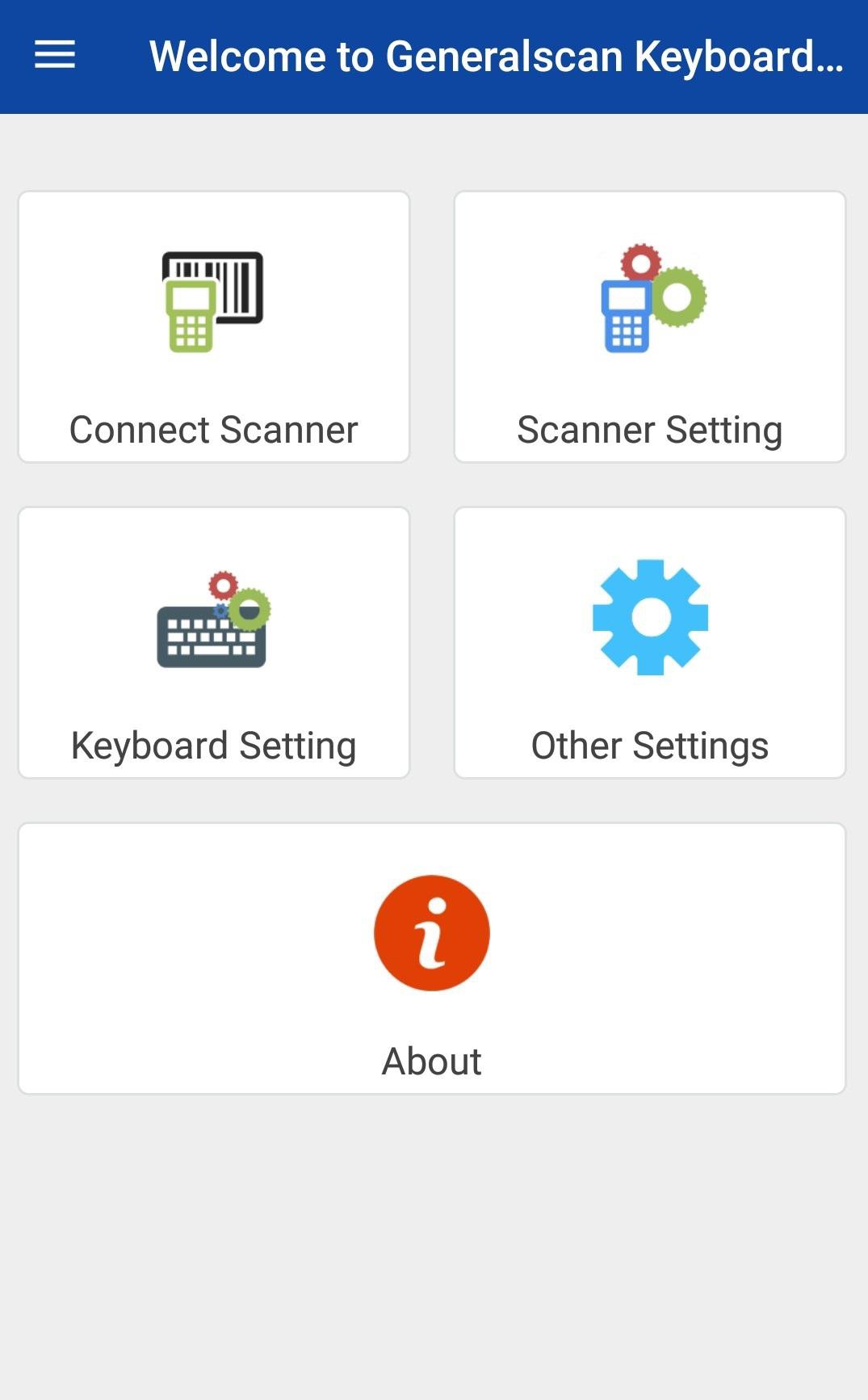
Generalscan Keyboard make all series scanner as virtual keyboard input
Generalscan Keyboard Pro for Android is an input method works for Generalscan all series barcode scanners. On the basis of previous version, our new keyboard can not only support Bluetooth connection, but also support USB Master mode. We newly integrated BLE mode into our Bluetooth connection modes, its power consumption is lower than SPP mode. With Bluetooth wireless charging and smart wake-up functions, plus multiple-language keyboard and nine keyboard themes, it can make better to cater for most of users and improve user’s experience dramatically!
You can collect data by scanning barcode into the position with a cursor. Using our barcode scanner, there is no need for you to develop your own software which can save a lot for you!


One-click to install XAPK/APK files on Android!

Thanks for your rating and feedback!
You have already rated.