
Scan Date:Jul 27, 2025
Show More

Knots 3D is an interactive knot tying app for outdoor, work, and rope-learning situations.
Developed by Nynix LLC, Knots 3D focuses on clear 3D learning for users who need to understand how a knot is actually formed. Instead of relying only on flat drawings, it shows each wrap, loop, hitch, and tuck through animated models that can be viewed from different angles. This makes the Knots 3D APK useful for fishing, camping, boating, climbing practice, scouting, and rescue reference. The main tools are easy to understand at a glance:
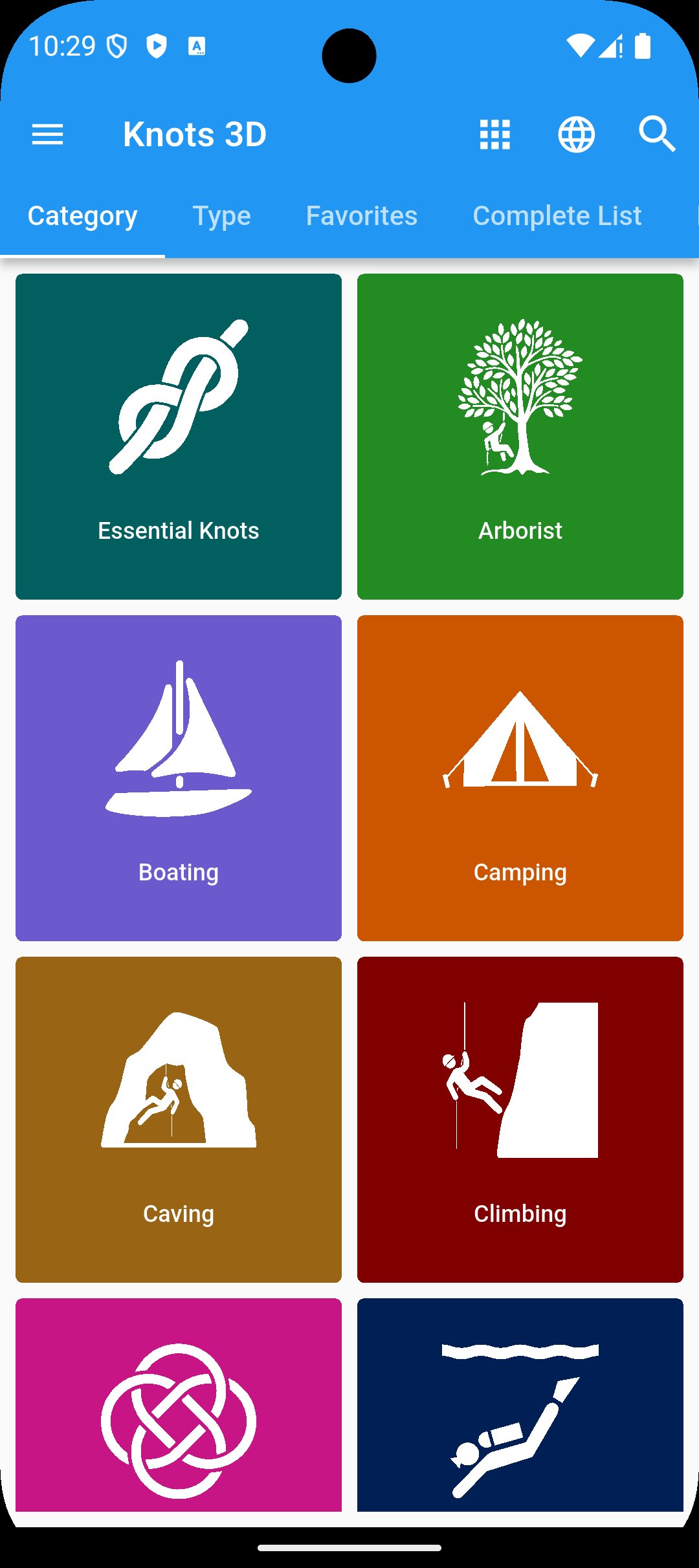
Knots 3D gives users access to 222 unique knots across categories that match real activities, including Essential, Arborist, Boating, Camping, Climbing, Fishing, Military, Scouting, and Search & Rescue. The category layout helps users move straight to the type of knot they are likely to need, such as fishing knots before a weekend trip or camping knots while preparing a tarp line.
The library works best as a practical reference rather than a simple list of names. A user can open a category, choose a familiar knot such as Bowline, Sheet Bend, Taut-Line Hitch, or Trucker’s Hitch, and check how the rope takes shape. Knots 3D also covers more specialized use cases, but safety-focused activities such as climbing, rescue, and arborist work still require real training and supervised practice.
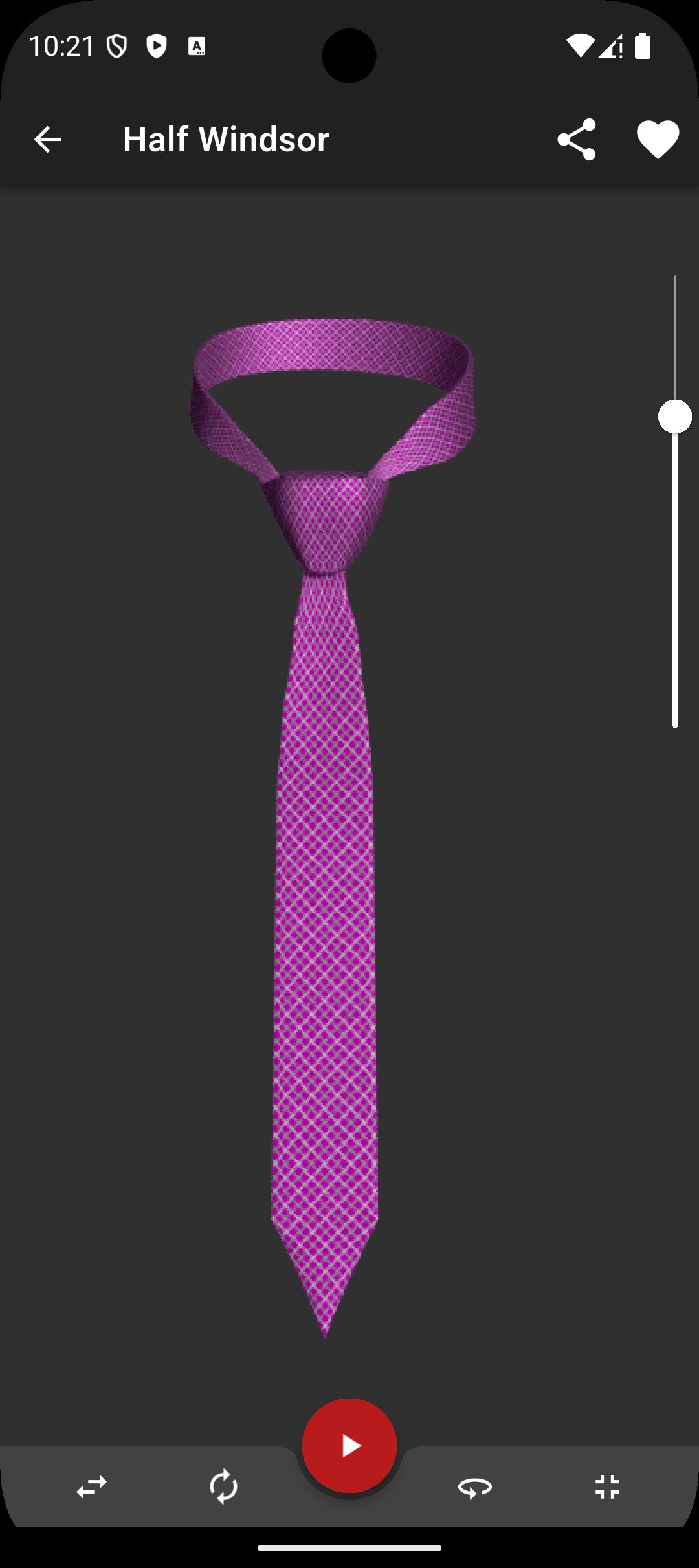
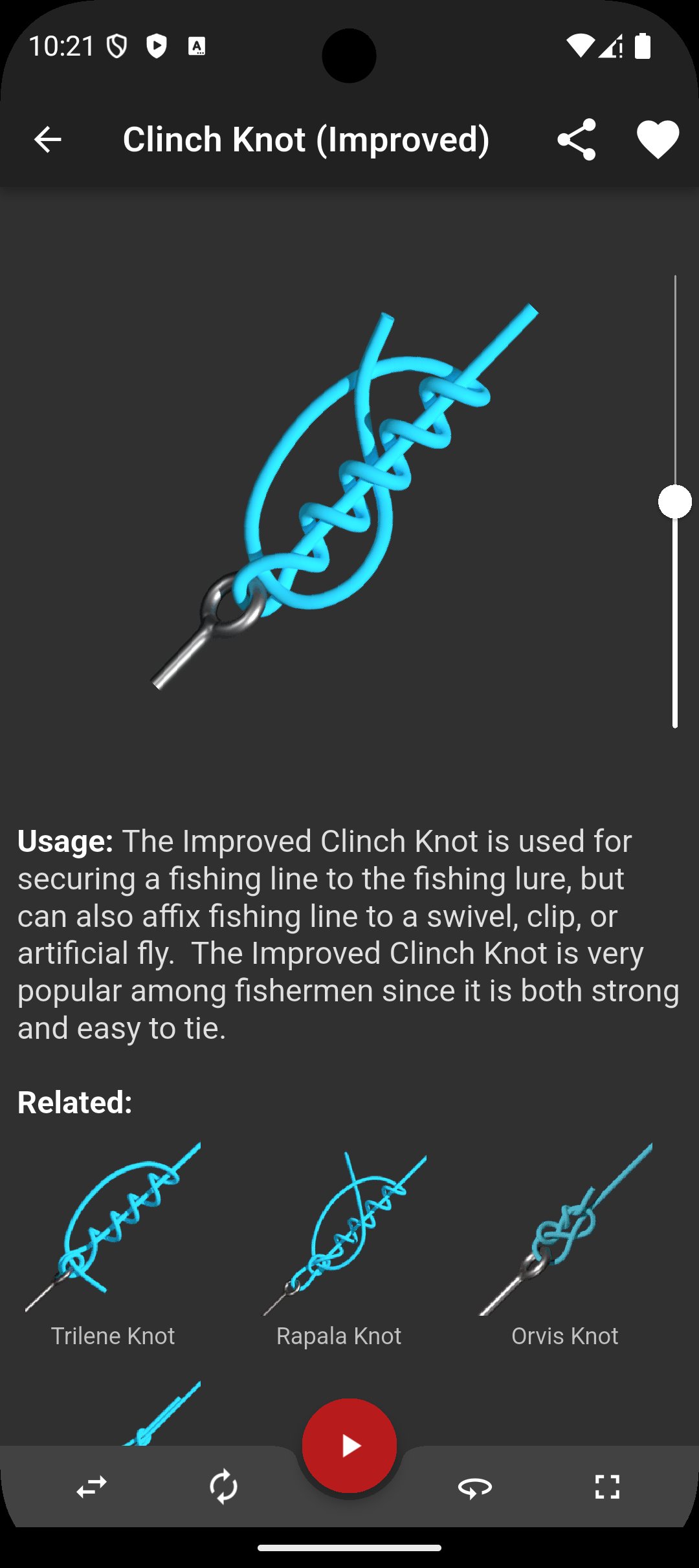
The strongest part of Knots 3D is its interactive knot animations. Each knot is shown as a step-by-step 3D model, so users can watch how the rope passes over, under, around, and through itself. This is especially helpful when a flat diagram makes a wrap or tuck look unclear.
Users can rotate the model 360 degrees to inspect the front, back, and sides of the knot. This small detail matters when learning knots with similar-looking turns, because the wrong crossing can change how a knot holds. In everyday use, the animation feels useful when practicing with a short piece of rope beside the phone, checking the screen whenever a loop or hitch looks wrong.
Knots 3D supports pausing, speed adjustment, and finger scrubbing, which makes difficult knots easier to follow at a comfortable pace. Instead of replaying an entire animation from the beginning, users can move forward or backward through the tying process and focus on the exact part that needs another look.
This is useful for knots with several direction changes, such as a Trucker’s Hitch or Taut-Line Hitch. A user can slow the motion, pause at the tuck, compare the shape with real rope, and then continue. These controls do not replace hands-on practice, but they reduce the guesswork that often comes from static instructions. For users who learn visually, Knots 3D feels more patient than a printed guide because the same step can be reviewed as many times as needed.
Knots 3D includes search by knot name, common synonym, or ABOK number, which helps when users already know what they are looking for. This matters because many knots are known by more than one name depending on the activity, region, or training background.
If a knot does not appear under the first term, searching by a synonym can often lead to the right entry. The ABOK number option is also helpful for users who reference The Ashley Book of Knots or compare knots across older rope guides. For casual users, browsing by category may be faster, but the search feature keeps the library manageable once the user starts looking for specific knots.
Knots 3D works offline and does not require internet access or other permissions, which suits outdoor situations where signal is weak or unavailable. A camping area, marina, trailhead, or training site may not always have stable service, so keeping the full library on the device is a practical advantage.
The app also states that it has no ads, in-app purchases, or subscriptions. That keeps the learning flow focused, especially when users are checking a knot while working with rope. Light and dark modes, portrait and landscape support, full-screen viewing, and zoom controls add small but useful comfort options. The app still takes practice to turn screen learning into muscle memory, but its clean layout makes repeated review less distracting.
These points reflect how Knots 3D performs as a knot reference and learning tool for outdoor, work, and training preparation. Its biggest strengths come from offline access, clear 3D viewing, and a broad knot library.
ProsYou can download Knots 3D latest version from APKPure and install the APK on a compatible Android device. The file is around 180 MB, so download time will depend on the connection. On a steady home Wi-Fi connection, it should finish fairly quickly, while mobile data or weak outdoor signal may take longer.
Before installing, check that the device has enough free storage for the Knots 3D APK and the installation process. After setup, the knot library can be used offline, which makes it practical to prepare before fishing, camping, boating, scouting, or rope practice sessions. For best results, keep a short piece of rope nearby and use the 3D animations as a visual guide while building real hand memory.



One-click to install XAPK/APK files on Android!

Thanks for your rating and feedback!
You have already rated.