Package Name:com.markdeck.markdeck
Show More


73.6 MB
File Size
Everyone
Android 10.0+
Android OS
Read Markdown, PDF, EPUB & DOCX; edit Markdown and Word documents, offline
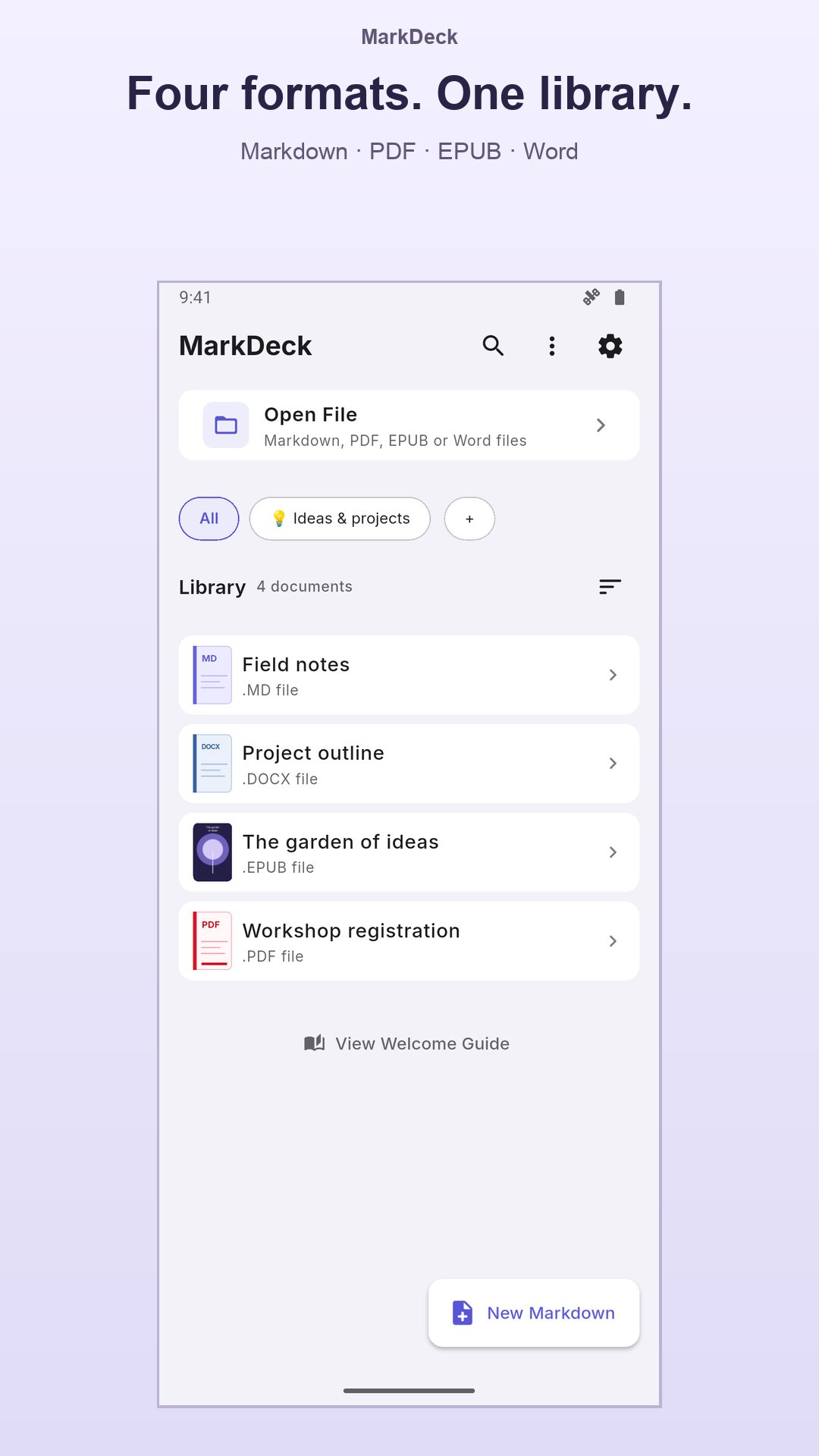
MarkDeck is a fast, beautiful Markdown reader and editor that also reads PDF, EPUB and Word documents, and edits Word documents. Open any .md, .pdf, .epub or .docx file and read it your way, with your own themes, fonts and a clean, focused layout.
Whether you're a developer viewing README files, a student reading PDF notes, a writer keeping Markdown notes or a book lover with an EPUB library, MarkDeck makes reading a delight.
📖 MARKDOWN VIEWER THAT GETS EVERY DETAIL RIGHT
Tables scroll, code blocks have syntax highlighting, links are clickable and images display inline.
✍️ VISUAL MARKDOWN EDITOR
Edit Markdown like in a word processor: headings, lists, tasks, quotes, code, links, images and tables edited in place, with the Markdown view one tap away. Create new notes and save them to your library.
📄 PDF READER & 📚 EPUB READER
Open PDFs and EPUB e-books in the same calm reader. Read EPUB books with your theme, font and text size; read PDFs with comfortable zoom, Night and Warm modes (Pro) and password support.
📃 READ & EDIT WORD DOCUMENTS (DOCX)
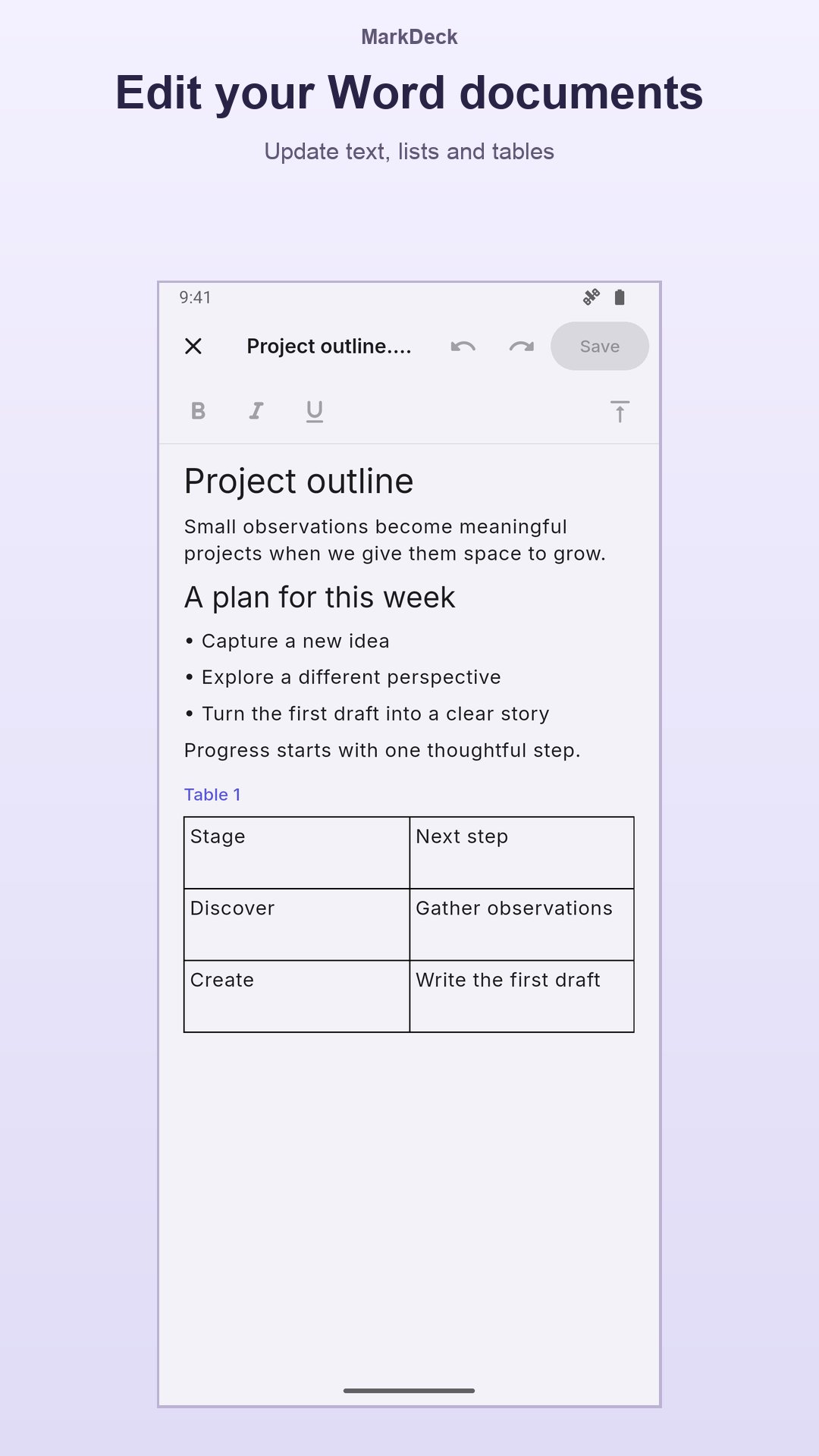
Edit .docx files: fix a typo, rewrite a paragraph, add bold or italic. The file keeps its layout, tables and images.
Open .docx files as real pages: layout, headers and footers, tables, images and charts kept, with search and a table of contents from the headings. Export to PDF with Pro. Templates and macro-enabled files open too; macros never run.
💾 SAVE A COPY
Keep any document in your files with the system's save screen, no storage permission needed. The library copy stays as it is.
📝 FILL PDF FORMS
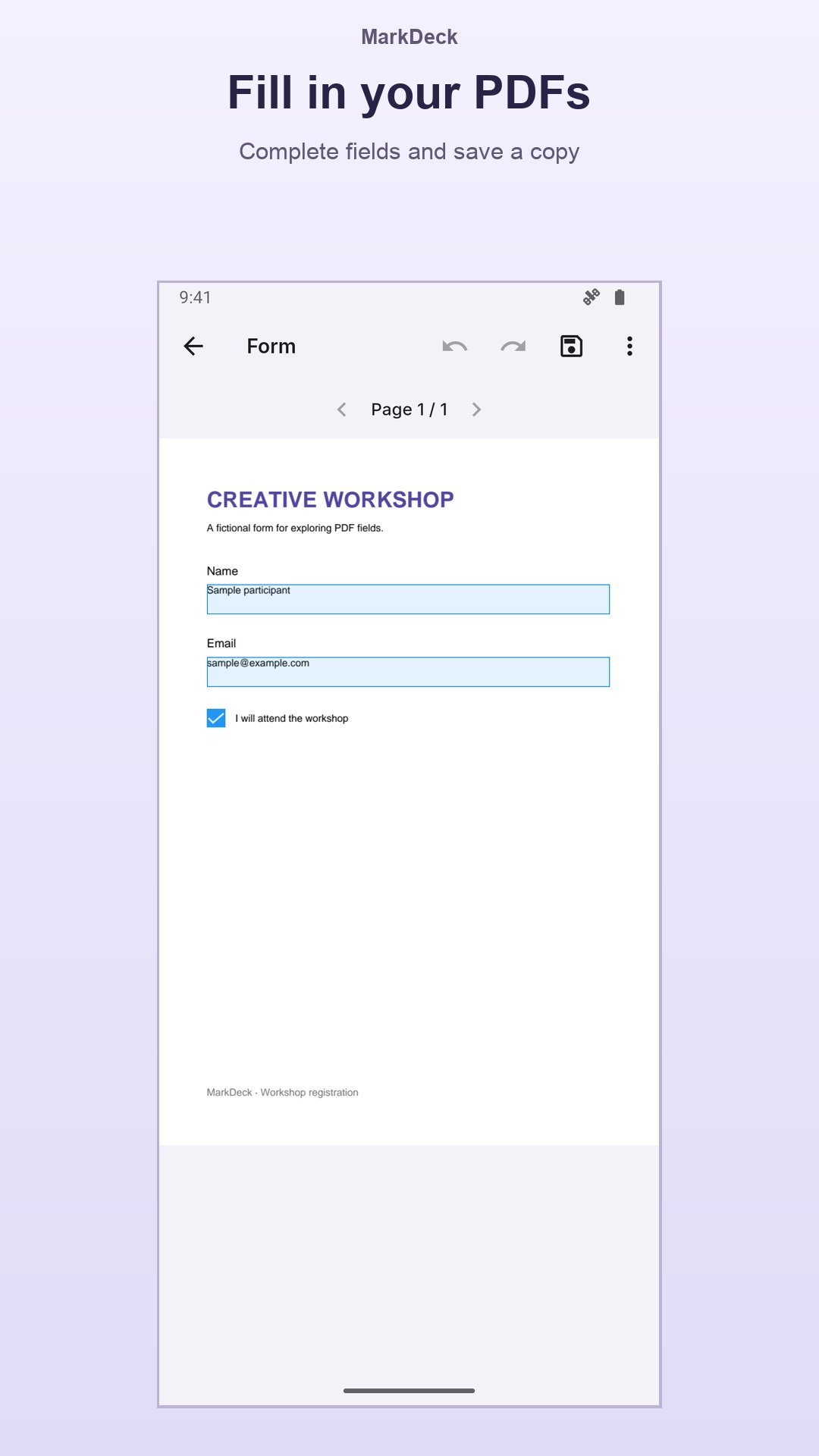
Fill in interactive PDF forms (text, checkboxes, options and lists) and save a copy while the original stays untouched.
🎨 20 READING THEMES
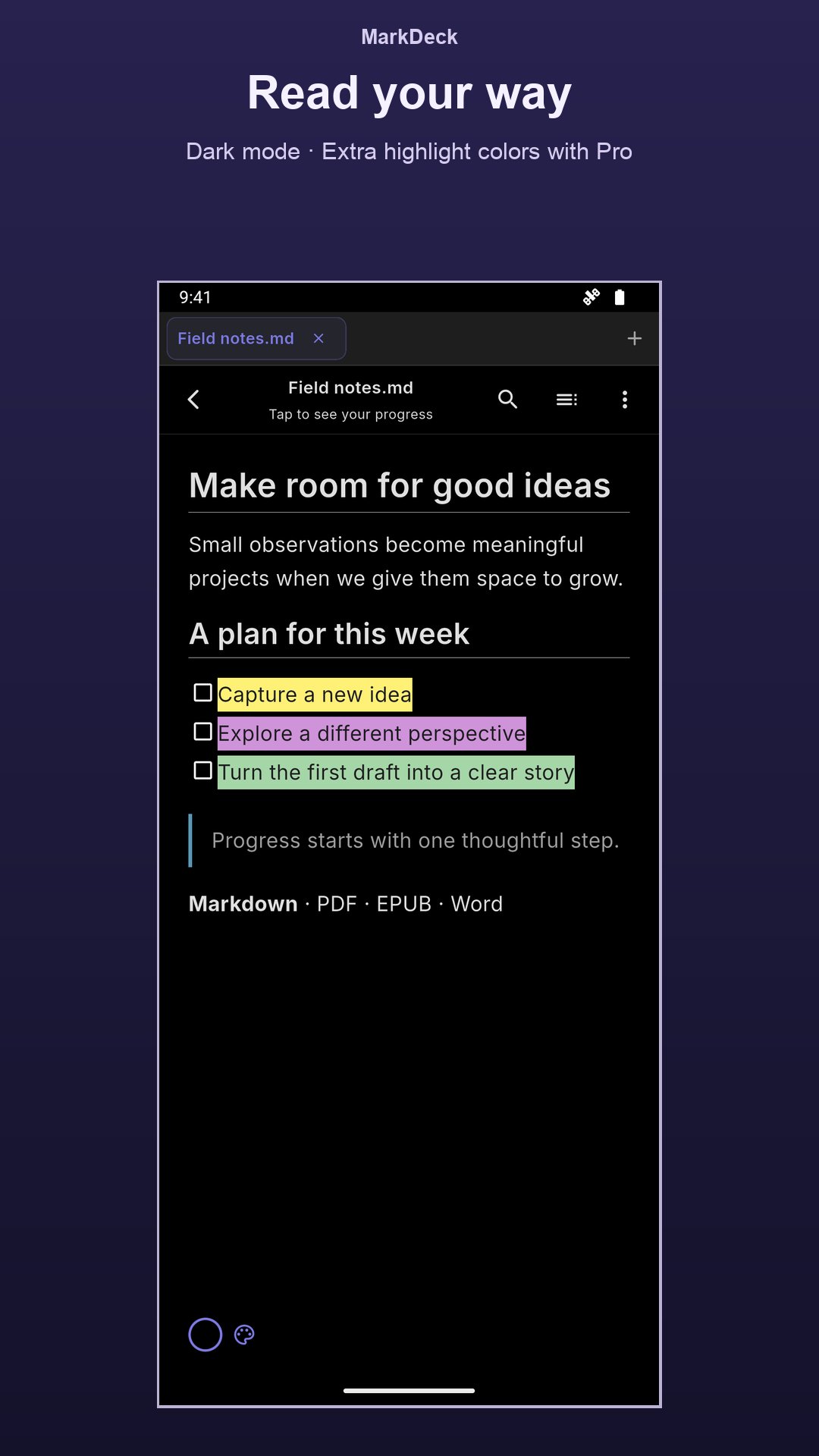
15 themes free: Light, Dark, Sepia, Paper, AMOLED, Dracula, Nord, Solarized, Gruvbox, Tokyo Night and more, plus 5 premium palettes with Pro.
🔤 YOUR FONTS & TEXT SIZE
For Markdown and EPUB, pick a reading font and text size with a live preview. Two fonts free, eight more with Pro.
📂 OPEN FILES FROM ANY APP
Got a .md, .pdf or .epub in a chat app, email or file manager? Tap "Open with" and choose MarkDeck, even for documents inside ZIP files.
📋 PASTE & READ
Paste Markdown from any app or AI tool and read it instantly, or paste a web link and read it as clean text.
🔖 BOOKMARKS, HIGHLIGHTS & NOTES
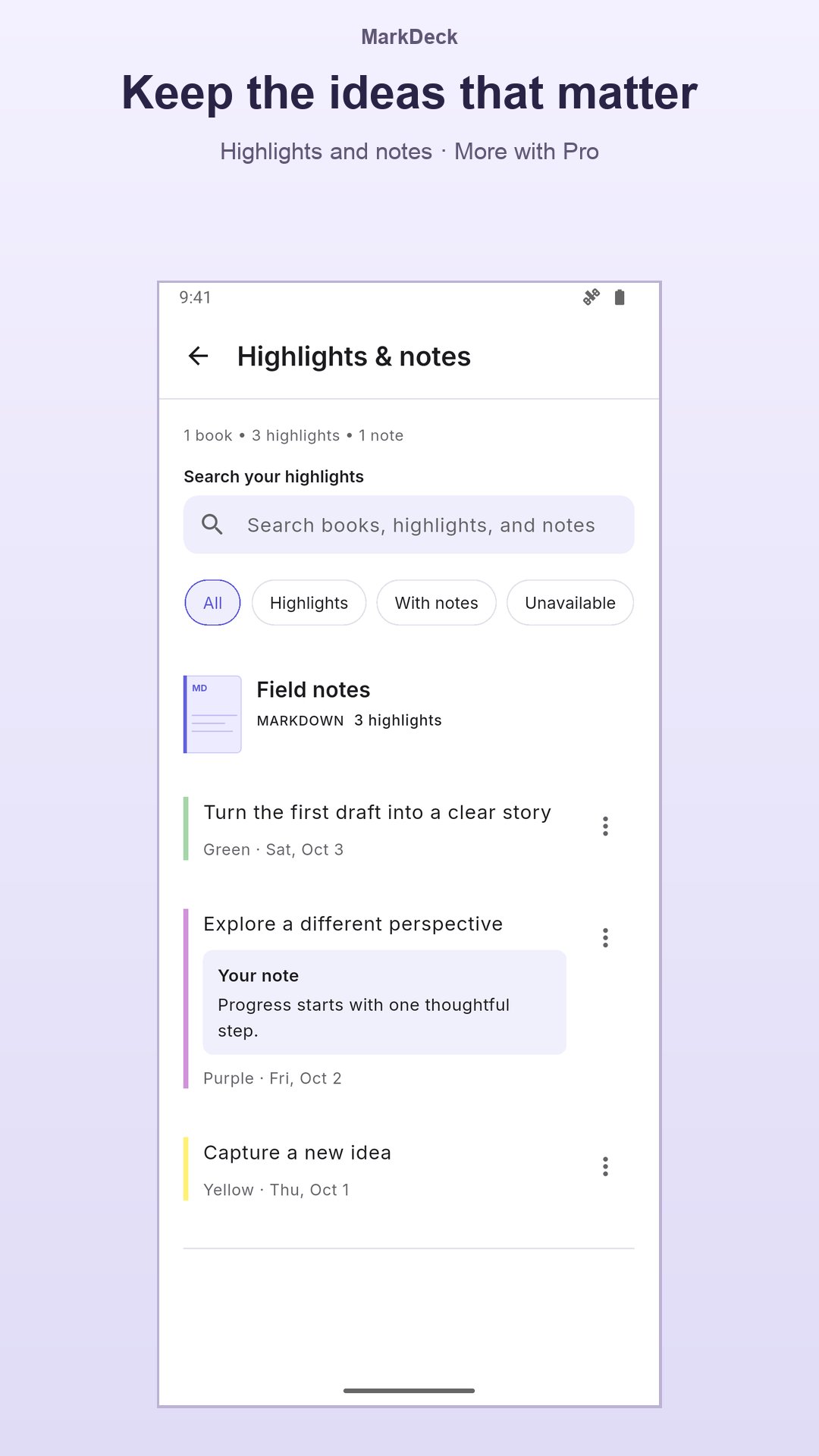
Bookmark your place, highlight passages and add notes (Pro), then find them all in one place. A table of contents jumps to any chapter.
🗂️ COLLECTIONS & SEARCH
Group documents into collections, search your library and pick up where you left off, with reading progress for every file.
📊 READING STATS
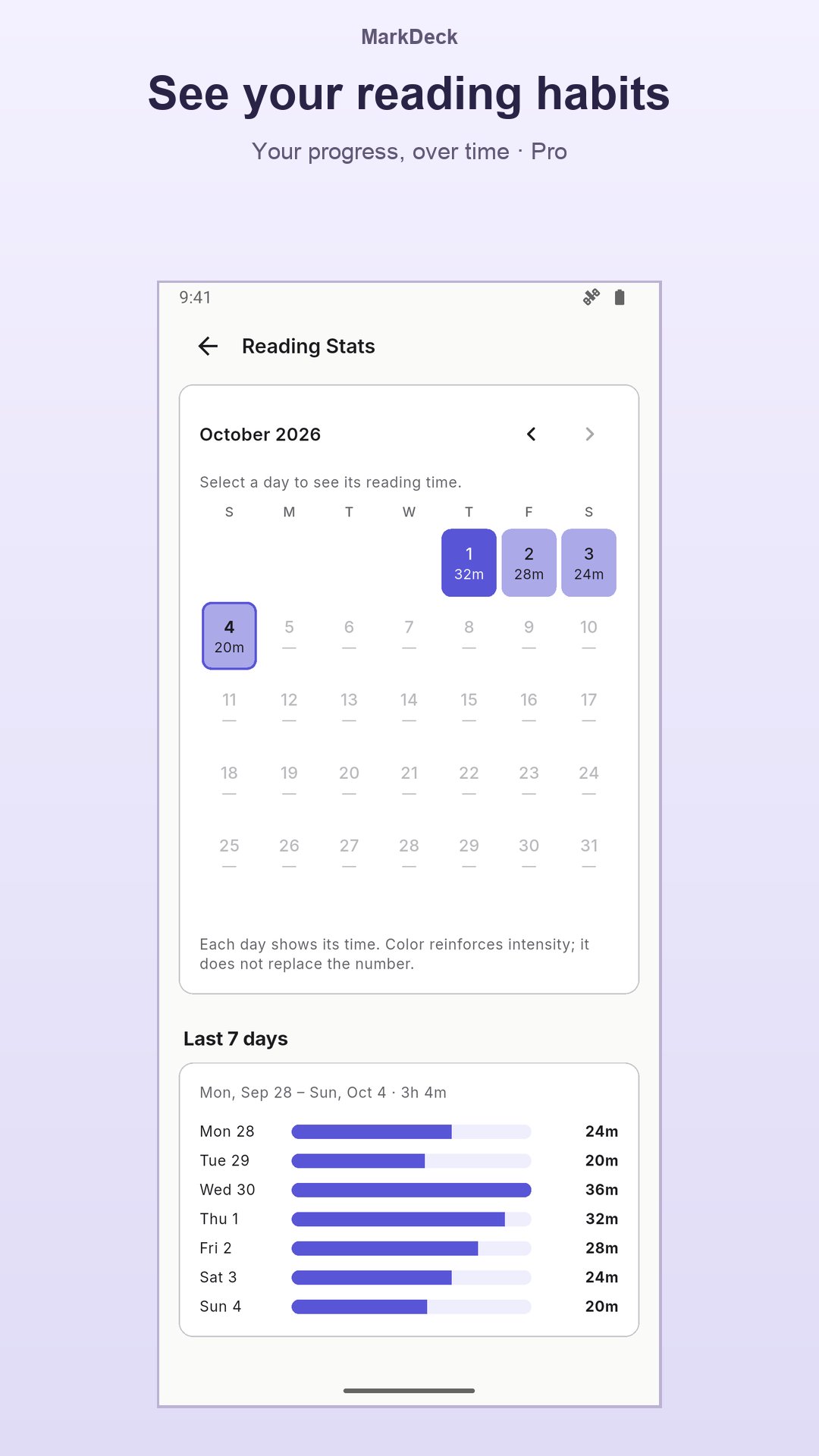
Time, streak and sessions at a glance; Pro adds a full activity heatmap.
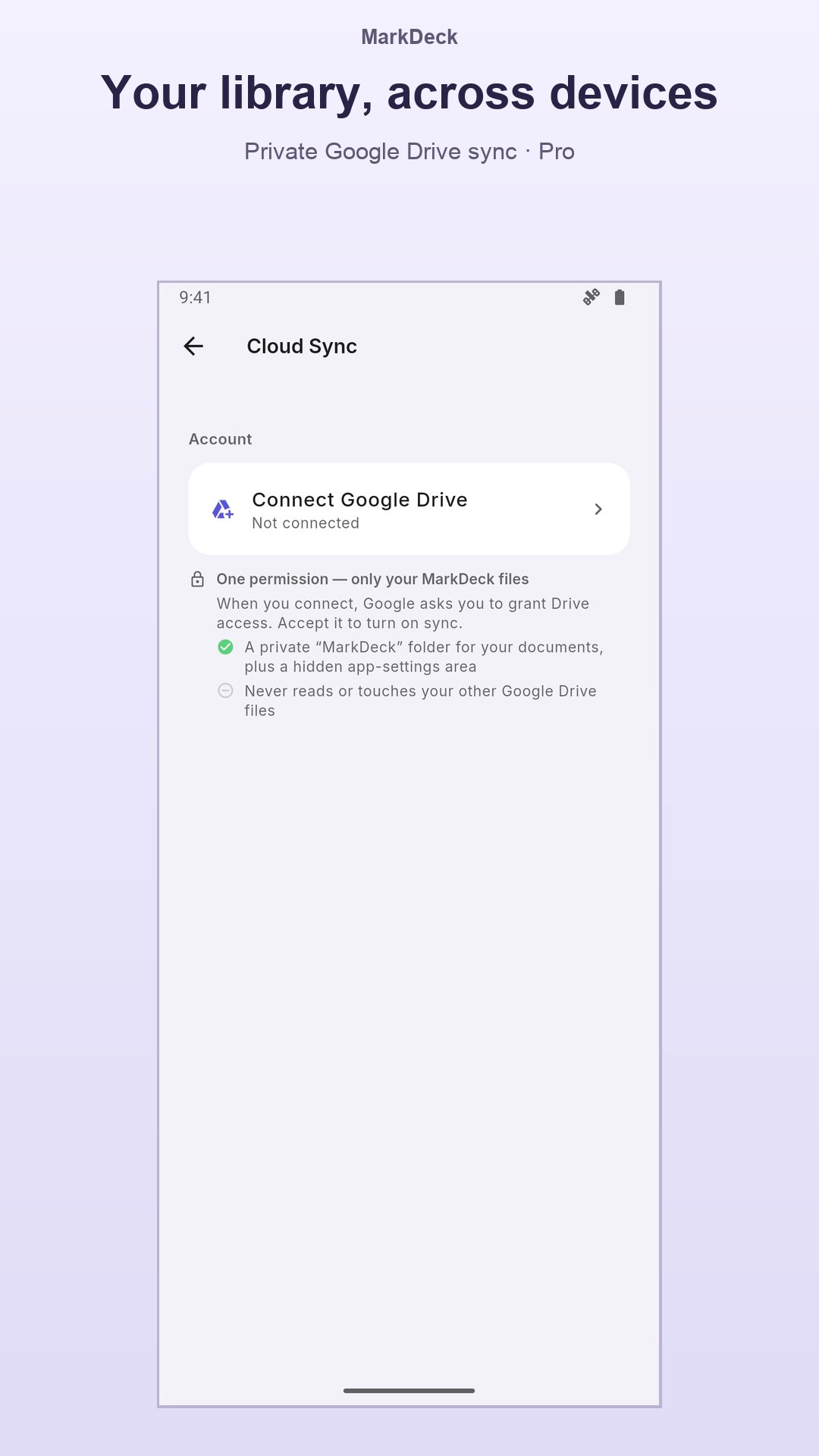
☁️ GOOGLE DRIVE SYNC (PRO)
Keep your library, highlights and notes in step across your devices with your own Google Drive.
🔒 OFFLINE & PRIVATE
No account required to read. Read local documents offline; share files or enable Google Drive sync only when you choose.
🌐 MULTILINGUAL
English, Spanish and Portuguese.
⭐ MARKDECK PRO
No ads, every font, all 20 themes, PDF color modes, unlimited bookmarks, color highlights with notes, documents in tabs, PDF export, full stats and Google Drive sync.
PERFECT FOR: developers reading documentation, READMEs and changelogs • students with lecture notes and PDF handouts • writers and note-takers working in Markdown • book lovers with EPUB libraries • anyone who receives .md, .pdf or .epub files by email or chat
SUPPORTED FORMATS: .md • .markdown • .txt • .pdf • .epub • .docx • .dotx • .docm • .dotm
Open any Markdown, PDF or EPUB file and read it beautifully, with no account and no connection needed.


One-click to install XAPK/APK files on Android!

Thanks for your rating and feedback!
You have already rated.