Package Name:com.narbulut.android
Show More


58.7 MB
File Size
Everyone
Android 7.0+
Android OS
Seamless backup, effortless recovery… Easy collaboration, efficient work…
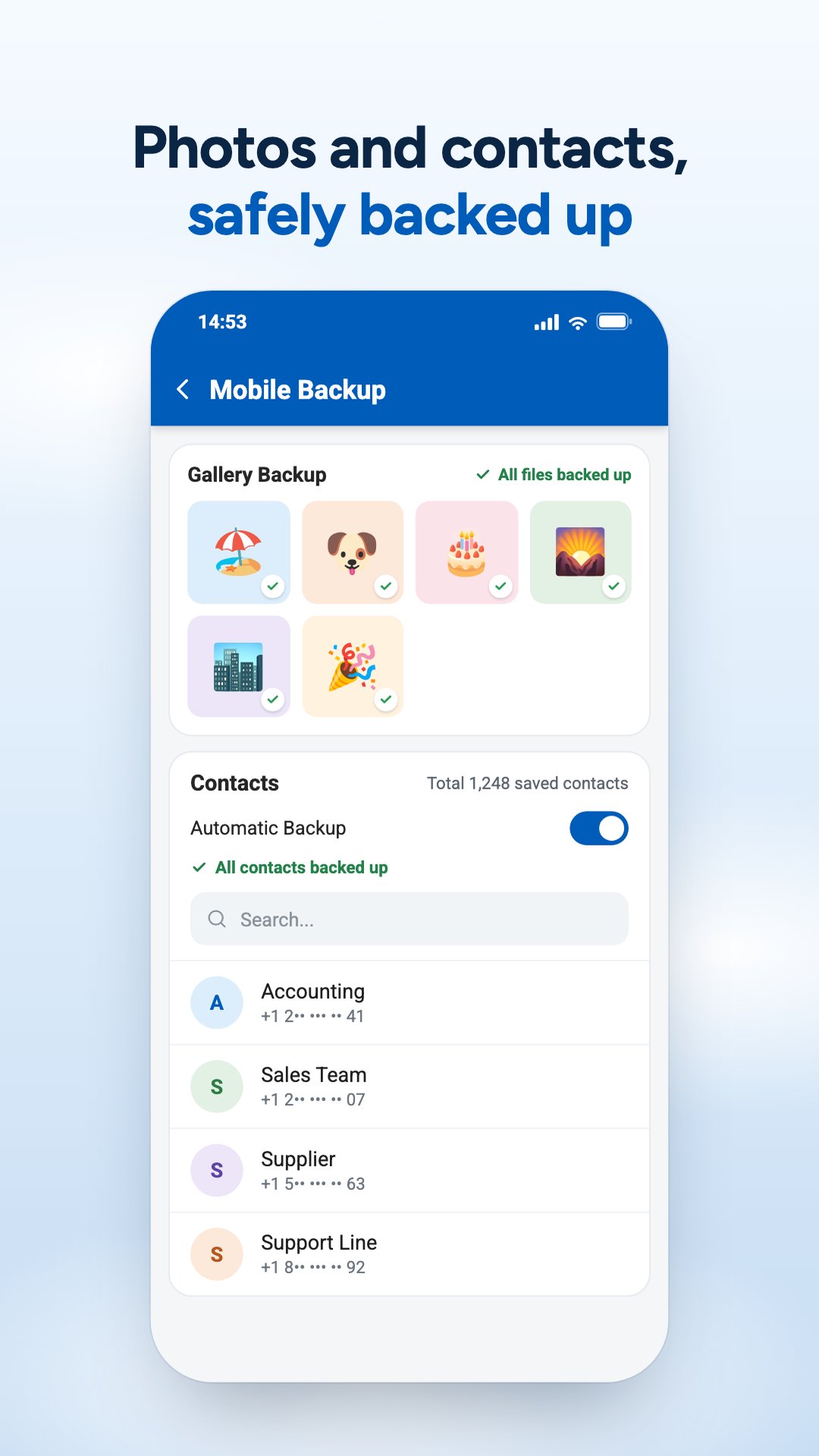
Narbulut is a reliable and versatile solution for businesses and individuals who prioritize backup, storage, and collaboration from anywhere. With its advanced features and user-friendly interface, Narbulut provides users with a smooth and secure experience. The Narbulut mobile app allows you to track your file, SQL database, and Outlook file backup processes to ensure the security and integrity of your data. Its secure storage feature and ability to collaborate from anywhere make Narbulut perfect for businesses and individuals who want to organize their work and stay productive. With Narbulut, you can be sure that your data is always accessible and protected no matter where you are.
Narbulut Backup Now - Seamless backup, effortless recovery…
Narbulut Backup Now is a cloud-based backup solution. It easily backs up your important data, allowing you to restore it whenever you need it.
Narbulut Backup Now;
- Back up your files instantly.
- Back up your Microsoft SQL, MySQL and Firebird SQL databases periodically.
- Back up your POP3-based emails with the PST extension periodically.
- Quickly recover your data in possible disaster scenarios.
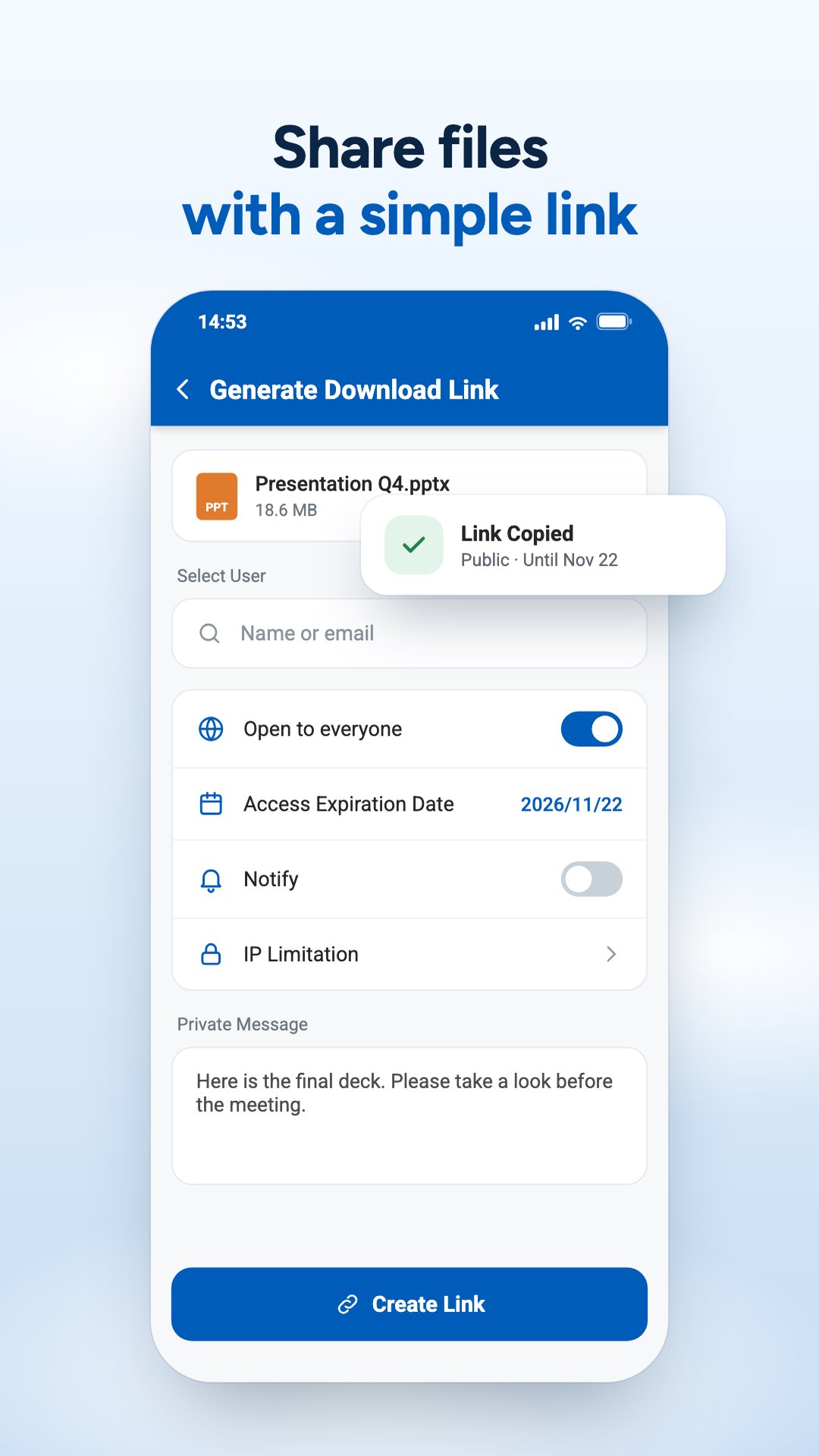
- Easily share high-sized files and folders.
- Version all changes on your data.
- Recover your deleted files for up to 60 days.
- Take advantage of comprehensive reporting on your backup activities. Stay - informed of all critical information at all times.
- Be aware of ransomware attacks.
Narbulut nDocs Workspace - Easy collaboration, efficient work…
With Narbulut, you can work simultaneously with your team members from anywhere and on any device, without sacrificing productivity or collaboration. This means you can work from office, home, vacation, and even while traveling, without any hassle.
Narbulut nDocs Workspace;
- Collaborate with your team members simultaneously on the same files and folders.
- Create personalized content in your own workspace.
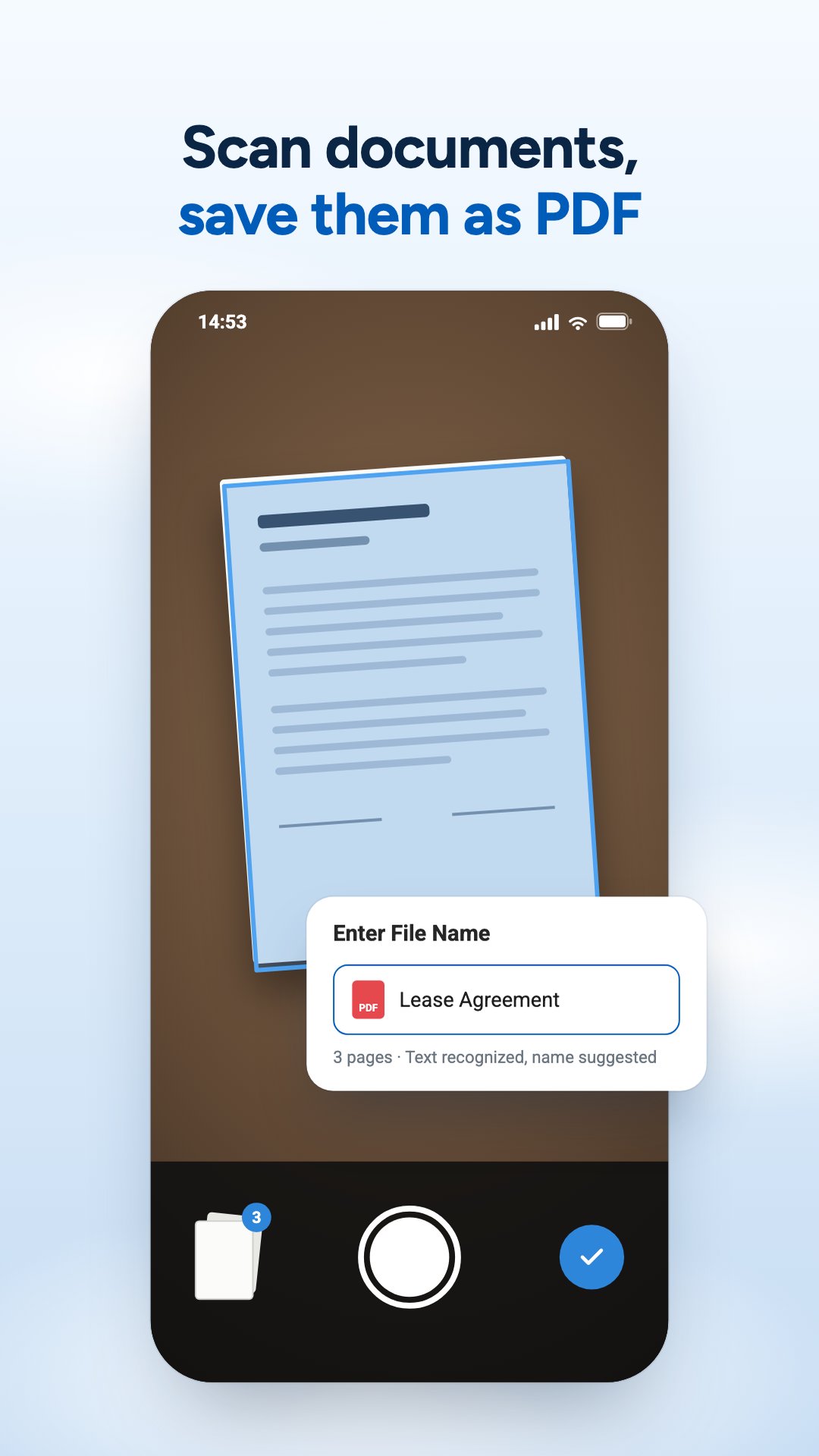
- Create and edit Word, Excel, and PowerPoint documents without needing office applications.
- Manage user permissions.
- Take advantage of comprehensive reporting services on workspace activities. Stay informed of all critical information at all times.
- Version all changes made by users on files.
- Share your files and folders with internal users for easy collaboration.
- Share your files and folders with external users for easy collaboration.
***Narbulut mobile application is designed to work with Narbulut Backup Now and Narbulut nDocs Workspace products. This application enables users that have Narbulut Backup Now or Narbulut nDocs Workspace license to access Narbulut products on mobile platforms.





One-click to install XAPK/APK files on Android!

Thanks for your rating and feedback!
You have already rated.