Package Name:com.kaadan.Netumi
Show More


13.4 MB
File Size
Everyone
Android 7.0+
Android OS
Monitor mobile and Wi-Fi data usage by app. Track your monthly allowance.
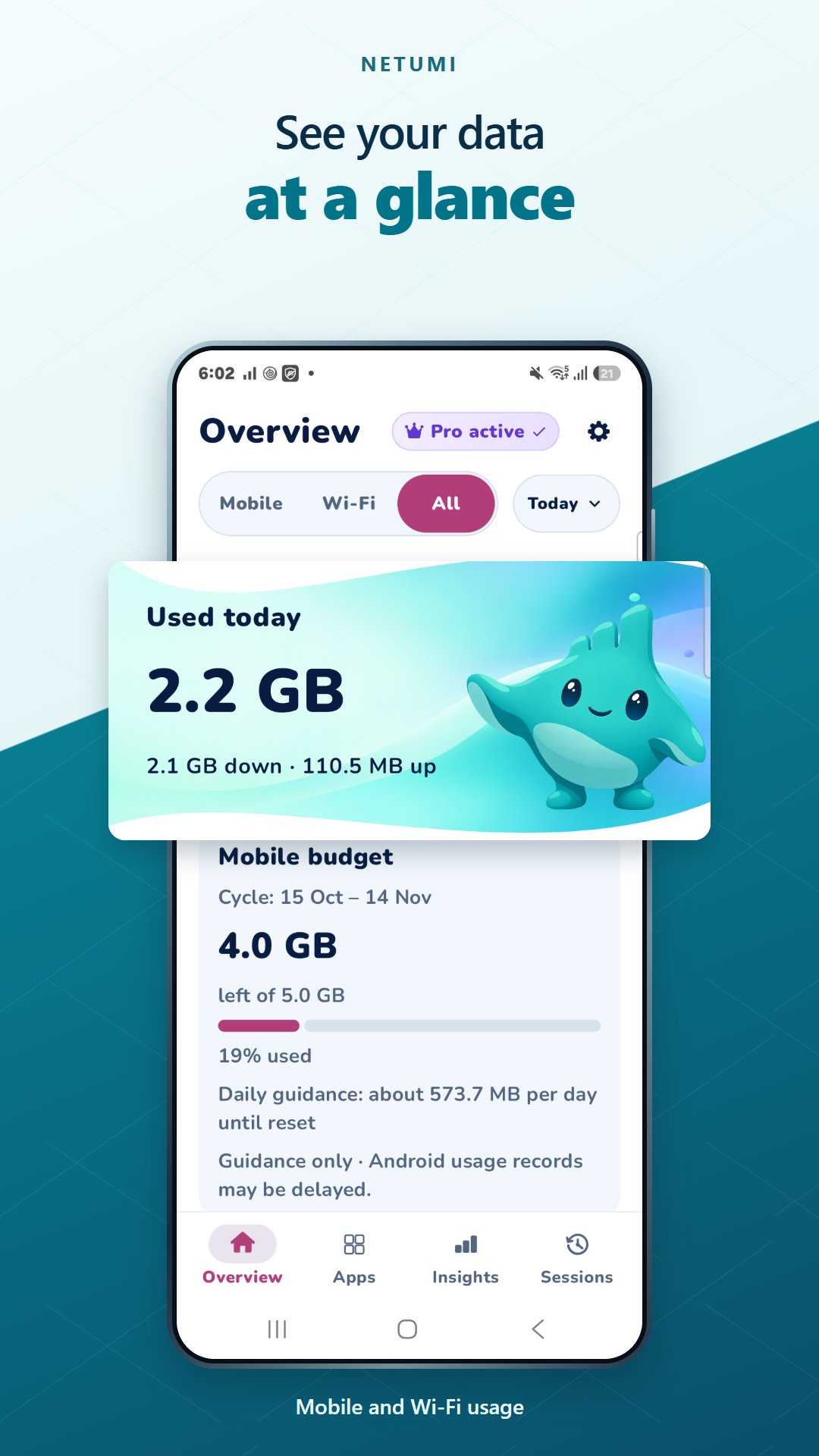
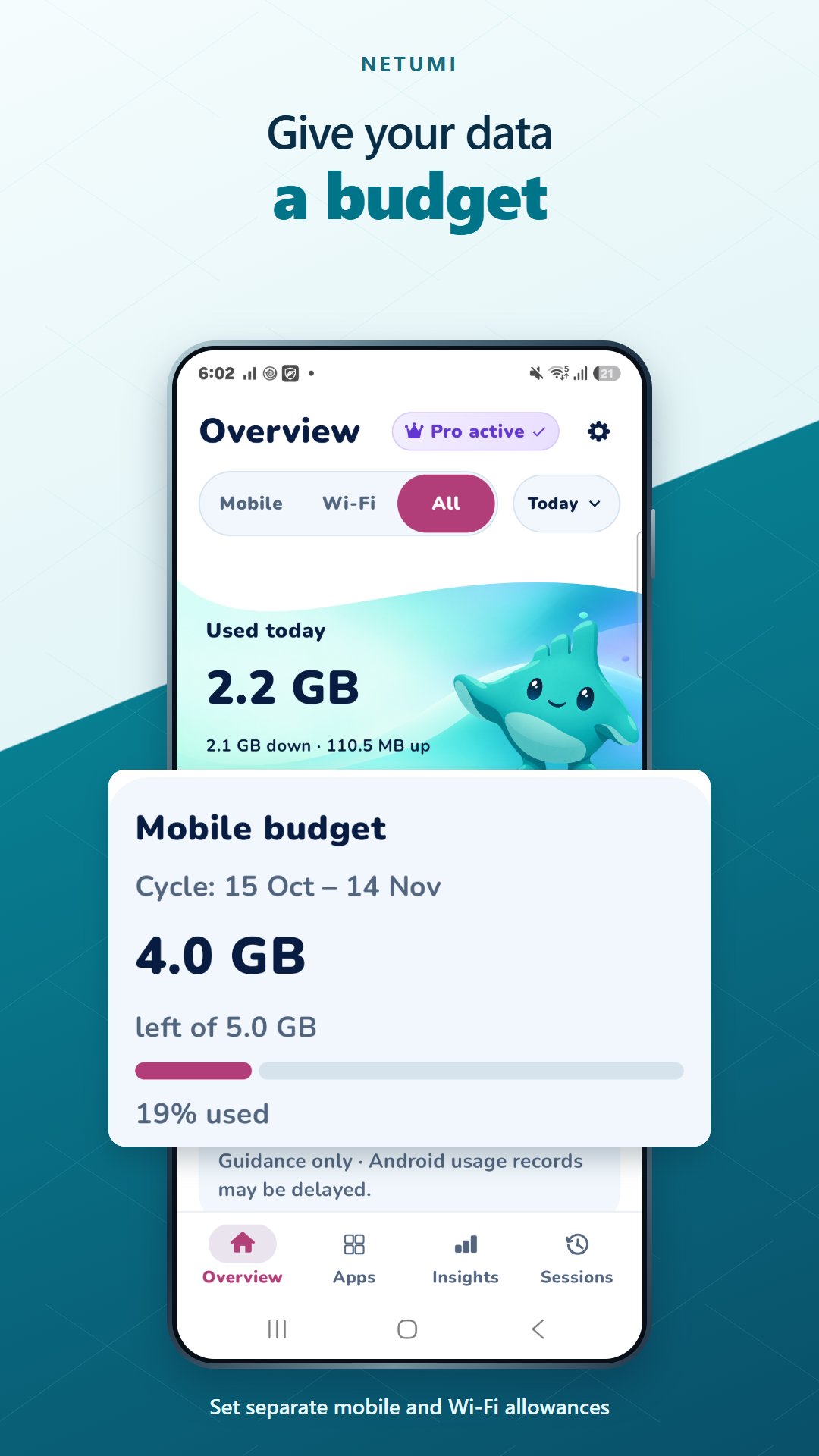
See where your data goes with Netumi, a data usage monitor for Android. Compare mobile and Wi-Fi usage, find which apps use the most data, and track your mobile allowance across your billing cycle.
See where your data goes
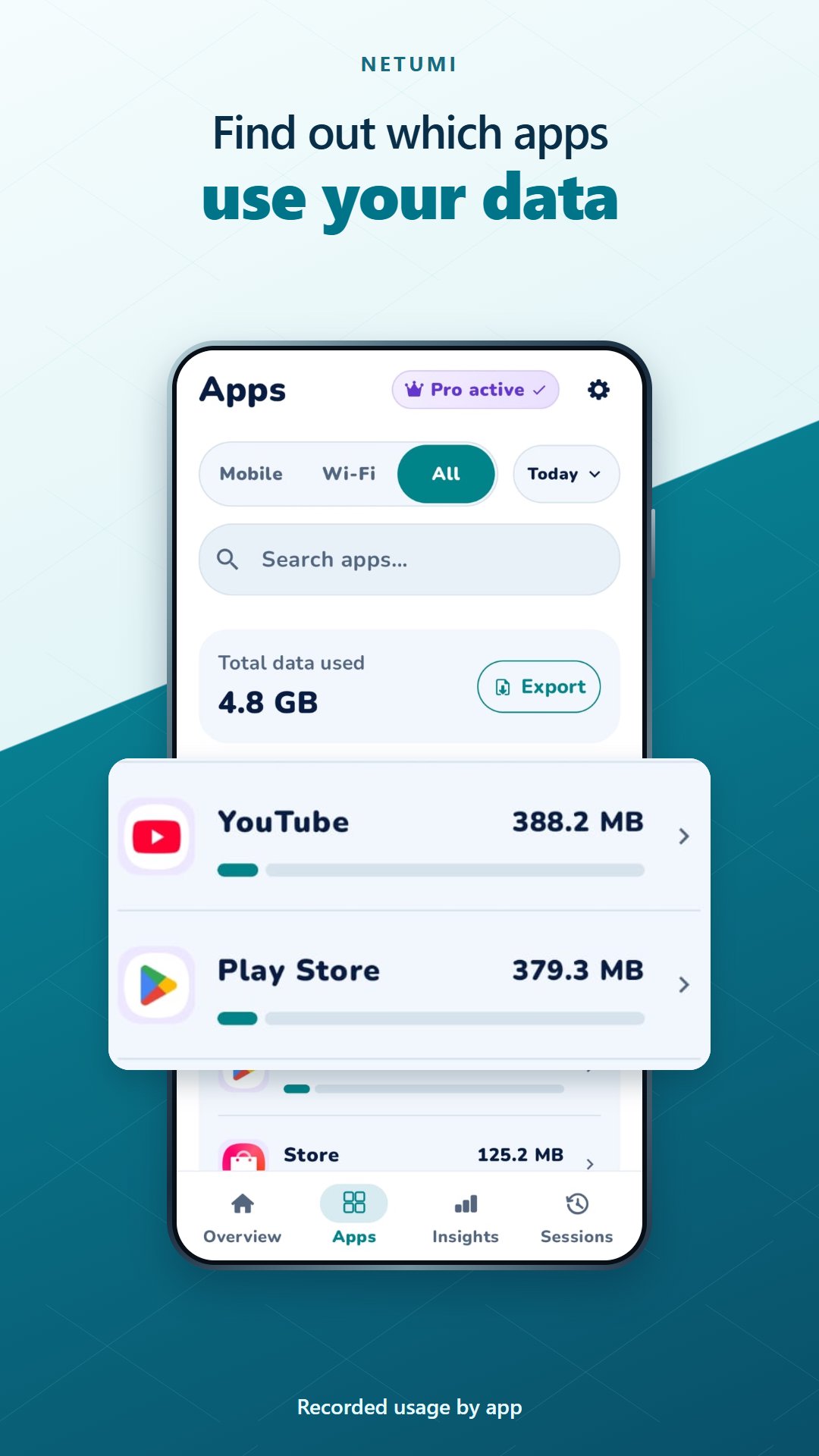
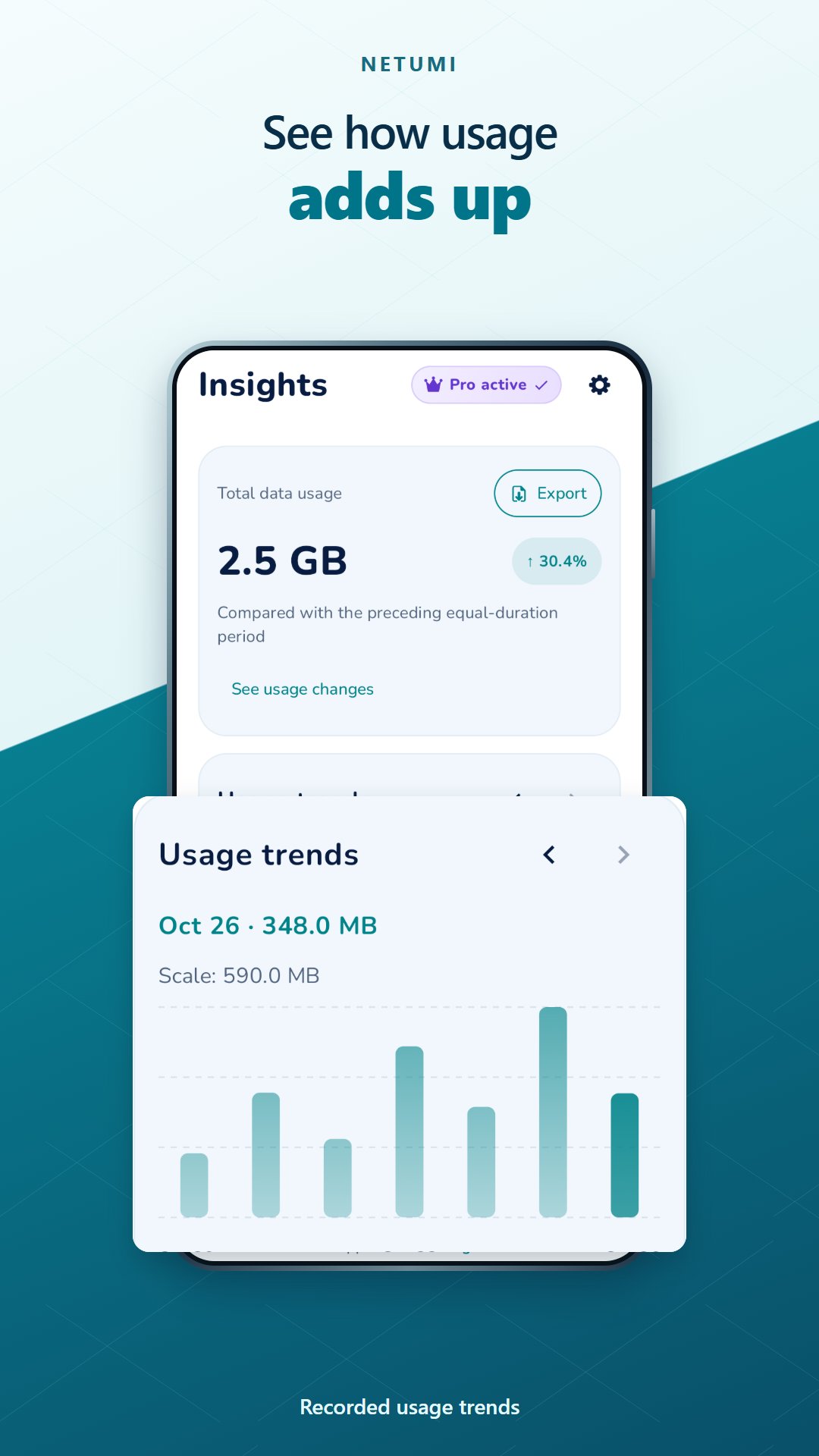
Switch between mobile, Wi-Fi and combined usage. Search and sort apps by recorded consumption. Review today, yesterday and the last seven days, with longer history available through Netumi Pro.
Plan your allowance
Set a mobile data budget in MB or GB and choose your monthly billing-cycle start day. Compare recorded usage with your allowance. Pro adds a separate Wi-Fi budget.
Control app internet access
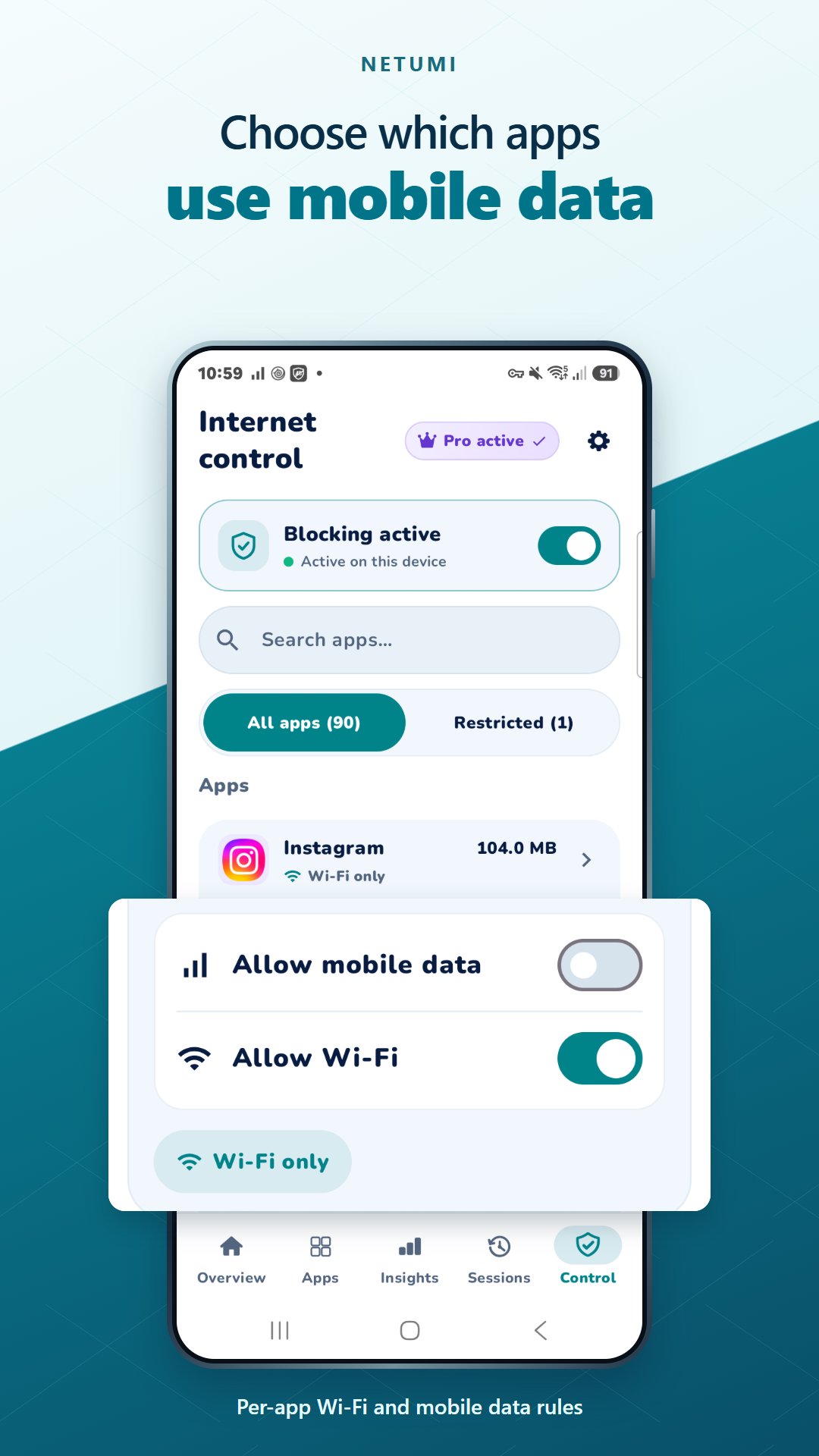
With Netumi Pro, Internet Control lets you choose which apps can use mobile data and Wi-Fi. Set each app to Allowed, Wi-Fi only, Mobile only, or Blocked, or apply a temporary block for 15 minutes, 1 hour, 4 hours, or 24 hours that restores your previous rule when the timer ends. Internet Control uses Android’s VPN permission to apply rules on your device and can replace another active VPN.
Explore Netumi Pro
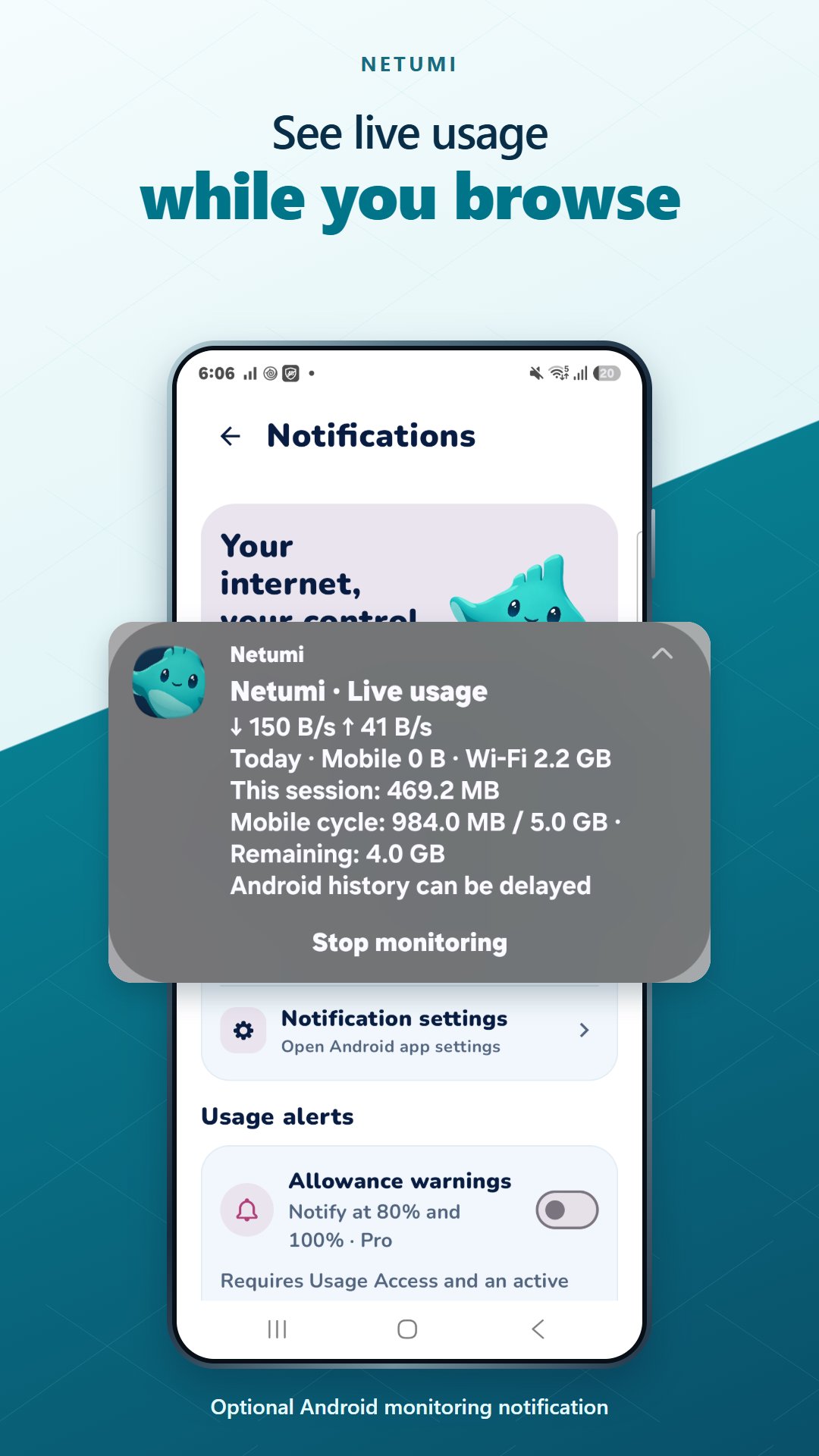
Pro includes Internet Control, longer and custom date ranges, detailed app history, CSV export and live monitoring. Start a session to see device upload and download rates in an ongoing notification, then stop it when you choose. Review saved sessions and use allowance alerts during active monitoring.
Understand the measurements
Usage Access is needed for Android usage records. Visible monitoring needs notification permission. Mobile history requires Android 10 or later. History, app attribution and update delays depend on Android and your device. Live device rates are different from historical per-app records. Carrier totals may differ; budgets and alerts do not automatically block internet access or prevent overage charges.
Local usage processing
Usage records are processed on your device. Netumi does not capture packet contents or upload traffic history to a Netumi server. Google Play and RevenueCat process purchase information for billing and Pro access.
Purchase options and any eligible trial terms appear in the app before checkout. Subscriptions renew automatically unless cancelled in Google Play. Uninstalling does not cancel a subscription.
Support: [email protected]

One-click to install XAPK/APK files on Android!

Thanks for your rating and feedback!
You have already rated.