











Thanks for your rating and feedback!
You have already rated.

60.1 MB
File Size
Everyone
Android 8.0+
Android OS
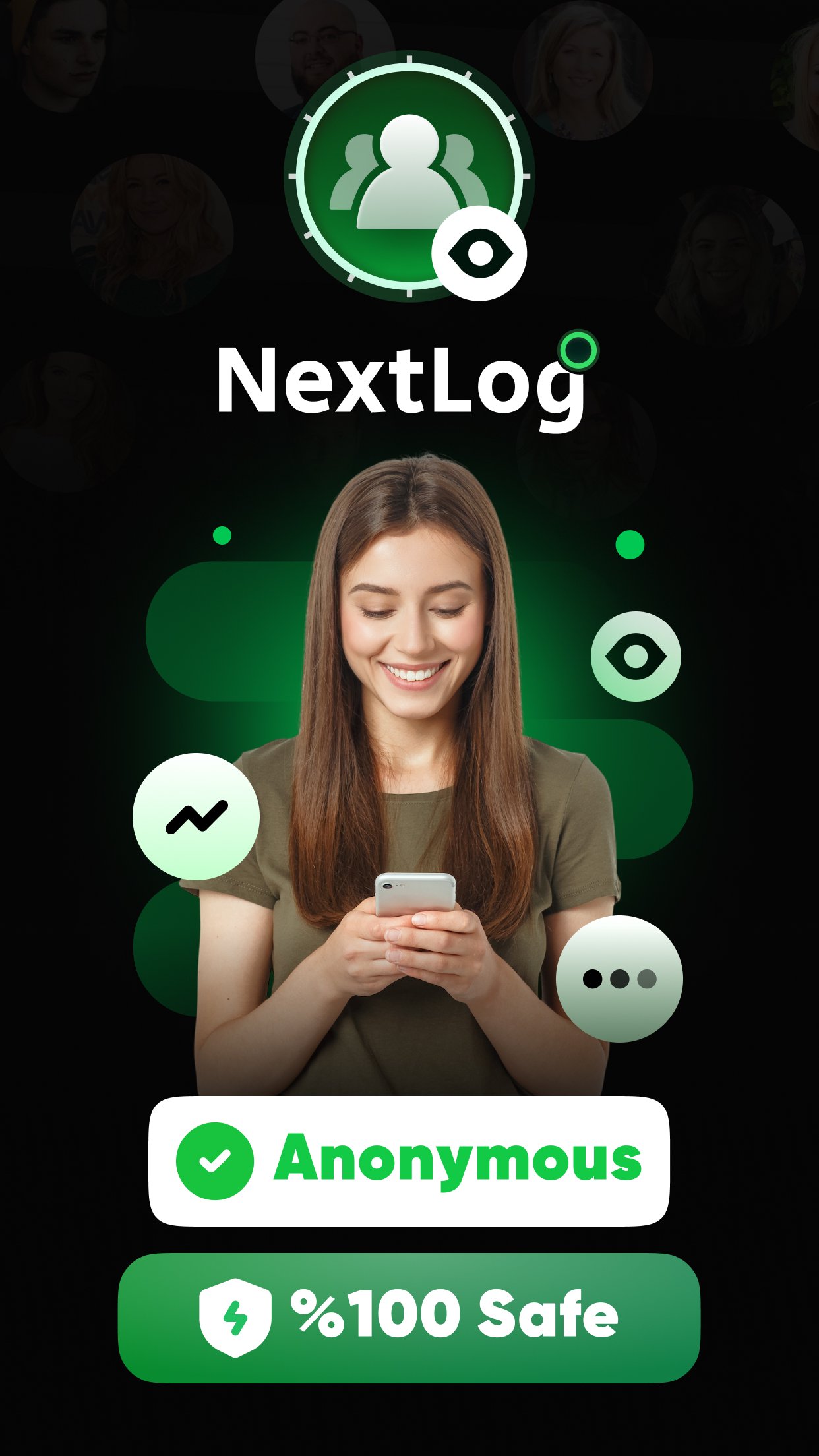
NextLog is an Android activity monitoring app for online status alerts and reports.
CODEWALL DIJITAL HIZMETLER LIMITED SIRKETI develops NextLog with a clear focus on helping users follow digital activity changes without constant manual checking. Its main appeal is the combination of real-time alerts and activity reports in one simple interface, which can be useful when you want a quick view of messages, unread items, groups, and status changes. The NextLog APK experience centers on these practical tools:
NextLog is built around ongoing activity monitoring, so users can follow selected online changes from a single mobile screen. The app presents itself as a tool for watching activity patterns and reducing the need to check the same platform repeatedly during the day. In normal use, this can help when someone wants to notice when a contact becomes active or when activity appears to change over time.
The opening flow is simple and direct. After launching the app, users move through several “Continue” screens, choose a platform such as WhatsApp, then enter a name and phone number before the analysis process reaches completion. This setup makes the app easy to follow, but users should treat the displayed results as app-based activity information rather than confirmed evidence outside what the app actually shows.
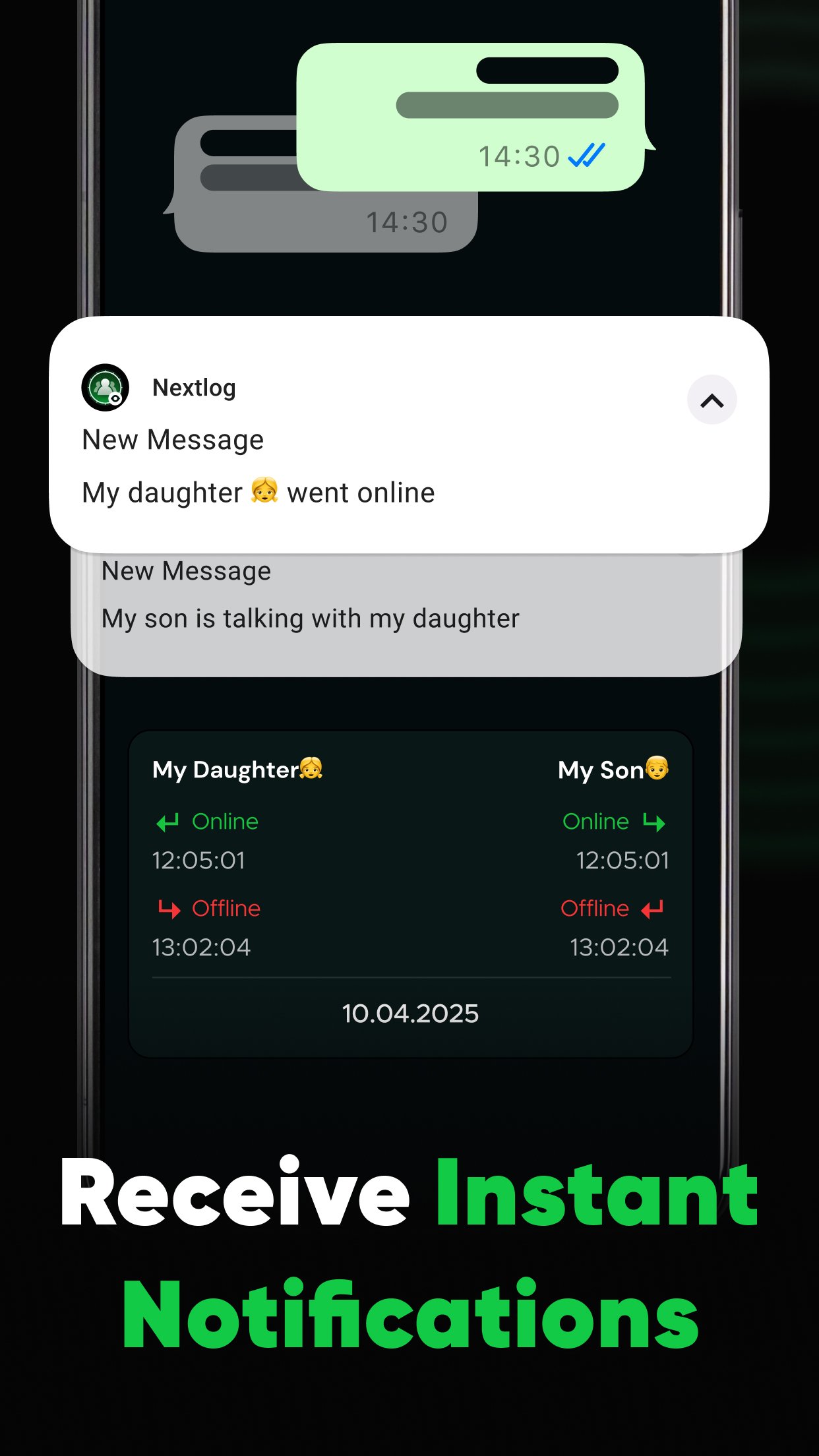
NextLog includes real-time alerts for users who want faster notice when activity changes happen. Instead of returning to the app again and again, the alert concept is designed to bring important updates to the user’s attention more quickly. This is the most practical part of the app for people who mainly care about timing, status shifts, or new developments linked to the selected platform.
The value of these alerts depends on what the app can actually detect and display after setup. Some details about supported services are not fully clear from the available information, so users should check the app screens carefully before relying on it for daily monitoring. If an alert leads to a subscription page, it is worth reviewing the premium terms first, especially because the guide information suggests some features may require payment before full access.
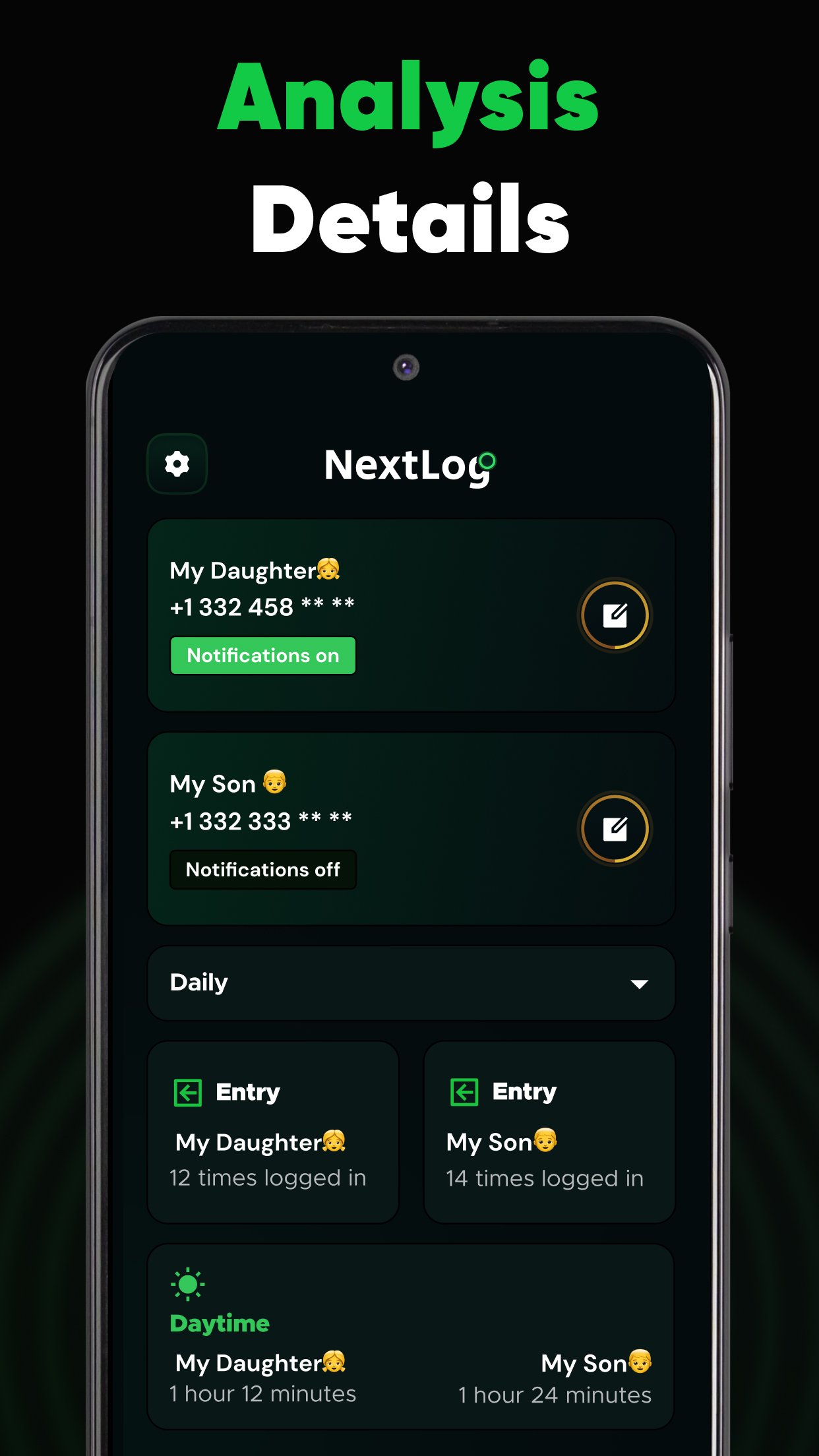
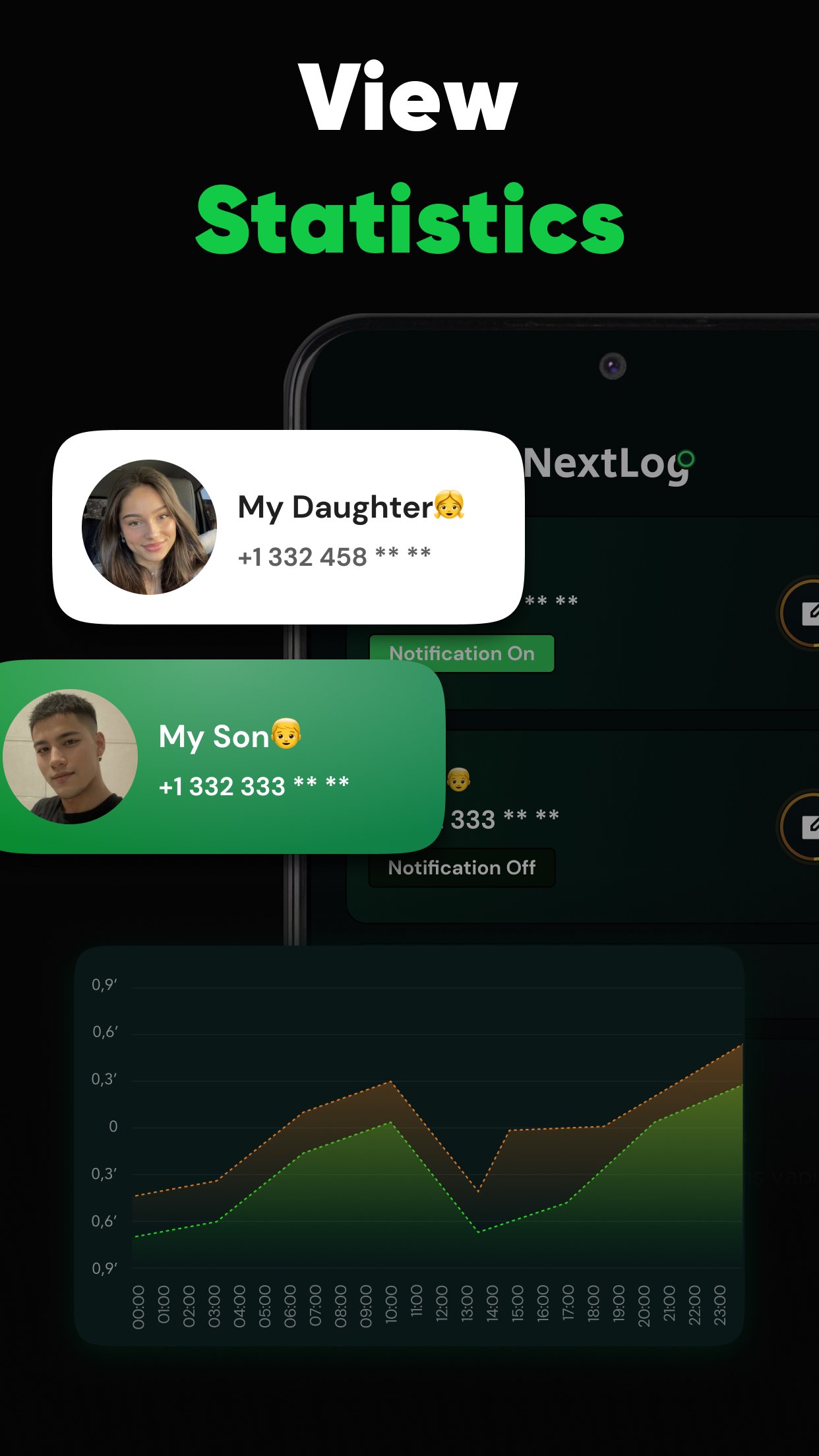
NextLog also focuses on analysis and reporting, which helps turn short activity events into information that is easier to review later. Rather than showing only a single current status, the app’s concept includes looking at patterns over time. This can be useful for users who want to understand when activity usually appears, whether there are repeated changes, or how unread messages and groups fit into the broader activity view.
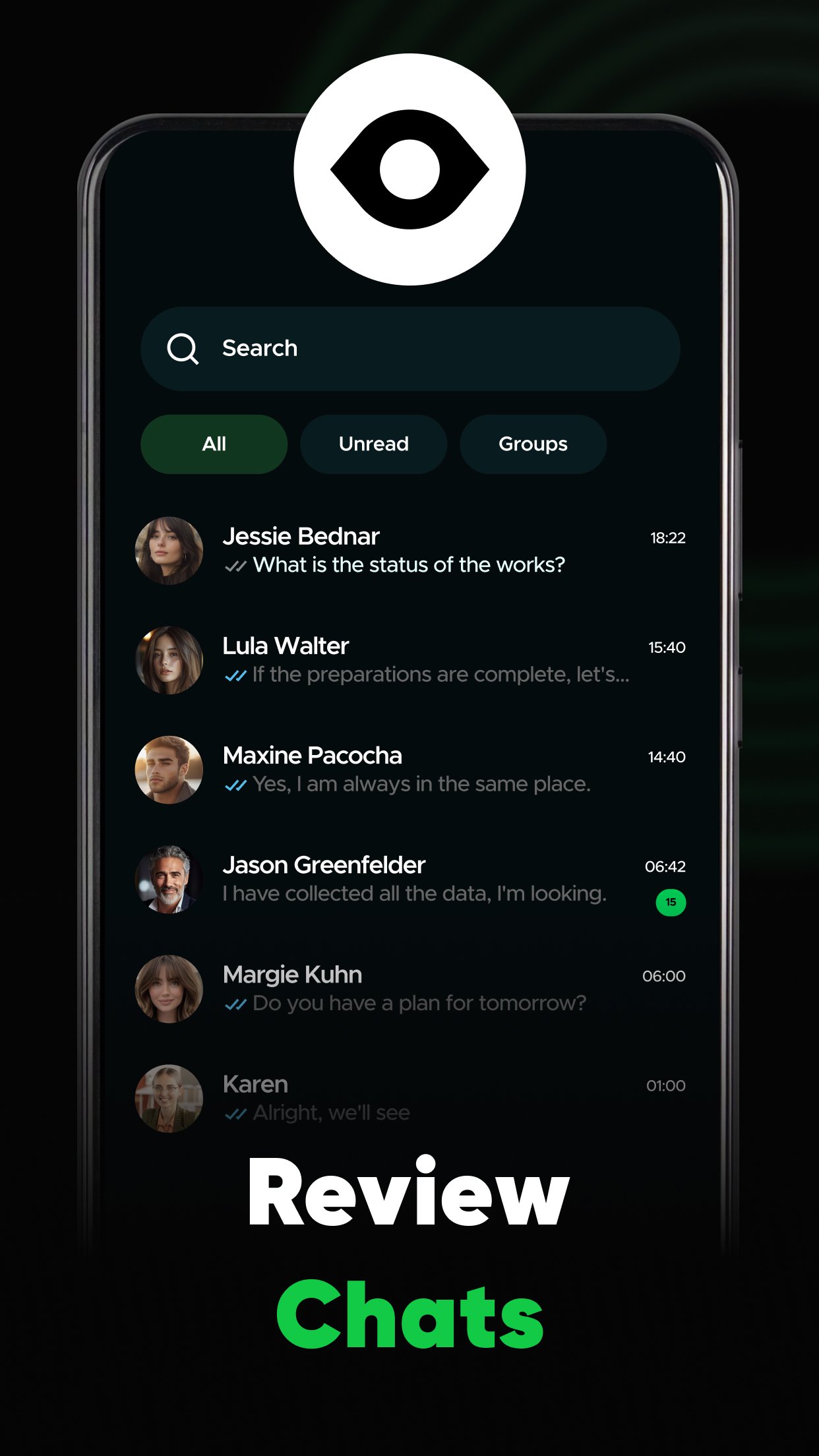
The main page presents categories such as all messages, unread messages, and groups, giving users a clearer way to browse information after the analysis is complete. Reports are especially helpful when a quick alert is not enough and a user wants to look back at previous activity. Still, the app should be used with realistic expectations, since report quality depends on the data shown inside the app and the services available to the account.
NextLog keeps its interface fairly simple, which makes the first-time experience easier for users who do not want a crowded monitoring tool. The main areas are arranged around messages, status, group-related views, and activity data, while the settings icon sits in the upper-left corner. From there, users can find app information and premium subscription options without searching through many menus.
This design helps new users understand where to go next, but the premium flow deserves attention. Some features may redirect to a subscription screen before they can be used fully, and the available information suggests there may not be a clear trial step before payment. For that reason, users who want NextLog download access should first explore the free screens, confirm whether the selected platform is supported, and decide whether the paid access matches their needs.
NextLog may also cause some confusion because web information connected to the same name mentions real-time communication between dispatchers and drivers, including load data, recipient signatures, and delivery status. That description sounds closer to a logistics or driver workflow than a personal online activity monitor. Users should therefore check the app details and interface carefully to make sure they are downloading the version that matches their intended use.
For the Android app described here, the main focus remains online activity tracking, real-time alerts, analysis, and reports. If a user is looking for dispatcher-driver tools, delivery status management, or signature handling, the current activity-monitoring flow may not match that expectation. This distinction matters because the name alone may not clearly explain which product or service is being used.
These pros and cons come from the available app flow, feature descriptions, and practical download considerations for NextLog. The app is easy to approach, but users should review subscriptions and supported services before depending on it.
ProsYou can download NextLog latest version from APKPure and install the APK on a compatible Android device. The file is around 60 MB, so the download should be manageable on most connections, though slower networks may need a little more time. Keeping enough storage free before installation can help avoid interruptions during the APK setup process.
After installing the NextLog APK, the first screens guide users through the basic setup flow, including platform selection and the analysis process. Before paying for any premium option, it is sensible to check the visible features, confirm the platform you need, and read the subscription information carefully. Once setup is complete, the main screen is the best place to review messages, unread items, groups, and activity-related data.

One-click to install XAPK/APK files on Android!
Thanks for your rating and feedback!
You have already rated.