Safe & Fast APK Downloads on APKPure
APKPure uses signature verification to ensure virus-free Night Vision Mod for Minecraft APK downloads for you.

32.5 MB
File Size
Everyone
Android 5.1+
Android OS
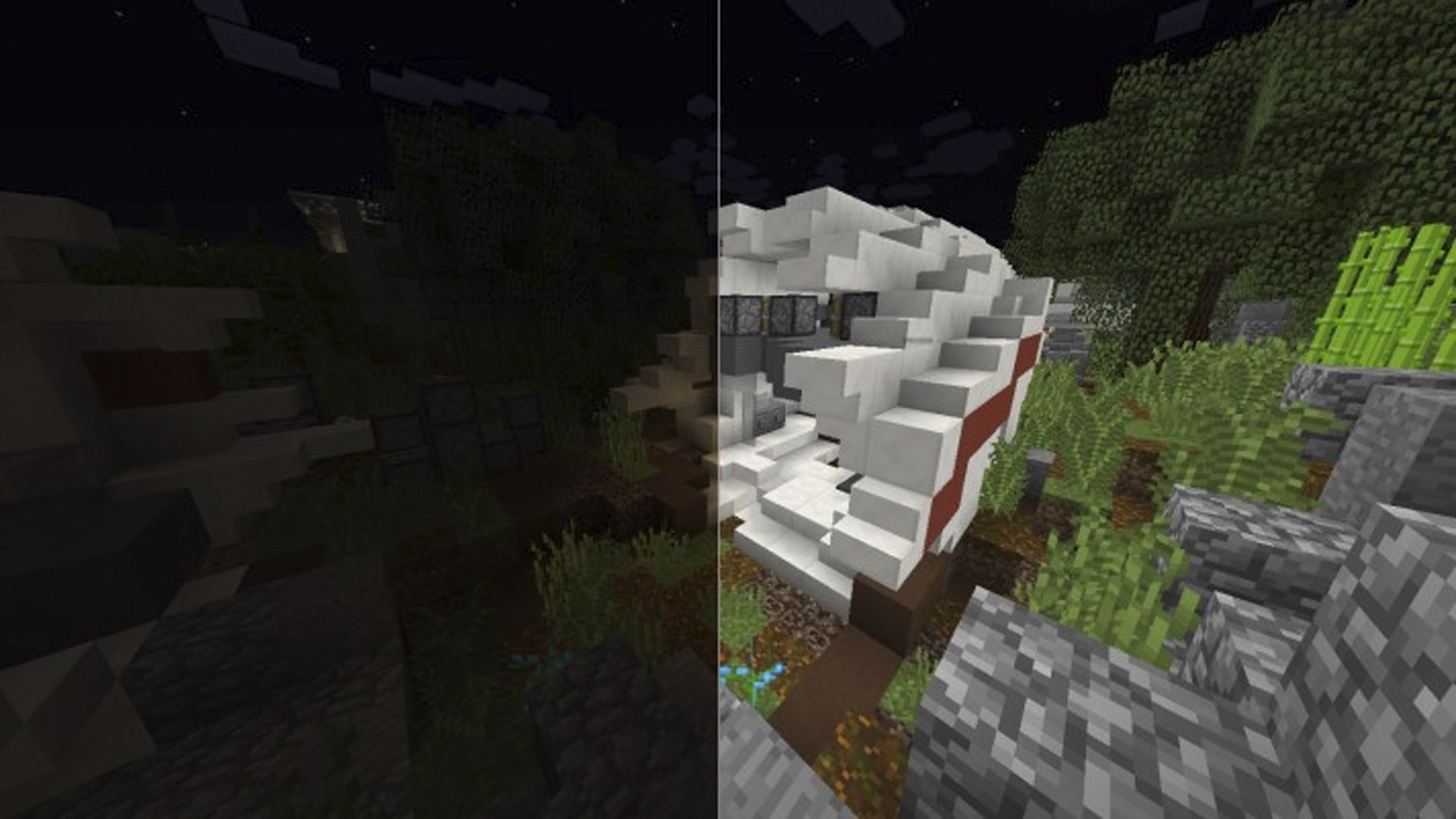
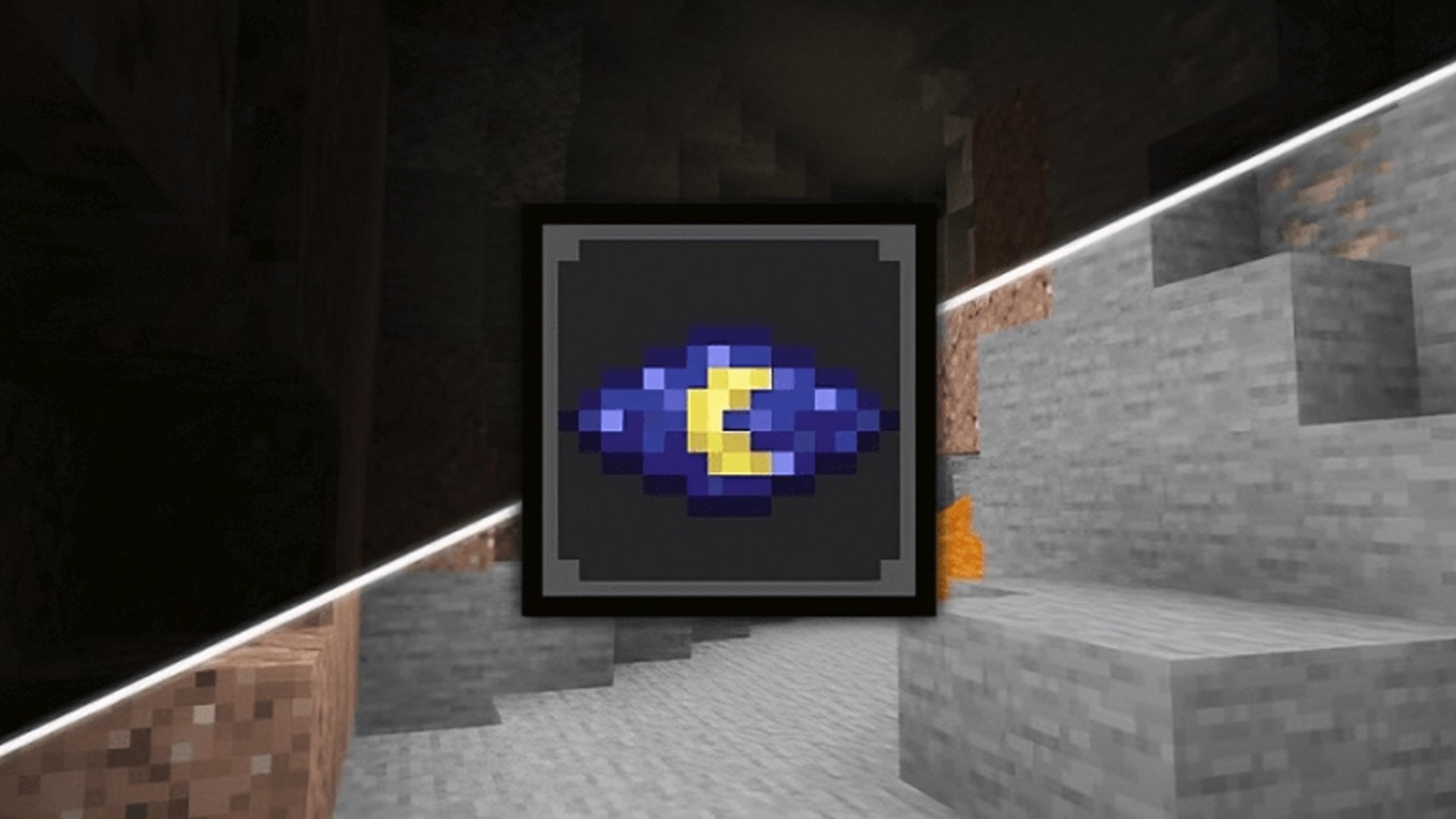
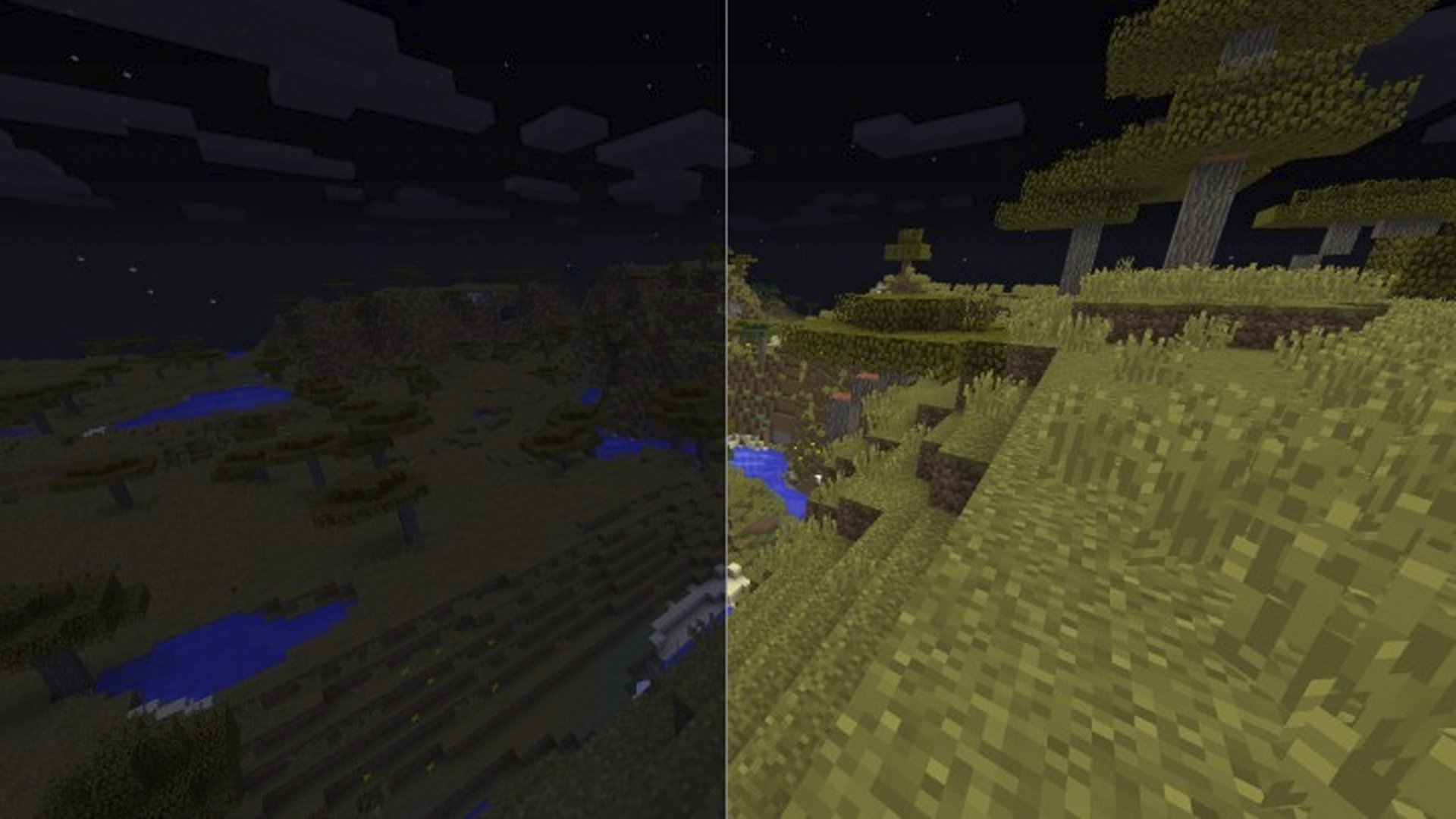
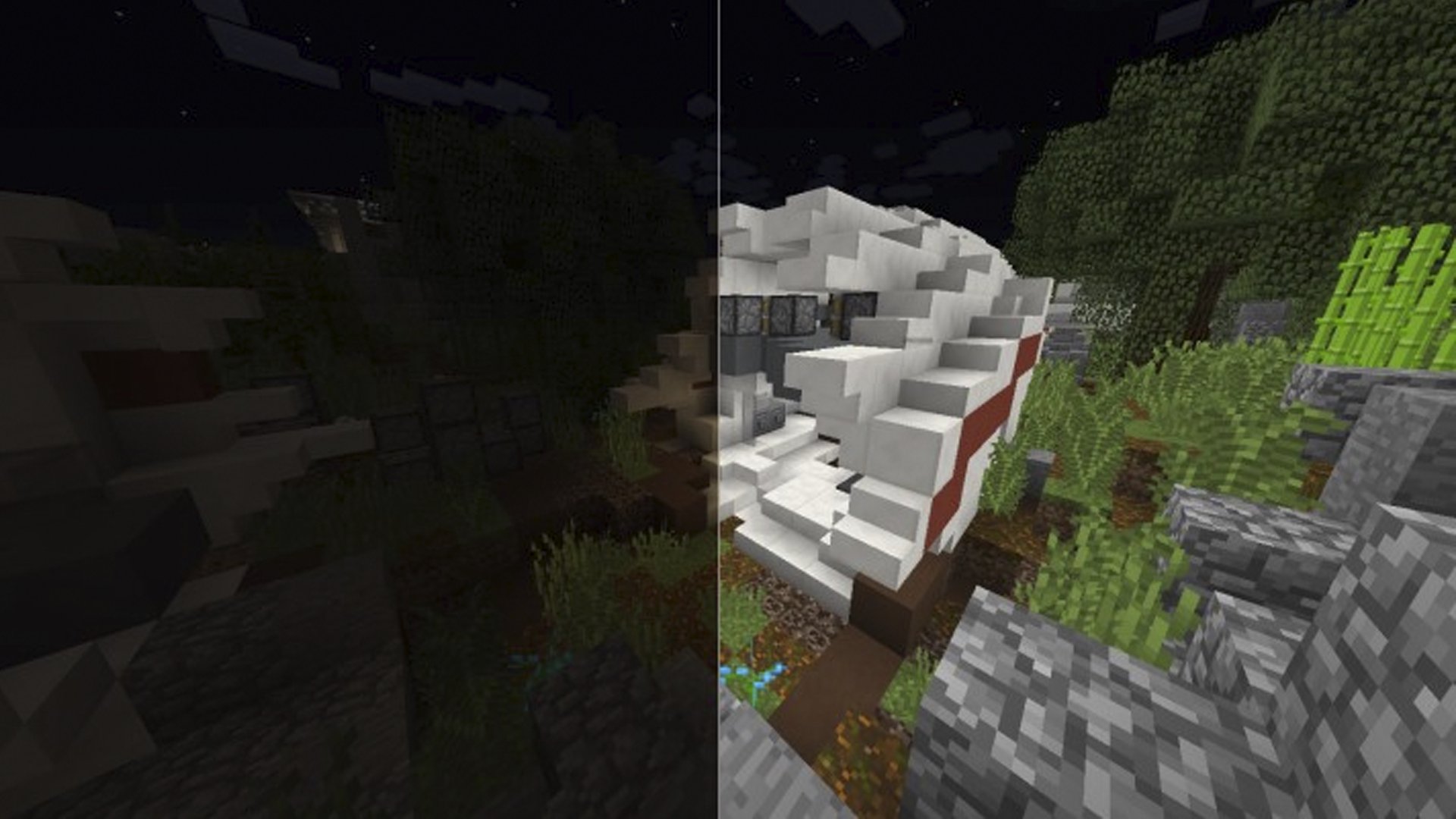
Night Vision Mod for Minecraft is a lighting add-on for Minecraft PE survival and exploration.
Developed by Atlant Mods Production, it focuses on clear visibility anytime, anywhere. The add-on brings a permanent night vision effect with full brightness, so you explore caves and forests without crafting torches or brewing potions. A clean in-game interface and a manual brightness slider keep control in your hands. You can install the Night Vision Mod for Minecraft APK and jump straight into play. Here is what stands out in everyday use.
With download Night Vision Mod for Minecraft, you get constant visibility across every biome and cave. Players move through tunnels, villages, and forests without stopping to place torches or drink potions. It helps spot hostile mobs and locate ores from a safer distance, which is especially useful in tight spaces and during quick resource runs.
Night Vision Mod for Minecraft includes a straightforward brightness slider that lets you tune the view for each scene. Dial it down for sunsets and building screenshots, or push it up for pitch-black ravines. The effect adapts to your world without opening menus full of complicated settings.
Get the Night Vision Mod for Minecraft latest version on APKPure. The APK usually downloads in a short time, depending on your connection. During installation, your device may request permission to install apps from outside the default source. After setup, launch Minecraft PE and activate the add-on in the game settings.
Once enabled, try a quick cave run or a night patrol to feel the difference. Keep enough storage space available and consider backing up worlds before adding new mods for a smoother experience.


One-click to install XAPK/APK files on Android!

Thanks for your rating and feedback!
You have already rated.