Package Name:bans.njsServer
Show More

Run a local Node.js HTTP server on your Android device. Free Private & offline.
Node JS Server runs a real Node.js HTTP server directly inside the app on your Android device — no root, no Termux,
and no separate setup required.
It is built for developers, learners, and tinkerers who need a local HTTP API on Android. The bundled server listens
on localhost by default, so your app interface, the in-app browser, on-device browsers, and other apps on the same
device can all talk to it while the server is running.
PRIVACY FIRST
• No accounts, no sign-up, no login.
• No analytics, no advertising, no tracking SDKs.
• No data is collected, transmitted, or shared with the developer.
• Everything stays on your device. Always.
KEY FEATURES
• Embedded Node.js runtime powered by nodejs-mobile.
• Foreground service keeps the server alive while you switch apps.
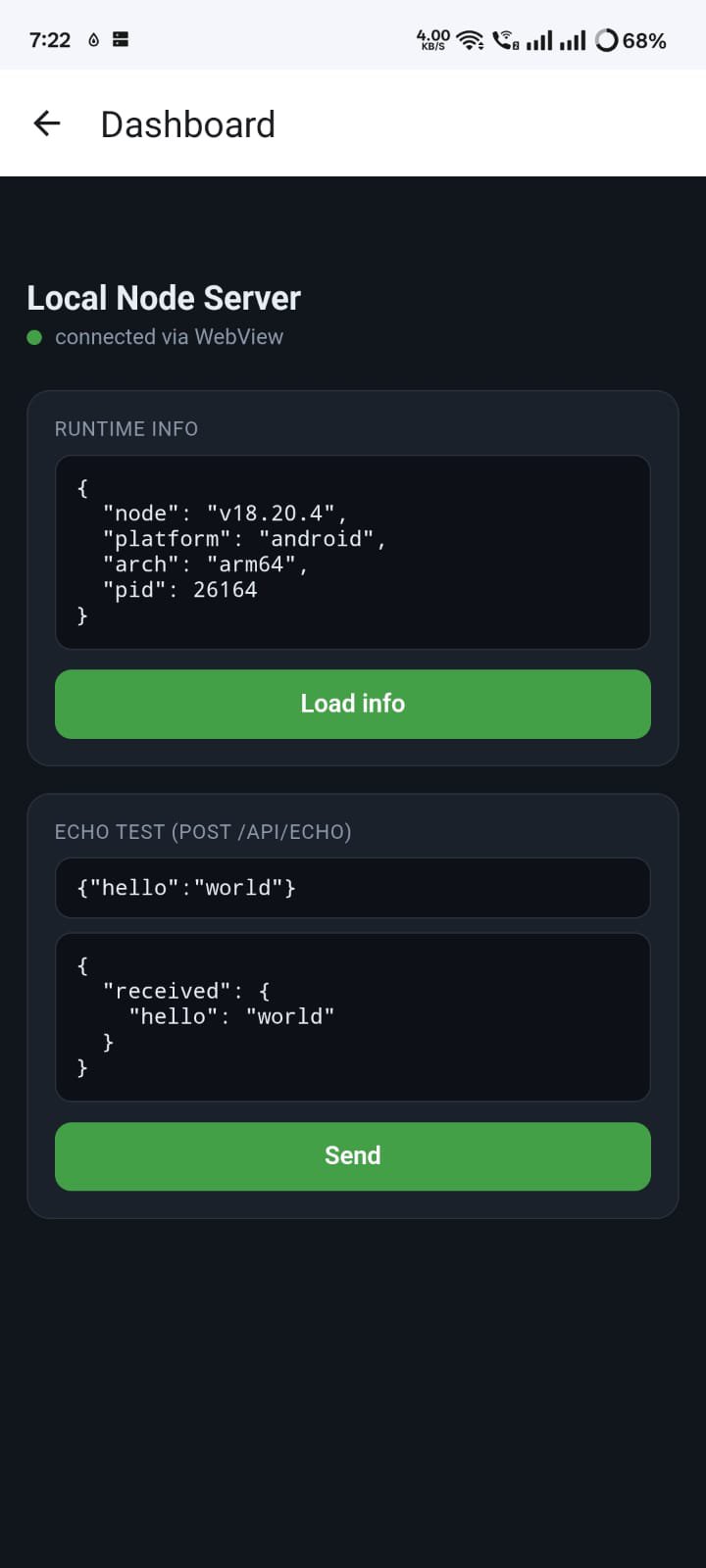
• Bundled, dependency-free Node HTTP server with static file serving and JSON APIs.
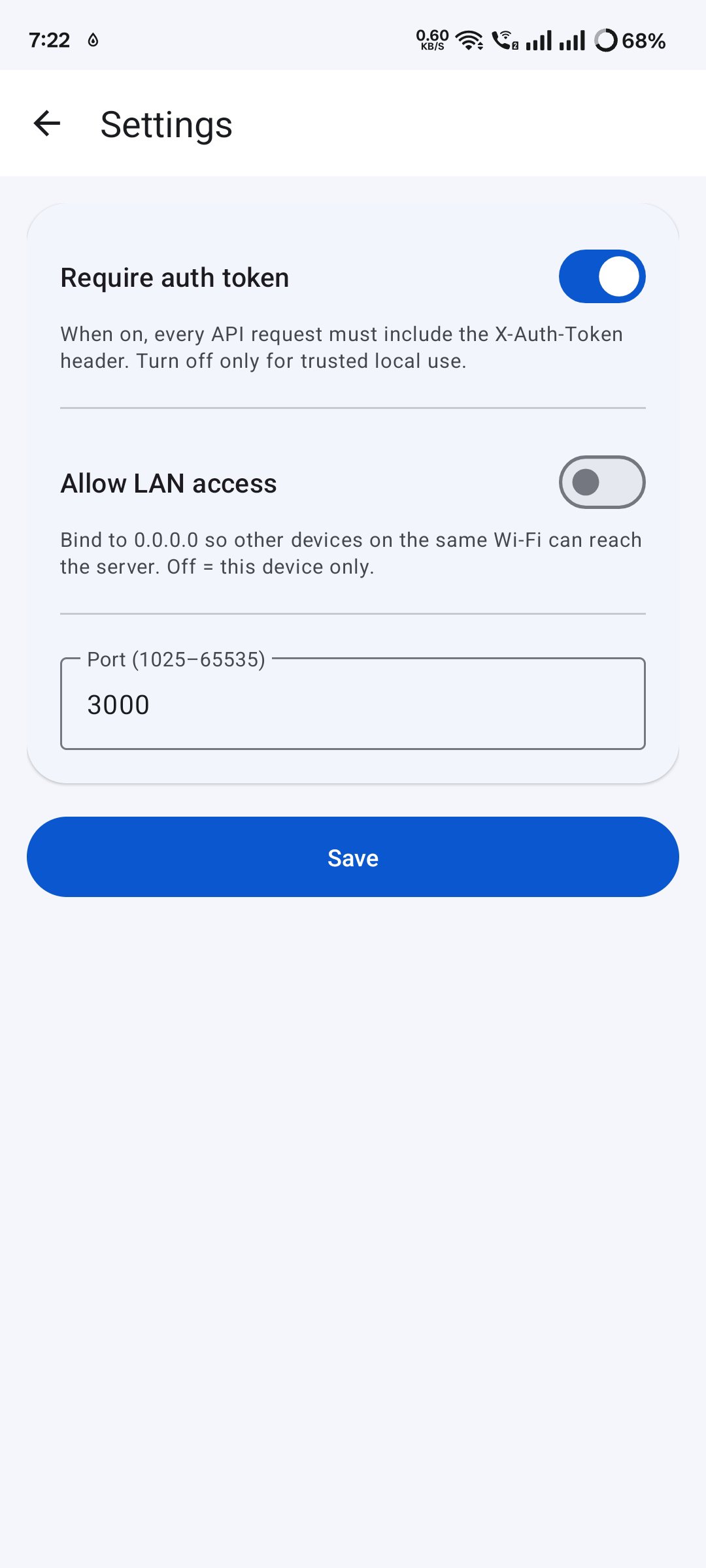
• Token-based authentication for protected routes.
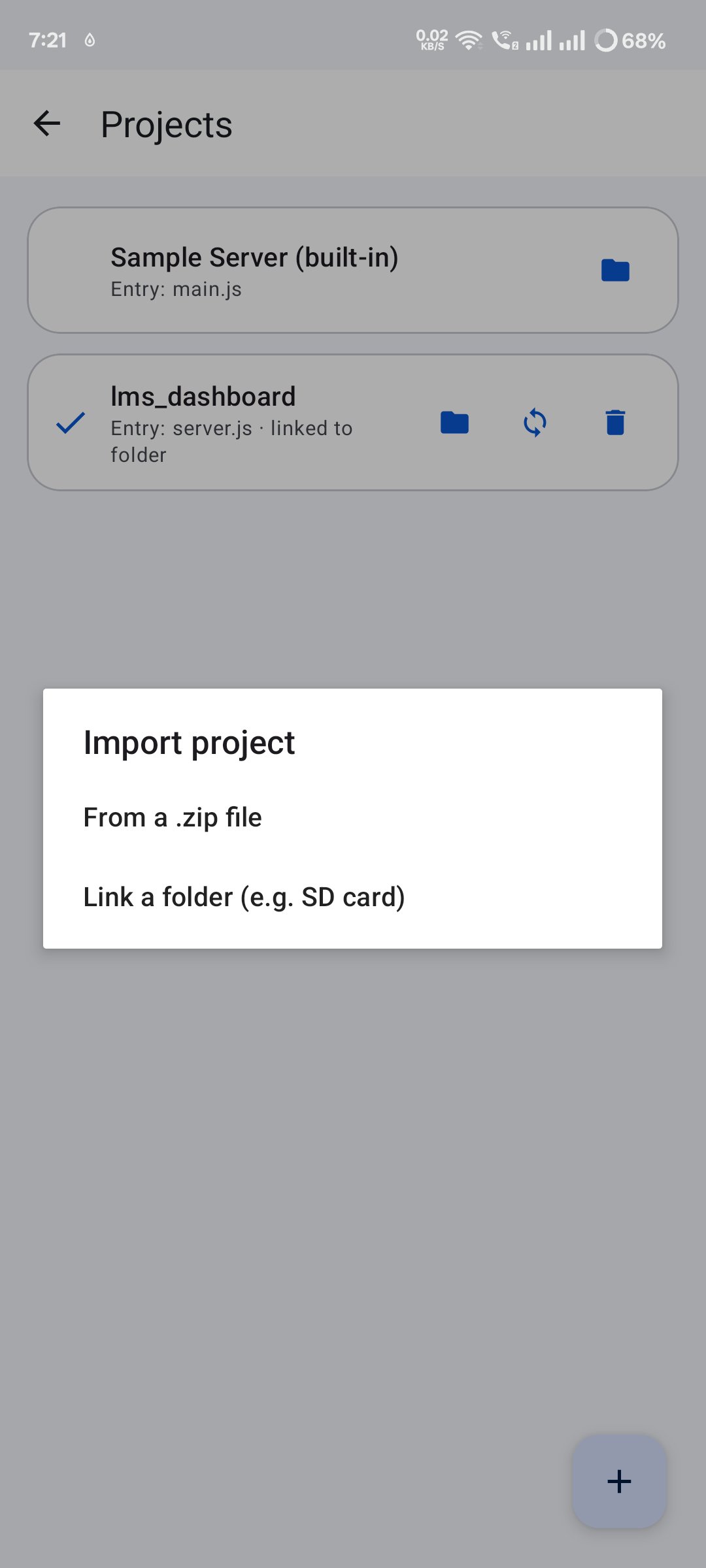
• Import your own ZIP-based Node.js projects through Android's file picker.
• Built-in file browser and code editor (powered by Sora Editor).
• Configurable port, optional auth enforcement, and optional LAN access.
• Clean, modern edge-to-edge Android interface.
HOW IT WORKS
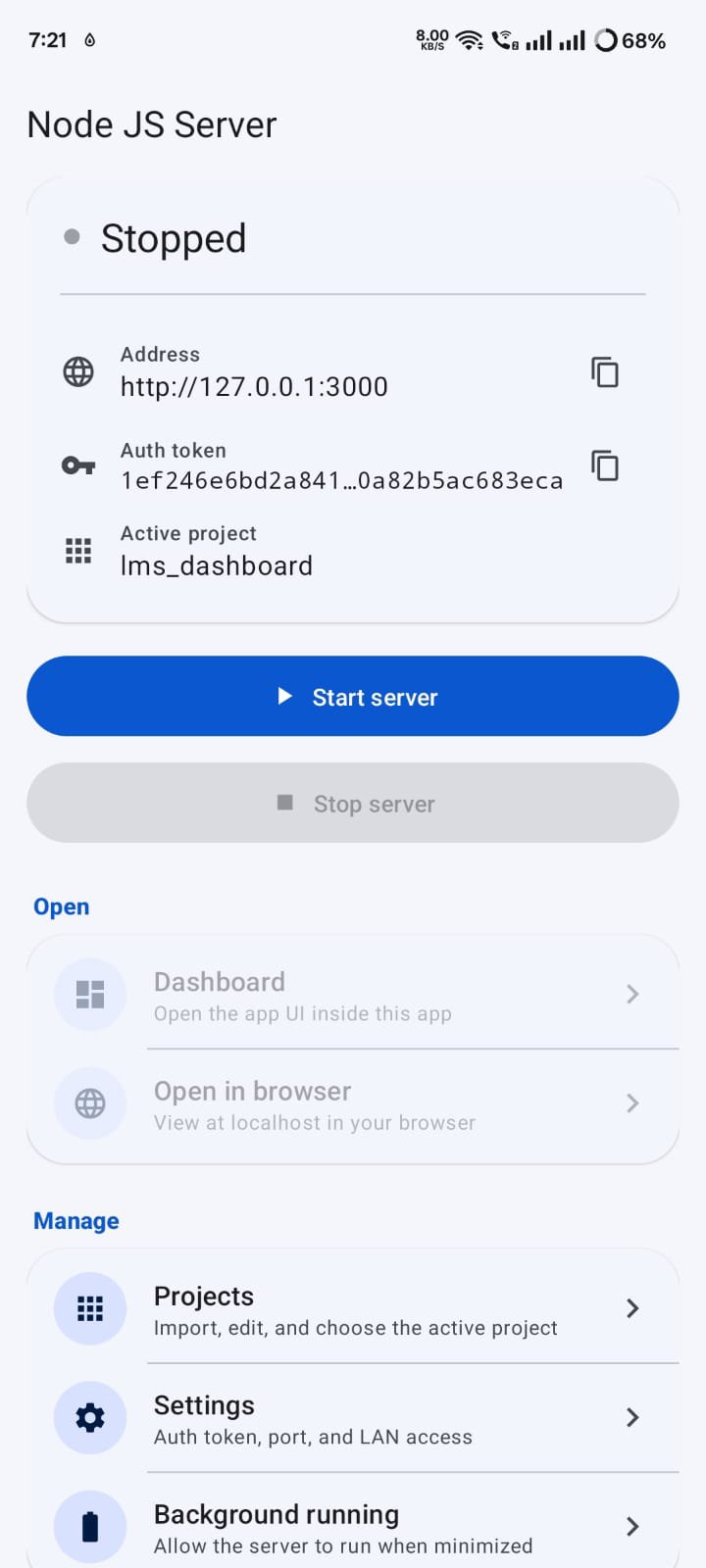
1. Tap "Start server" to launch the embedded Node.js runtime.
2. The server binds to 127.0.0.1 (localhost) by default.
3. Open the in-app browser or any on-device browser to reach your API.
4. Use the displayed auth token for protected routes when auth is enabled.
Default local URL: http://127.0.0.1:3000
BRING YOUR OWN PROJECT
Replace the built-in server with your own Node.js project by importing a ZIP file. The app automatically detects your
entry point (package.json main, main.js, index.js, or server.js). Pure-JavaScript dependencies can be bundled in
node_modules.
OPTIONAL LAN ACCESS
By default the server is reachable only from your own device. If you choose, you can enable LAN access so other
devices on your Wi-Fi network can connect. This is fully under your control and disabled by default.
GREAT FOR
• Developing and testing Node.js code on the go.
• Prototyping local HTTP APIs without a computer.
• Learning Node.js and server-side JavaScript.
• Serving static files or JSON endpoints on-device.
PERMISSIONS
Node JS Server requests only what it needs to run a local server: internet access (required by Android to open a
network socket), foreground service, notifications, wake lock, and Wi-Fi state. None of these are used to collect
personal data.
Node JS Server is a lightweight, private, offline-friendly way to run Node.js on Android. Download it and start
building




One-click to install XAPK/APK files on Android!

Thanks for your rating and feedback!
You have already rated.


![[Root] Enable usb debug](https://image-eo.winudf.com/v2/image/Y29tLmF5ZWFoLnJvb3RlbmFibGV1c2JkZWJ1Z19pY29uX3I0MDRvMnFk/icon.png?w=156&fakeurl=1)