
Package Name:com.appsix.notesaid
Show More

Voice recorder with transcription: speech to text, AI summary, notes & to-dos.
notesaid is a voice recorder with automatic transcription. Record a meeting, a lecture or a quick voice note, and the app turns speech to text, writes an AI summary, and pulls out your to-do list and reminders.
Your voice becomes meeting notes, summaries, and action items. Instantly.
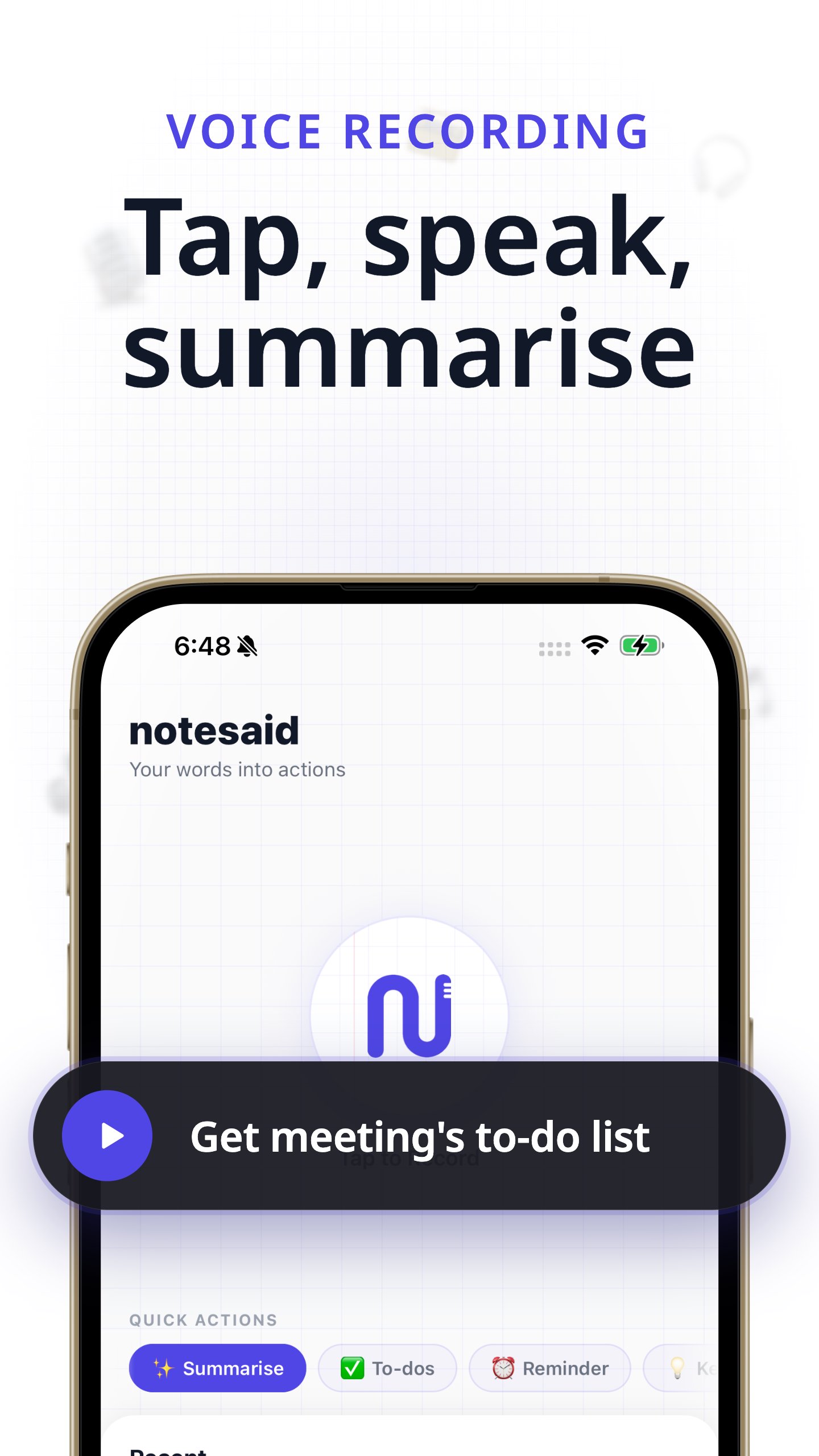
notesaid is a voice recorder that transcribes your recordings and turns them into structured notes and actionable items. Record a meeting, lecture, or quick thought, and get a full transcript with summaries, to-do lists, and reminders extracted automatically.
Real-time notes while you speak
+++ +++ +++ +++ +++ +++
Note-taking usually means splitting your attention between listening and writing. With live analysis feature, notesaid processes your recording as you speak, surfacing key points in real time so you can stay focused on the conversation.
Key features
+++ +++ +++ +++ +++ +++
notesaid includes everything you need for voice-to-notes:
• One-tap recording with live visualization
• Full transcripts powered by cloud and offline speech recognition
• Live analysis that surfaces notes while you record
• Summaries generated from your transcript in seconds
• To-do lists extracted automatically from your recordings
• Reminders pulled from action items so nothing slips through
• Voice library with search, playback, and full history
• Offline mode with on-device processing
• Cloud audio sync
• Easy audio export and sharing your notes
• Multiple languages support
Why notesaid?
+++ +++ +++ +++ +++ +++
Transcription tools require you to upload files, wait, and then manually pull out the important parts. notesaid records, transcribes, and organizes everything for you in one step.
No switching between apps. No copy-pasting. Just speak and let notesaid handle the rest.
When to use notesaid
+++ +++ +++ +++ +++ +++
• Team meetings: get meeting notes with action items and follow-ups ready to share
• Lectures and classes: capture every word and review summaries later
• Interviews: record conversations and extract key quotes and takeaways
• Quick voice memos: speak a thought and let notesaid turn it into a structured note and tasks
• Brainstorming sessions: talk freely and review organized ideas afterward
notesaid is built to stay out of your way. Tap record, speak, and stop. Your transcript, summary, and action items appear without extra steps.
Speak your mind. Let notesaid do the writing.
Voice recorder, audio recorder, dictation app and AI note taker in one. Convert voice to text and audio to text, get meeting notes and lecture notes without typing, and keep every voice note searchable in one place.



One-click to install XAPK/APK files on Android!

Thanks for your rating and feedback!
You have already rated.