
Package Name:com.pixel9.booster
Show More

Custom gaming crosshair overlays, screen filters, and display tools.
Pixel Booster is a utility app designed for mobile gamers. It provides custom crosshair overlays, screen display filters, aim sensitivity calculations, and display diagnostic tools.
Features:
Crosshair Overlay
• Multiple crosshair styles: Dot, Crosshair, Circle-Dot, Tactical T, and Chevron.
• Customize reticle size, color, and opacity.
• Drag and position the crosshair anywhere on your screen.
• Works as a floating overlay above your games.
Display Filters
• Contrast Filter: Adjust screen contrast to improve visibility in dark scenes.
• Night Filter: Warm screen tint to reduce blue light during evening use.
Aim Sensitivity Calibrator
• Calculate sensitivity adjustments based on screen pixel density (PPI).
• Helps you maintain consistent swipe distance when playing on different devices.
Screen Care & Testing
• Dead Pixel Checker: Full-screen solid color slides (Red, Green, Blue, White, Black) to inspect your display.
• Color Cycle Refresher: Rapid RGB color cycle to help exercise display pixels.
Device & Display Diagnostics
• Touch Test: Check touch sampling rate and response.
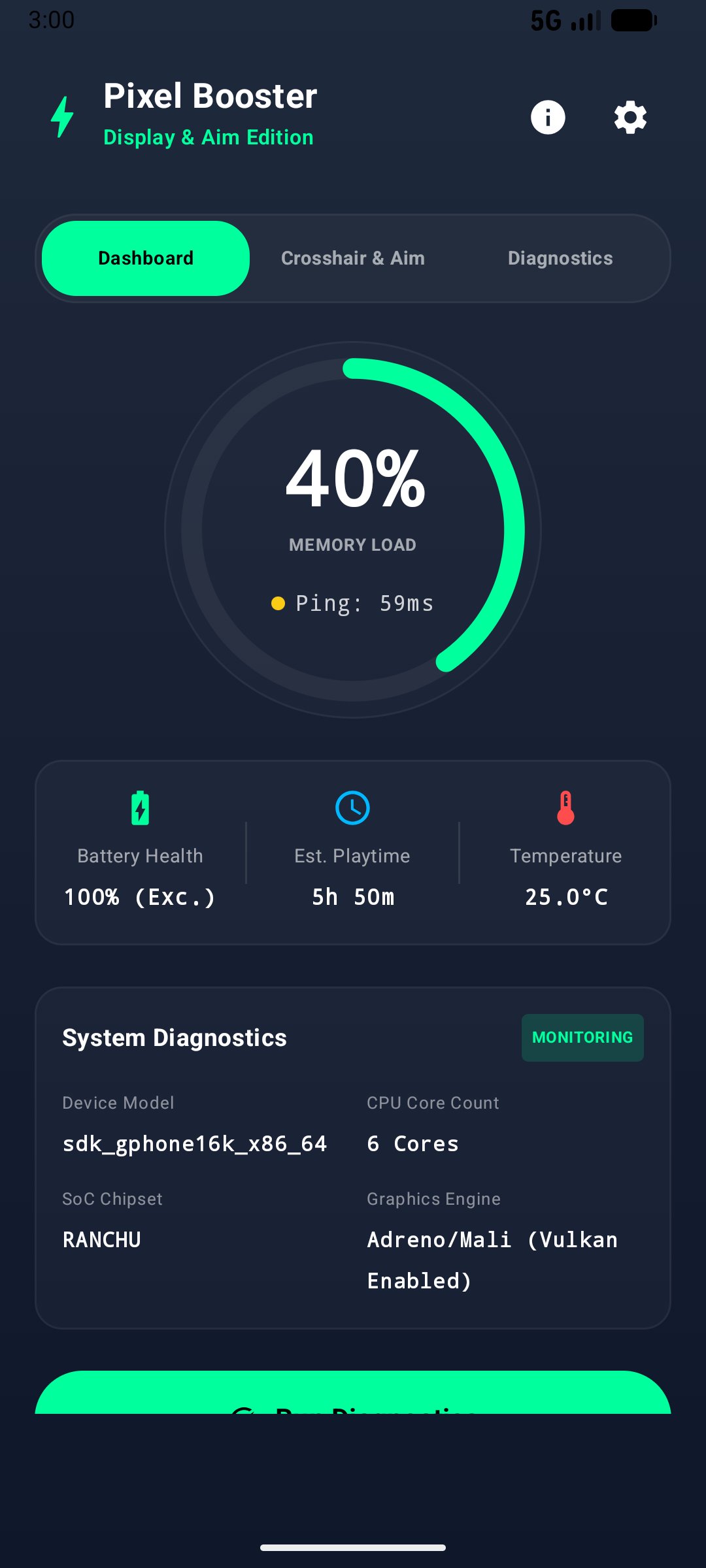
• Display Information: View screen resolution and refresh rate.
• Network Ping Test: Test latency to common DNS servers.
• Vibration Test: Check your device's vibration motor response.
• Claw Layout Guides: Reference visual button layout ideas for 2, 3, and 4-finger controls.
Permissions:
• Display over other apps: Needed to show the floating crosshair overlay over other apps.
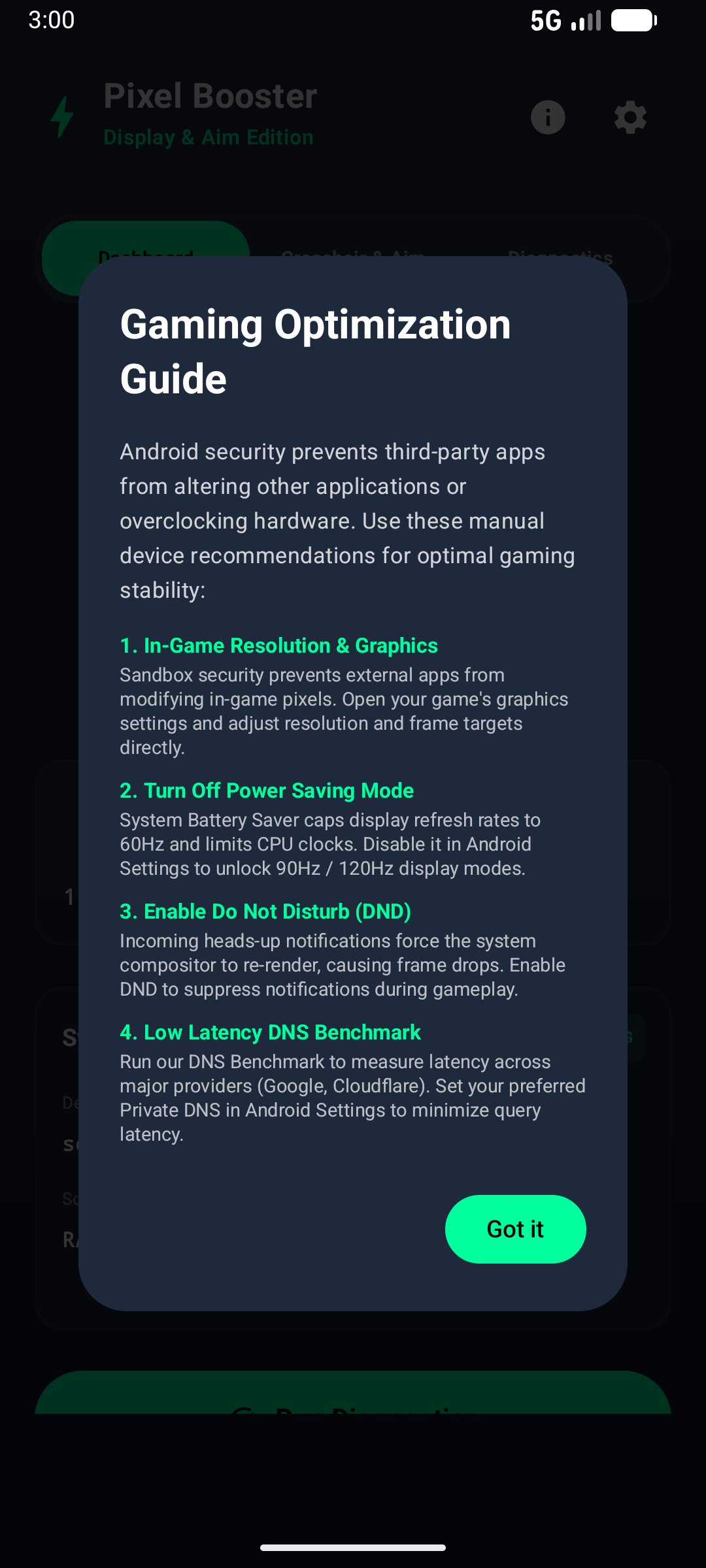
• Do Not Disturb access (optional): Allows silencing notifications while gaming.
Notice:
Pixel Booster does not modify game files, access game memory, or alter game code. It is an independent utility for display overlays and screen tools, and is not affiliated with Google LLC or any game developer.



One-click to install XAPK/APK files on Android!

Thanks for your rating and feedback!
You have already rated.