Package Name:com.qcourier
Show More


21.7 MB
File Size
Everyone
Android 8.0+
Android OS
Secure business email, calendar, contacts and tasks with S/MIME encryption.
Q-Courier brings your Q-Courier business mailbox to your phone — email, calendar, contacts and tasks in one secure app that works just like the Q-Courier webmail.
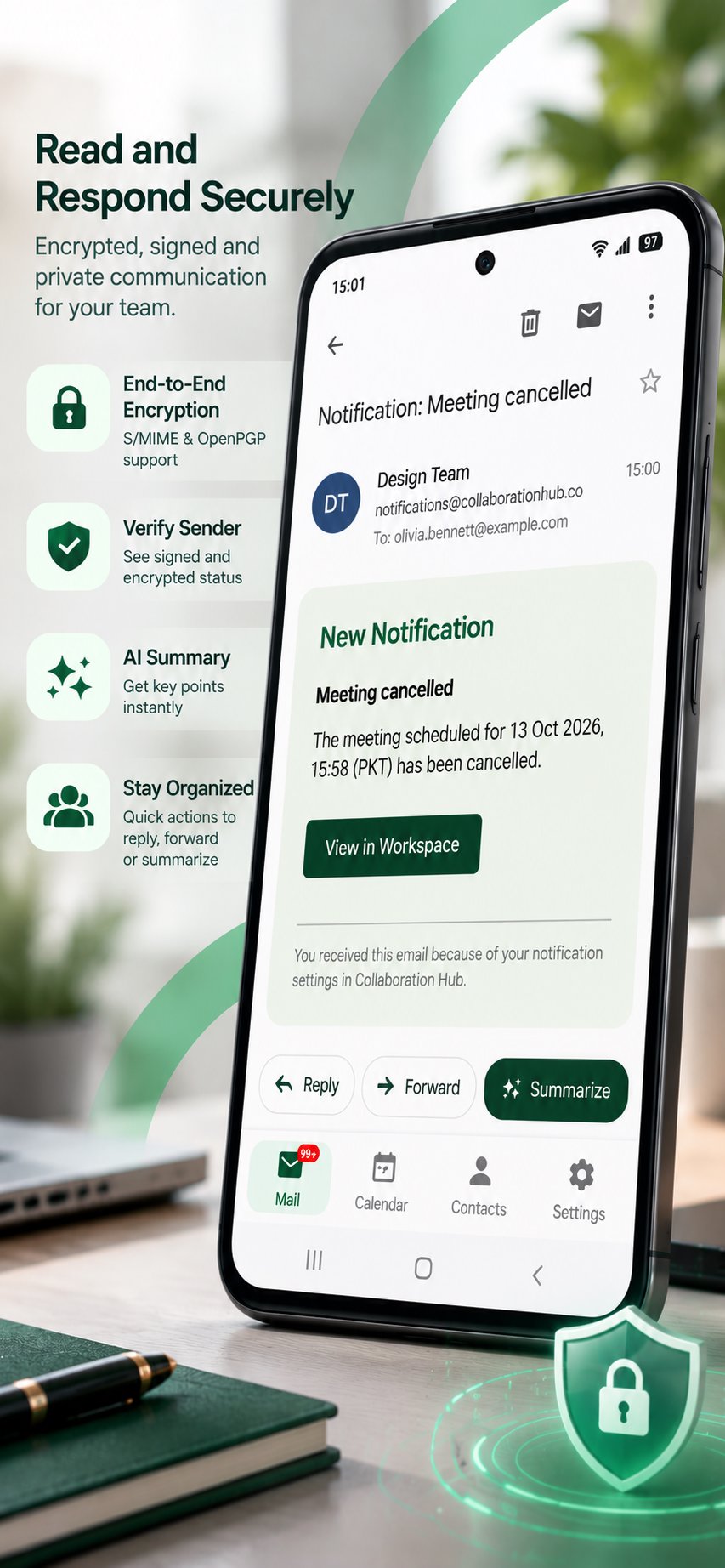
SECURE EMAIL
• Send digitally signed and encrypted mail with S/MIME
• Read encrypted mail right on your phone once your certificate is installed
• Clear lock and signed badges show which messages are protected
• Install your certificate directly from the app
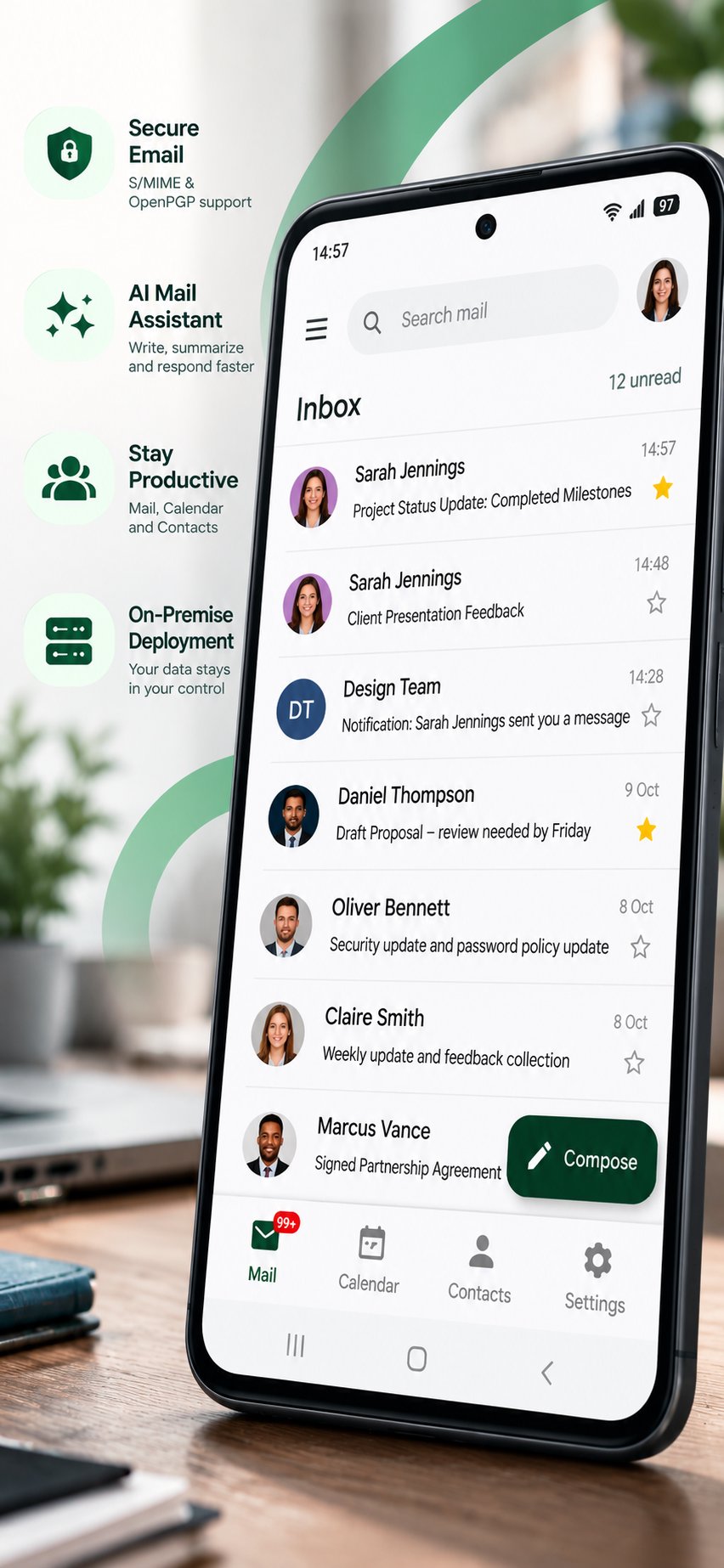
FAST, SIMPLE INBOX
• Inbox, Starred, Drafts, Sent, Trash and Spam
• Starred shows your starred mail from every folder in one place
• Mark read or unread, star, move and delete instantly
• Colour tags to organise your mail
• Search your mailbox
• Full Cc and Bcc details, even on mails with many recipients
• Unread counts for your folders
AI ASSISTANT
• Summarize long emails in one tap
• AI Draft helps you write new emails
• Draft Reply with AI: choose what you want to say and the tone, and get a ready-to-edit reply
CALENDAR AND TASKS
• Day, week and month views of your calendars
• Create and edit events
• Tasks with status (needs action, in progress, completed), due dates and progress
• Search tasks and view completed ones
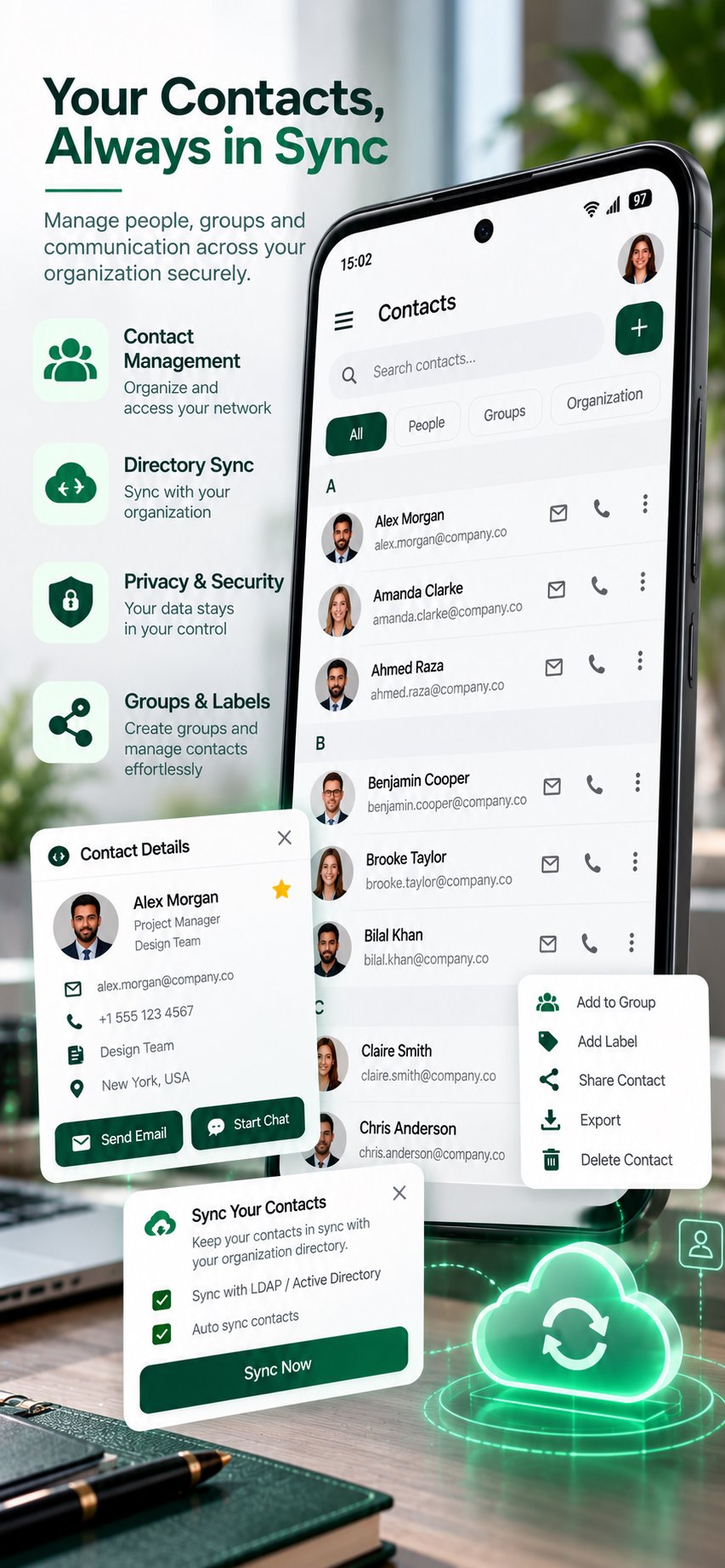
CONTACTS
• Your Q-Courier address book on the go
• Add and edit contacts and pick recipients quickly when writing mail
YOUR SETTINGS, EVERYWHERE
• Signature, language, time zone and other preferences match your webmail
• Light and dark themes
PRIVATE BY DESIGN
• All connections are encrypted and verified
• No ads and no tracking
• Your mail stays between you and your Q-Courier server
Q-Courier requires a Q-Courier account provided by your organization. Contact your administrator if you need access.




One-click to install XAPK/APK files on Android!

Thanks for your rating and feedback!
You have already rated.