Package Name:com.qcollab
Show More


14.6 MB
File Size
Everyone
Android 8.0+
Android OS
Team chat, channels and video meetings for your workspace, in one secure app.
QCollab brings your team's conversations, files and meetings together in one place. Chat in channels, message colleagues directly, and start or join meetings from your phone.
CHANNELS AND DIRECT MESSAGES
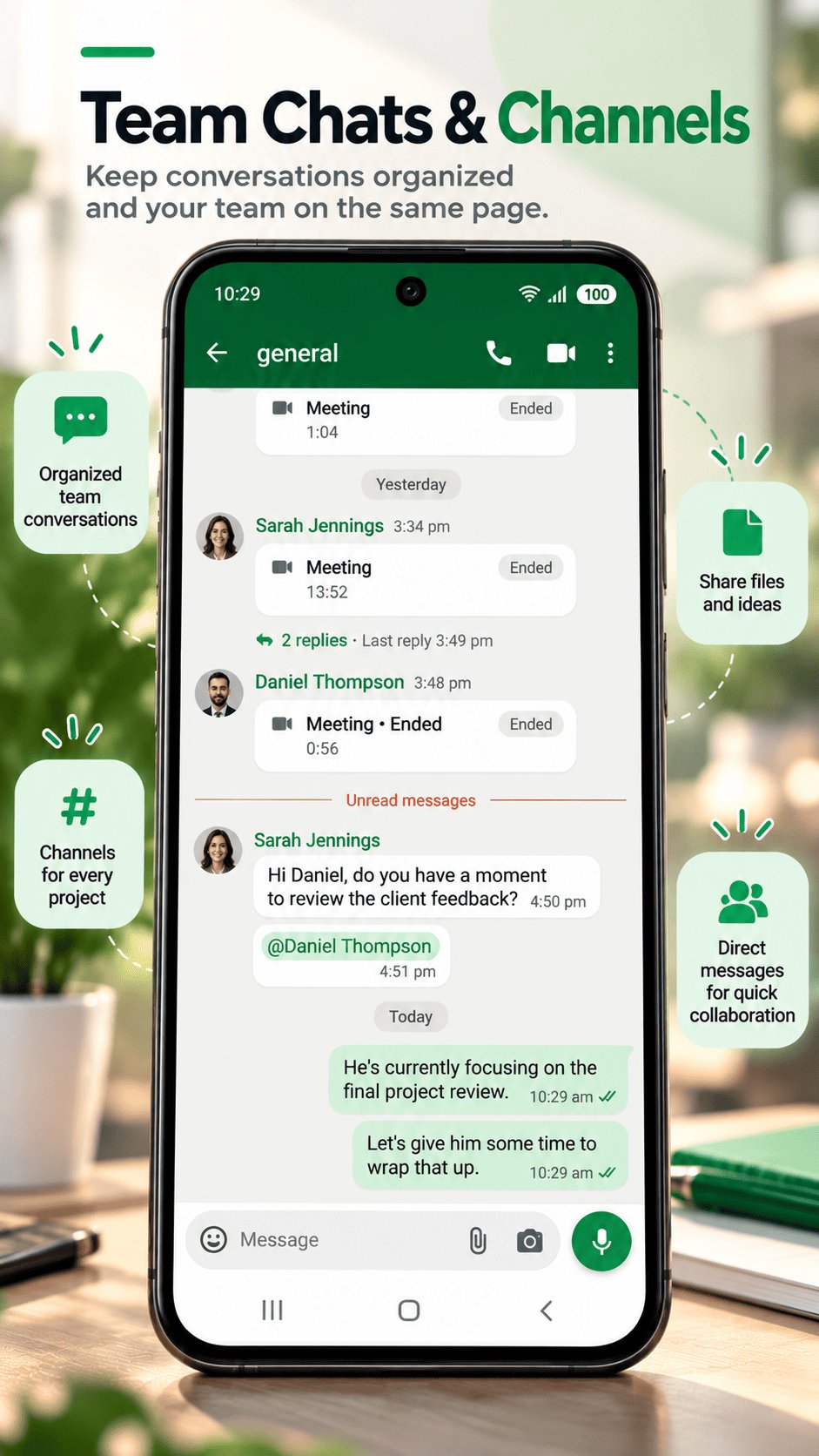
• Public and private channels for teams, projects and topics
• Direct messages with any member of your workspace
• Threads keep side discussions out of the main conversation
• @mentions, reactions, pinned messages and saved items
• Mute, pin, hide or mark conversations as unread to stay organized
SHARE ANYTHING
• Send photos, videos, files and voice notes
• Take a photo or video right from the chat
• Open images and videos full screen and save them to your phone
MEETINGS AND CALLS
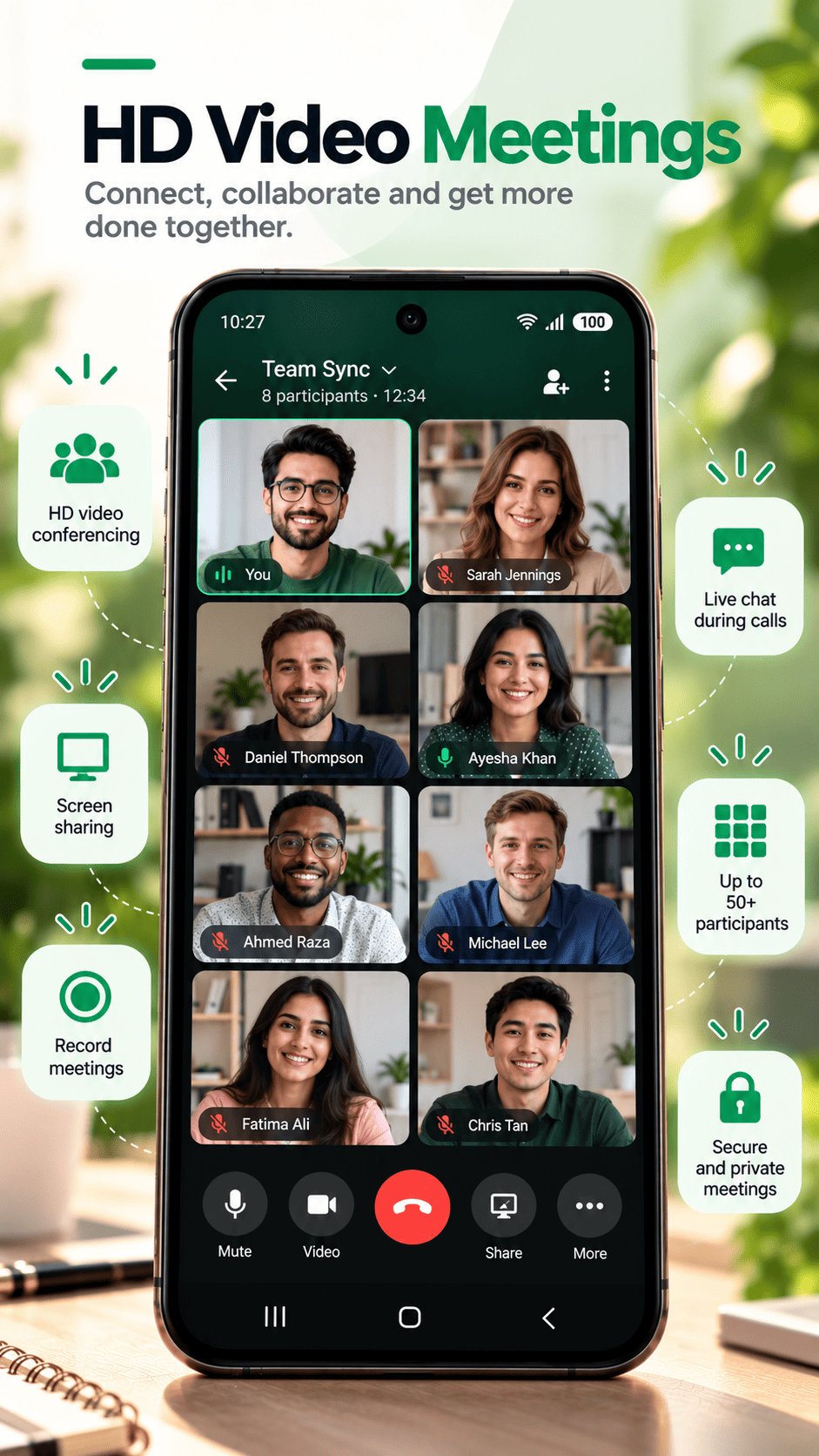
• Audio and video meetings in any channel or direct message
• Check your camera and microphone in the lobby before you join
• Share your screen, chat during the meeting, and record it
• Live captions so everyone can follow along
• Schedule meetings, see what's coming up, and join with one tap when they start
STAY ON TOP OF YOUR WORK
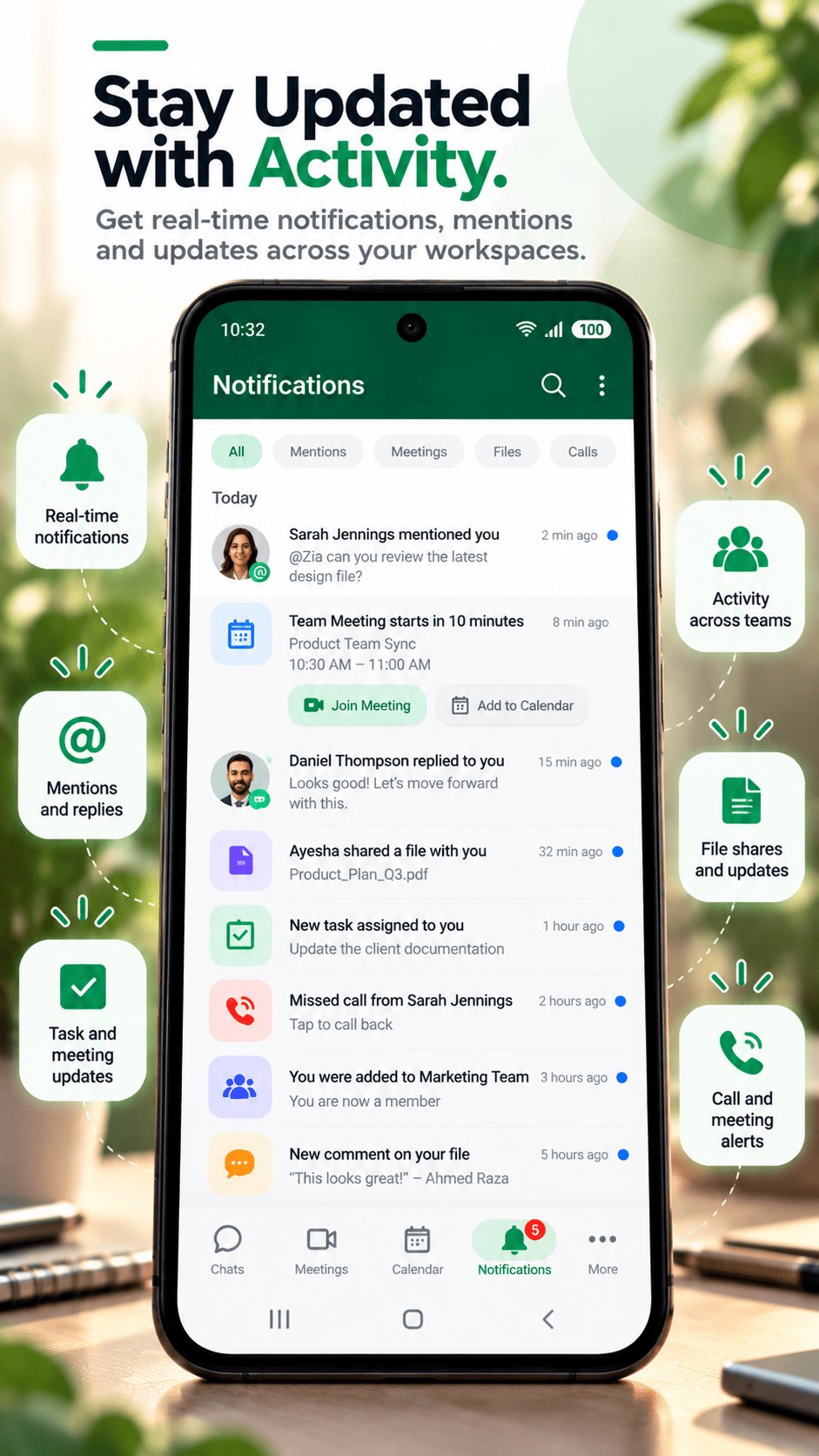
• Notifications for new messages, mentions, meetings and incoming calls
• An Activity tab with all your mentions and unread messages in one place
• Search across messages, files and people
• Set your status to Online, Away, Busy or Do Not Disturb
BUILT FOR SECURITY
• Encrypted connections between the app and your organization's QCollab server
• Two-factor authentication for your account
• See where you're signed in and sign out other devices at any time
• Workspace owners and admins control who can join and what they can see
WORKSPACES
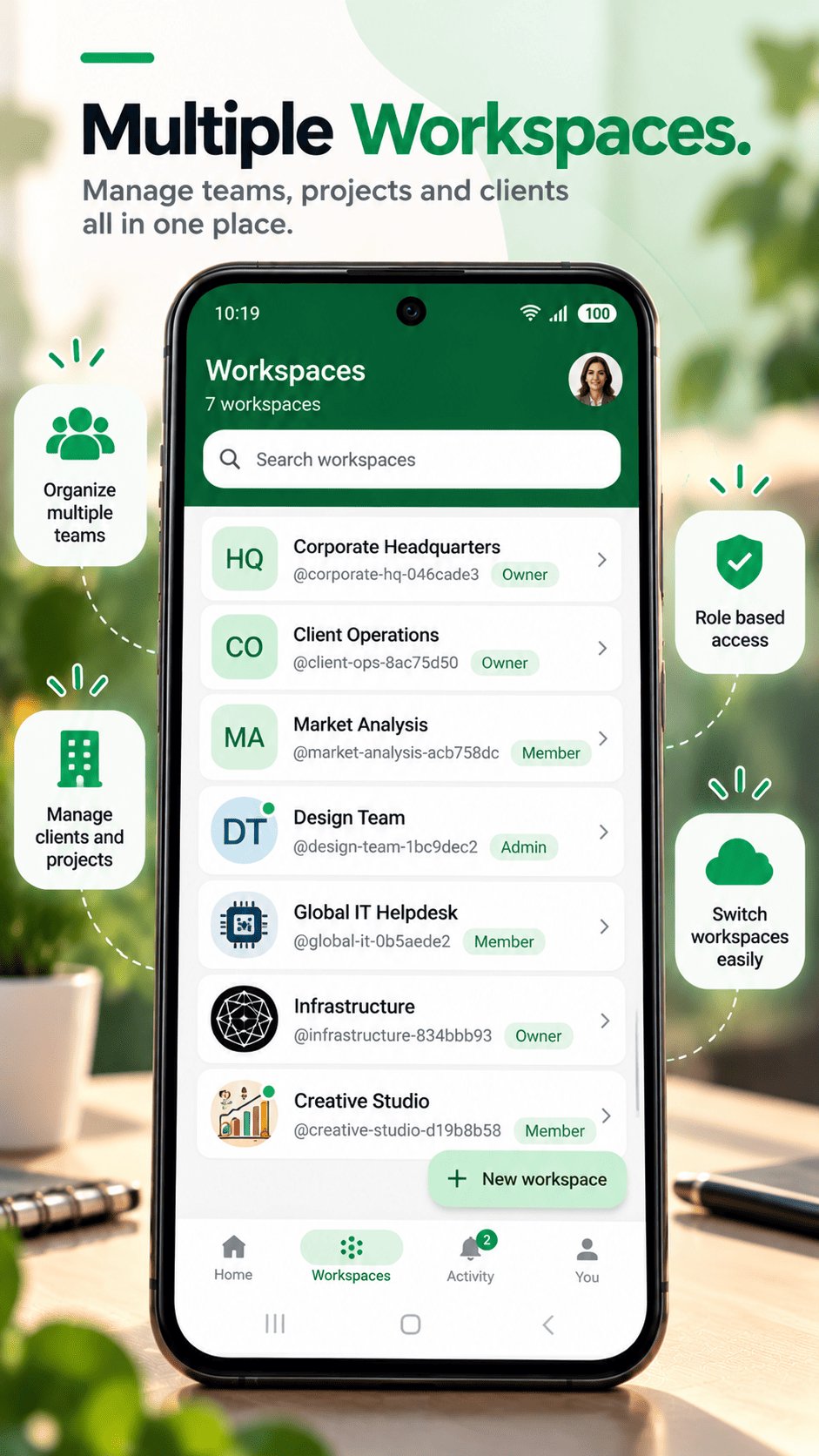
Create a workspace for your team, or join one with an invite link from a colleague. You can belong to several workspaces and switch between them in a tap.
Light and dark themes are both included.
QCollab requires an account. If your organization uses QCollab, sign in with your work account or ask an admin for an invite.




One-click to install XAPK/APK files on Android!

Thanks for your rating and feedback!
You have already rated.