Safe & Fast APK Downloads on APKPure
APKPure uses signature verification to ensure virus-free Quickoffice - Google Apps APK downloads for you.

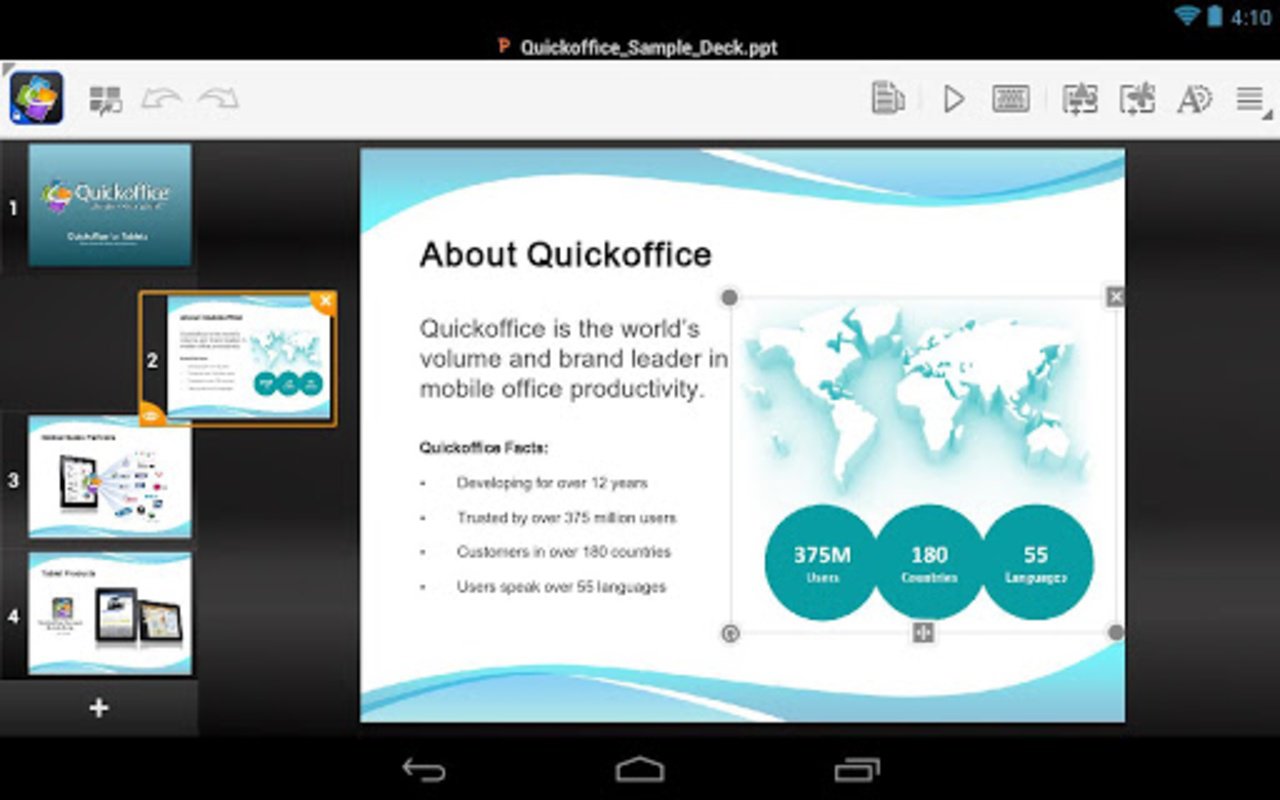
Create and edit all Microsoft Office documents
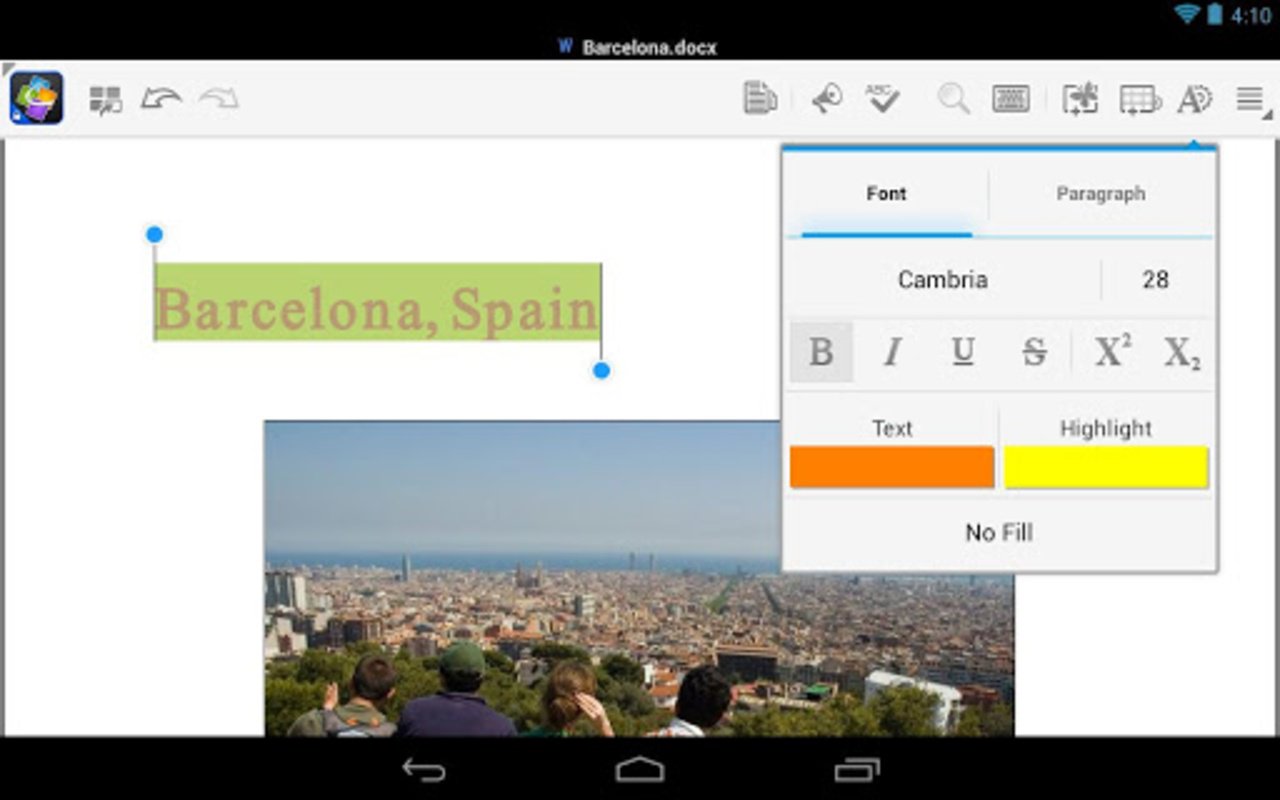
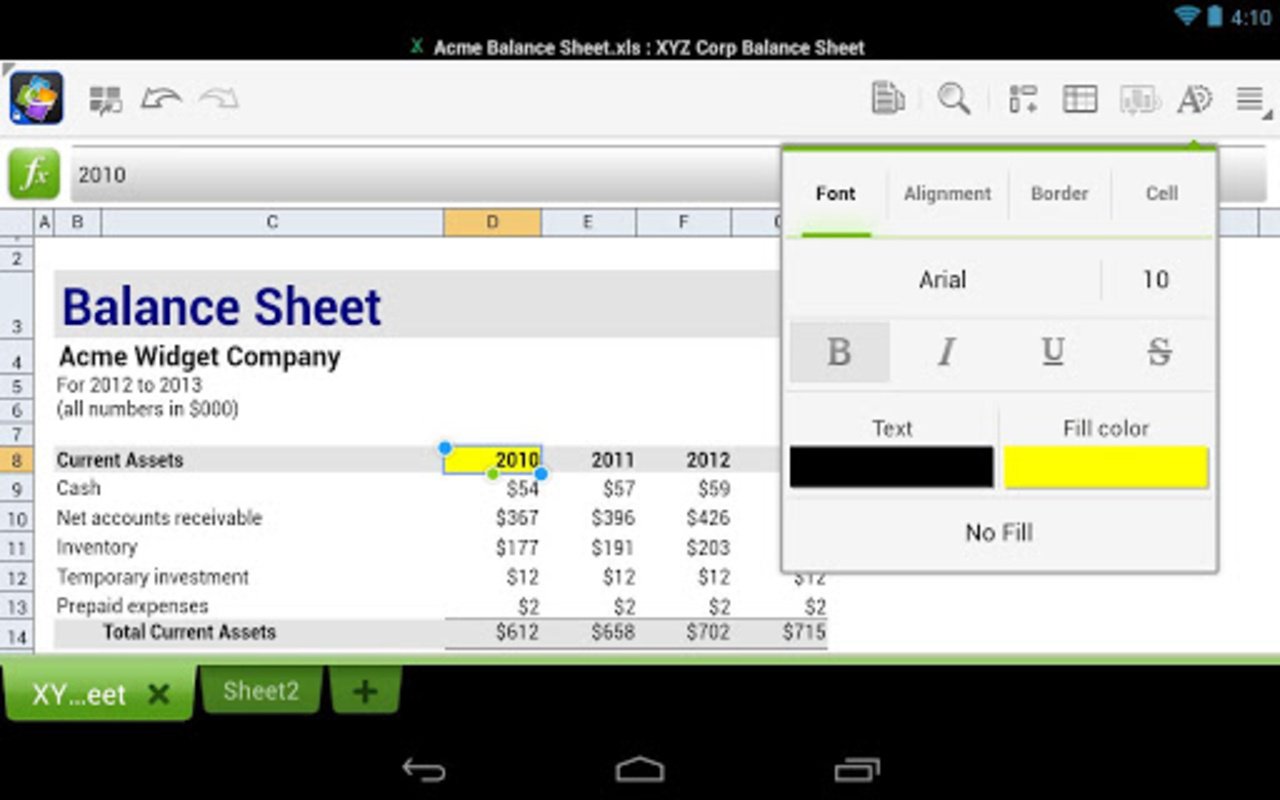
With Quickoffice - Google Apps we can easily create, access and edit all Word, Excel, and PowerPoint documents in their respective formats (DOCX, XLSX, PPTX), even when they are saved in previous versions.
The word document processor includes all the key components we could expect to find in a word processor, including spell check, with which we will be able to avoid more than a few spelling mistakes.
In the remaining applications (Excel and PowerPoint) we will also find all the tools that we could possibly expect to see. We will basically be able to do everything we could have done on our computer, but from the comfort of a cell phone or tablet.
The app's control is also perfectly adapted to touchscreens, so we can do everything easily thanks to its perfect gesture-integration.
Quickoffice - Google Apps is a very useful tool for users that have to constantly use these types of apps on cell phones and tablets for work.

One-click to install XAPK/APK files on Android!

Thanks for your rating and feedback!
You have already rated.