Safe & Fast APK Downloads on APKPure
APKPure uses signature verification to ensure virus-free Remote Camera Client APK downloads for you.

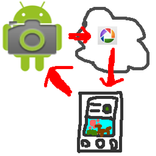
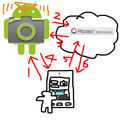
Send shoot command to "Remote Camera" app and receive a picture taken.
*You need another device in which "remote camera" installed.
You can shoot with another device's camera and view the picture taken remotely.
How to use
1. Install "remote camera" into another device and keep running the "remote camera" app.
2. Run this app
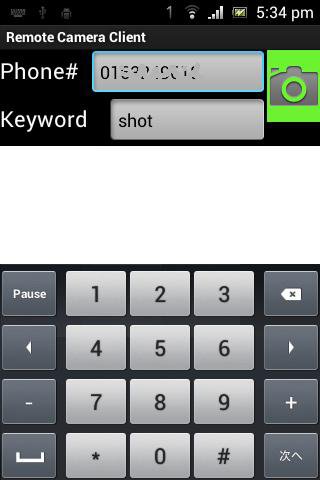
3. Fill [phone#] field with phone number of the device "remote camera" is running.
4. Fill [keyword] field with the keyword specified in "remote camera" app.
5. Click green camera icon, and wait for a while. It takes few minutes.
6. The picture taken will be shown.



One-click to install XAPK/APK files on Android!

Thanks for your rating and feedback!
You have already rated.