Package Name:ebusky.screenlight
Show More

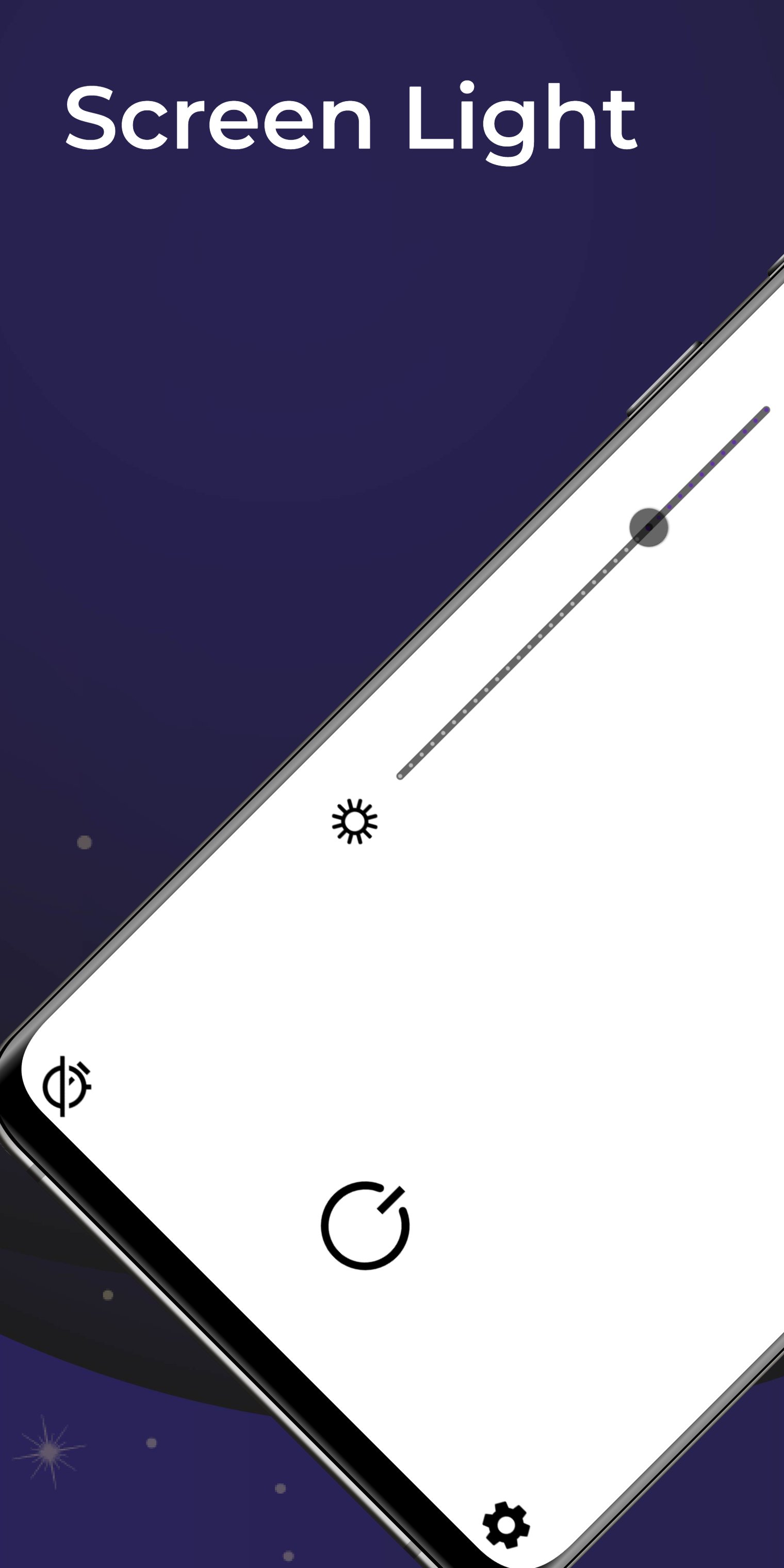
Screen Light: Bright, adjustable flashlight for any situation
Screen Light turns your device screen into a bright flashlight, providing adjustable light for any situation. Perfect for reading, finding items in the dark, or creating a fun party atmosphere.
Screen Light App:
Screen Light for Illumination – Instantly turn your device into a bright screen light. Use it to light up dark spaces, read in low light, or find items in the dark. The app offers adjustable brightness to suit your needs.
Screen Flashlight for Versatility – Use your device as a versatile screen flashlight. Whether you need a soft light for reading or a bright light to illuminate your path, Screen Light has you covered.
APP FEATURES:
Adjustable Brightness – Easily adjust the brightness level to your preference. Perfect for different lighting needs.
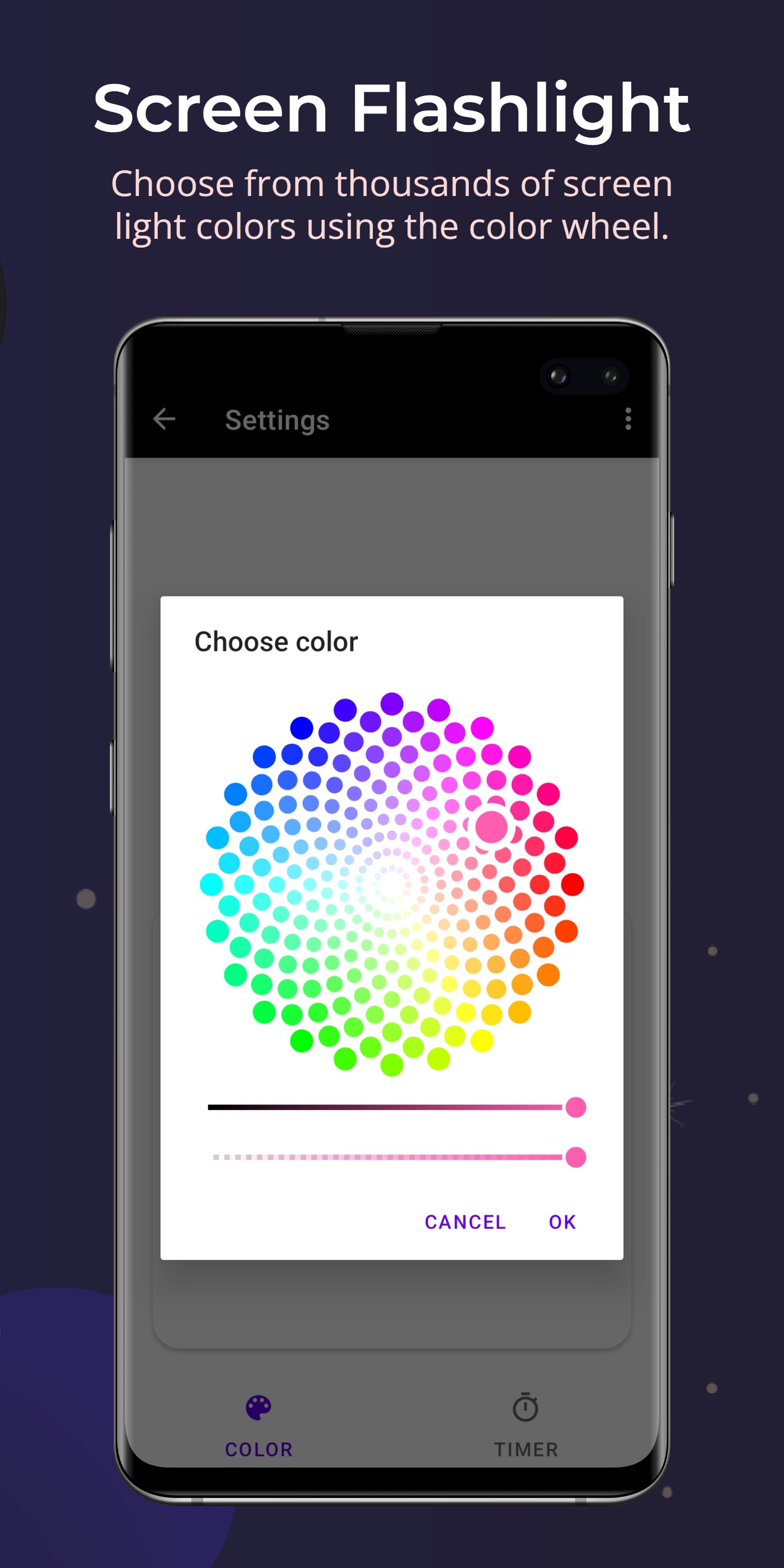
Color Options – Choose from a variety of colors to create the perfect ambiance. Ideal for mood lighting or special occasions.
Timer Function – Set a timer to automatically turn off the screen light after a specified period. Save battery life with this convenient feature.
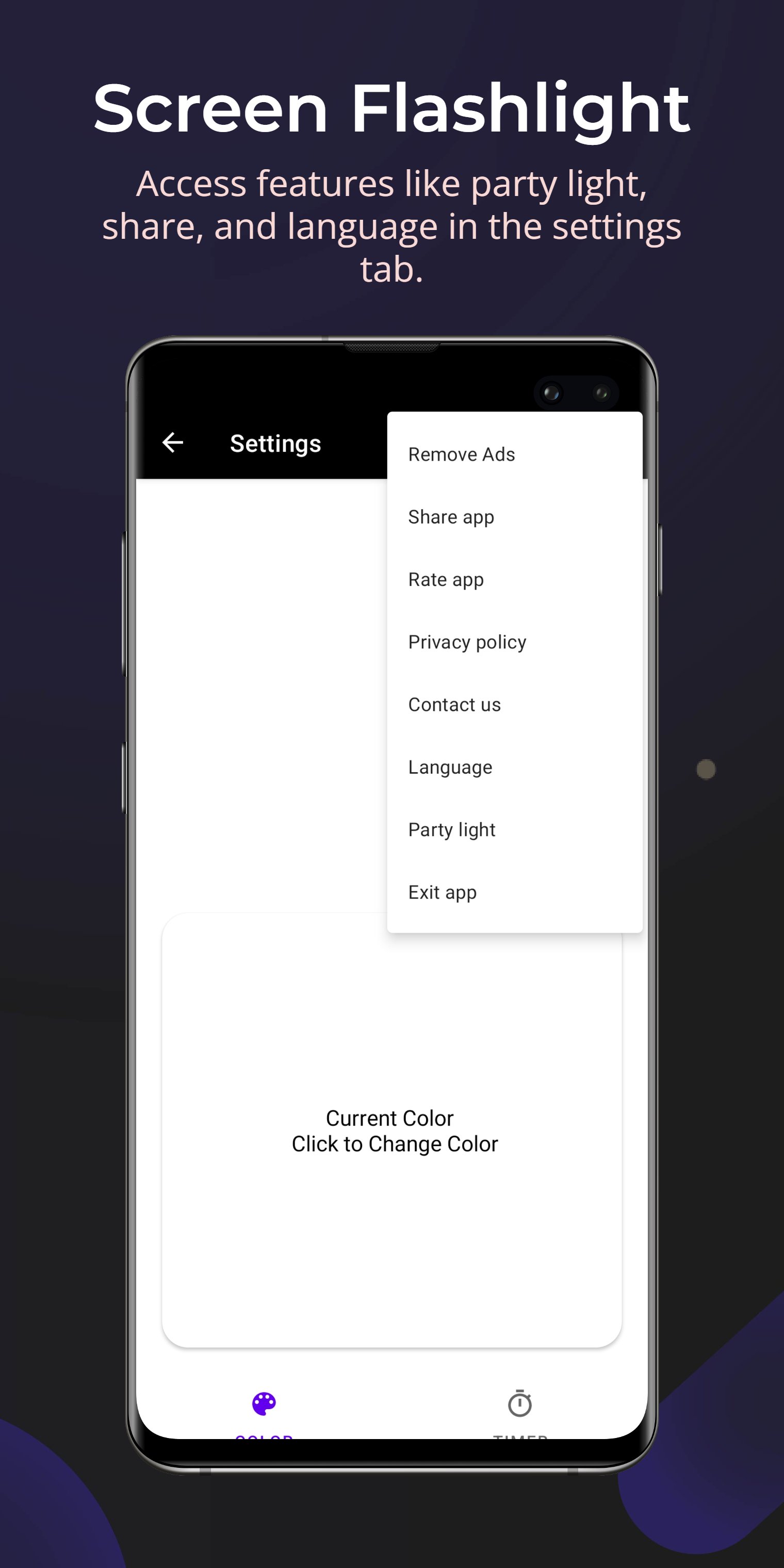
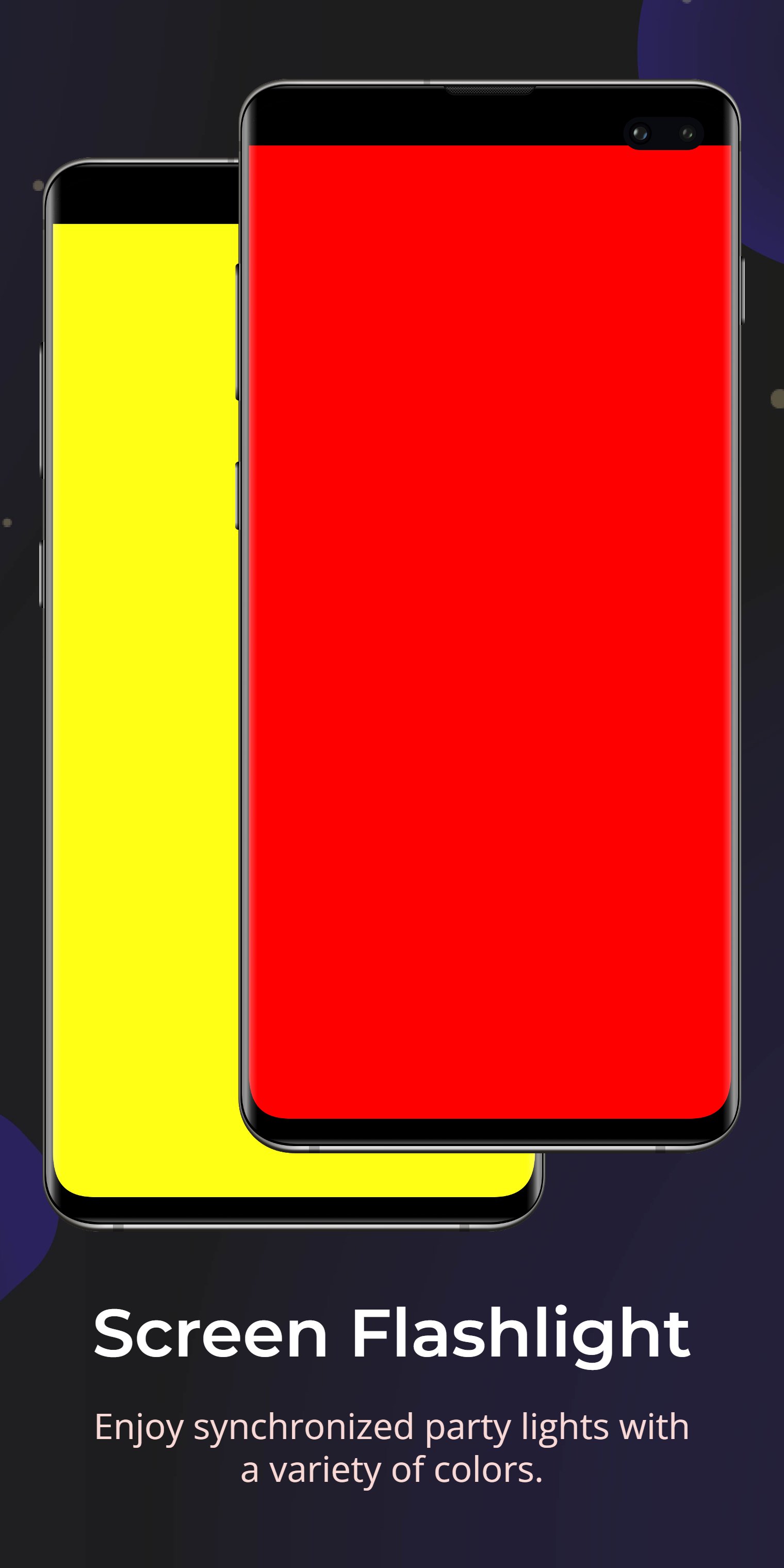
Party Light Mode – Activate the party light mode to turn your screen into a colorful light show. Great for parties and celebrations.
Minimalist Design – Simple and user-friendly interface. Access all features with just a few taps.
Battery Efficient – Designed to use minimal battery power while providing maximum brightness.
No Permissions Required – Does not require camera or location permissions. Your privacy is protected.
APP FEATURES:
● Adjustable Screen Brightness
● Multiple Color Options
● Timer Function for Auto-Off
● Party Light Mode
● Simple and Clean Interface
● Battery Efficient Design
● No Camera or Location Permissions Required
USES FOR SCREEN LIGHT:
● Reading Light – Use the adjustable brightness to read comfortably in low light.
● Party Light – Activate party light mode to create a fun and colorful atmosphere.
● Mood Lighting – Choose from different colors to create the perfect ambiance.
● Night Light – Set a soft light to help you navigate in the dark without disturbing others.
How to Use Screen Light:
1) Activate Screen Light: Open the app and tap the screen to turn on the light.
2) Adjust Brightness: Use the slider to adjust the brightness to your preference.
3) Change Colors: Select from the color options to change the screen light color.
4) Set Timer: Use the timer function to automatically turn off the light after a set period.
5) Use Party Light Mode: Tap the party light button to activate the colorful light show.
Thank you for using Screen Light.



One-click to install XAPK/APK files on Android!

Thanks for your rating and feedback!
You have already rated.