
Package Name:io.github.alexest.tase
Show More

Sound meter, vibration meter & lux meter with a journal and CSV/PDF export
Tase turns your phone's sensors into three measuring tools with a shared journal: a sound level meter (dB), a vibration meter and a light meter (lux). Every recording can be saved with a note, tags, a photo and location, and exported as CSV or a PDF report. Works fully offline.
SOUND METER (dB)
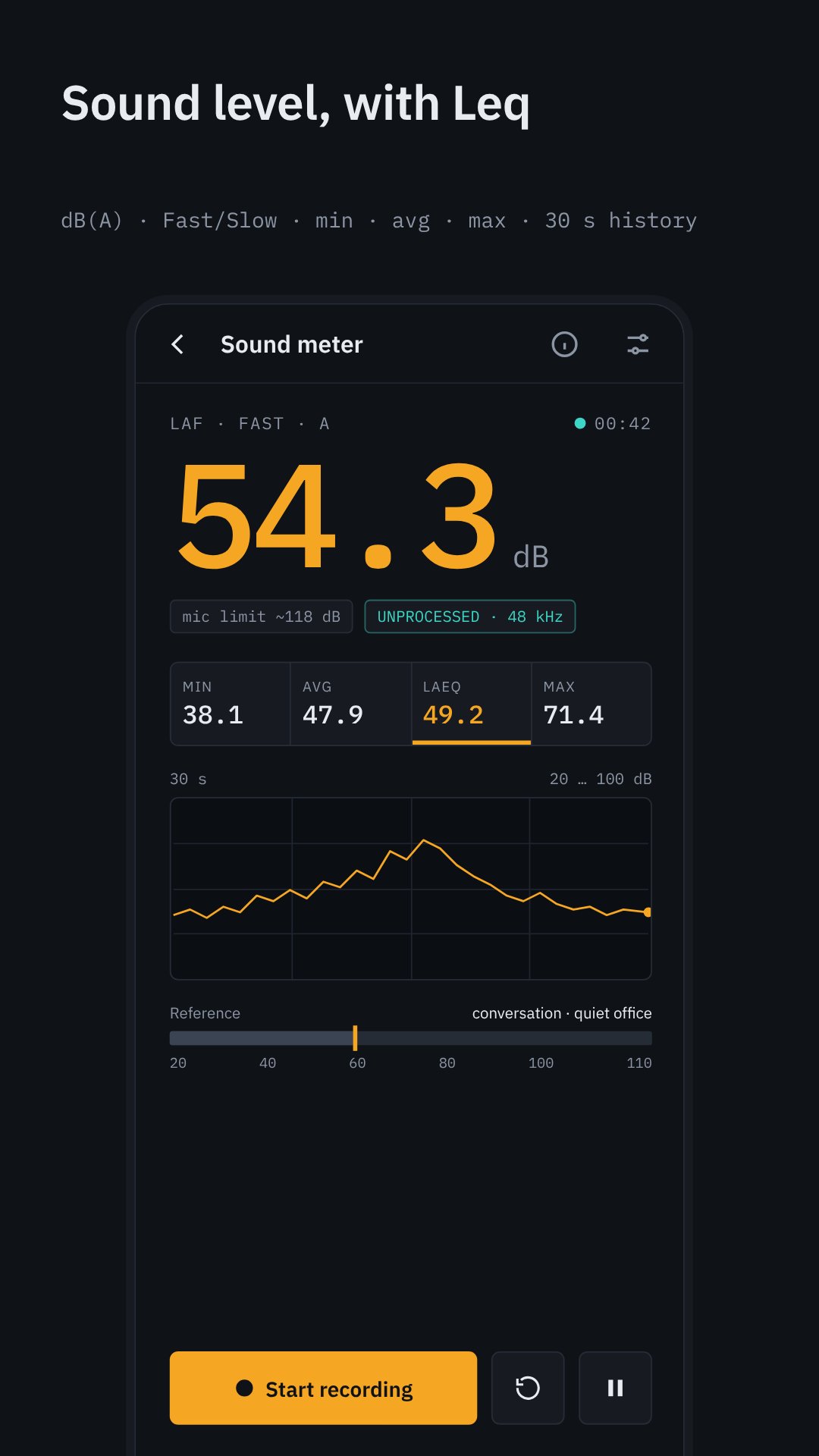
• A-weighted sound level with Fast (125 ms) and Slow (1 s) time weighting
• Min, average, max and Leq (equivalent continuous level) for the session
• 30-second history graph and reference scale (quiet room, office, street, power tools)
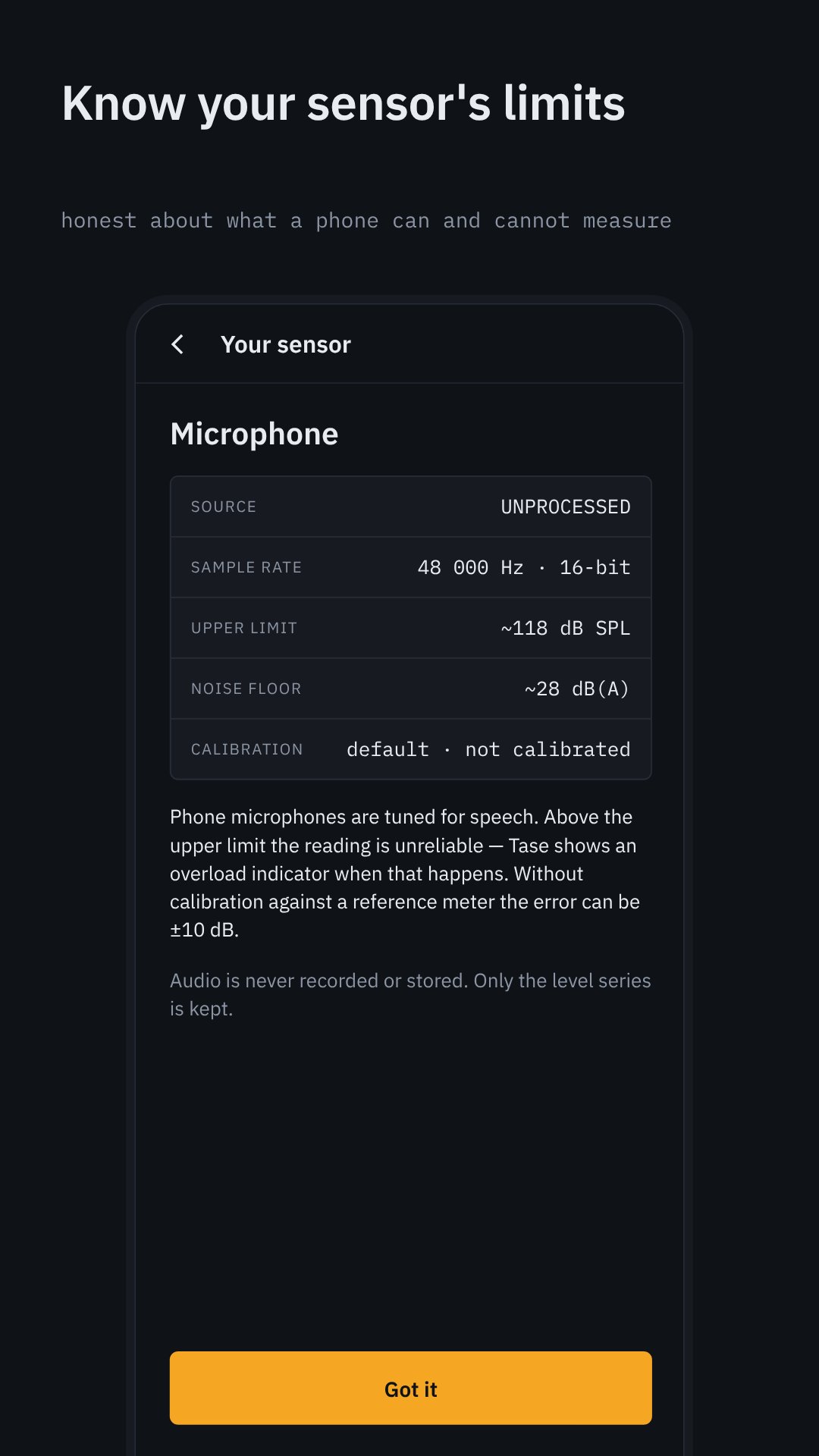
• Overload indicator — the app tells you when the phone's microphone hits its limit instead of showing a wrong number
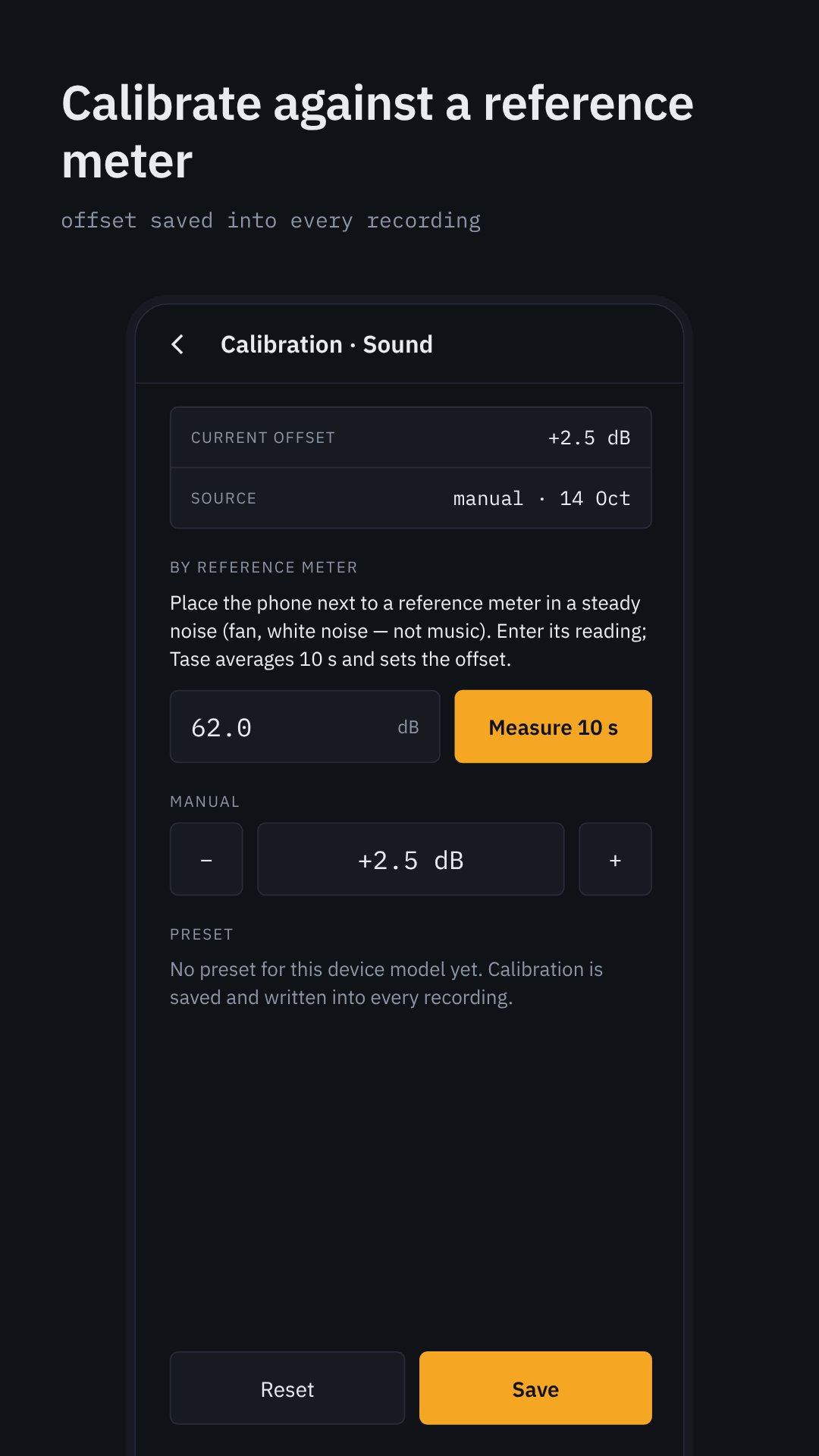
• Calibration against a reference meter; the offset is written into every recording
• Audio is never recorded or stored — only the level values
VIBRATION METER (m/s² or g)
• RMS and peak acceleration on three axes and magnitude
• FFT spectrum with the dominant frequency, up to your sensor's sampling limit
• Sensitivity threshold is zero by default — weak vibrations are not hidden
• Hint when the phone is held in the hand instead of placed on the object
LIGHT METER (lux / fc)
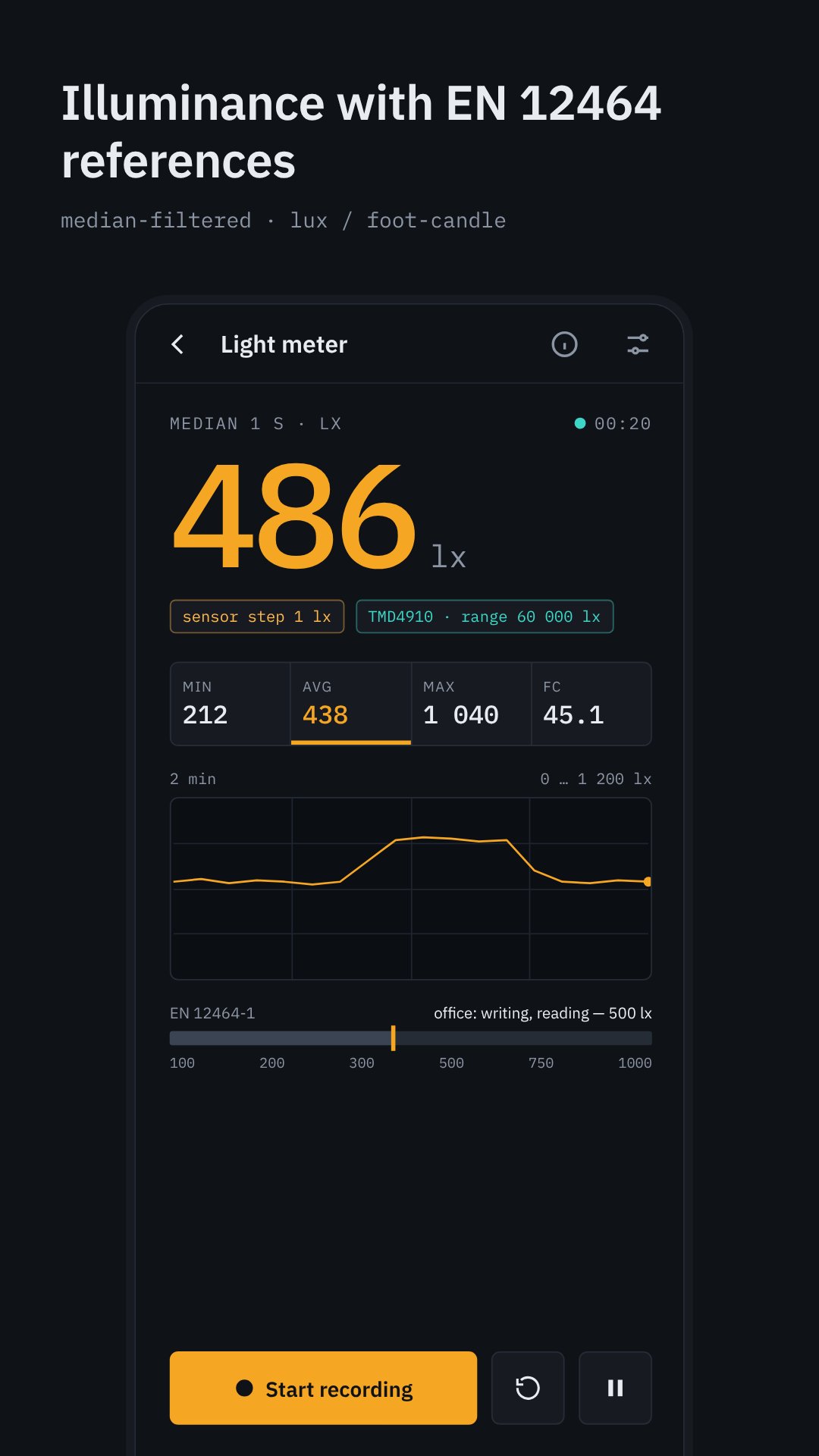
• Illuminance from the ambient light sensor, median-filtered for a steady reading
• Reference values for rooms and tasks based on EN 12464-1 (corridors, offices, workshops, fine work)
• Shows the sensor's step size and range so you know what the number means
JOURNAL AND EXPORT
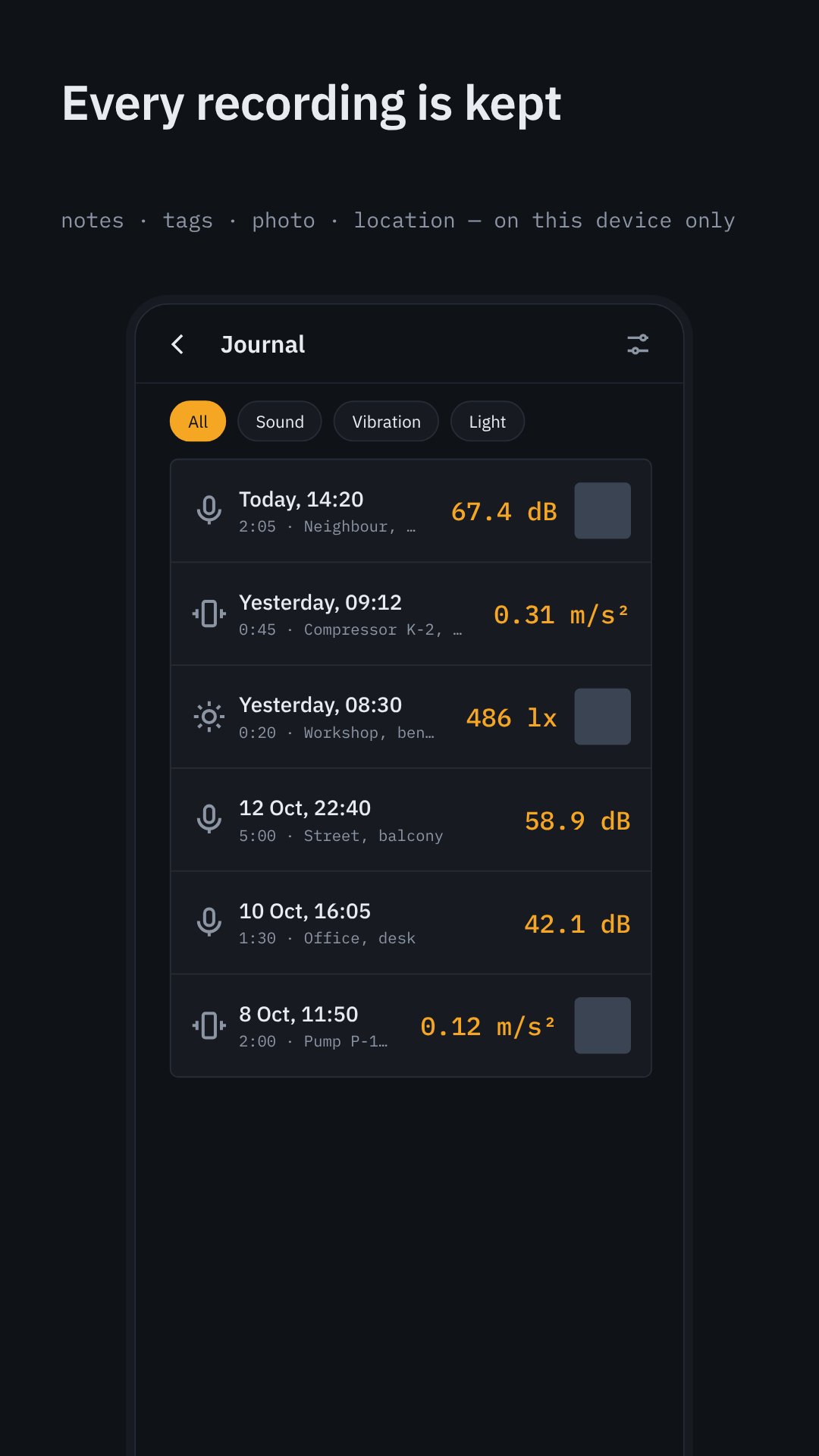
• Start/stop recording on any tool; the series is saved, not just one number
• Add a note, tags, a photo (via the system camera) and, optionally, your location — all stored only on this device
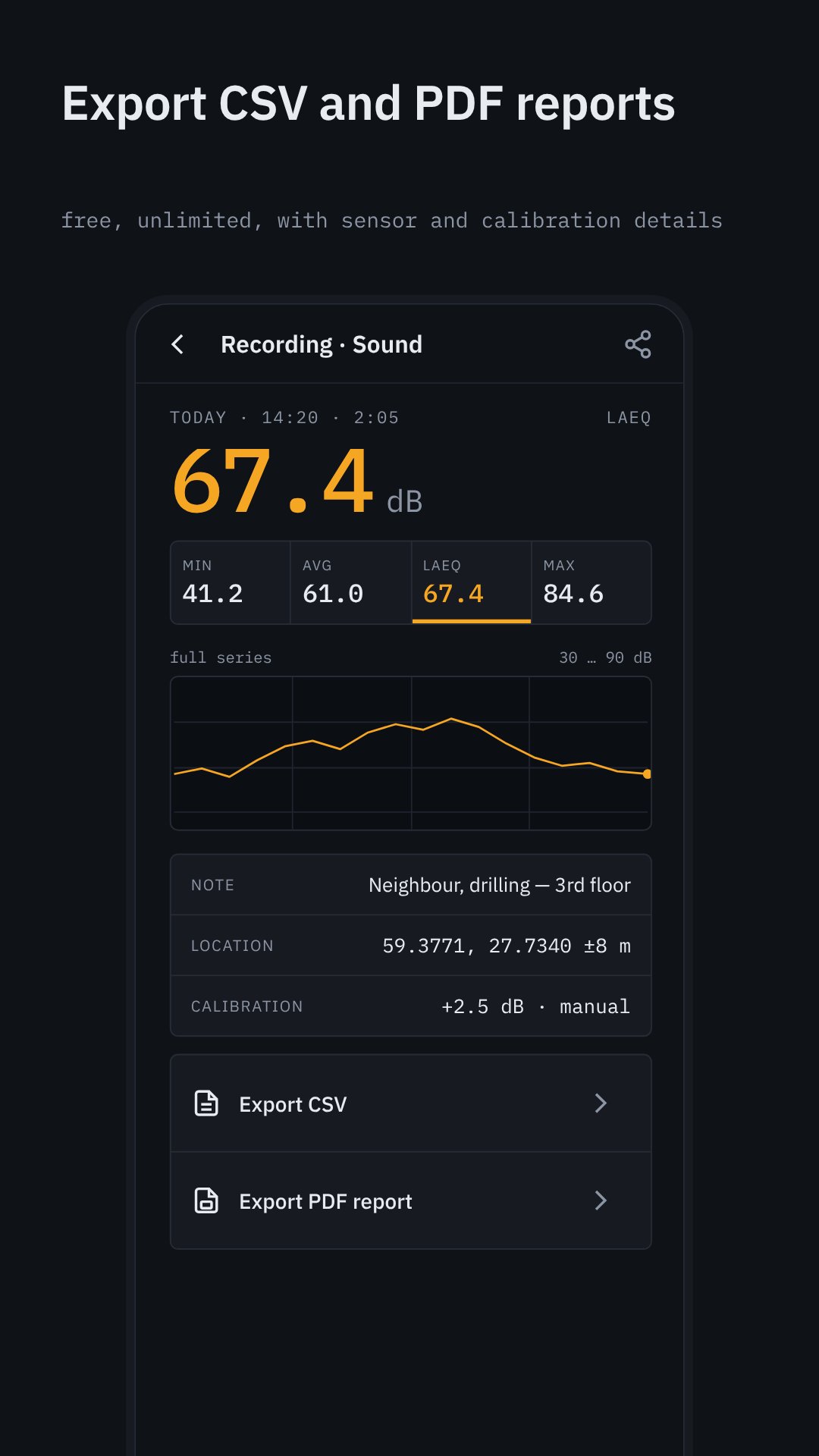
• Export a recording as CSV (summary and full series) or as a PDF report with the graph, conditions and calibration
• Export is free and unlimited
YOUR SENSOR
Before the first measurement Tase shows what your device actually has: microphone source and sample rate, accelerometer rate and range, light sensor resolution. Phone sensors are not laboratory instruments, and Tase says so instead of pretending.
DESIGN
• Dark theme by default, light theme for direct sunlight, or automatic switching by ambient light
• Large monospaced readings, high contrast — made for workshops, sites and outdoors
• No ads over the system navigation bar, no forced sign-up, no subscription
PRICE
Tase is free with a small banner ad. One one-time purchase removes ads forever. Nothing else is locked.
PERMISSIONS
• Microphone — sound meter only; nothing is recorded
• Location — only if you turn on "Add location" for journal entries; never leaves the device
• No camera permission: photos are taken by your system camera app
• No internet use except ads and the purchase
Measurements made with a smartphone are indicative and are not a substitute for a certified measuring instrument.



One-click to install XAPK/APK files on Android!

Thanks for your rating and feedback!
You have already rated.