Package Name:com.studiowacky.log
Show More

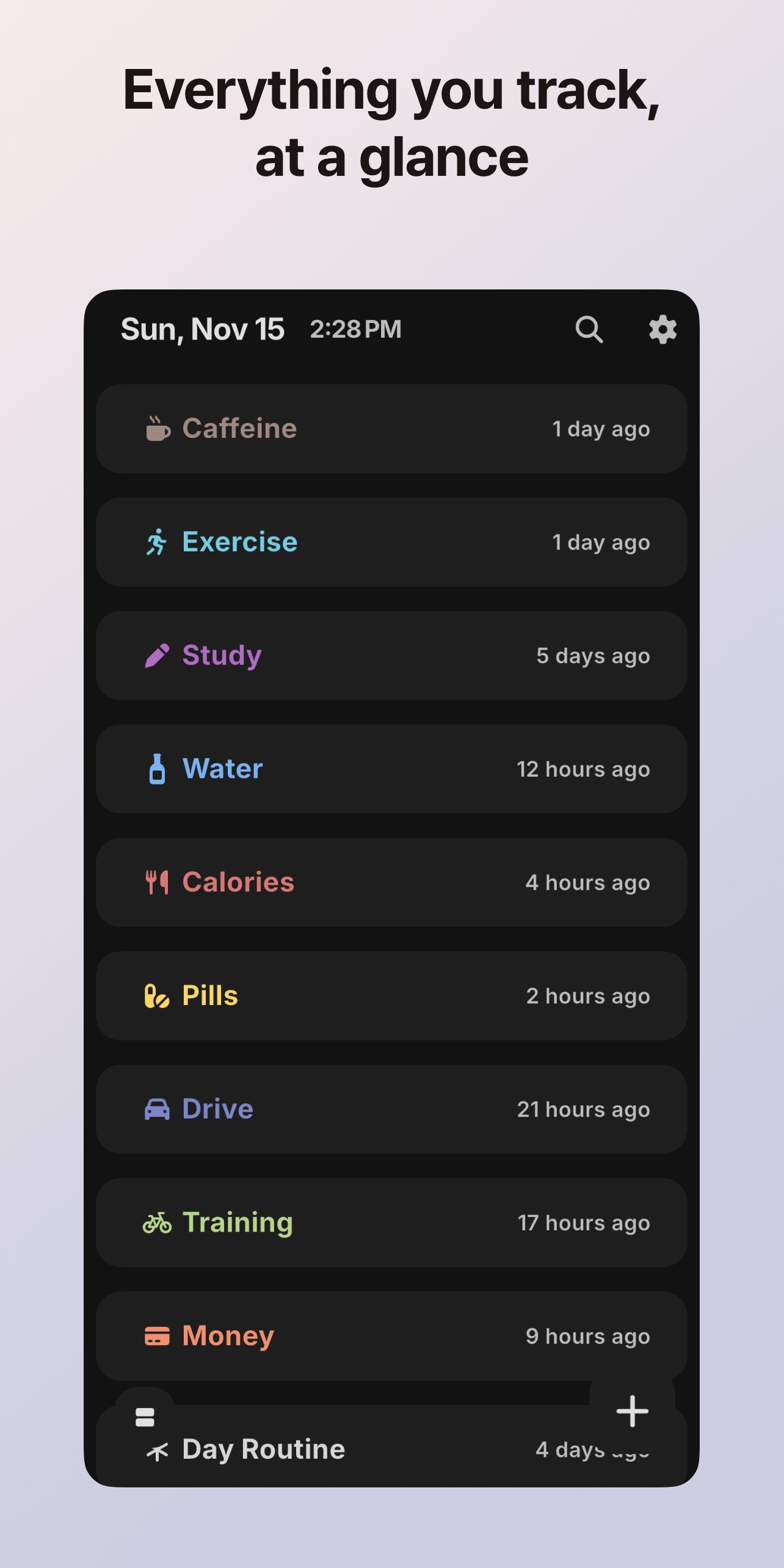
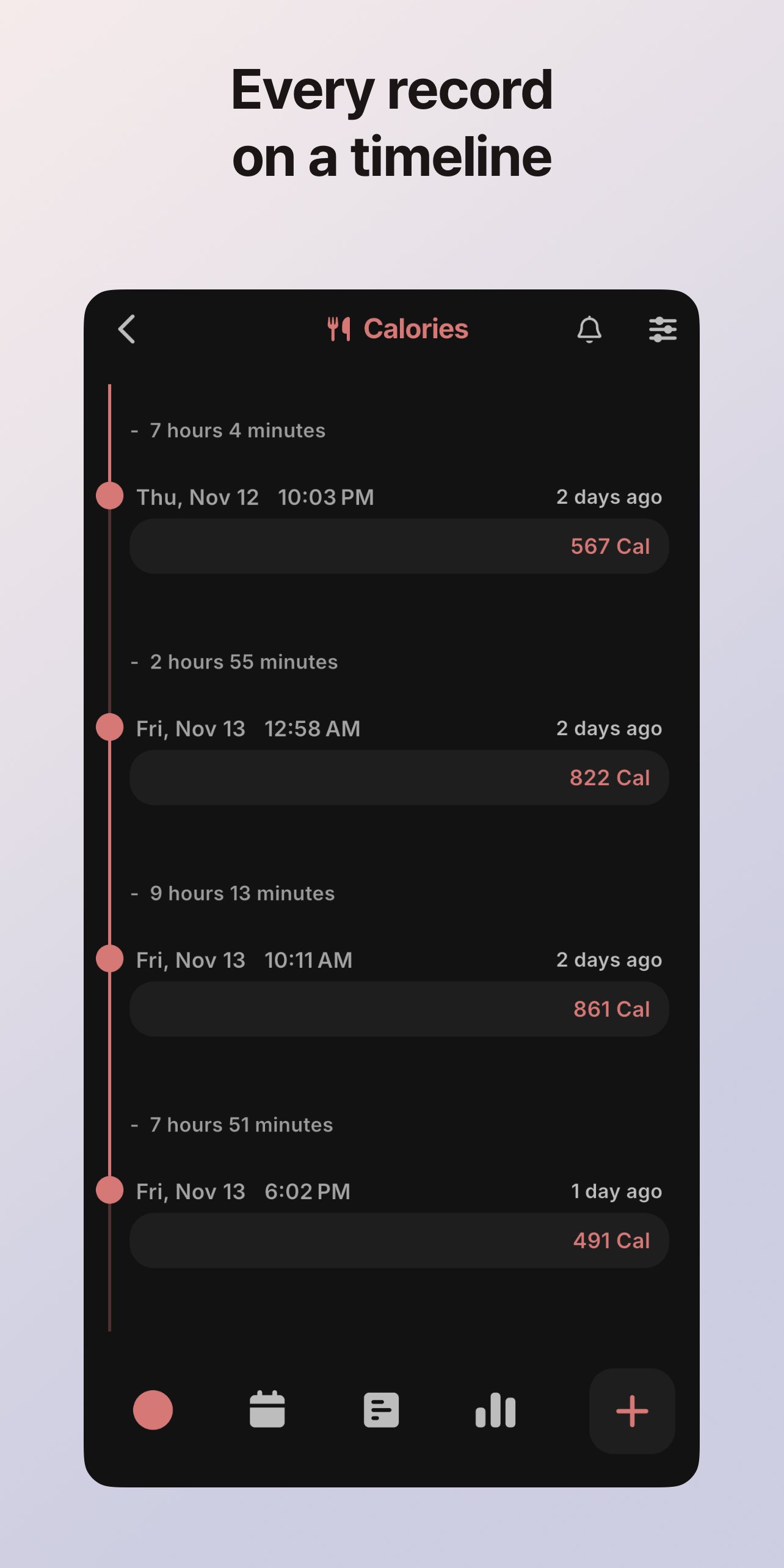
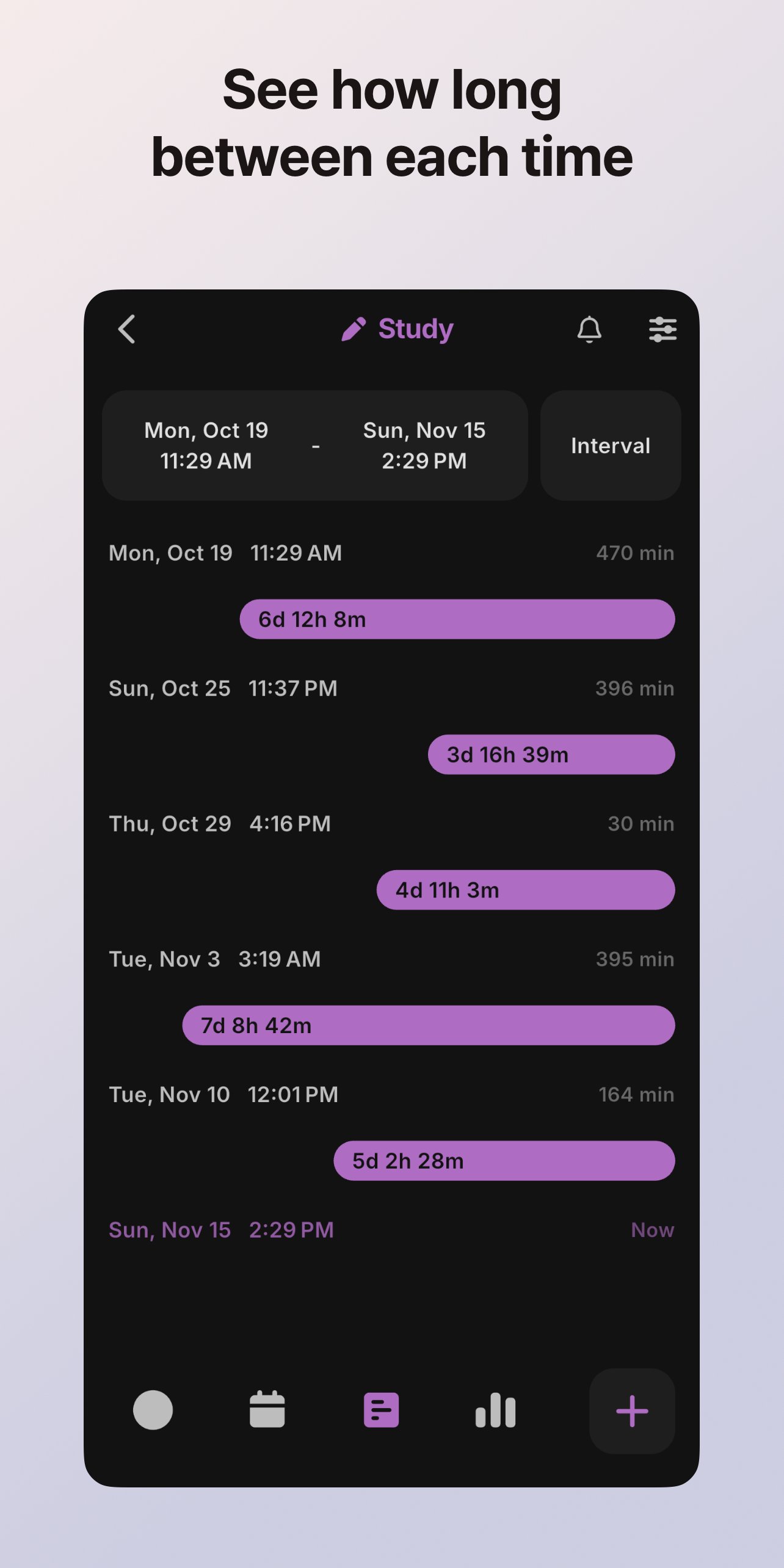
Log with one tap and see the time since your last log and between each log
Hello.
TimeLog is a simple app for logging dates, times, numbers and notes, then checking the intervals and statistics of your records.
Keep track of anything you want to record regularly, such as drinking water, taking medication, exercise, study time, expenses or mileage, each in its own topic.
No sign-up is needed, and your records are stored on your device.
[Quick logging]
- Save the current time and a number with a single tap.
- Log a number and a note together, or log only numbers or only notes.
- Track values that keep adding up, such as weight or mileage, as cumulative topics and check how they change.
- Get started right away with 18 templates in health, habits, study, growth, money and daily life (drinking water, weight, sleep, expenses, mileage and more).
[Many ways to view your records]
- Timeline: see your records in time order
- Calendar: see your records by date at a glance
- Interval: check the time between records
- Category: group several topics and view them together
[Statistics and graphs]
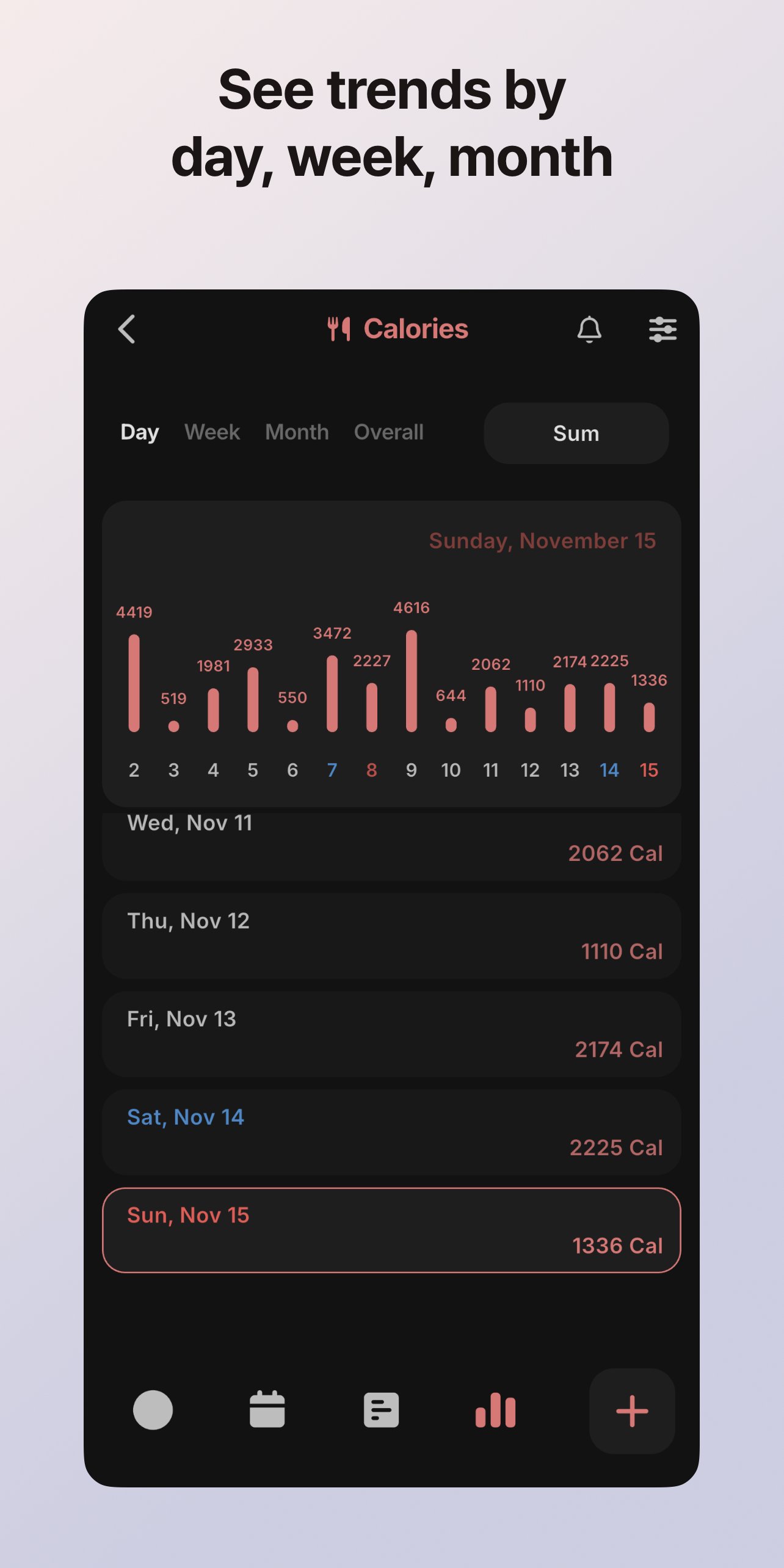
- Daily, weekly and monthly graphs: sum, average (per hour, per day, per log), last value, number of logs, difference
- Overall statistics: logging rate, current and longest streak, average and longest interval, highest and lowest values
[Last log reminder]
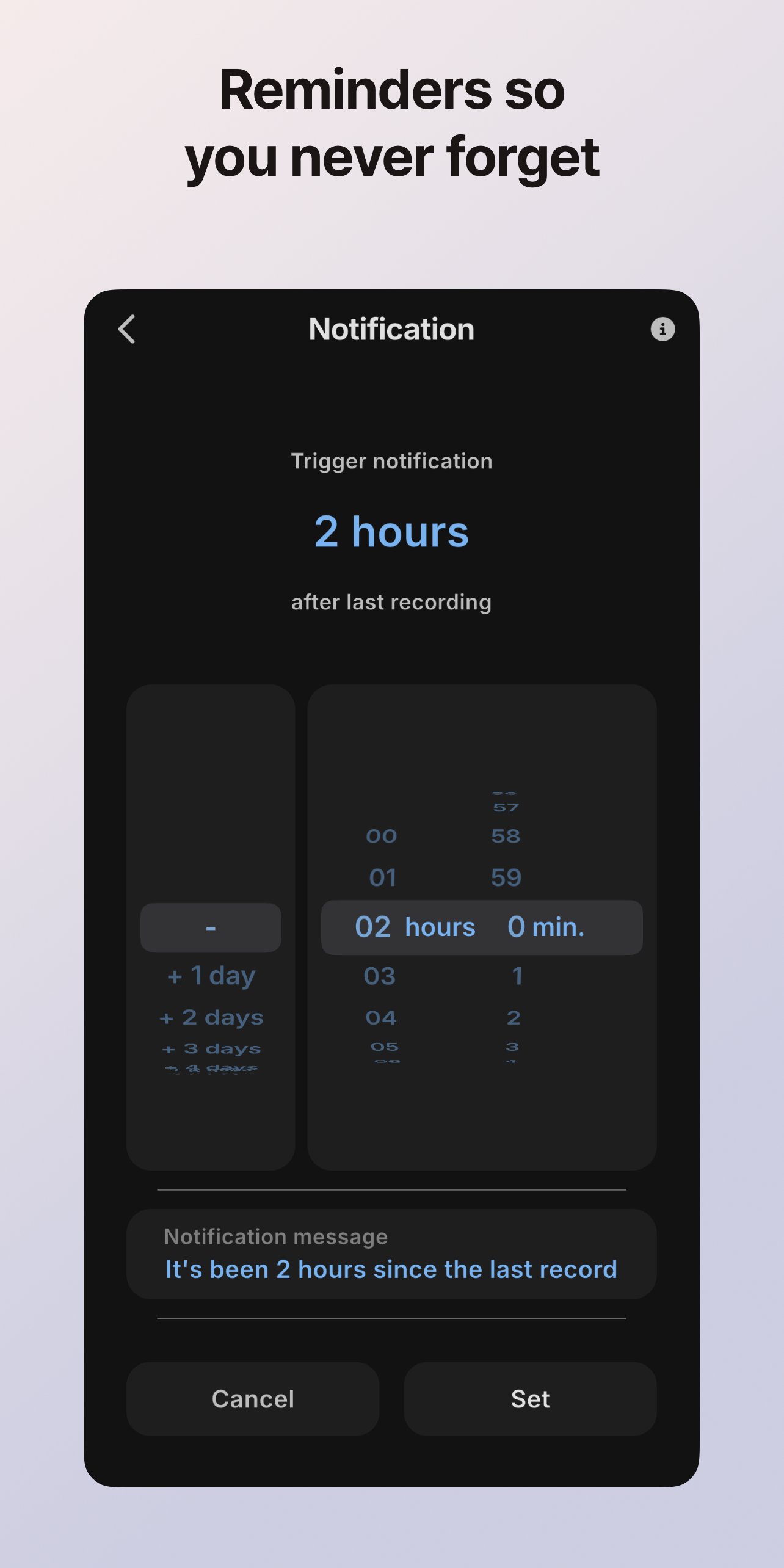
- Get a notification when a set amount of time has passed since your last log.
- Useful for records where timing matters, such as taking medication or drinking water.
- Change the notification message to any text you like.
[Home screen widgets]
- Last log: see your last value and the time since
- My logs: open up to 3 topics and add records right away
- Weekly summary: see this week's daily totals in a graph
[Search]
- Search topic names, notes and even numbers all at once.
- Tap a result to jump straight to that record.
[Backup and export]
- Device backup: save to a file and restore at any time
- Cloud backup: automatic backup once a day
- Export to a spreadsheet (.xlsx)
- PDF report: save a summary, statistics, charts and a record table for a chosen period as an A4 report
[Convenience]
- Light and dark mode
- 22 languages
- Date format, 12/24-hour time and first day of the week settings
[Ideas for use]
- Routines: your daily, weekly and monthly routines
- Diet: calories, exercise time, weight
- Health: caffeine intake, glasses of water, medication, symptom cycles
- Self-care: cutting down on smoking and drinking
- Study and training: study time, training time, sports records
- Daily life: household budget, vehicle mileage, maintenance and fuel records
Thank you!
If you have any issues or suggestions, please send an email or leave a review, and we will improve the app through updates.
[Developer Contact]


One-click to install XAPK/APK files on Android!

Thanks for your rating and feedback!
You have already rated.