Package Name:app.assitive.volumetouch
Show More

Every volume on one screen, plus a floating volume button for any app.
Assistive Volume Touch puts every volume control on your screen, so you never have to reach for the hardware buttons again. It is made for anyone whose volume keys are broken, worn out, hard to press, or just awkward to reach.
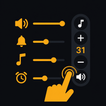
Open the app and you get a clean console with a separate slider for each kind of sound on your phone. Set them exactly how you like, or use the floating button to change volume from inside any other app.
WHAT YOU CAN DO
- Control every sound on its own. Media, ringtone, alarm, notifications, calls, and system sounds each get their own slider, shown as a simple 0 to 100 level.
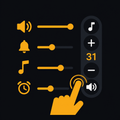
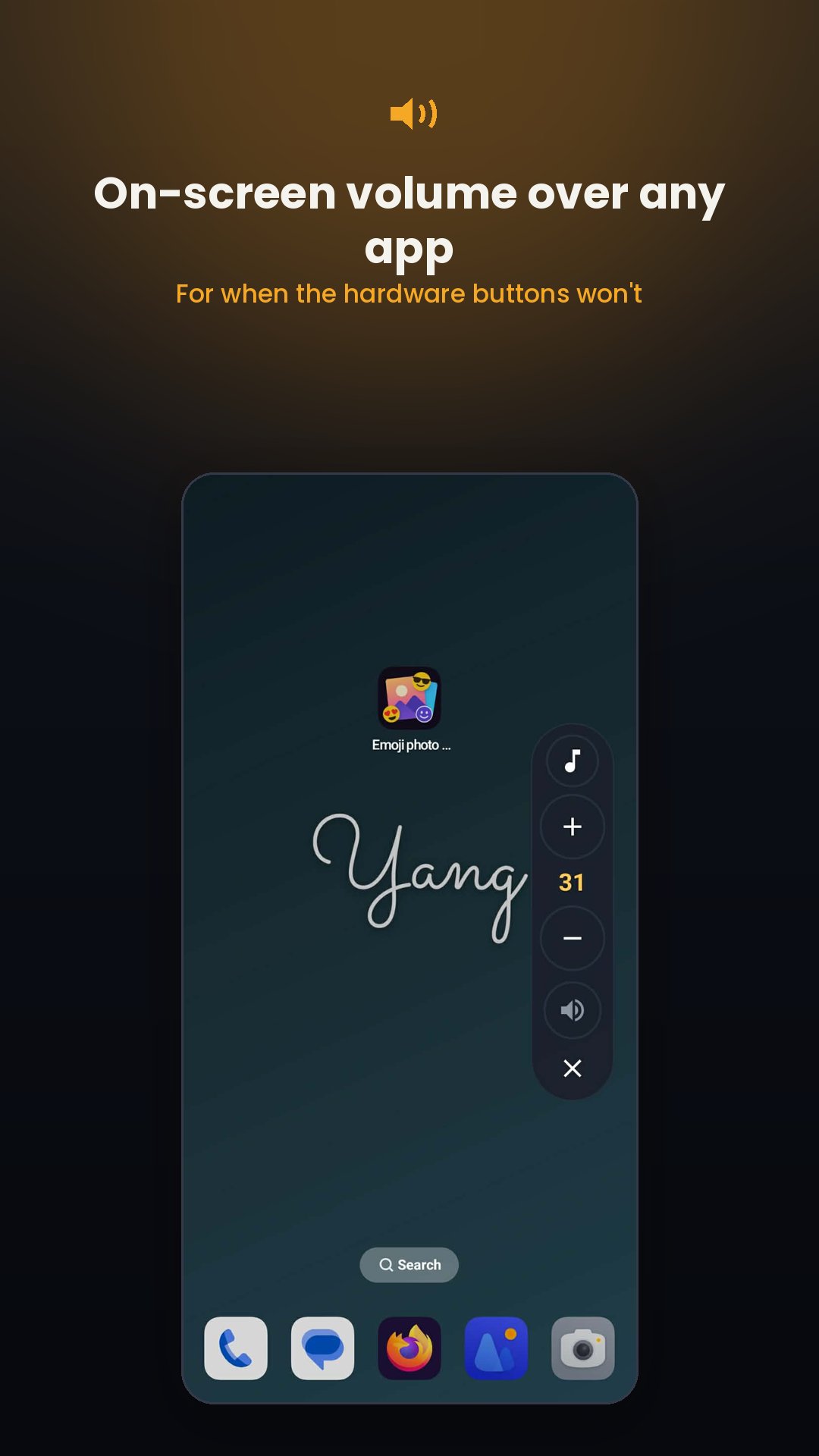
- Float a volume button over any app. Turn on the floating pad and it stays on top of games, video, music, and everything else. Tap up or down to change volume, or mute in one tap, without leaving what you are doing.
- Choose what the floating button controls. Tap the icon on the pad to move between media, ringtone, alarm and the rest, so one button covers every sound.
- Move it, hide it, close it. Drag the pad anywhere on screen. When you are not using it, it shrinks to a small faded dot that stays out of the way, then opens again with a tap. Drag it to the bottom of the screen to close it.
- One-tap presets. Quick set buttons put your whole phone into the right mix in a single tap: Max, Quiet, Meeting, and Sleep. Handy for stepping into a meeting or winding down at night.
- Ring mode in one tap. Switch between Normal, Vibrate, and Silent right from the main screen.
MADE TO BE SIMPLE
- No account and no sign in.
- Works fully offline.
- Nothing is tracked. Your settings stay on your device.
Assistive Volume Touch is a small, focused tool that does one job well. It gives you full, comfortable control of your phone's sound, whether your volume buttons work or not.
Turn on the floating button once, and your volume is always a tap away.




One-click to install XAPK/APK files on Android!

Thanks for your rating and feedback!
You have already rated.