
Package Name:com.altaplay
Show More

Cast any web video from your phone to TV — supports DLNA, Chromecast & more.
AltaPlays is a powerful and easy-to-use web video casting app that lets you stream videos, and media directly from your phone to your TV.
Key Features:
Web Browser with Video Detection: Browse any website, and AltaPlays will automatically detect the playable video content.
Cast to Multiple Devices: Supports casting to popular devices — Chromecast, Roku, DLNA-enabled TVs, Amazon Fire TV, Apple TV, and more.
Supported Media: Works with many video formats (e.g., MP4), live streams (HLS / m3u8), and local media (videos, photos, audio).
Subtitle Support: Automatically picks up subtitles from web pages.
Battery Saver: Since the video is cast by sending the URL to the TV and not mirroring the entire screen, your phone uses less battery.
=> AltaPlay App – Workflow Explanation
-> Purpose of the App
AltaPlay is a Sender app that loads a developer’s website (built using the AltaPlay Open-Source SDK) inside a WebView and enables device casting (DLNA, Chromecast, LG WebOS, etc.) using the same SDK-powered flow.
Step-by-Step App Workflow:
1. Enter Domain:
-Open the AltaPlay app.
-In the address bar, enter a test domain:
"https://altaplay.app"
-Tap the Next button.
2. Load Website in WebView:
-The entered URL loads inside the app using a WebView.
-This website is built using the AltaPlay Open-Source SDK.
3. Access “Try It Live” Module:
-Scroll to the bottom of the page.
-You will see an SDK demo module named “Try It Live”.
4. Restart Device Discovery:
-On the right side of the Available Devices section, tap Restart Discovery.
-A bottom sheet opens.
5. Select Device Type:
-In the bottom sheet, a list of device types is displayed:
DLNA
Chromecast
LG WebOS (and other supported platforms)
-Select the desired device type and tap Next.
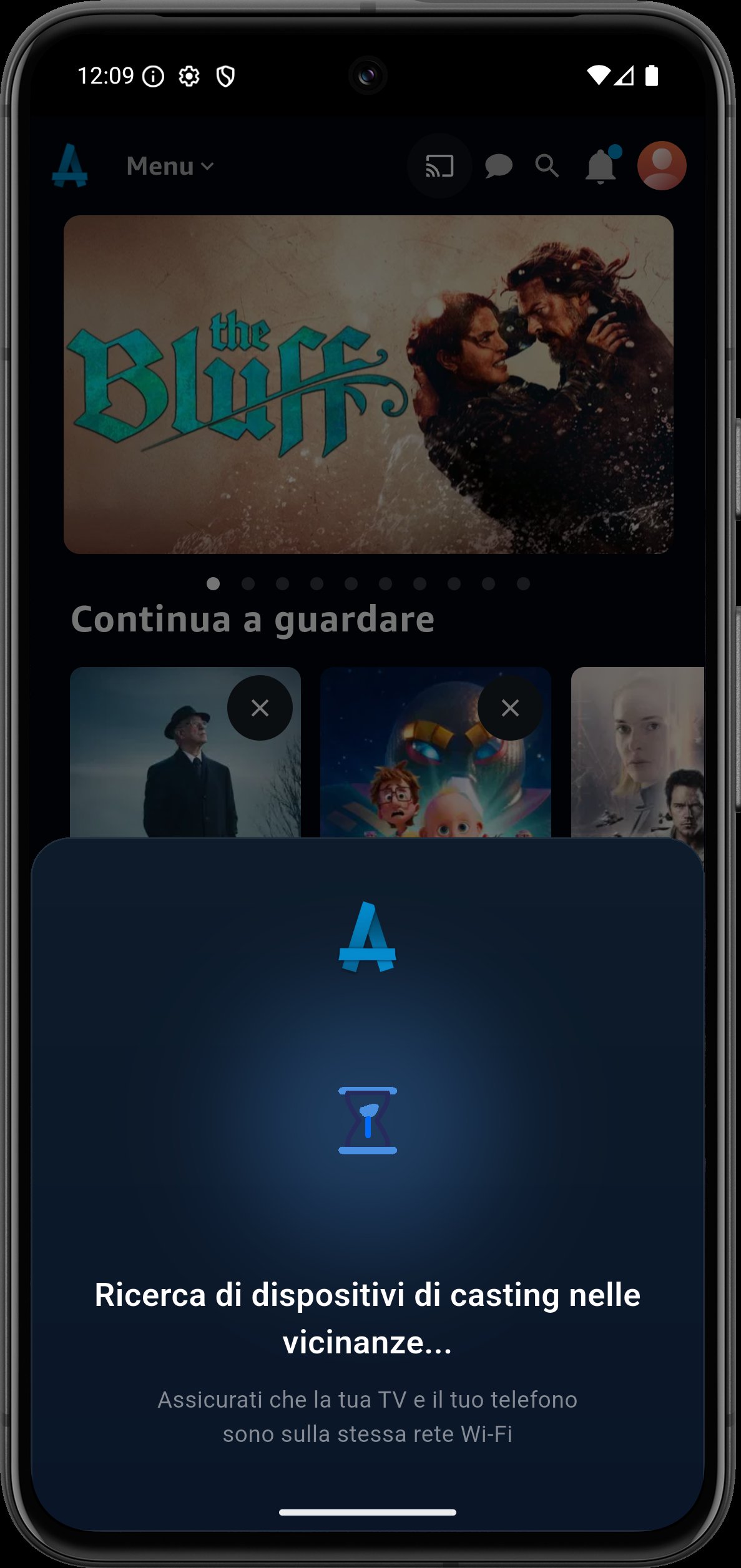
6. Select Nearby Device:
-The app scans and shows nearby devices:
-Connected to the same Wi-Fi network
-Matching the selected device type
-Select a device and tap Cast.
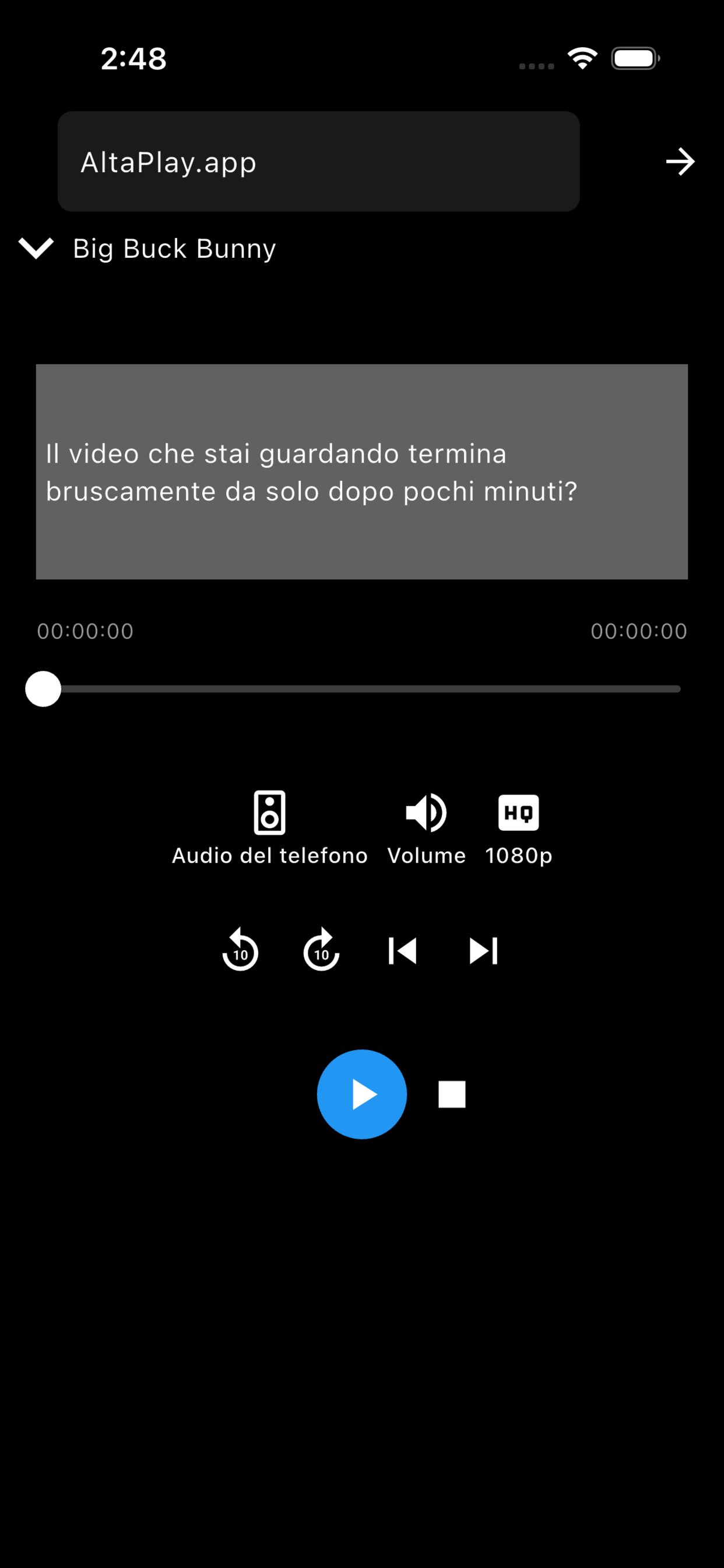
7. Start Casting:
-Once casting is connected, tap Start Casting.
-The video starts playing on the selected casting device (TV or receiver).
8. Stop Casting:
-Stop the video playback when required.
9. Disconnect Device:
-Tap Restart Discovery again.
-A disconnect dialog appears.
-Confirm to disconnect the current device.
=> Important Notes (For Review & Testing Teams) <=
-https://altaplay.app
is the official Open-Source SDK demo domain.
-Any developer can:
-Create their own website using the AltaPlay Open-Source SDK.
-Load their own domain URL inside the AltaPlay app.
-Enable the same casting workflow without any changes to the app.
-The AltaPlay app functions as a generic SDK-based sender.
-Casting works only for websites that integrate the AltaPlay Open-Source SDK.
-All discovery, device handling, and casting logic is managed by the SDK itself.
Why AltaPlays?
Universal Compatibility: Works with a wide variety of streaming devices.
Flexible Media Options: Stream from websites
User-Friendly: No complicated setup — just open, browse, detect, and cast.
Supported Devices:
Chromecast
Roku
DLNA / UPnP TVs (Sony, LG, Samsung, etc.)
Amazon Fire TV / Fire TV Stick
Apple TV
Other smart devices / browsers via casting
Note: AltaPlays is not just screen mirroring — it intelligently grabs video URLs and sends them to your TV, giving you smoother playback and saving mobile battery.
Get Started:
Install AltaPlays on your Android / iOS device.
Open the browser within AltaPlays.
Navigate to a video website.
Tap the cast icon, choose your device, and enjoy streaming on TV.
Support & Feedback:
We value your feedback! If you face any issue (video not detected, casting problem, subtitle sync), please reach out at [email protected]
(or appropriate support email).
Privacy:
AltaPlays does not host any video content. It only helps to detect and cast the video streams from existing websites. All data stays between your phone and your casting device.





One-click to install XAPK/APK files on Android!

Thanks for your rating and feedback!
You have already rated.