Package Name:com.nax.apkextractor
Show More


44.2 MB
File Size
Everyone
Android 7.0+
Android OS
Save installed apps as APK, back up games with OBB and inspect what's inside.
APK Extractor saves the apps installed on your phone as APK files — in one tap. Keep a copy before an update, move an app to another device, back up a game with its OBB files, or look inside any app to see how it is built.
★ EXTRACT IN ONE TAP
• Save any installed app as an .apk file
• Split APK bundles are packed into a single .apks file
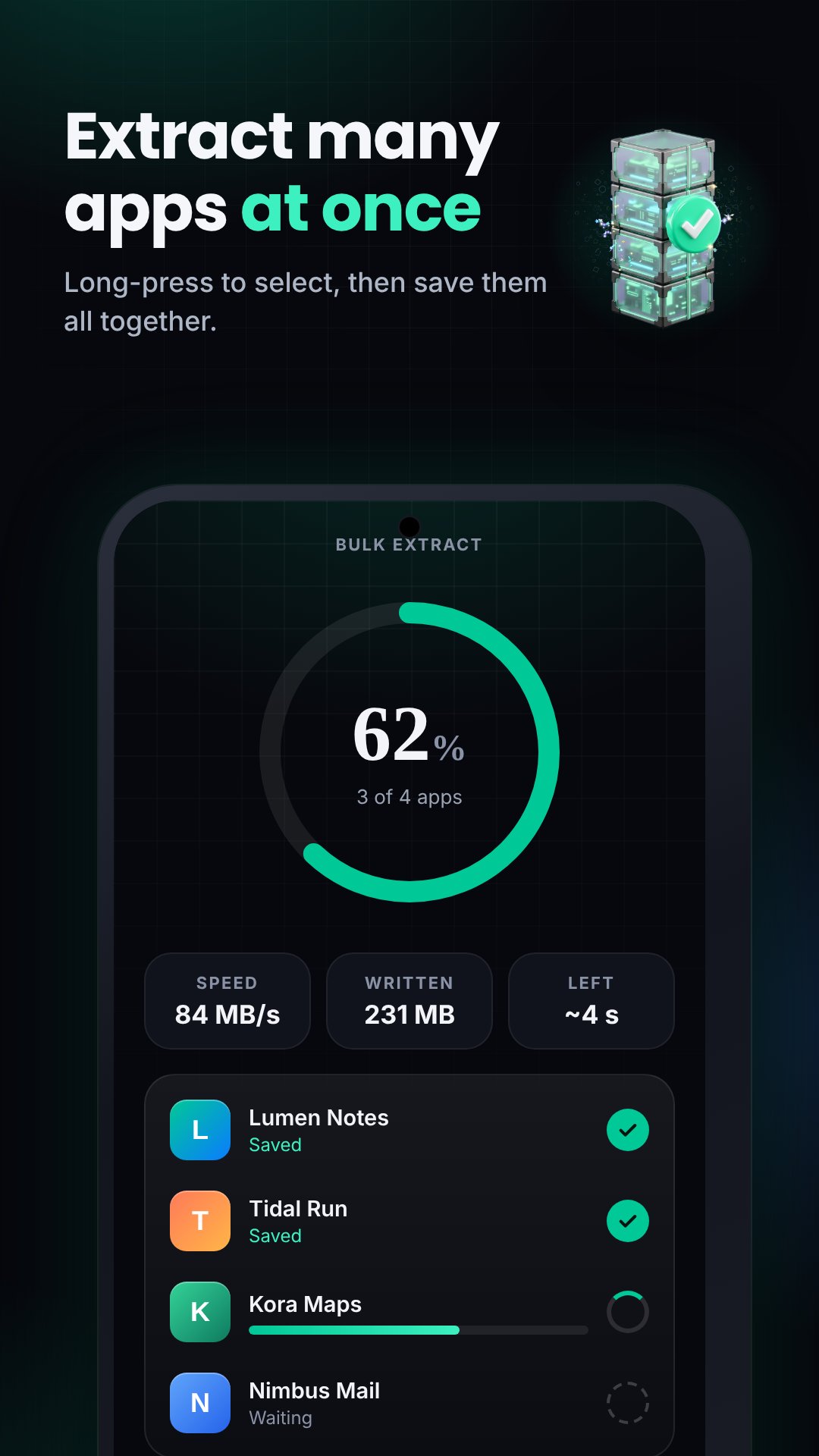
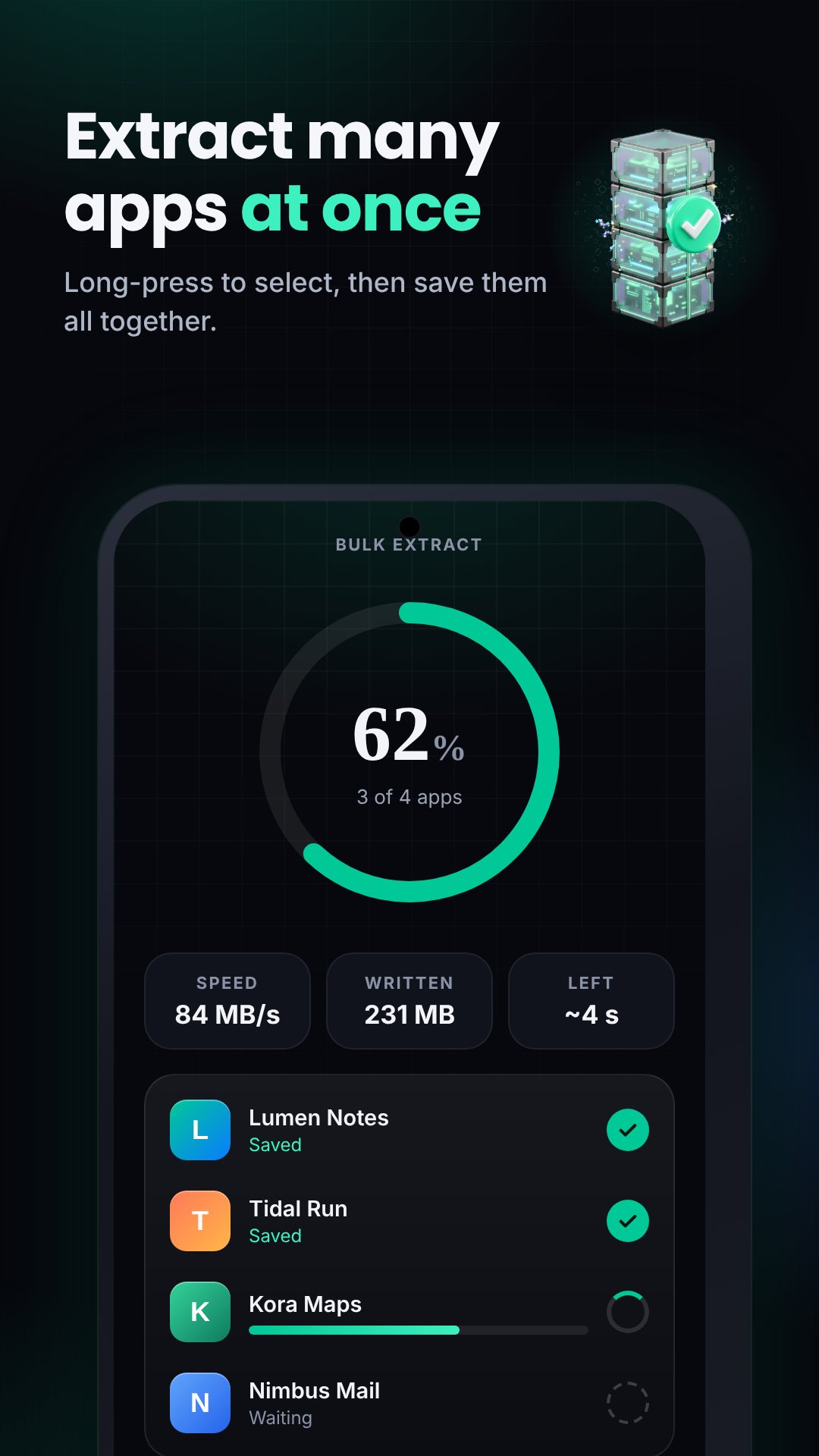
• Long-press to select many apps and extract them together
• Clear file names: name_package_version
• Search, filter (user / system / games / split) and sort by name, size or date
★ FULL GAME BACKUP
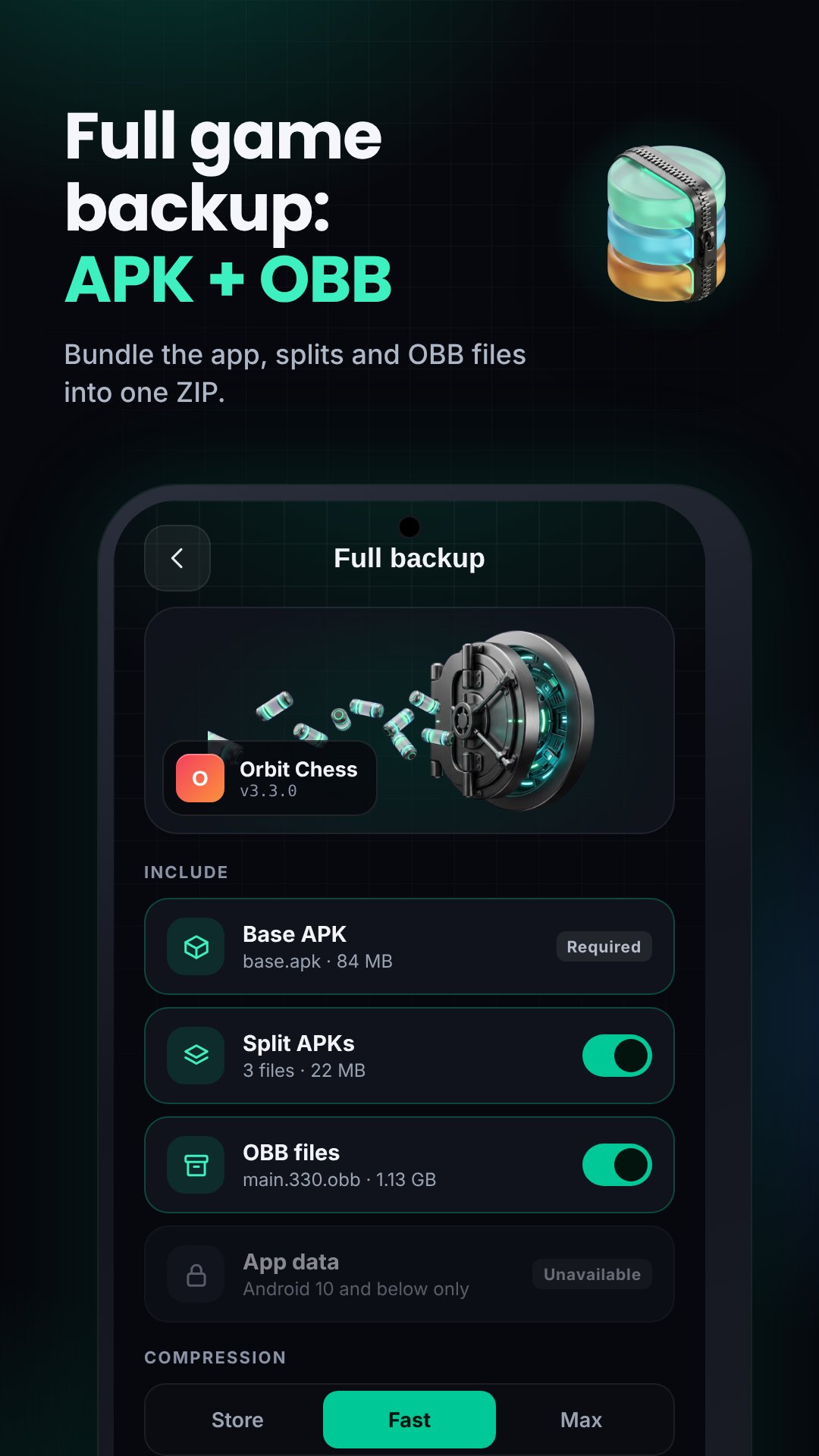
• Bundle base.apk, split APKs and OBB files into one ZIP
• Choose compression: Store, Fast or Max
• Keep older versions to move to another phone later
★ VERSION VAULT
• Automatically keep a copy of an app before it updates
• See every saved version on a timeline and restore an older one
★ INSPECTOR
• Native ABIs (arm64-v8a, armeabi-v7a, x86_64) and library sizes
• DEX files with class counts
• Full file tree, resources and assets
• Permissions grouped by impact, and SHA-256 signing certificates
• Compare two versions: size, SDK, permissions and signature changes
★ SHARE AND MOVE
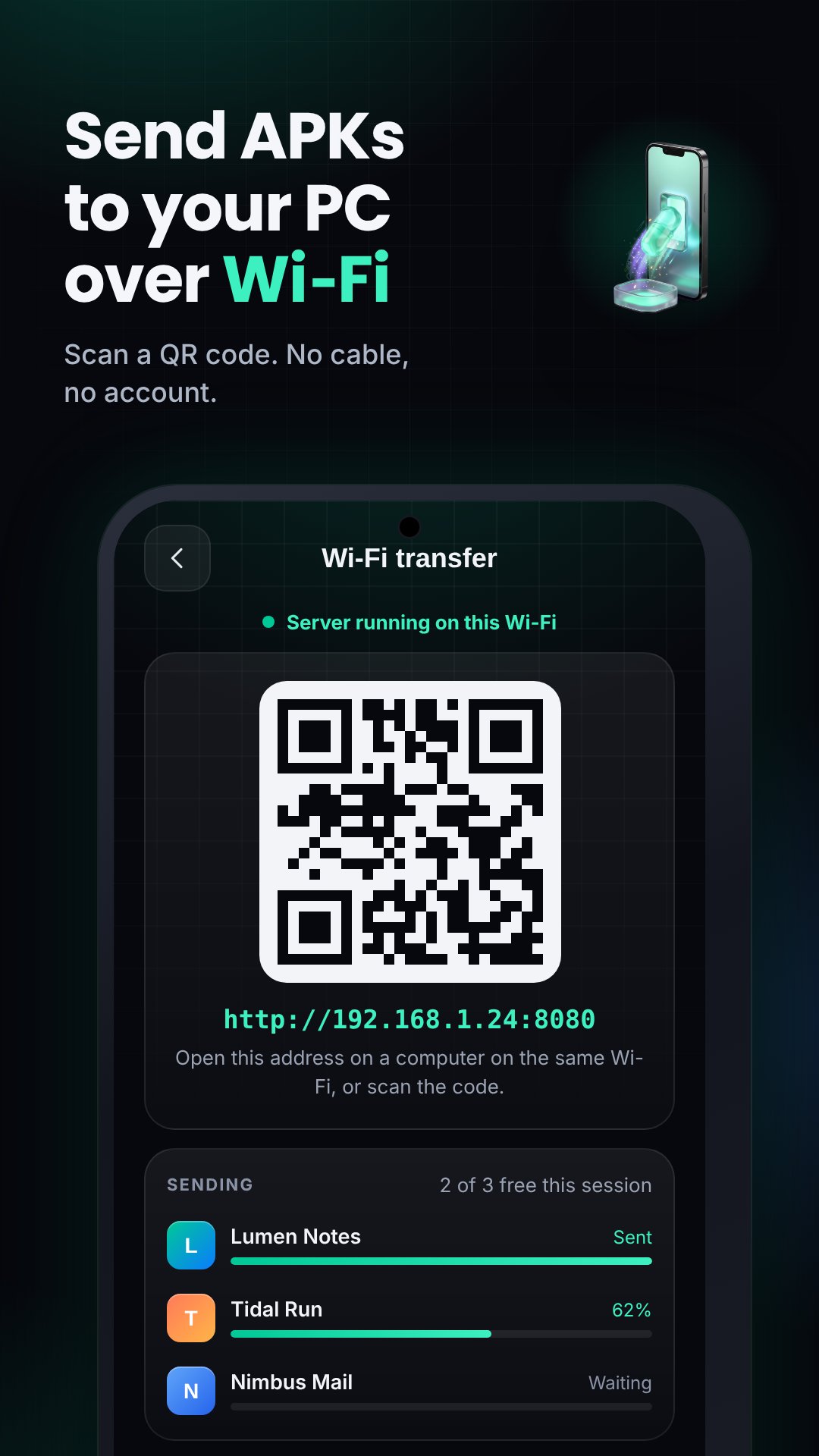
• Send APKs to your computer over Wi-Fi — scan a QR code, no cable needed
• Built-in installer for .apks split bundles
• Back up to your own Google Drive
★ LIBRARY AND STORAGE
• All saved APKs, bundles and backups in one place
• Smart clean-up finds old versions and duplicate files
★ PRO
APK Extractor is free to use with ads. Pro is an optional in-app purchase that removes ads and unlocks unlimited bulk extract, Version Vault history, Compare, Google Drive backup and unlimited Wi-Fi transfer.
★ PRIVACY
• Your app list is read on your phone only and is never uploaded
• No access to photos, contacts, location, camera or microphone
• "All files access" is used only to save files to the APKExtractor folder you can open in any file manager
Please note: APK Extractor copies apps that are already installed on your device. It does not modify apps or remove any protection. Only extract and share apps you have the right to use.
Questions or ideas? Write to [email protected]





One-click to install XAPK/APK files on Android!

Thanks for your rating and feedback!
You have already rated.