Package Name:app.callisto
Show More


156.4 MB
File Size
Everyone
Android 10.0+
Android OS
Open, edit and run Jupyter Notebooks & Python on device or a remote server.
Callisto is a Jupyter Notebook editor and Python IDE for Android. Open .ipynb files, edit cells, run Python code, see output — fully on-device, no cloud account, no internet required. Or connect to your own Jupyter server when you need more than a phone.
Built for data scientists, students, and ML/AI practitioners who want a real Python environment in their pocket.
JUPYTER NOTEBOOKS
• Open and edit .ipynb files (v4 format)
• Create new notebooks from scratch
• Run cells individually, run below, or run all at once
• Interrupt long-running cells without losing your session
• Code cells with syntax highlighting (CodeMirror 6)
• Markdown cells rendered with LaTeX math support (KaTeX)
• Cell operations: insert, delete, duplicate, move, change type
PYTHON SCRIPTS
• Edit and run .py files with the same editor and output pipeline
• Unified file library for notebooks and scripts, with recents
• Syntax checking while typing
INTERACTIVE PYTHON CONSOLE
• Built-in REPL sharing the interpreter with your open file
• Variables and imports flow both ways between console and notebook
• 200-entry persistent input history
• input() and getpass() are answered right in the app
SMART CODE COMPLETION
• Jedi-powered autocomplete against your live Python namespace
• df. resolves to actual DataFrame methods — not static stubs
• Signature hints and inline documentation panel
REAL PYTHON, FULLY OFFLINE
• CPython 3.10 runs entirely on-device — no server, no Wi-Fi needed
• Bundled free tier: numpy, matplotlib, Pillow
• "Open with…" — set Callisto as your default .ipynb and .py handler
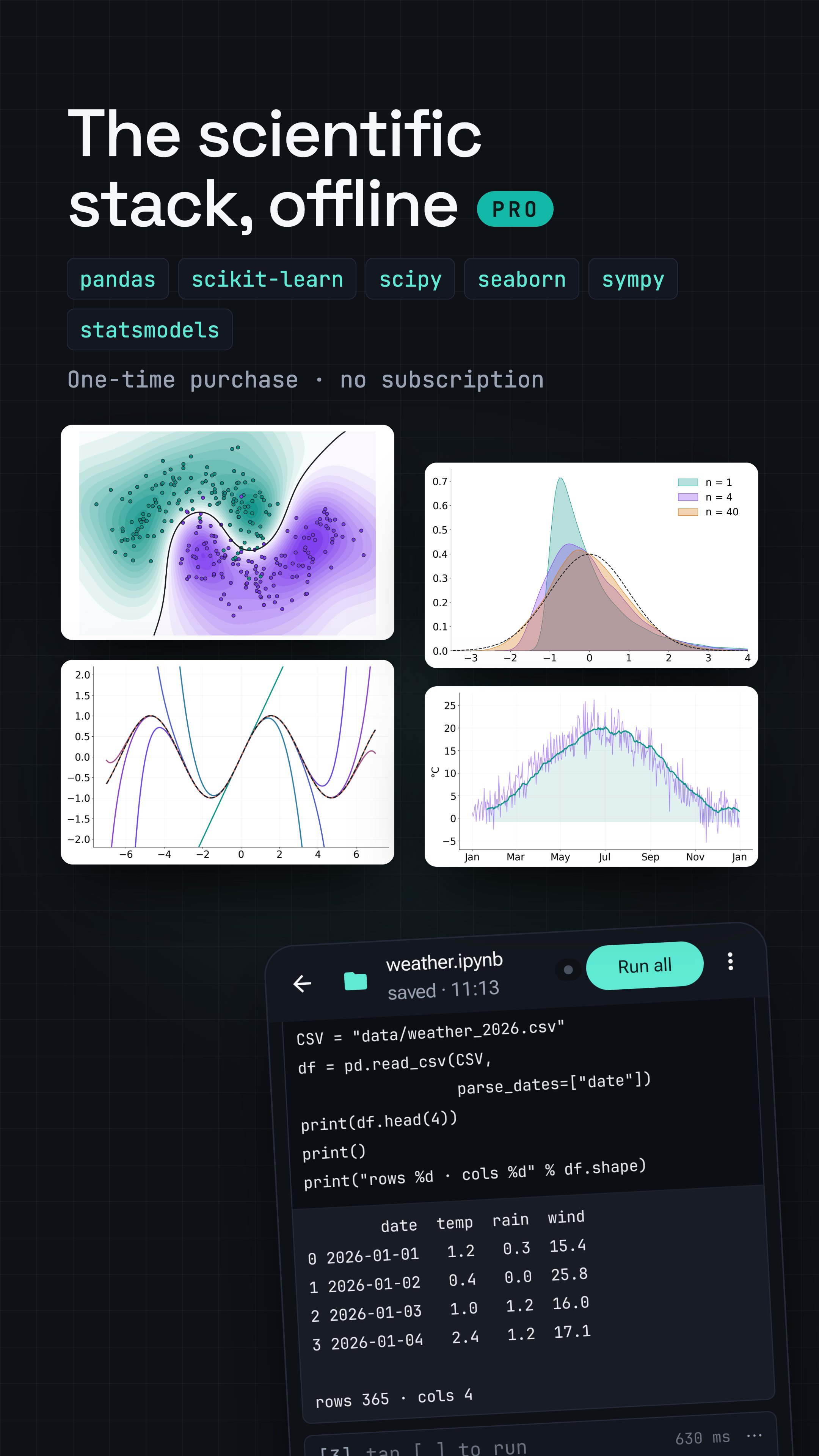
PRO — FULL SCIENCE BUNDLE + REMOTE SERVERS
One-time purchase. No subscription, no recurring fees.
Unlock the complete curated package set and extra features:
• pandas, scikit-learn, scipy, statsmodels, seaborn, sympy, openpyxl, beautifulsoup4, requests
• remote servers: run your notebooks on any Jupyter server — a desktop on your network, a rented cloud GPU, or Termux on this device
• runs keep going when your connection drops
• browse server files, upload and download, pick a working folder, open notebooks straight from remote
• coding keyboard with quick access to the most used programming symbols
MORE
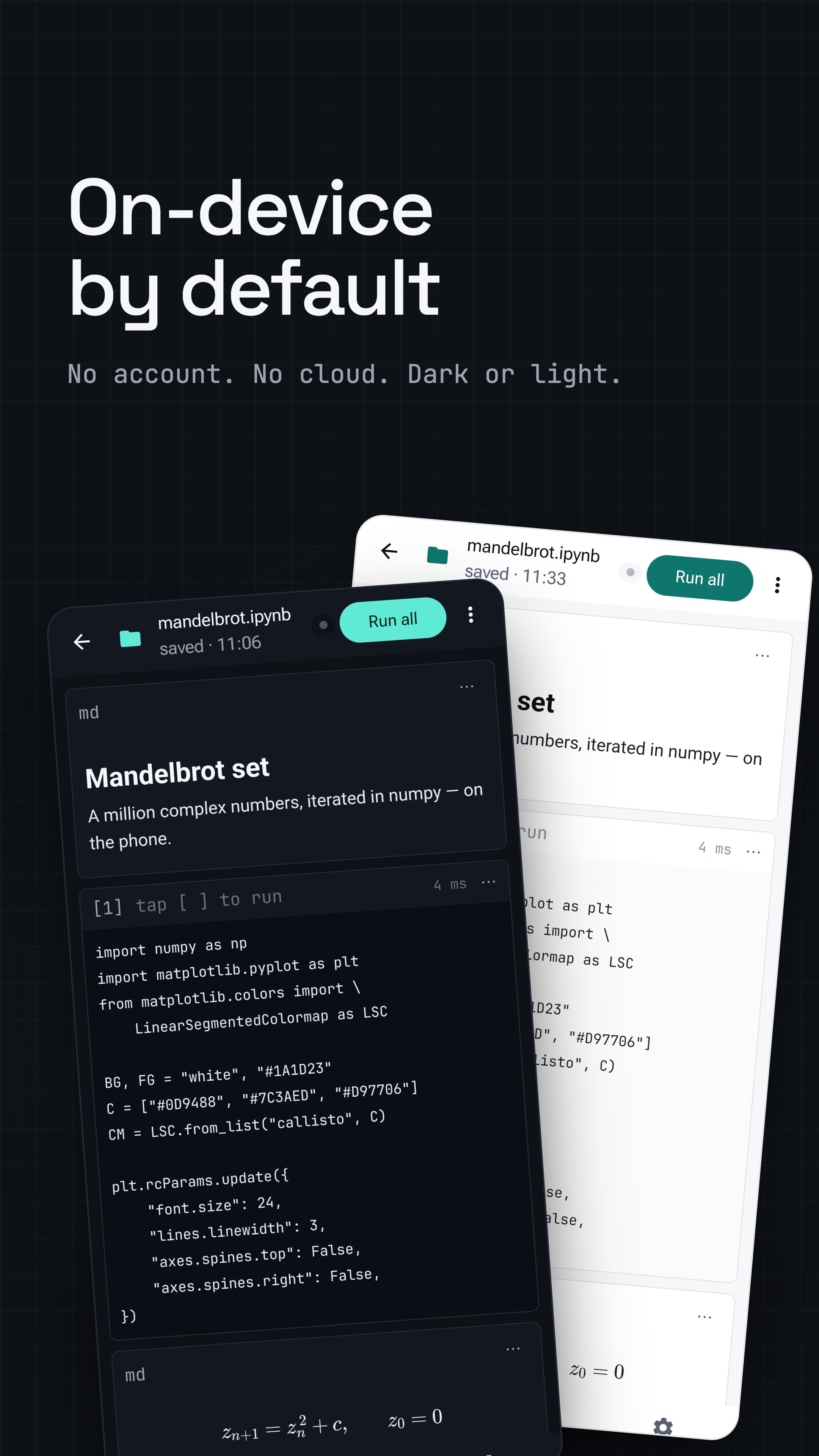
• Dark and light themes with multiple accent colors
• Per-file workspace: output files, data files, ZIP bundle export
• Plot output with pinch-to-zoom
• Privacy-first: no ads, analytics opt-in only





One-click to install XAPK/APK files on Android!

Thanks for your rating and feedback!
You have already rated.