Package Name:com.codedac.floatnote
Show More

Floating sticky notes that stay on screen over any app. Syncs with your PC.
FloatNote+ puts floating notes on top of any app — sticky notes that stay on screen over your browser, chat, video or home screen. Keep a shopping list over your browser, an address over your map, or a to-do list beside your chat. With Pro, the same notes sync to FloatNote+ for Windows on your PC.
Free to use with ads. Pro removes the ads and unlocks unlimited floating notes, Google Drive sync with your PC, images in notes and more. Choose monthly, yearly, or a one-time lifetime purchase.
WHAT IT DOES
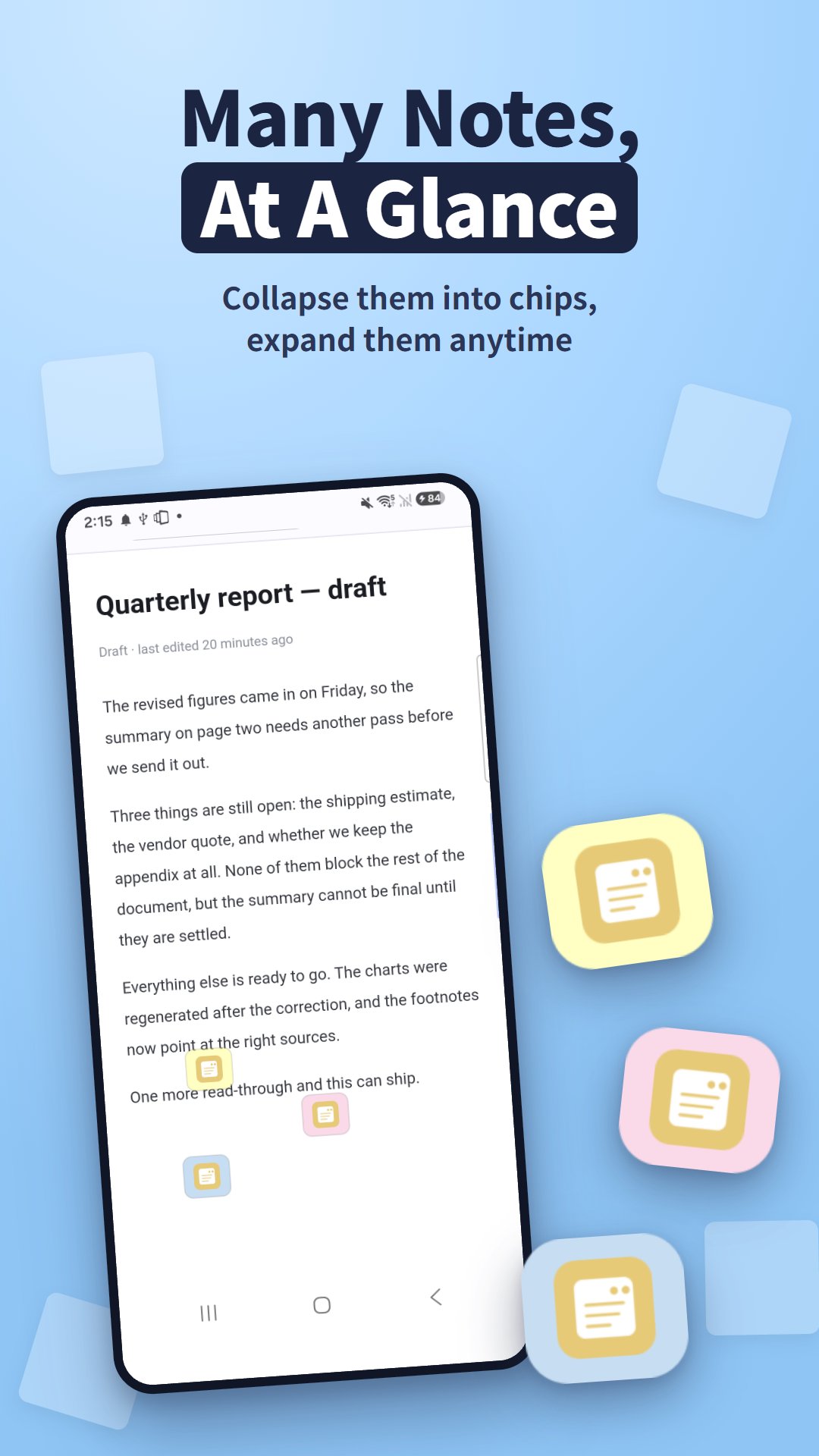
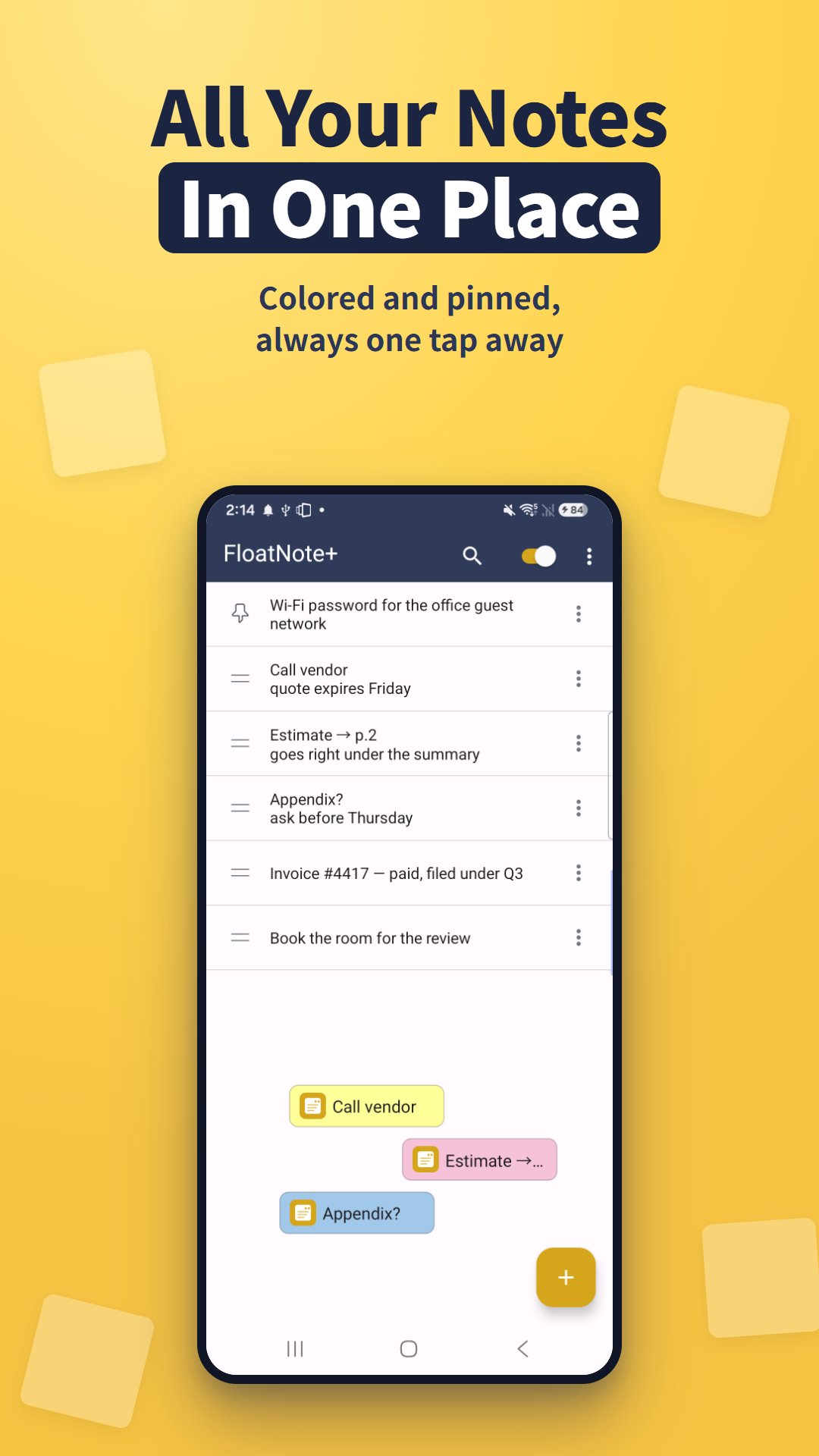
• Sticky notes that float over any app. Collapse a note to a small chip or just an icon, and expand it to a full card when you need it
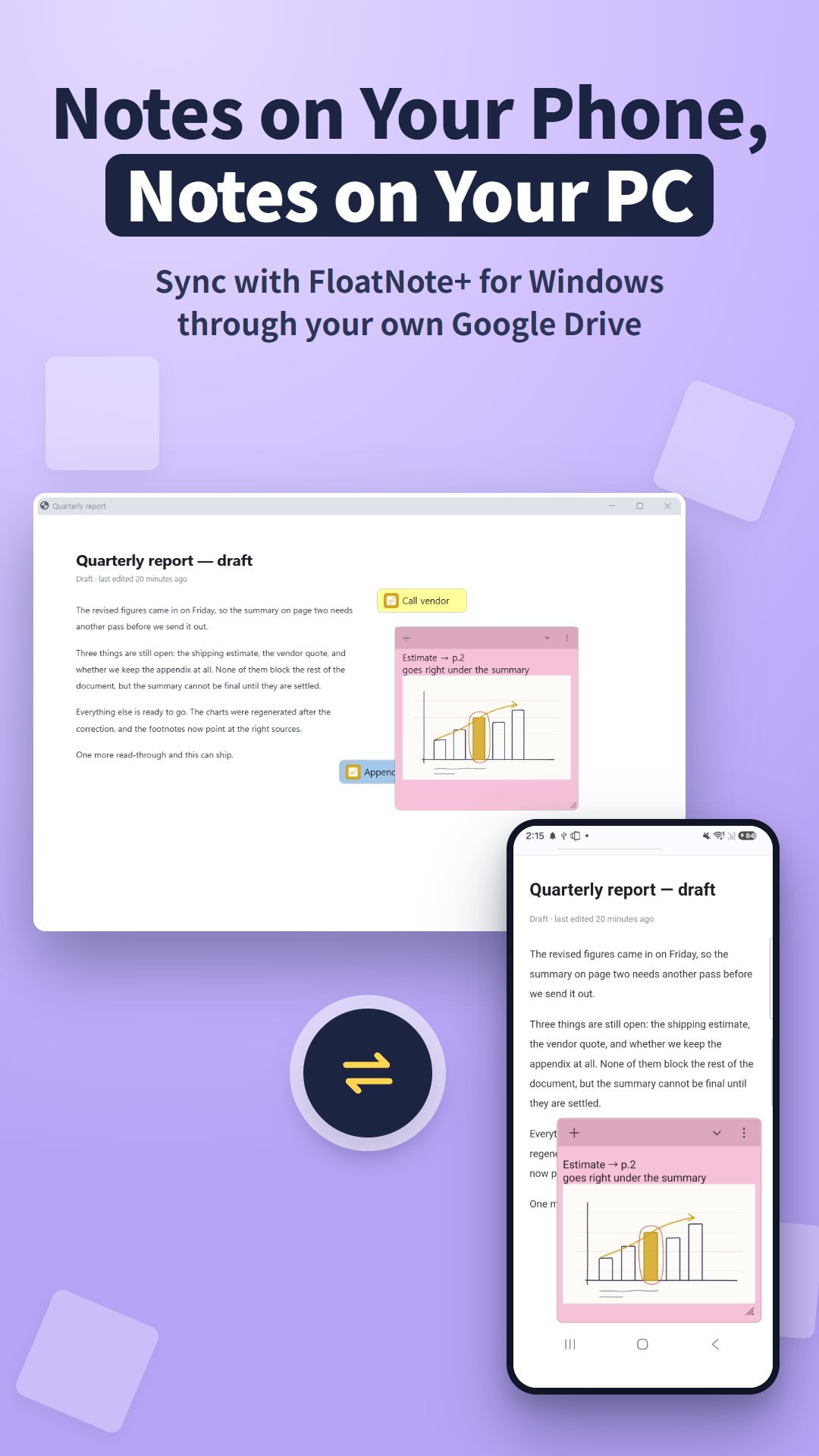
• Sync with Windows (Pro): write a note on your phone and pick it up on your PC. Note text and attached images sync through a private app folder in your own Google Drive
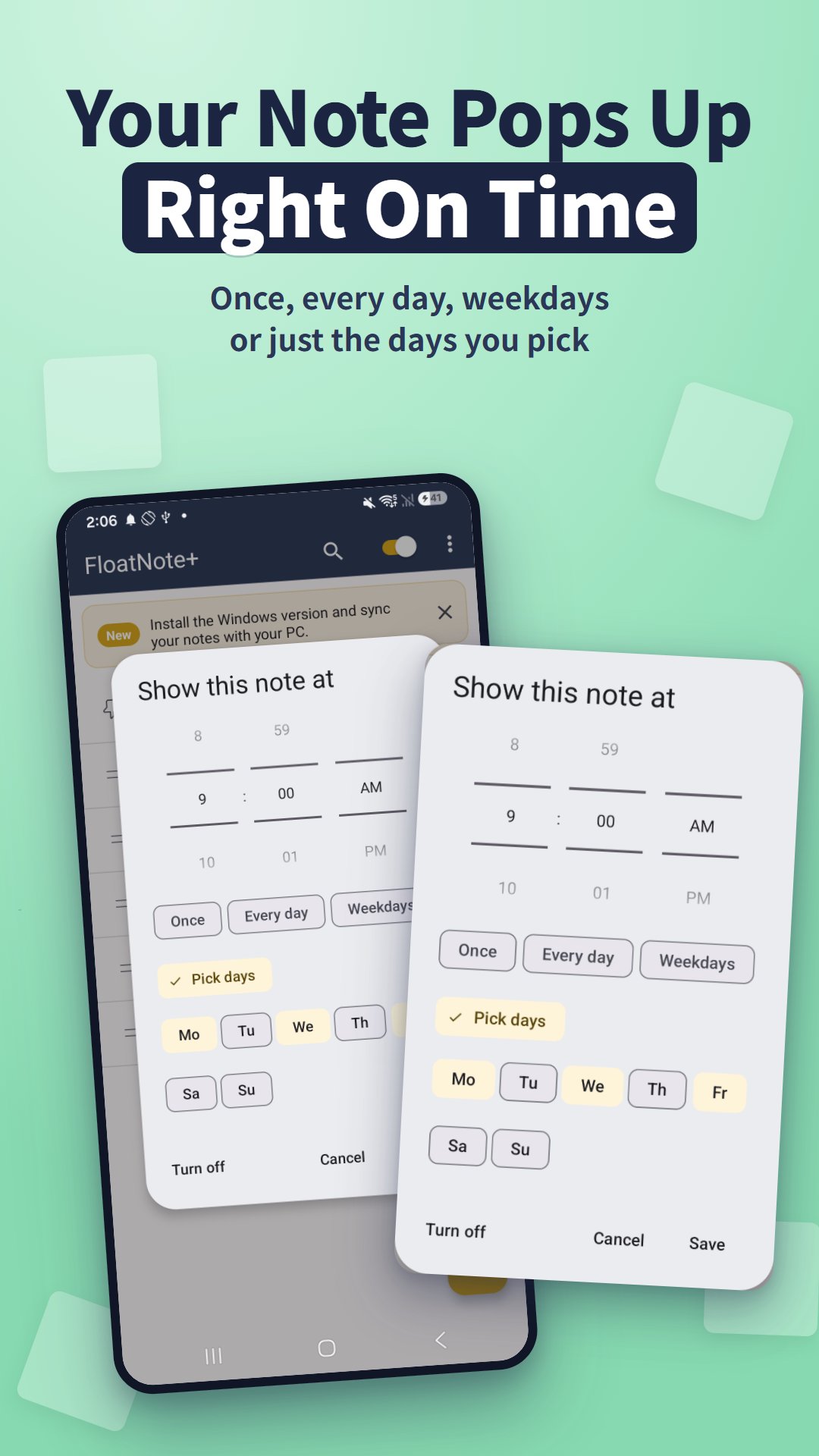
• Reminders: set a time and the note pops up on screen with a notification — once, every day, on weekdays, or only on the days you pick
• Checklists: turn a note into a to-do list from the formatting bar and tick items off with a tap
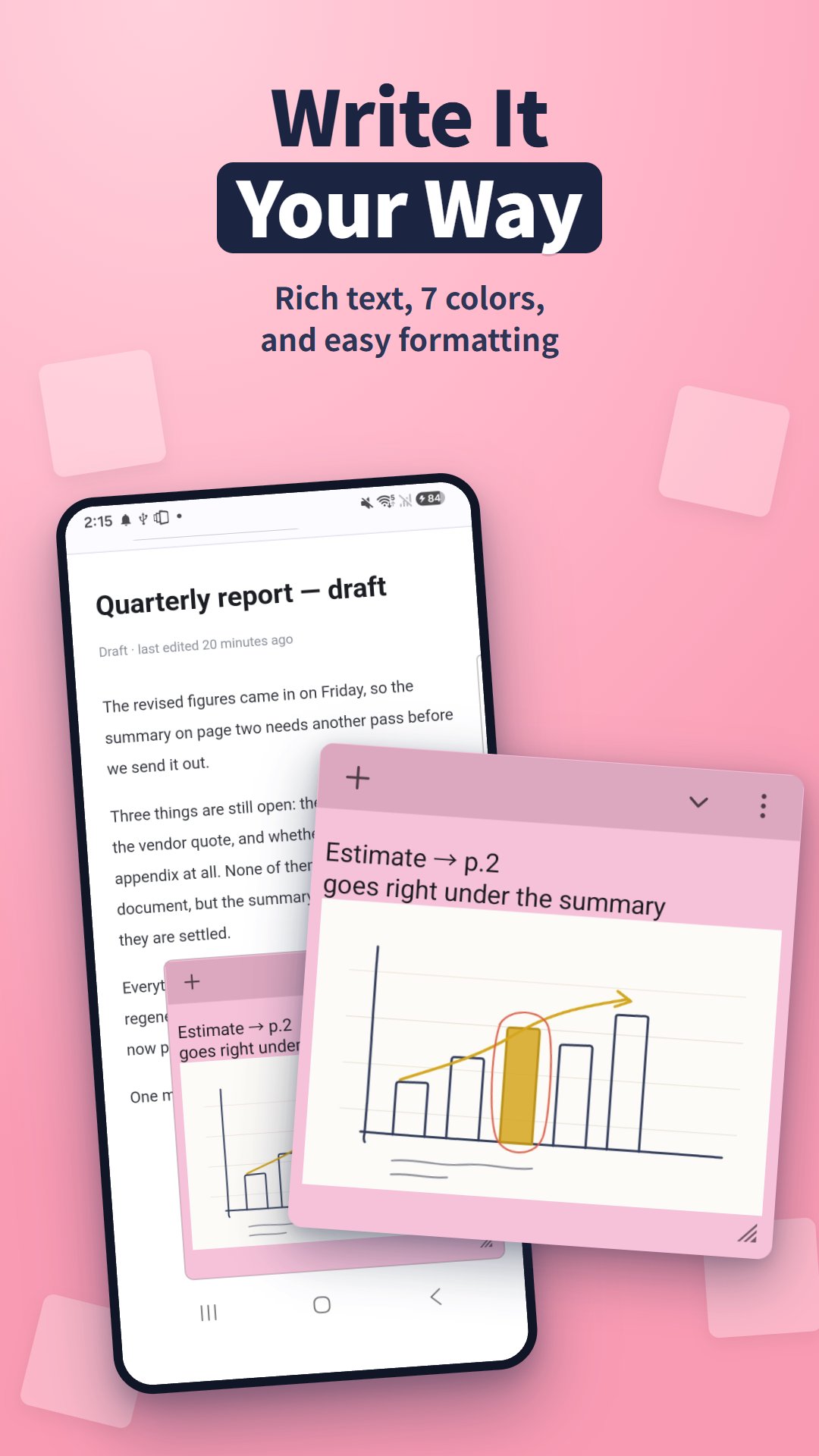
• 7 sticky-note colors, plus bold, italic, underline, strikethrough, text color and size
• Photos right inside a note (Pro)
• Quick capture from the share sheet, from text you select in any app, or from the Quick Settings tile
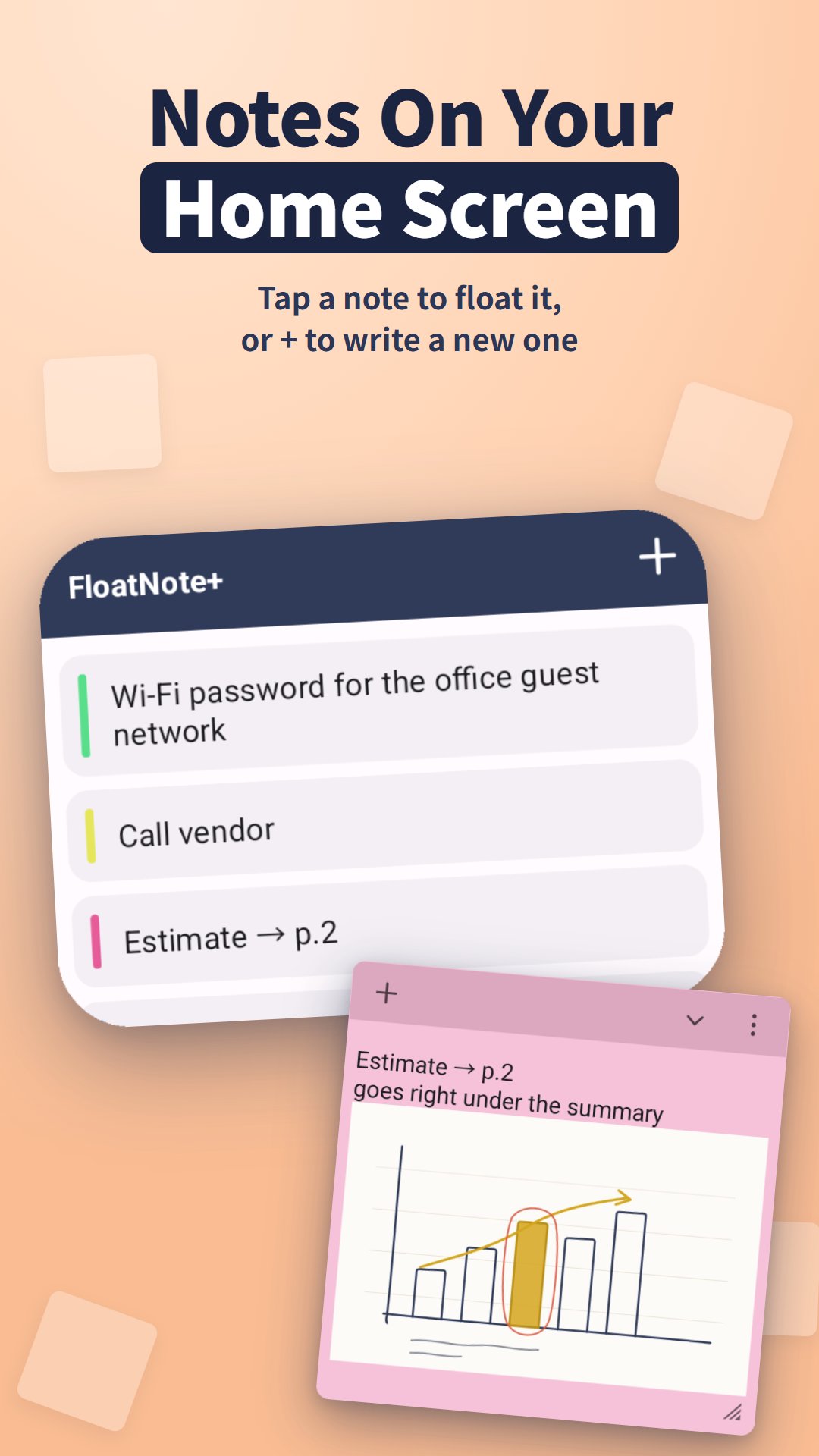
• Home screen widget: your notes at a glance — tap one to float it, or + to write a new one
• Pin important notes to the top, search instantly and reorder by dragging
• Export and import your notes
• Light and dark mode
FREE AND PRO
Free: one floating note at a time, all 7 colors, adjustable opacity, export & import, 1 reminder, with ads.
Pro: unlimited floating notes, inline images, Google Drive sync (including with Windows), unlimited reminders, and no ads.
GETTING STARTED
1. Open FloatNote+ and allow "Display over other apps" when asked.
2. Tap + and write a note. It floats on your screen.
3. Collapse it to a chip when you need the screen, and expand it back to a card whenever you want.
FAQ
Q. My notes do not appear over other apps.
A. Android needs the "Display over other apps" permission. Turn it on for FloatNote+ in your phone's Settings → Apps.
Q. Where are my notes stored?
A. On your phone. If you turn on sync (Pro), they are also kept in a private app folder in your own Google Drive. We run no server and never see your notes.
Q. Can I use my notes on a Windows PC?
A. Install FloatNote+ for Windows and turn on Google Drive sync (Pro) with the same Google account on both. Note text and attached images sync.


One-click to install XAPK/APK files on Android!

Thanks for your rating and feedback!
You have already rated.